-
-
-
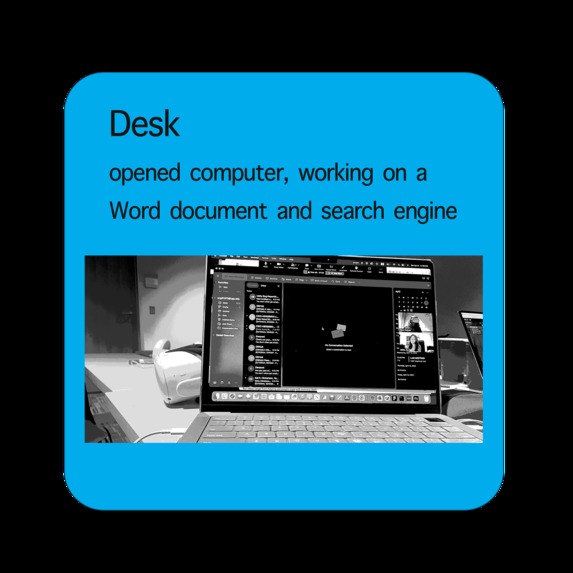
Desk
-
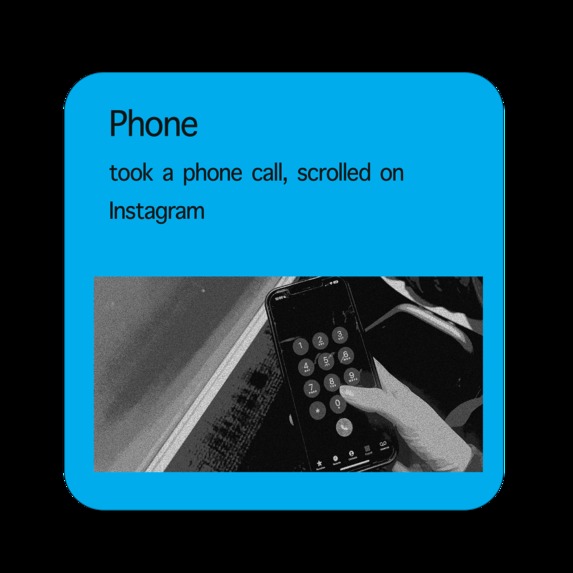
Phone
-
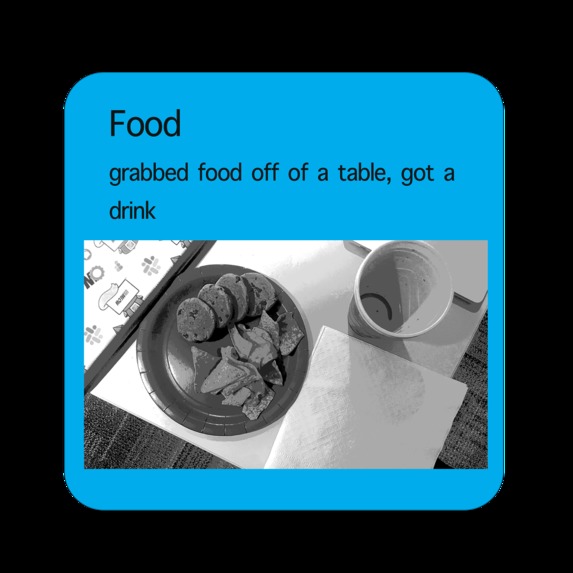
Food


Inspiration
Our inspiration for Light Notes was born from a desire to help people multitask better in their everyday lives. We wanted to create a tool that could help them keep track of their daily tasks and increase productivity, without having to resort to elaborate systems that require a significant time investment to implement on the fly.
What it does
Light Notes is a virtual tool that helps people keep track of the last thing they did. It allows users to quickly jot down notes about their tasks and refer to them later to stay organized and efficient.
How we built it
We built Light Notes using Google Vision API and OpenAI API (ChatGPT), as well as command-line tools in Python for app usage logs. Our goal was to use AI technology to create a tool that could help users stay organized across different platforms.
Challenges we ran into
One of the biggest challenges we faced was creating a seamless synchronization between the front-end and back-end components of Light Notes. We also had to ensure that the user interface was intuitive and easy to use, while still providing all the necessary features.
Accomplishments that we're proud of
We're proud of creating a cross-platform tool in the AR world to that leverages existing user habits on personal computers with novel AI technologies. We exploited the existing software ecosystems to create a simple and effective solution for staying organized and focused while multi-tasking.
What we learned
Throughout the development process, we learned the importance of creating a user journey and doing customer discovery to ensure that our tool meets the needs of our target audience. We also faced challenges in combining different technologies across platforms.
What's next for Light Notes
In the future, we plan to add new features such as recognizing multimodal activities, setting reminders, and binding todos with location/context. We want to continue to develop Light Notes into a tool that can help users stay organized and productive in all aspects of their lives.
Built With
- chat-gpt
- command-line
- google-vision
- open-ai
- python
- tools


Log in or sign up for Devpost to join the conversation.