-
-
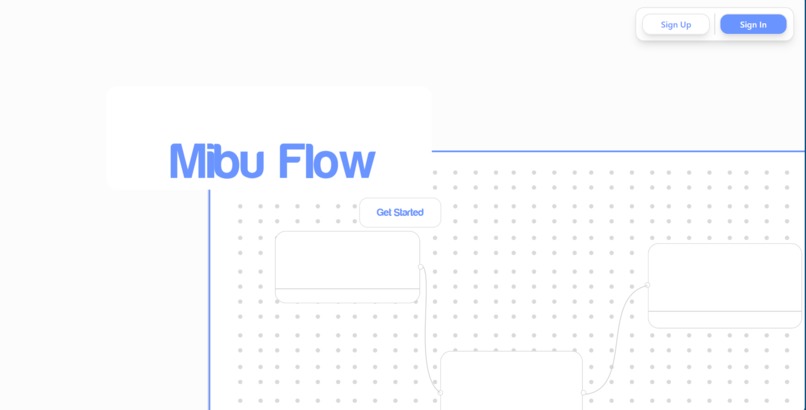
Home Page
-
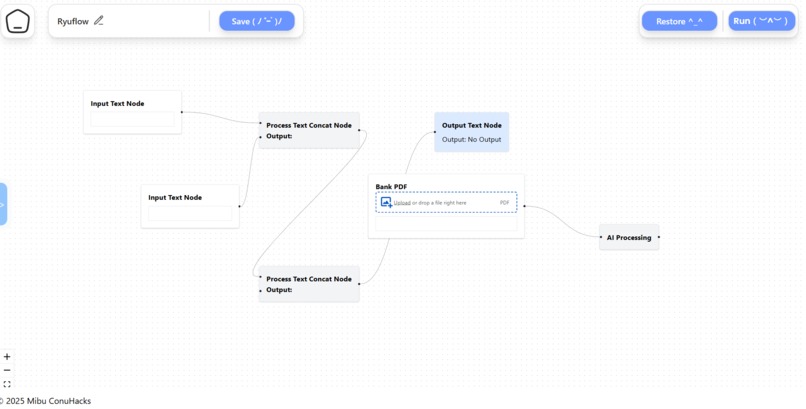
Opeartions page
-
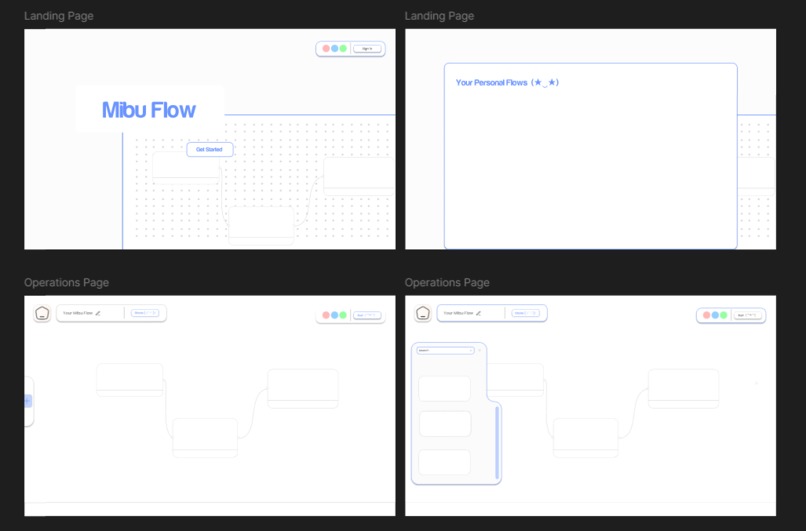
Some quick designs
-
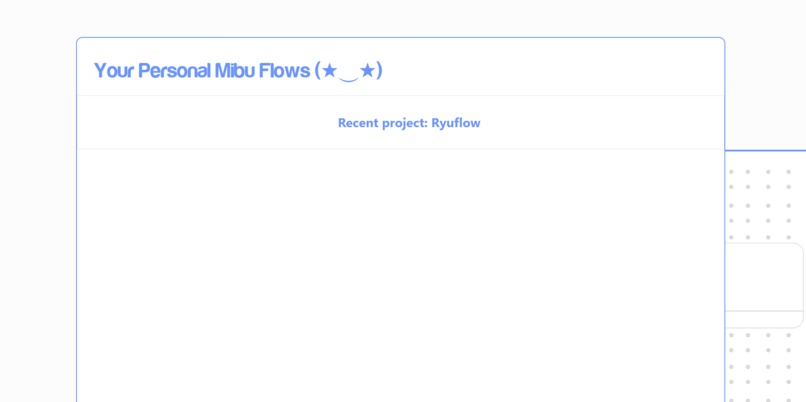
Dashboard


Inspiration
This project was inspired by my friends who don't have coding experience but wanted a way to automate day-to-day tasks. I wanted to create an accessible tool that empowers anyone to build automated workflows through a simple drag-and-drop interface.
What it does
Mibu Flow allows users to create custom workflows by connecting three essential components:
- Input: Where users provide data or information.
- Process: This component sorts and processes the information.
- Output: Outputs the results based on the defined workflow.
The platform makes it easy to visualize and automate tasks without writing code.
How we built it
We developed Mibu Flow using:
- React and Tailwind CSS for the frontend UI
- React Flow for the interactive workflow canvas
- Python for backend processing
- OpenAI to enhance certain automation capabilities
Challenges we ran into
Managing state for the nodes across multiple pages and components proved to be one of the most complex challenges. Ensuring smooth interactions and accurate data flow between components required extensive debugging and optimization.
Accomplishments that we're proud of
We're proud to have built a near-complete web application that's functional and ready to be showcased. The intuitive user interface and seamless drag-and-drop experience stand out as highlights of the project.
What we learned
We gained valuable experience working with React Flow, managing complex states, and collaborating efficiently as a team. This project taught us how to break down technical challenges and build scalable solutions.
What's next for Mibu Flow
We're excited to take Mibu Flow to the next level by:
- Adding more modules to enable even more diverse workflows
- Expanding the automation capabilities with advanced integrations
- Refining the user experience to make automation even easier and more intuitive




Log in or sign up for Devpost to join the conversation.