-
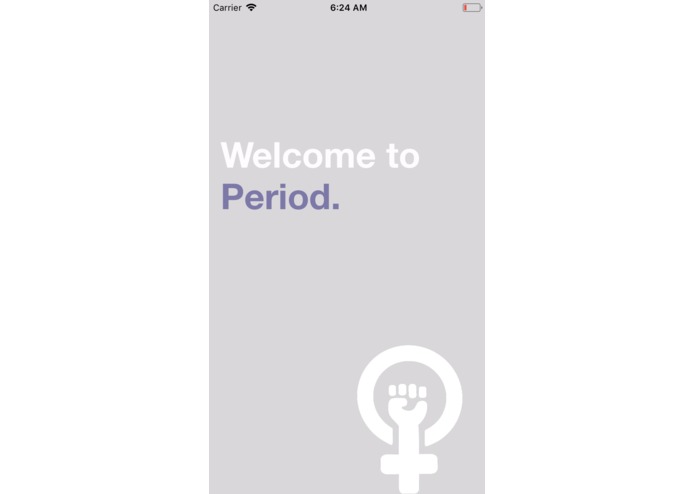
The 'Welcome' screen for the application.
-
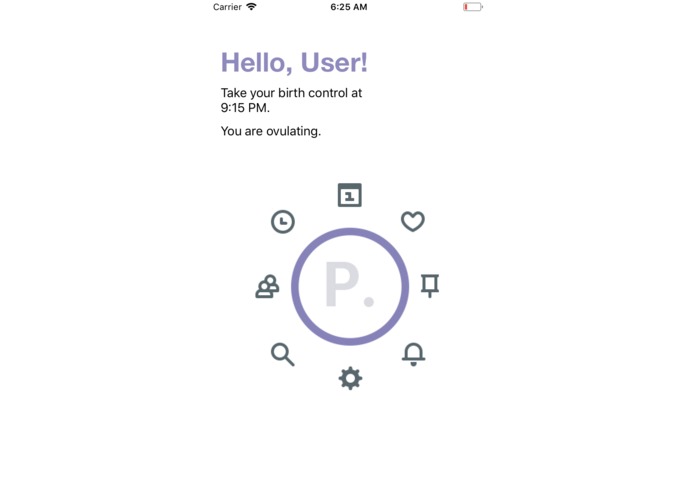
The main menu and navigator for the application. It is entirely visual.
-
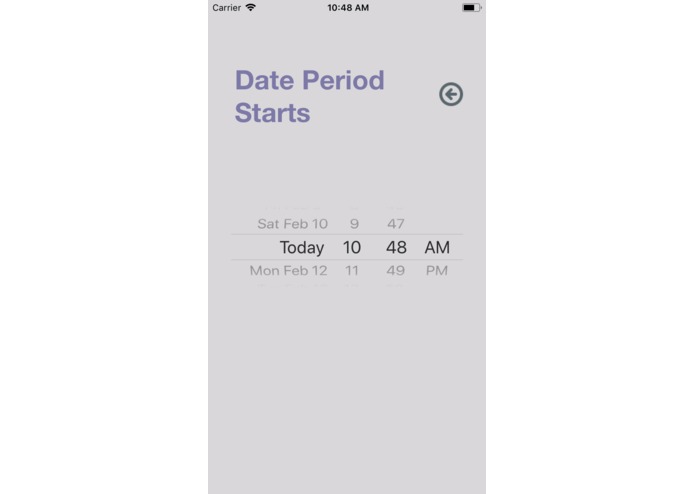
This is the calendar menu to set the start date of your period.
-
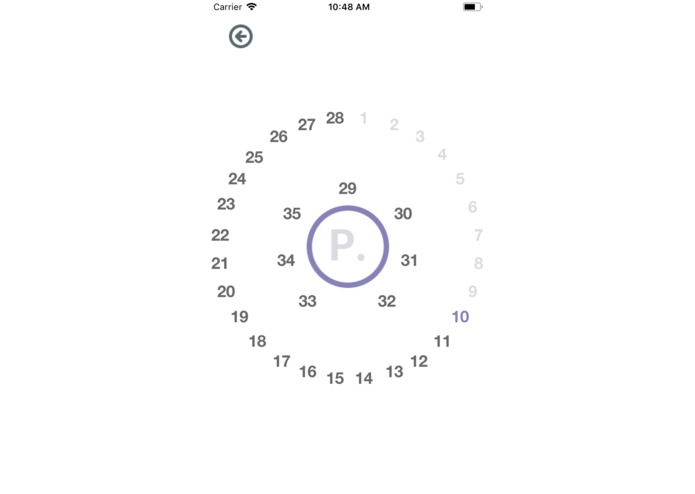
This allows you to track your birth control day by day and set a daily reminder to take it.
-
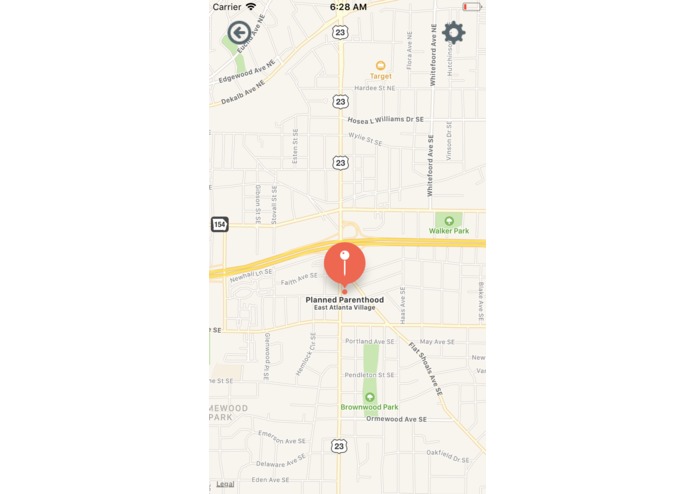
An example of a mapped Planned Parenthood location. The user may search for nearby clinics.
-
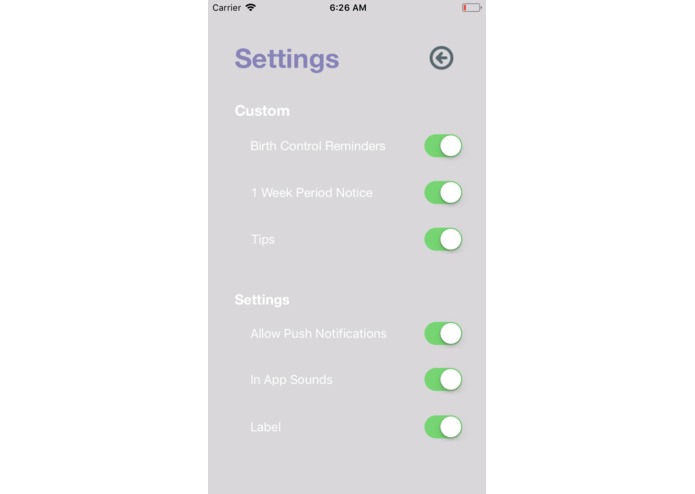
This is the settings menu for the application.


Inspiration
There are plenty of apps that allow you to track your period and remind you to take birth control, but they could always be improved.
We came up with the idea of an app made for the benefit of women -- one that will allow you to track your period, remind you to take your birth control and reward you when you do so.
Beyond that, we wanted the app to include sexual education resources, and allow you to connect with nearby health centers.
We aimed to develop a user friendly and intuitive app.
What it does
Birth Control Reminder + timer Period Tracker Find a Doctor WebMD Settings Redeem Points
How we built it
Build in Xcode Coded in Swift Images and logos made in Photoshop
Challenges we ran into
We came in as complete beginners and taught ourselves app development from the ground up.
Accomplishments that we're proud of
We are proud of the minimalistic and simplistic UI and actually coming up with an app even though we're complete beginners
What we learned
We learned how to make iOS applications. We learned Swift and how to navigate Xcode.
What's next for Period.
We hope to develop it further with better functionality and even better design. We hope to add more customization options such as color preferences and giving the user the ability to tailor alerts to their wishes. We also want to make it compatible with Apple Watches.


Log in or sign up for Devpost to join the conversation.