-
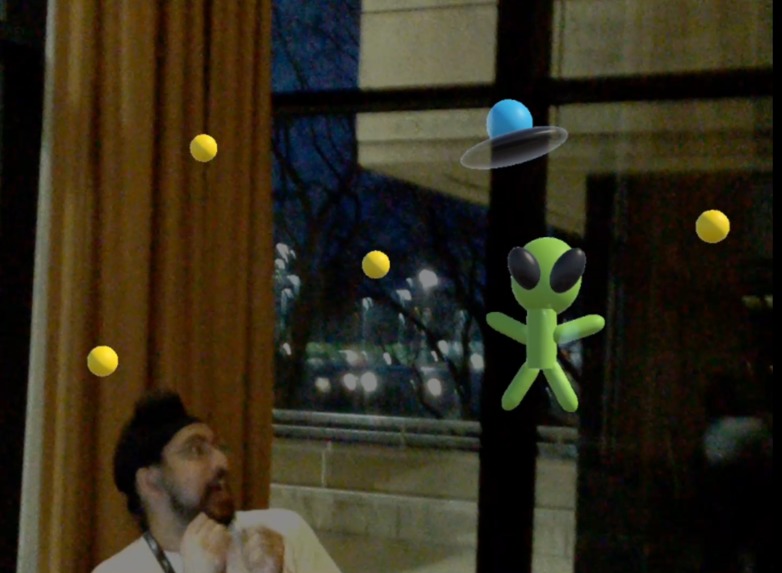
Animated Creation
-
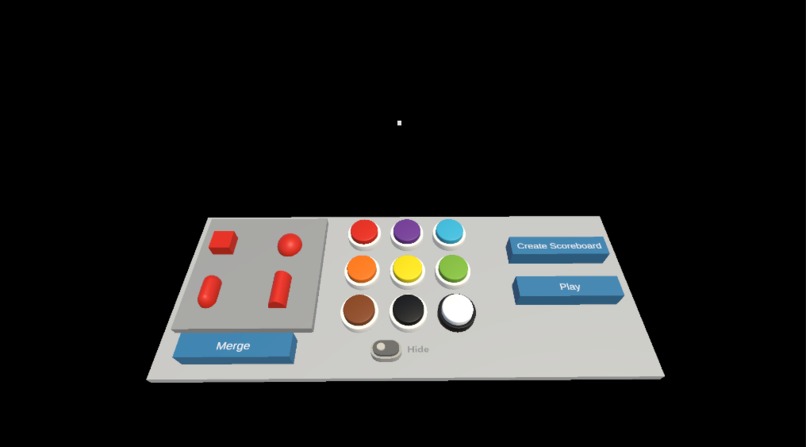
Creation Menu
-
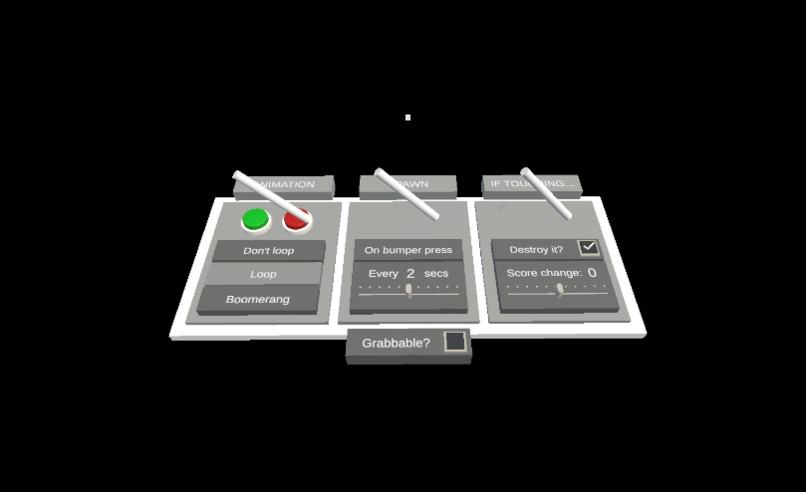
-


Inspiration
We wanted to make something that would enable non-coders to easily experience the magic of creating and prototyping XR apps. We realized that a 3D prototyping app will also allow experienced XR devs to quickly try ideas and let users test them since so much of XR development is about finding mechanics that feel great in 3D space.
What it does
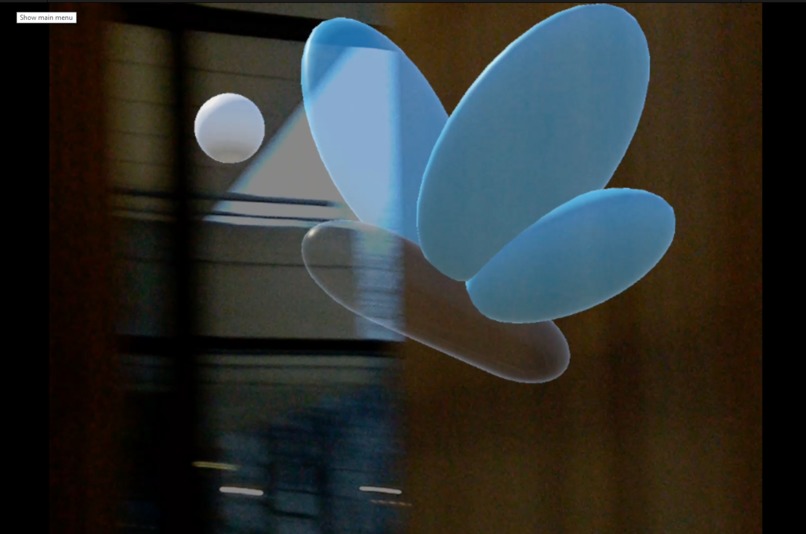
Minute Magic can be broken down into 3 sections. First, it allows users to create 3D objects using primitives. These primitives can have different colors, scales, positions, and rotations that the user can define. We used these to create a lot of different things like sunflowers, animals, bees, etc. The second section of the app allows you to and attributes to these objects, such as animations, convert them to spawners that eject other objects, and modify collision properties. One of the attributes that we demoed allowed users to define keyframes. The third section of the app allows you to play with what you created! In our demo, this involved destroying your creations as they move around them!
How we built it
We used Unity, MLTK, and Magic Leap to build our application. We had to modify MLTK extensively in order for it to fit our needs and even ended up contributing to the open-source repository in the process.
Challenges we ran into
The major challenges we ran into were related to MLTK and managing features as a two-person team. We ran into a lot of errors while trying to customize MLTK as well as ran into some issues with using MLTK on Magic Leap. Luckily we were able to work with the Magic Leap team to fix these issues and share it with the rest of the community. We were also very ambitious with our goals to begin with, and had to remove some major features towards the end of the hack. We believe if we had worked in a larger team, It would have been easier for us to meet our original goals.
Accomplishments that we're proud of
We are really proud of our final workflow. We believe that the first section of the app allows users to build a huge variety of objects. The ability to define specific keyframes in the second section allowed us/the users a lot of freedom in what we wanted to create.
What we learned
We learned a lot about MRTK as well as developing on the Magic Leap.
What's next for Quick Iteration
We want to add more interactions and controls to the system. We also want to add a multiplayer option so that users can play each other's games and create prototypes together!
Built With
- magic-leap
- mrtk
- unity


Log in or sign up for Devpost to join the conversation.