-
-
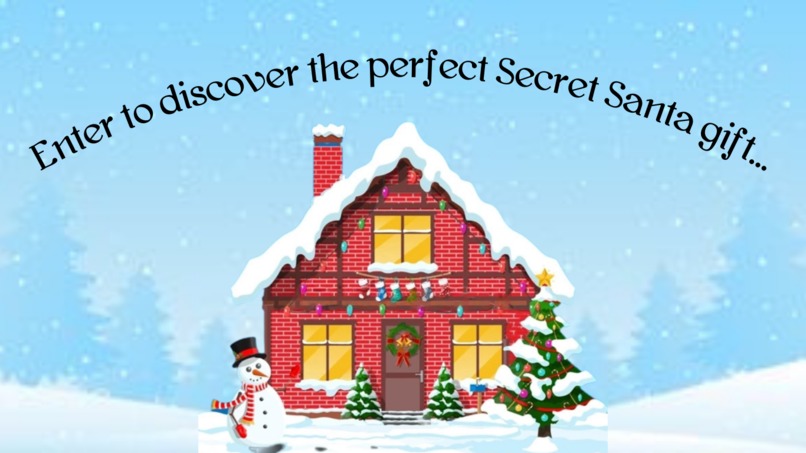
Enter to discover the perfect Secret Santa gift...
-
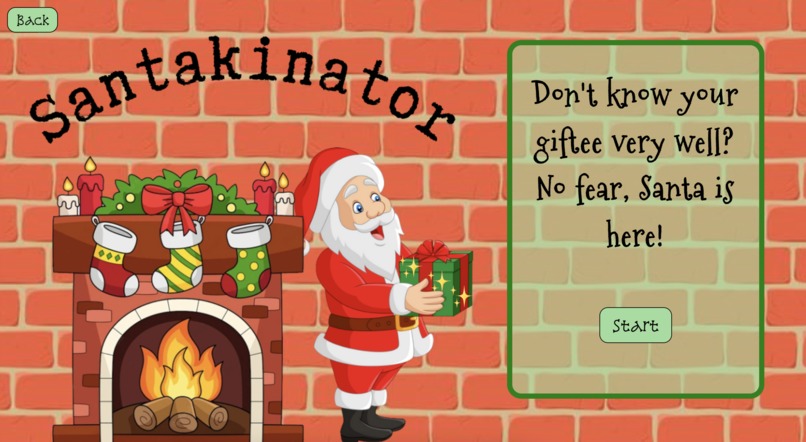
Start quiz!
-
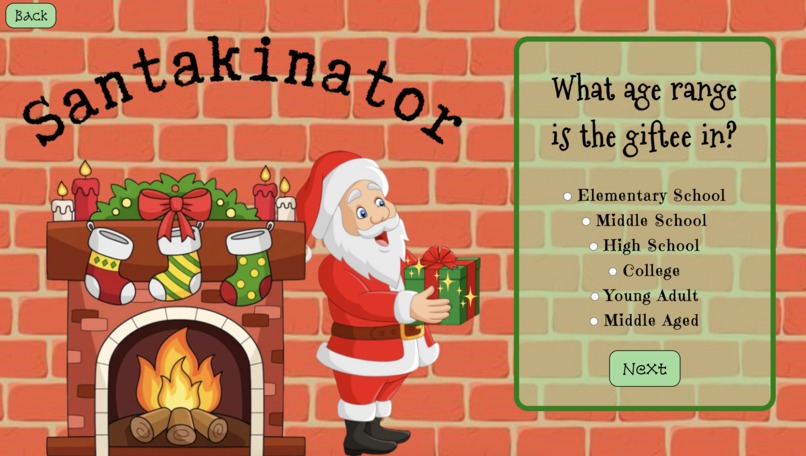
One of many questions that Santa uses to determine the perfect gift!
-
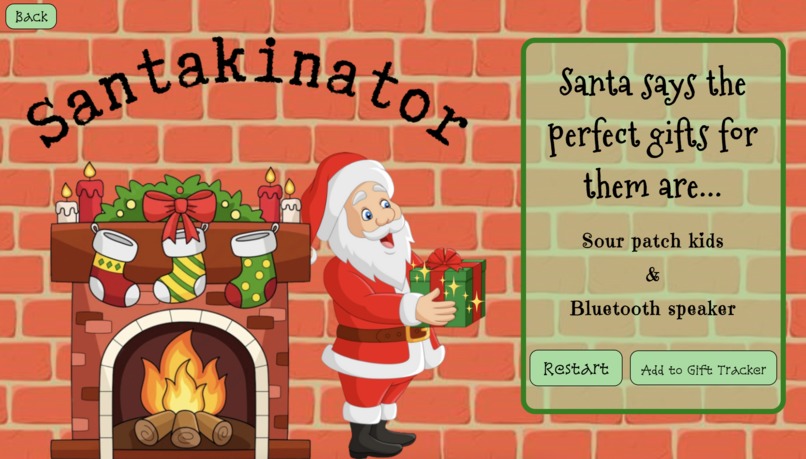
Example results!
-
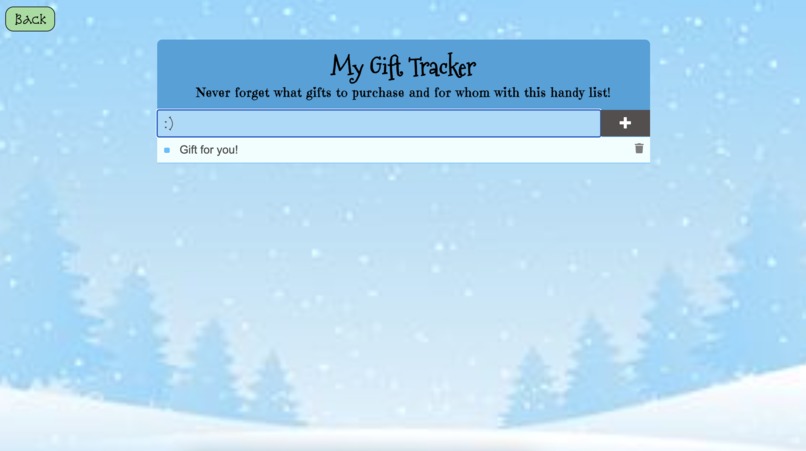
Gift tracker


Inspiration
Since it's the holiday season, Secret Santa gift exchanges are a very popular thing to do. Especially in big groups, most people won't be completely familiar with every participant there. As a result, many people don't know what to buy for their assigned giftee. I was inspired by these Secret Santas and the game Akinator to make Santakinator.
What it does
Santakinator is a game in which Santa determines the perfect gift for you to get your giftee in Secret Santa. Users answer a set of multiple choice questions to help Santa narrow down gift choices that would best suit the user's assigned giftee. After Santa presents his gift recommendations, users can retake the quiz or add the gift idea to a gift tracker. In the gift tracker, users can add gift ideas to a list of things to buy, edit them, check them off, and delete them after purchasing the present.
How we built it
I built Santakinator using HTML, CSS, and JS. I also used Canva to make a wireframe and design the backgrounds.
Challenges we ran into
Originally, I wanted to use an API to get gift ideas, but I couldn't find any APIs with gift ideas. So, I decided to make my own lists of gift ideas. Making the quiz and gift tracker was very Javascript-heavy, which is not my strength. However, I figured it out in the end after lots of research.
Accomplishments that we're proud of
I am proud of finding a way to allow the answer choice of each question affect which question would be displayed next. I like how the questions replace one another on the same page. I'm proud of not being deterred by the large amounts of JS code I had to write.
What we learned
I learned a lot about Javascript and DOM methods, since the multiple choice questions and tracker were all coded in JS. I loved seeing how JS and CSS could interact. I also learned how to animate things in CSS.
What's next for Santakinator
I hope to add more gift ideas and more specific criteria for determining which gifts will be the best.


Log in or sign up for Devpost to join the conversation.