-
-
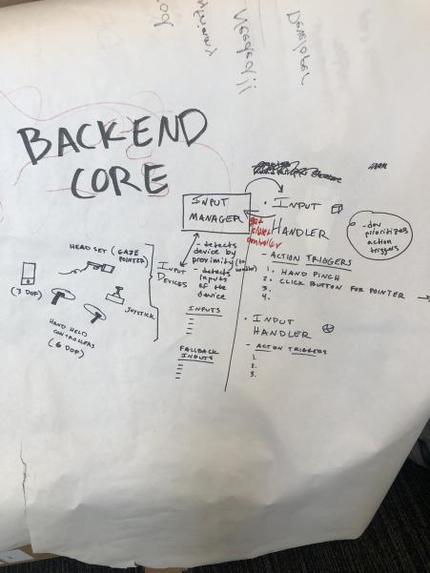
Technical architecture
-
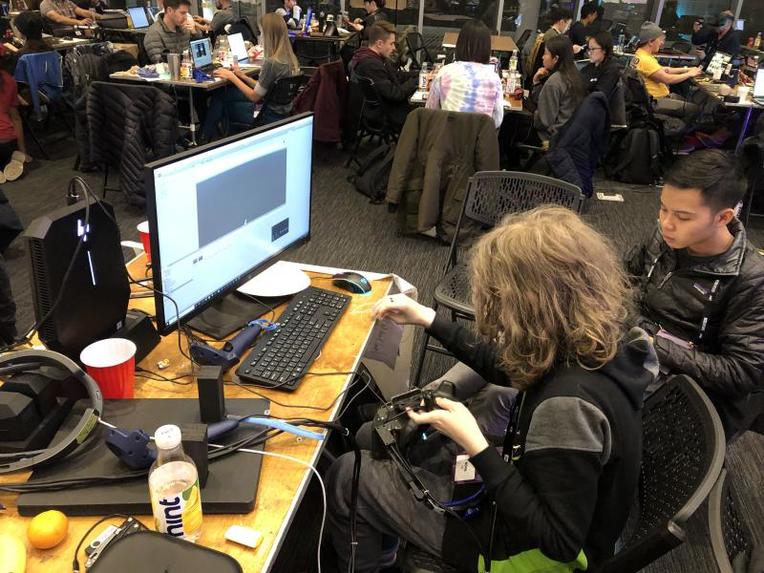
Debugging
-
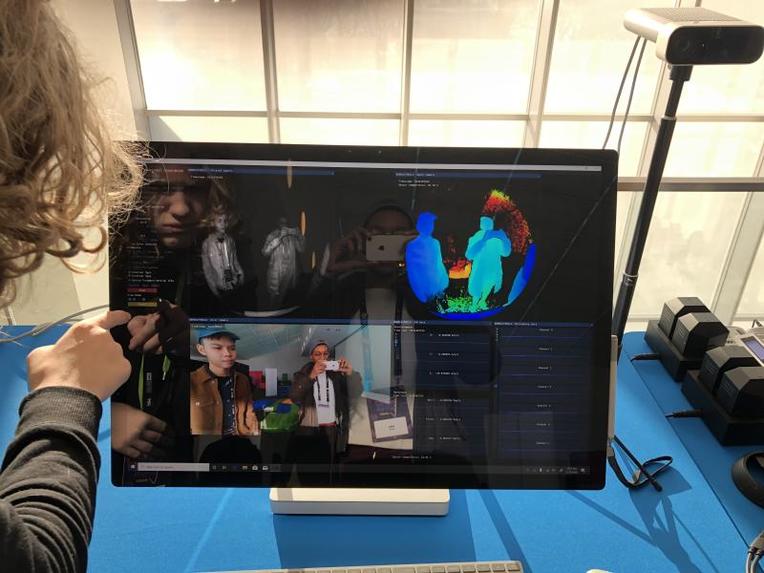
Having fun!
-
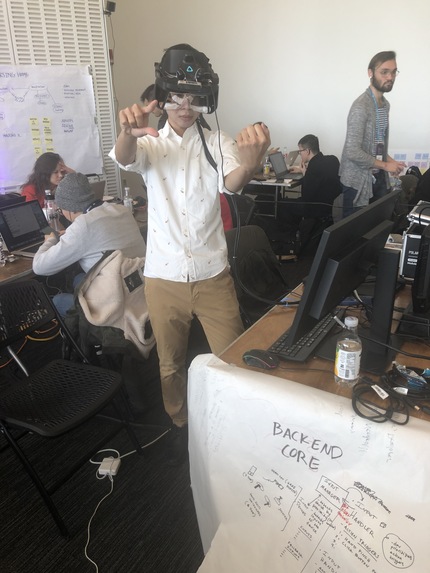


Spatial Universal Interaction System (for Unity)
Platform agnostic middleware for accessible XR interactions.
About
SUIS is an interaction system (an open-source package tool for Unity) that is 1) platform-agnostic, and 2) offers accessibility options baked-in.
If someone has limited mobility or accessibility needs (e.g. amputees, people with arthritis), developers can easily implement accessibility features that would allow the person to still engage in the immersive experience without limitation.
In addition, instead of implementing custom code for a combination of input devices, developers and creators can use our control middleware to make one set of actions work with any inputs (e.g. head pointer, hands, eyes, controller, gamepad) on any XR platform.
Motivations
- As XR developers and designers, we want to make our games and applications accessible, but doing that is not easy.
- It takes deliberate practice to make accessibility a priority. And it takes a lot of work to build accessible features into our systems.
- This shouldn't be so hard--imagine a world in which all people, no matter what their physical ability, are able to have the engaging experiences of any XR game or application.
- Turns out, it's not so hard!
Build
So far we have created:
- A "flick" action script that allows the headset wearer to naturally move an object with only head motion
- A set of SDF (signed distance field) scripts that detect pointer distance, and negative distance from game objects
- Exposure system that uses the SDFs to select and activate objects (and capture wearer intent of object selection)
- System architecture design for generic interfaces that developers can use to build accessibility features
- Project North Star calibration and input mapping scripts for Unity
- Vive wand calibration and input mapping scripts for Unity
Usage
Download the SUIS package, apply the Exposure script to any game object, define an Action that should be triggered on the game object.
Future Work
- Finish the InputManager to disable and enable actions within a single frame
- Create fallback classes
- Finish mapping the 4 input categories to the action interface
Challenges
- We spent Friday until Saturday at 7pm just getting our computer to run the headset in Unity.
- We had disagreements in our team at first and worked with mentors to come to a compromise that we all felt really happy about in the end. (Thank you mentors!)
- We only had 1 computer for our team
Learnings
We learned how to distill a large system into a small demonstrable example which was our hackathon demo. We also learned from mentors about the inner workings of MRTK and XRTK, and the unique benefits of our system. We learned how to use Project North Star with Vive wands.
Built With
- ar
- c#
- microsoft-hololens
- northstar
- steam
- unity
- vr


Log in or sign up for Devpost to join the conversation.