-
Logo
-
Reg
-
RF
-
CNN
-


Introduction
We were inspired by the ease of a drag and drop environment to ease interested students into the world of code. Websites like Scratch allow beginner programmers to dive into programming without having to be bogged down by syntax. What if that was possible for machine learning? It can be overwhelming to start learning to create machine learning models, even for experienced programmers. In comes Tensor Tiles! With a simple, easy-to-use interface, Tensor Tiles allows beginners to create models from scratch and watch them come to life in real time.
What it does
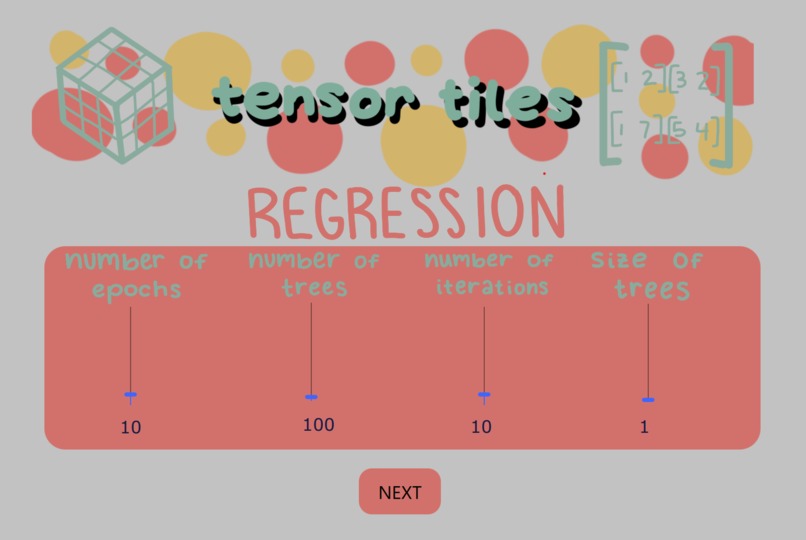
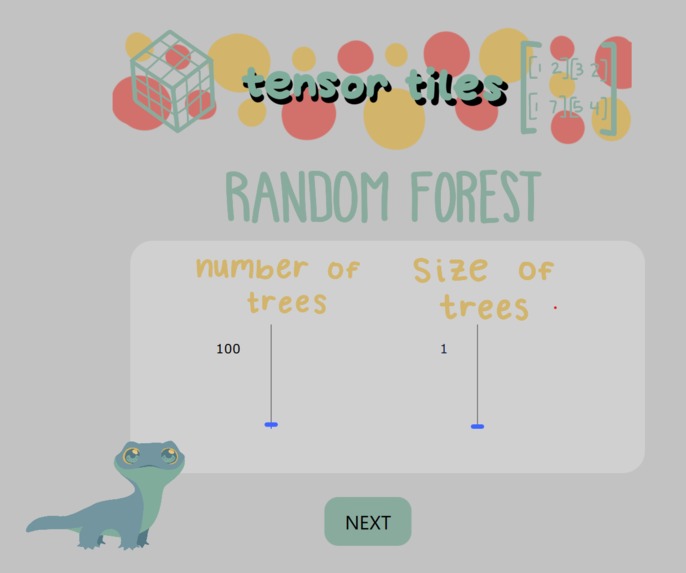
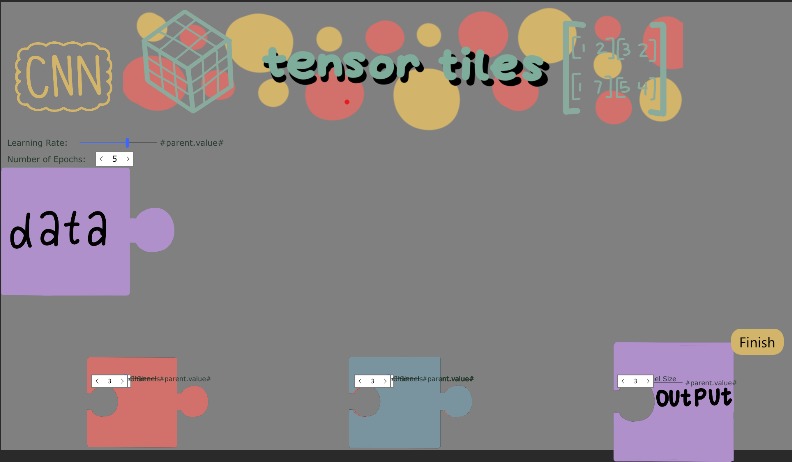
Tensor Tiles is an interactive way to build machine learning models. Using a simple interface with sliders and drag-and-drop blocks Tensor Tiles empowers anyone from young children to industry professionals to learn and create with machine learning.
How we built it
We used Qt Creator to write the front end GUI and python to write the ML models. We also used a TCP socket to connect the front end to the back end.
Challenges we ran into
- Integrating all of the different elements
- Lack of prior familiarity with Qt
Accomplishments that we're proud of
- Wrote arbitrarily large models from a .json file
- Used no API calls
- The UI looks cute
- Everything is integrated together
- Project planning and teamwork was top tier
What we learned
- It is suboptimal to write a front end in c++
- Connecting python to c++ is difficult
What's next for Tensor Tiles
Given more time, we would love to add more models such as transformers, MLP, or RNN. We would also like to add more datasets, including an option to upload your own.
Built With
- bloodsweatandtears
- c
- c++
- cmake
- javascript
- literalmagic
- machine-learning
- numpy
- pandas
- pydantic
- python
- pytorch
- qt
- scikit-learn


Log in or sign up for Devpost to join the conversation.