-
-
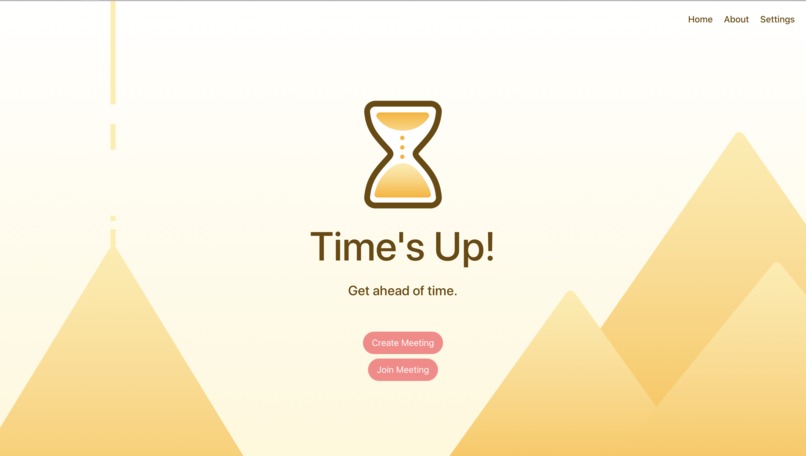
landing page
-
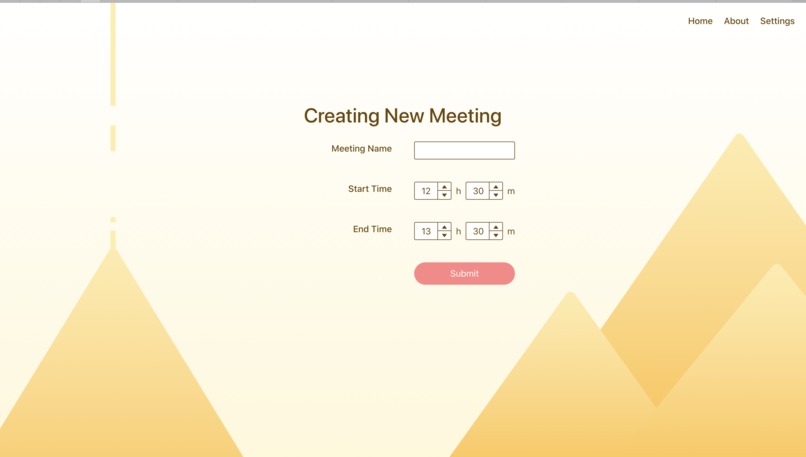
create meeting page
-
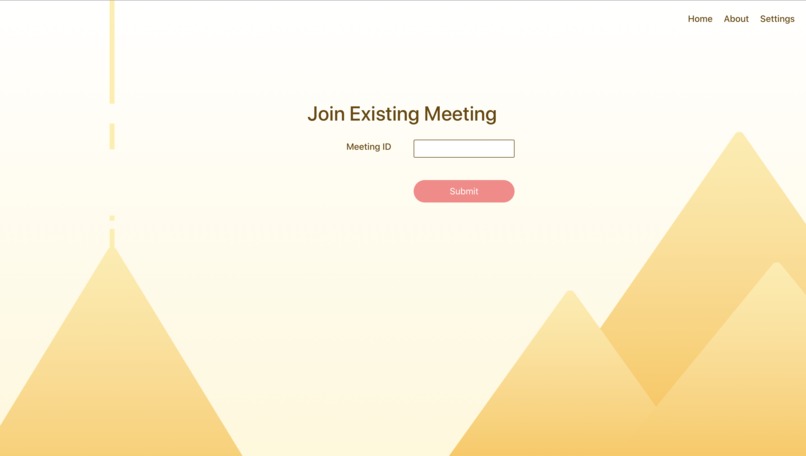
join meeting page
-
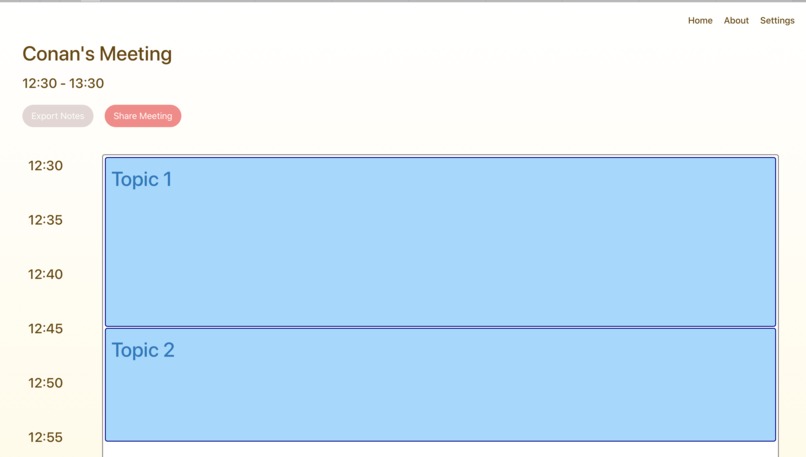
timeline page
-
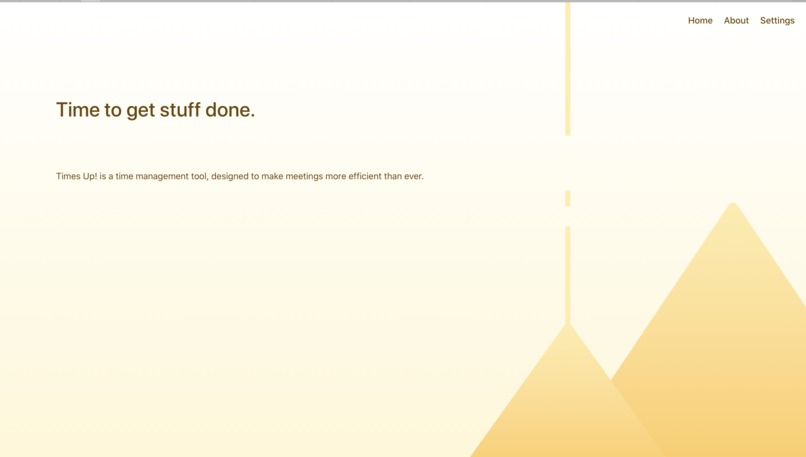
about page
-
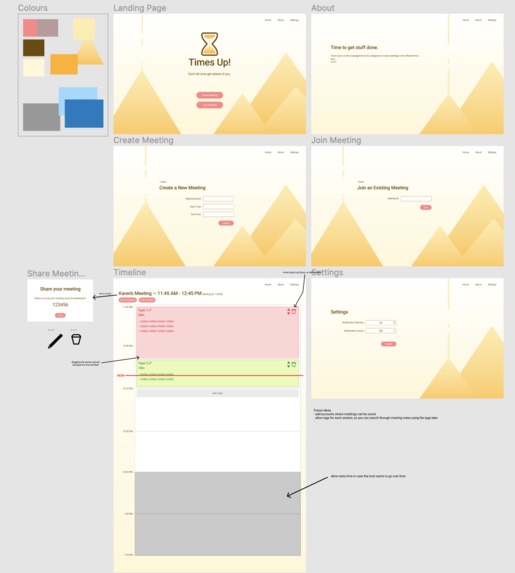
mockups
-
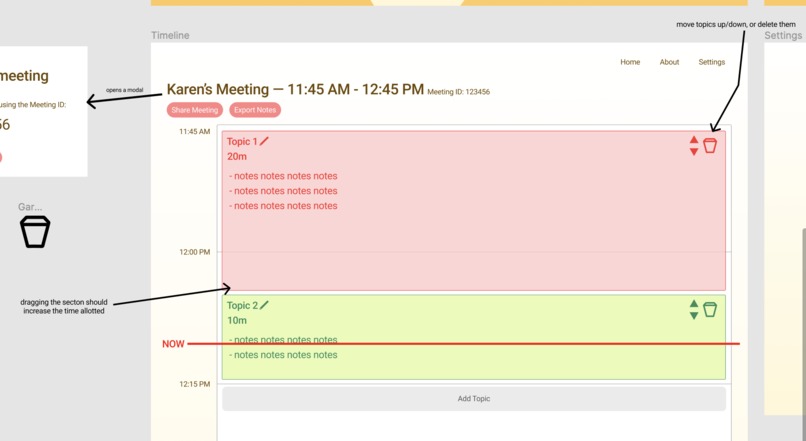
mockup close-up
-
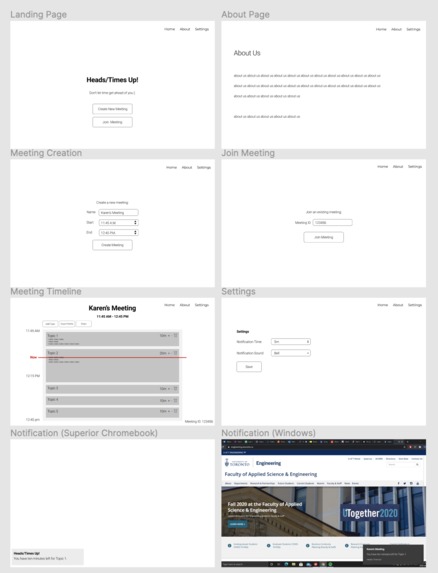
wireframes
-
Airtable


What it does
These days, everyone is working remotely. We know from personal experience how easy it is for meetings to go off on tangents, or go on was longer than we intended. We want to helps team better organize their meetings by visualizing the amount of time spent per topic. Each topic is represented as a block on a timeline, like a weekly calendar, but on a more granular time scale. The block that represents each topic is proportional to the time allotted to that topic which makes it intuitive to the user to help prioritize the attention spent on certain topics.
Plans included allowing users to record notes within the app, as well as seeing a red line representing the current time on the timeline. Plus, users are meant to be notified via computer notification about when to switch topics, to avoid spending too much time on a single topic. However, we weren't able to implement these features due to time constraints. Regardless, we came pretty far and are excited for you to see it!
How we built it
First, we designed a wireframe in Figma. After, we polished the layout and designed the mockup. This allowed us to get an idea of the features we wanted before we started coding, consequently helping us to split the work amongst ourselves. The actual site was built using the React front-end framework with the Chakra-UI component library: https://next.chakra-ui.com.
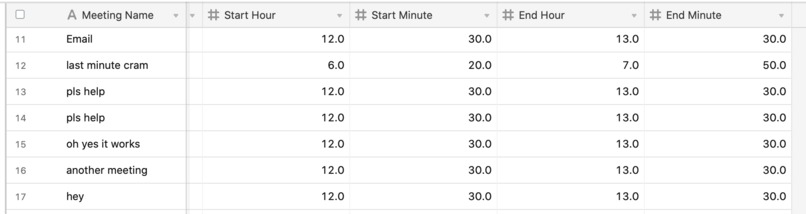
The site is connected to our Airtable backend using Autocode which maintained a database of all meetings taking place. The React project was able to send requests to Airtable's API via Autocode to populate the database with records of the meetings including the name and duration. The notifications were implemented using a variety of open-source and individually-written code which were combined to allow for time-based response depending on user input. This also allows for users to block or allow notifications, giving the user autonomy.
Challenges we ran into
Due to the difficulties of remote working, communication was naturally slower because we weren't beside each other. With several member using different operating systems, the differences in development environments also threw a wench in our planning. Our variety ranged from a Mac to a Chromebook, making for lots of difficulty with runtime errors. Additionally, towards the end, we experienced issues with merge conflicts which took time to resolve. While these posed significant hurdles in our hacking experience, we were able to overcome them to bring you our application.
Accomplishments that we're proud of
We successfully connected our website to Airtable via Autocode. Additionally, the website looks pretty similar to the mockup, and we were glad to offer an experience similar to the one we envisioned. Creating something with so little time is always difficult, and we're proud to have kept pushing forward when at any time we could've just given up.
What we learned
This was our first times using Autocode and Airtable! None of us are React experts as well, so this was a big learning experience that expanded
What's next for Time's Up!
Ideally:
- Add the note-taking feature
- Implement the red line feature
- Add user accounts, to let users keep a history of meetings and their notes, and help them track the amount of time spent on a topic over time
- add tags to each meeting topic, for filtering/sorting of meetings and notes
Built With
- airtable
- autocode
- javascript
- react


Log in or sign up for Devpost to join the conversation.