-
-
-
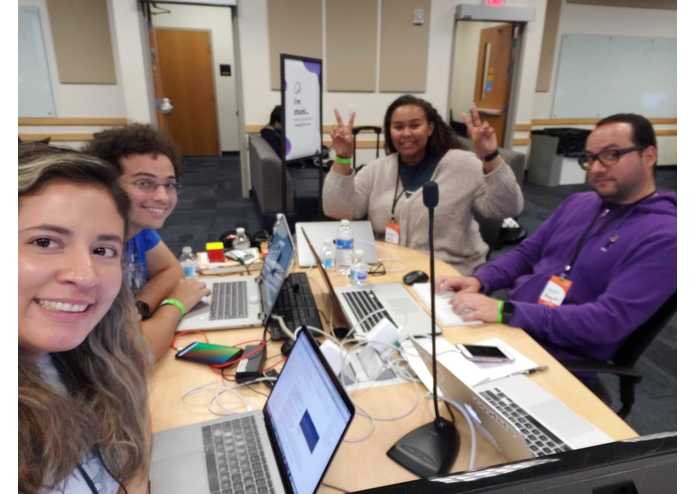
the team


Inspiration
If you have lived in Miami long enough chances you've seen or experienced a hurricane. In our team, we all have, and we have experienced having to manage day to day tasks without communication for multiple days. With the increase in environmental disasters that have occurred in the past few years, we are concerned of the possibility that humans have become so dependent on wireless connection in more developed countries that they would not be able to manage under a disaster that would impact connection towers. On the other hand, there are countries that have not even been able to create reliable and sustainable communication networks, and as such are ill-equipped to communicate with peers under dire circumstances.
What it does
We have a created an application that is Bluetooth enabled to allow people to communicate in close range (within 25/30 feet) in order to build a mesh network of connections to serve as an alternative method of communication in a disaster. The primary features of the application are to alert first responders for nearby assistance in a state of distress, to stay current and aware of important relevant information during disaster scenarios, and to communicate with specific people within the distributed network.
How we built it
The application itself was built in Android Studio. The application is the Bluetooth client, and had trouble connecting to another client without extensive testing and R&D. For the event, we decided to use a Raspberry Pi as a server to act as a bridge between the two clients. The Android app on both clients is the same, the only change is in how it interacts with the server; when sending a message, the two pair and the app is prompted by the user to start sending a message. When receiving a message, after the client pairs with the server, the server automatically checks if the message should be sent to the ID that just connected. If not, nothing happens and new messages can still be sent. If so, the message is delivered, and the server closes the connection to force a reconnect. The local file folder sits within the directory of the Raspberry Pi.
Challenges we ran into
Due to the limited coding knowledge from 3/4 team members we were not able to fully finish the front end development of the tested UI design. In fact, 2/4 team members have never experienced a hackathon before and did not adjust well to working such long hours. However, despite technical limitations we were still able to develop the Bluetooth connection and create a universal material design for the application that was backed by user research and testing.
Accomplishments that we're proud of
We are proud of the incorporation of user research in the universal design, we believe our design will be easily understood and deployable with minor modifications across the world.
What we learned
For 3/4 members this was the first time we used the Android Studio and he learned how to translate our sketch design into XML code.
What's next for TinCans
TinCans is looking forward to developing this application in react native so we can reach a larger audience to help them deal with disaster circumstances. Beyond the application, we hope to utilize a different protocol for communications with a longer range and comparable strength.
Built With
- java
- python
- raspberry-pi
- ui-material-design
- xml




Log in or sign up for Devpost to join the conversation.