-
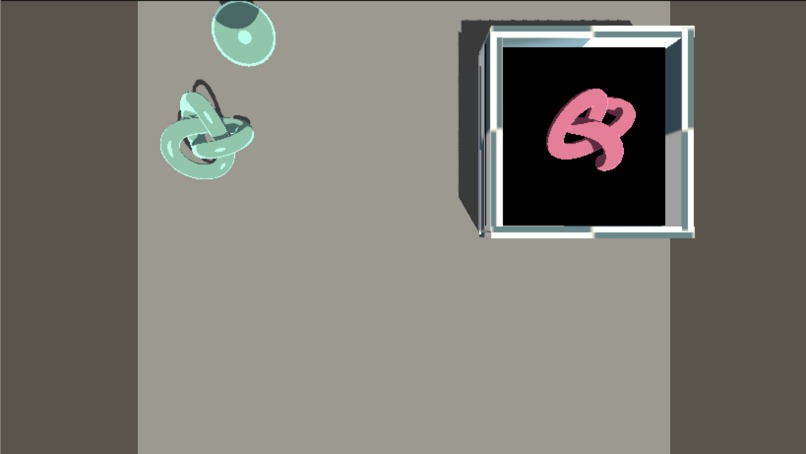
a top-down render
-
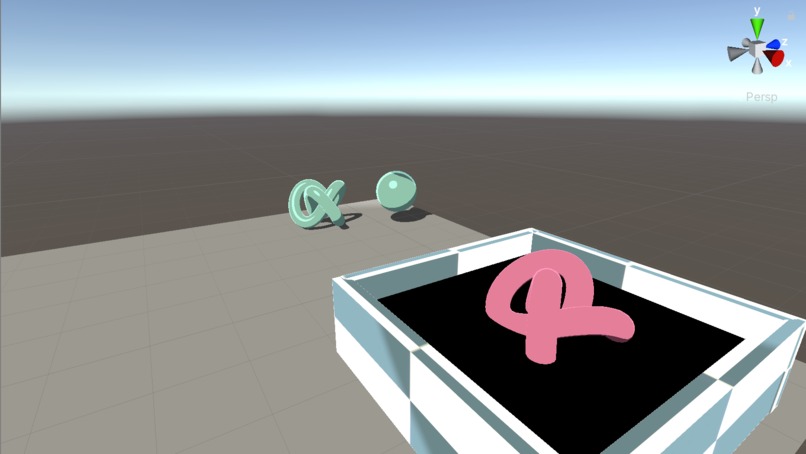
a perspective render


Inspiration
Roystan.net has some great shader tutorials that I had been meaning to follow for a while, and this was just a great opportunity to do some learning.
What it does
Shaders and materials are the blueprints for how 3D models are rendered. The 'Toon Shader' Style is a non-realistic rendering approach to materials based off the blinn-phong reflection model [that you have probably seen - it's the 'basic material' for most 3D render softwares]. The primary differences are in the thresholding of light and shadow to create very clear and defined areas of light and shadow.
How I built it
I created a unity project with a basic [and slightly odd] player movement script (sorry if you free-float forever... whoops), then set to work following the tutorials. Not very original, but educational! I have previously worked with rendering and shaders when I studied abroad, but this was my first time really trying them in Unity.
Challenges I ran into
I also wanted to use this hackathon to experiment with Shadergraph [a node-based unity shader language] but it requires a custom rendering pipeline that, when not created before the project, destroys custom shaders. :,( I was also planning on getting into Substance Designer [an Adobe material / substance creation system] but did not feel like working on the imports after having to recover my work on the toon shader.
I'm also working on refining the movement a lot more. WebGL builds are also known to be more sensitive
What I learned
I understand how unity creates and handles vertex and fragment shading! :o And as a result of breaking my shaders for a bit, I also learned a lot more about the custom render pipeline and how to use it for post-processing.
What's next for Toon Shader Testing
I am working on a project to get my shaders to render like an impressionist painting, which is going to include a post-processing kernal technique for rendering brushstrokes. This project is just sort of a learning foundation, and has taught me how I'm going to need to prepare my shaders for that.
The WebGL Link will be added later after render


Log in or sign up for Devpost to join the conversation.