-
-
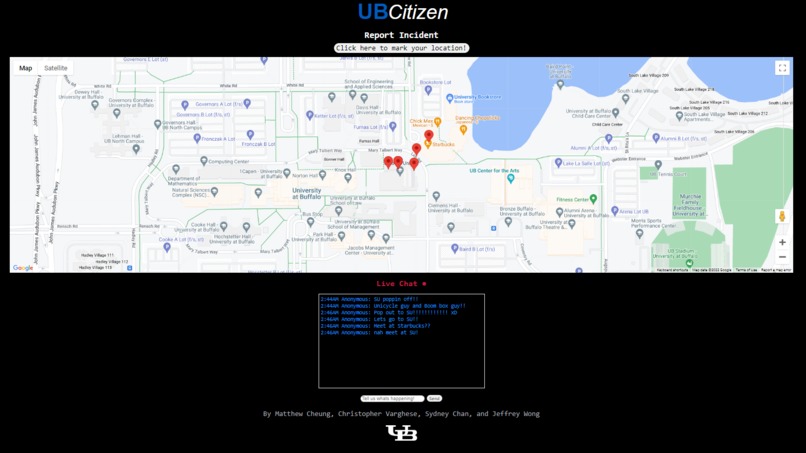
Main page
-
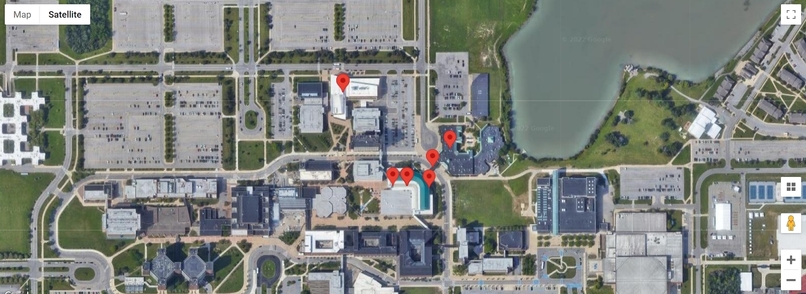
Interactive map with markers
-
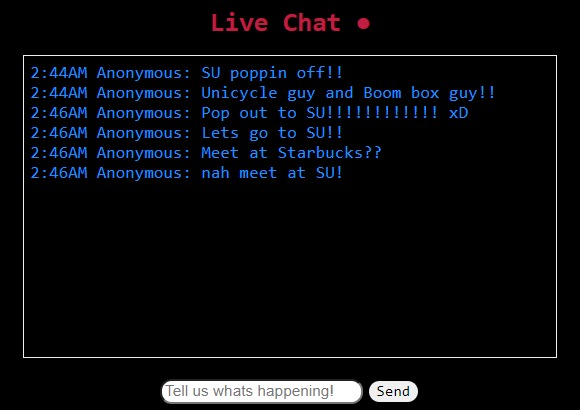
Includes an interactive live chat
-
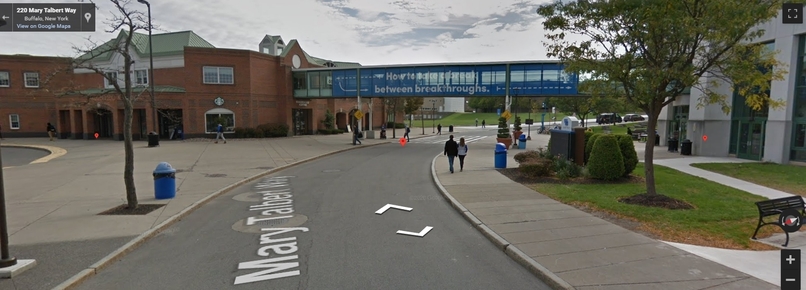
First-person interactive feature with viewable markers


Inspiration
Although the crime rates in Buffalo have been decreasing steadily over the past couple of years, there have been a number of unfortunate incidents near our campus over the past year and we wanted to create a way for people to alert others about any incidents happening in real-time. This is similar to the well-known app Citizen, but because it's not very functional near campus, we decided to create this project so students can feel and be safer.
What it does
We utilized a fully interactive Google Maps window onto a webpage, where it can get our exact geolocation and place a marker on it. You can also see every marker that was placed by users using the same webpage. We also implemented a live chat feature where users can communicate anonymously with each other and update them on their current pinpointed locations/conversations about their well-being. UBCitizen can also be used for people to communicate with each other about any school-related news and occurrences.
How we built it
Using HTML5’s Geolocation abilities, we were able to pinpoint the exact location of the user (if the user permits) and store their exact latitude and longitude coordinates in a text file. Using JSON, we were able to communicate between our Javascript files, HTML, and the Python bottle framework. Using the Google Maps API, we were able to mark these coordinates onto an interactive map centered at UB. As more people click the 'marking' button, the more geolocation markers are added to the list and the more aware members of the UB community can be!
Challenges we ran into
Trying to grab information using JSON was the most challenging portion of this project. After getting past this hurdle, however, it was very fun and enjoyable to start building our project with the Google Maps markers.
Accomplishments that we're proud of
UBCitizen's live chat feature works just as we expected, and is updated instantly for others to see. Likewise, we’re proud that every marker placed down can be seen by anyone with the link, and most importantly, is accurate with exact locations. More importantly, we are proud of completing our first hackathon project!!
What we learned
We were able to collaborate and develop various parts of an idea starting with establishing the link between front-end input and back-end operations. With the use of a Google API, we learned how to create and write data that the user may see displayed on a map. We also learned how to extensively use HTML and CSS to change front-end visuals.
What's next for UBCitizen
Eventually, we plan on creating definite descriptions for individual markers and displaying a heatmap feature, which shows a cluster of colors depending on the intensity of markers in an area.


Log in or sign up for Devpost to join the conversation.