-
-
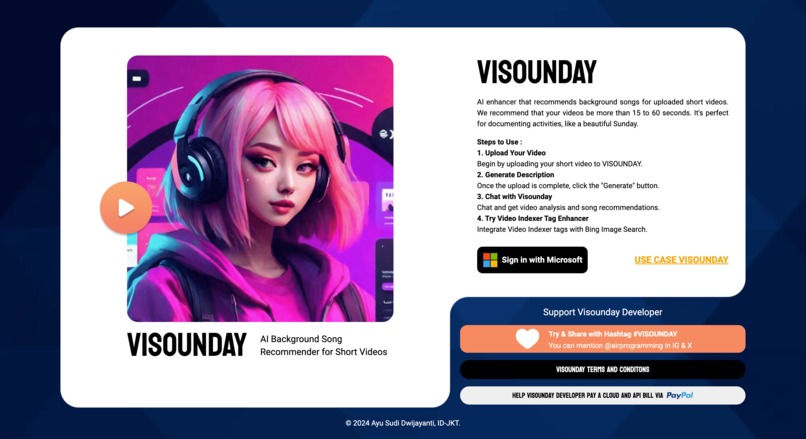
VISOUNDAY Landing Page
-
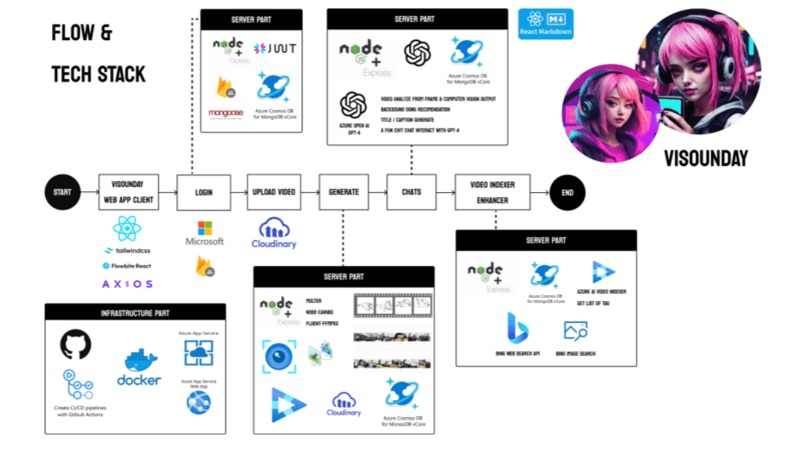
VISOUNDAY Flow
-
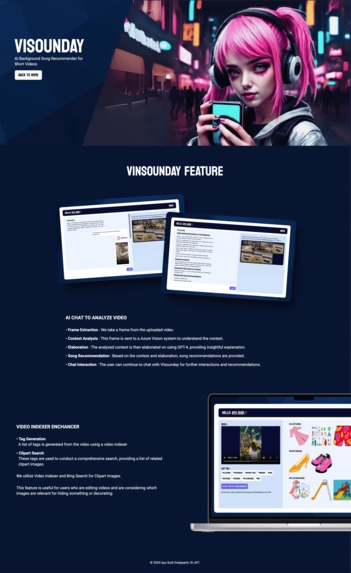
VISOUNDAY Feature
-
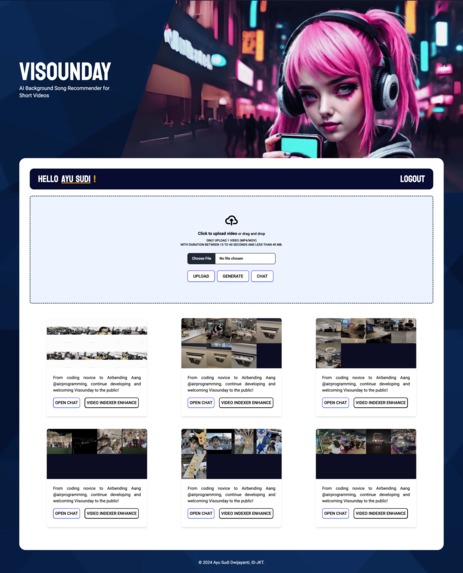
VISOUNDAY Dashboard
-
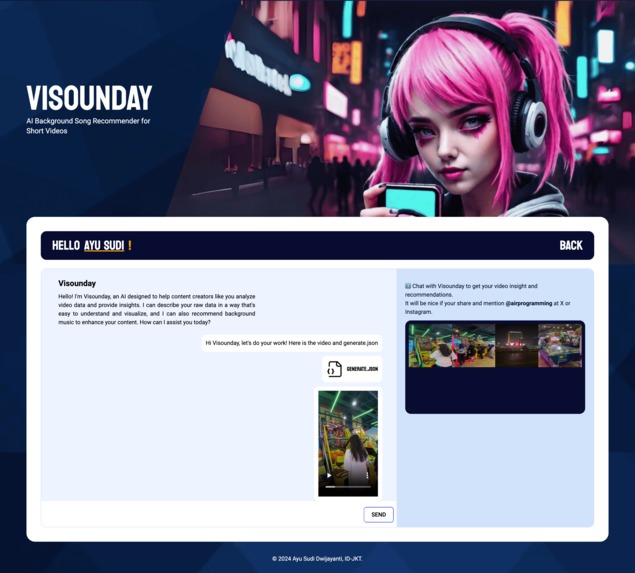
VISOUNDAY Feature Chat
-
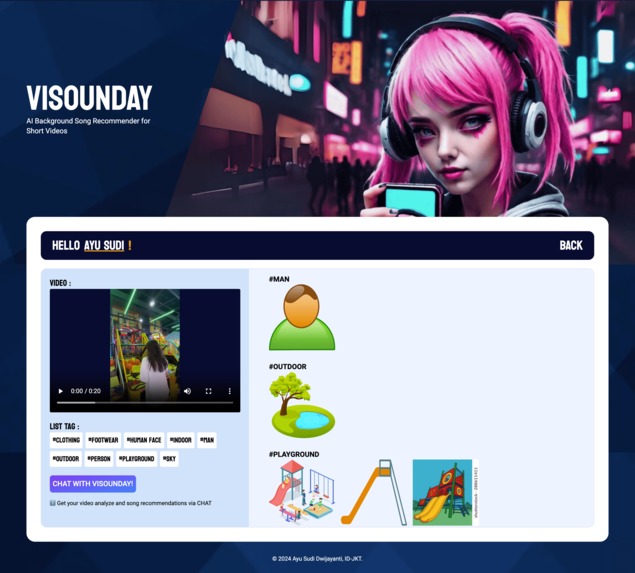
VISOUNDAY Feature Video Indexer Enchancer
-
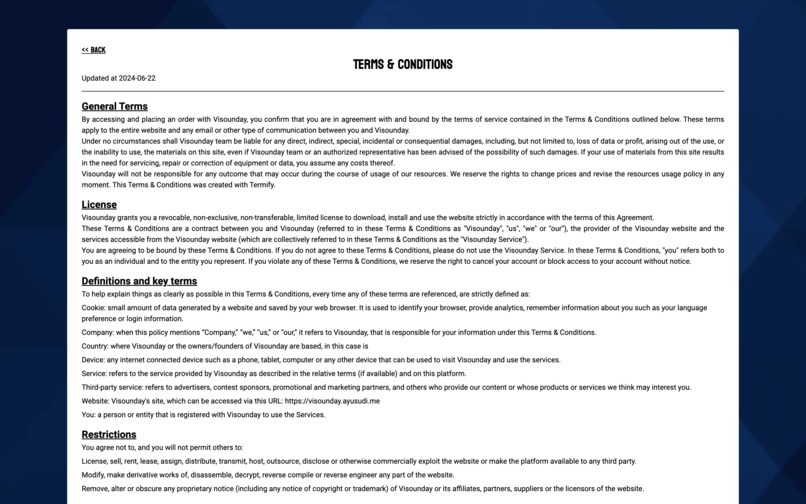
VISOUNDAY Terms & Conditions
-
VISOUNDAY 404 Page
-
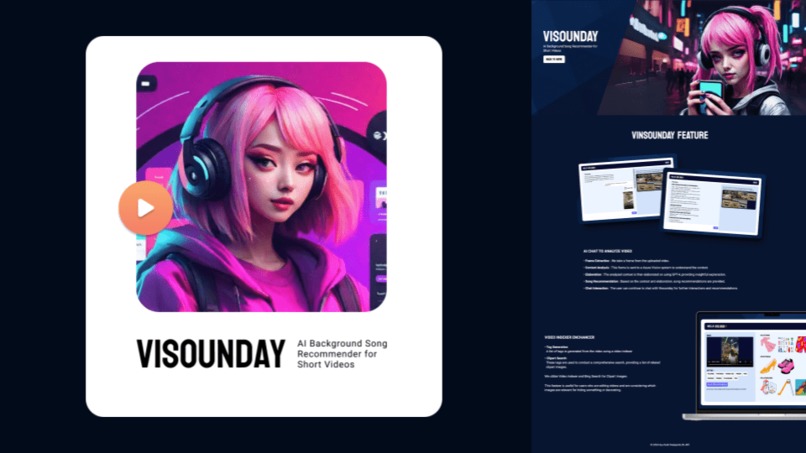
VISOUNDAY Cover Slide PDF
-
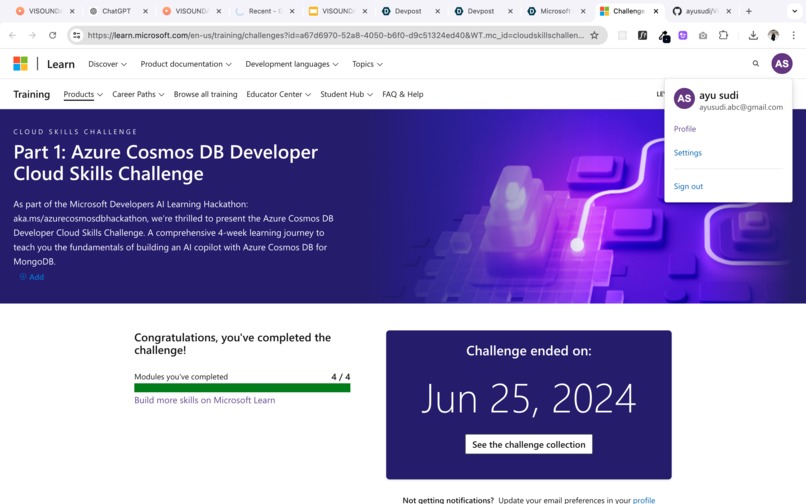
Part 1 Azure Cosmos DB Developer Cloud Skill Challege
-
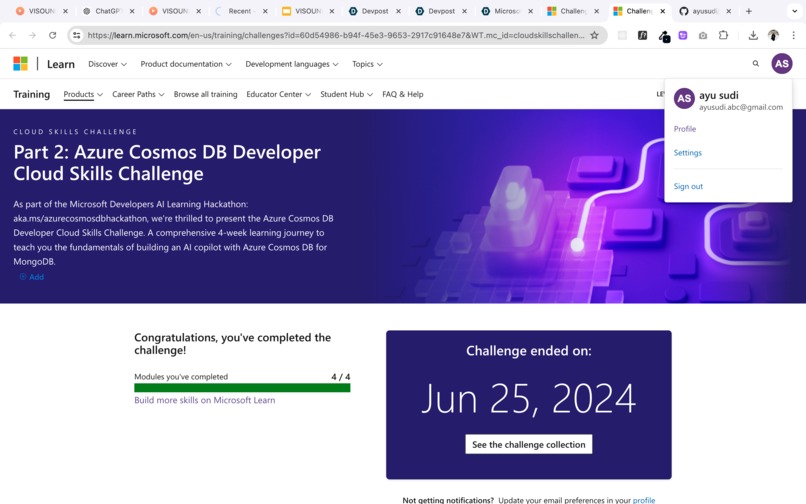
Part 2 Azure Cosmos DB Developer Cloud Skill Challege
-
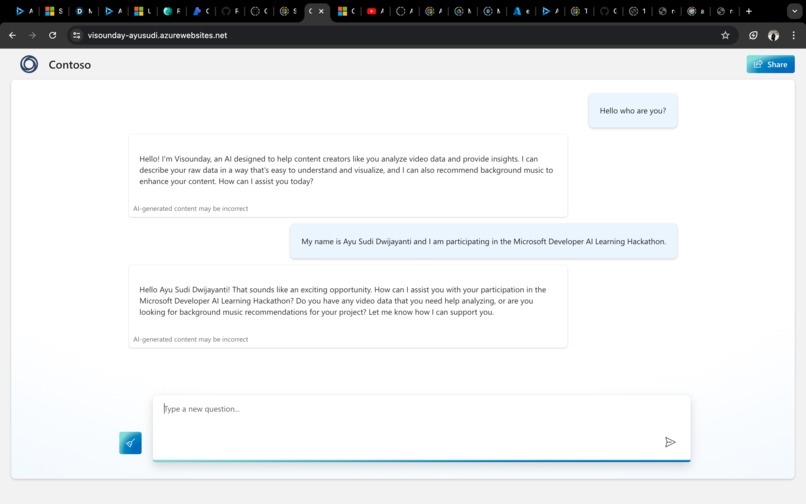
Prompt Join Hackathon
-
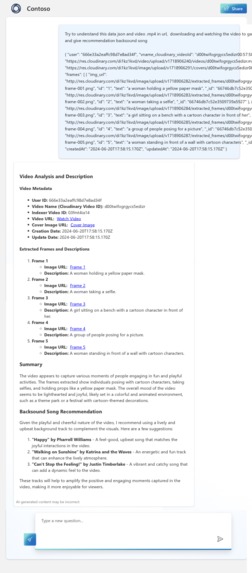
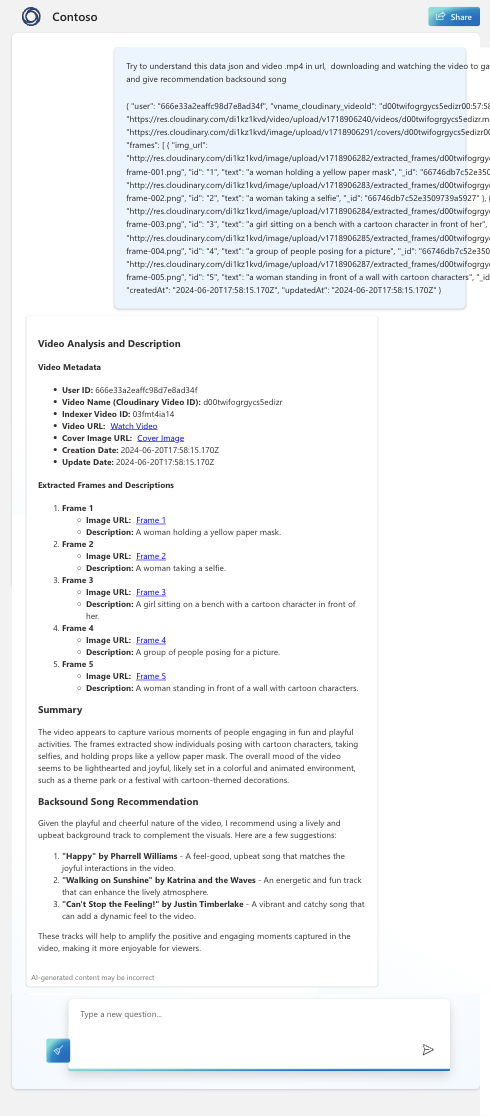
Prototype
-
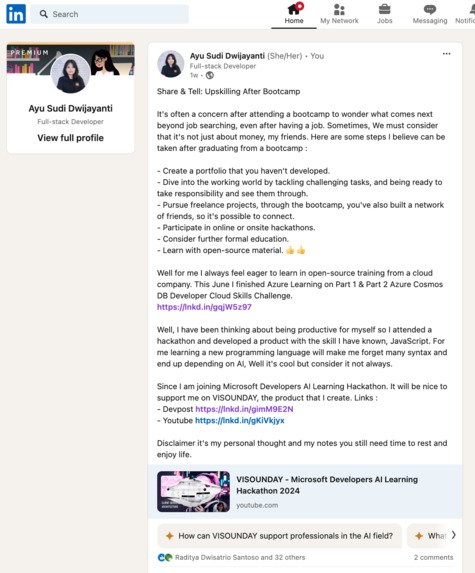
Share to social media about challenge and the project


Inspiration
VISOUNDAY is inspired by my personal frustration while editing videos of hanging out with friends on Saturday nights to post on IG stories. Unfortunately, spending too much time late at night searching for relevant songs and assets for editing meant the day ended, and I ended up uploading them in the sunday morning.
Suitable for content creators and individuals who like documenting their daily lives.
What it does
VISOUNDAY is an advanced AI on the web designed to evoke nostalgia for the feeling of a Sunday, enhancing everyday documentation and enjoyment through video and music recommendations.
VISOUNDAY analyzes user videos by converting them into image frames and interpreting them using computer vision. Our server creates a cover image by collaging these frames with a canvas and refines the raw data obtained through computer vision and video indexing. The refined data is processed by GPT-4, producing comprehensive text markdown explanations. All data and chats are stored in Azure Cosmos MongoDB. The videos are processed through Azure Computer Vision and Video Indexer for detailed insights. Additionally, VISOUNDAY offers background music recommendations, retrieves relevant images from the Bing Search API, and provides tags from the Video Indexer. Users can interact with the AI through chats about their videos or engage in casual conversation, as VISOUNDAY's GPT-4 can understand a wide range of topics and languages. Additionally, users can chit-chat too.
How we built it
Built with the initial attempt of uploading videos to ChatGPT using GPT-4, which can accept user inputs like documents, photos, and videos. It began with the creation of a prototype involving a single file (with .js and ipynb also tried on Postman for an API) to experiment with computer vision, video indexing, campus photos, Bing API, and finally, GPT-4 code.
Initially, I tried this on Azure Open AI Studio, where we explored YouTube and discovered that I could make video input requests. However, since I hadn't received permission from the completed form to use GPT-4 vision on Azure Open AI Studio, I planned alternative methods that I had already tested, including using Python and JavaScript. But before that, let me share my prototyping code here: click here.
Architecture
The app is designed using a Client-Server architecture, ensuring robust performance and scalability.
Technologies Used
- GPT-4 for content generation and analysis.
- Azure Vision and Video Indexer for video and image processing.
- Microsoft Social Login for user authentication.
- Server with Express.js & Node.js with Multer, Canvas and Fmpeg to process file video and image.
- Client with React.js, Framework CSS Tailwind, and library React Markdown.
- Database with MongoDB from Azure Cosmos and ORM Mongoose.
- Stored Upload File with Cloudinary.
Process Flow
- User Authentication: Users log in to the app using their Microsoft accounts through Social Login.
- Video Upload: Users upload a video ranging from 15 to 40 seconds.
- Cloudinary Integration: The server uploads the video to Cloudinary.
- Video Framing and Collage Creation:
- The server extracts frames from the video at 5-second intervals.
- A photo collage is created using a canvas to serve as the cover.
- Computer Vision Processing:
- The extracted frames are sent to Azure Computer Vision for analysis.
- AI Analysis and Recommendations:
- The results from Computer Vision and the cover photo are sent to GPT-4.
- GPT-4 analyzes the video to generate a Video Analysis, Video Title, and Video Backsound Song Recommendations.
- Video Indexing:
- The uploaded video is processed by Azure Video Indexer to generate a list of related tags.
- Related Image Search:
- Using the related tags, the Bing API searches for images that are related to the video's content.
- This feature is beneficial for users who want to conclude their video with an image that resonates with the content.
- Chat with GPT-4:
- Users can interact with GPT-4 to discuss their content or any other queries they might have.
This app seamlessly integrates multiple AI and cloud-based technologies to provide users with a comprehensive tool for creating engaging video content. From video analysis to generating related images, the app leverages advanced AI capabilities to enhance the user's creative process.
Challenges we ran into
- Azure App Service does not support Node version 22.2.0, requiring us to learn Docker overnight with a friend. We configured Docker to deploy the server on Azure, addressing deprecated packages and dependencies that require Python and pip in the cloud environment.
- Created a tool to frame video at 5-second intervals using FFmpeg and generated a collage of the frame images as a cover using Node-canvas.
- I first learned about this hackathon on June 10, so my challenge was to learn and develop everything within 2 weeks, finishing on June 24, 2024.
- Learned that we can store content as markdown using react-markdown. I had previously thought I needed to manually convert the markdown output from GPT to HTML.
Accomplishments that we're proud of
- I am able to create a full environment code in Azure.
- I created a feature to process video; my last hackathon was focused on image data, and now I'm working with video.
- This is my first attempt at making an AI feature with computer vision.
- This is my first time entering Azure OpenAI Studio, deploying a model, and customizing it too.
What we learned
- Learned how to read subscription forecasts. I was shocked by my bills for playing on the cloud and deploying the model in 4 days, only to understand later that it was just a forecast.
- CI/CD and cloud services are fun. This hackathon taught me many new things that I had never been involved with before.
- Prototyping in one file and documenting in markdown is important.
What's next for VISOUNDAY
- I have a concern about switching from Cloudinary to handling BSON data and placing it in MongoDB.
- Create a better UI/UX design. My style has always been cyberpunk.
- Enhance the API response to be much faster, or maybe next, I'll learn gRPC.
- Explore integrating additional AI models to improve video and image processing capabilities.
- Implement a more robust testing framework to ensure the reliability and scalability of the application.
- Investigate other cloud providers to compare costs and performance.
- Improve the deployment pipeline for faster and more efficient updates.
- Develop a mobile-friendly version of the application to reach a broader audience.
- Conduct user testing and gather feedback to refine and optimize features based on real-world usage.
Source Code
- Client Web App
- Server
- Prototyping to be able create this feature Code Prototyping Learning Journey
Flow Application
.png)
Built With
- authentication
- azure-ai-vision
- azure-app-service
- azure-cosmos-db
- bing-search-api
- canvas
- ci/cd
- cloudinary
- computer-vision
- docker
- express.js
- ffmpeg
- firebase
- flowbite
- gpt-4
- jsonwebtoken
- jwt
- media-query
- microsoft-authentication
- microsoft-azure-cosmos-db
- microsoft-azure-video-indexer
- mongodb
- moongose
- multer
- node.js
- openai
- react
- react-markdown-preview
- responsive
- social-login
- tailwind




Log in or sign up for Devpost to join the conversation.