-
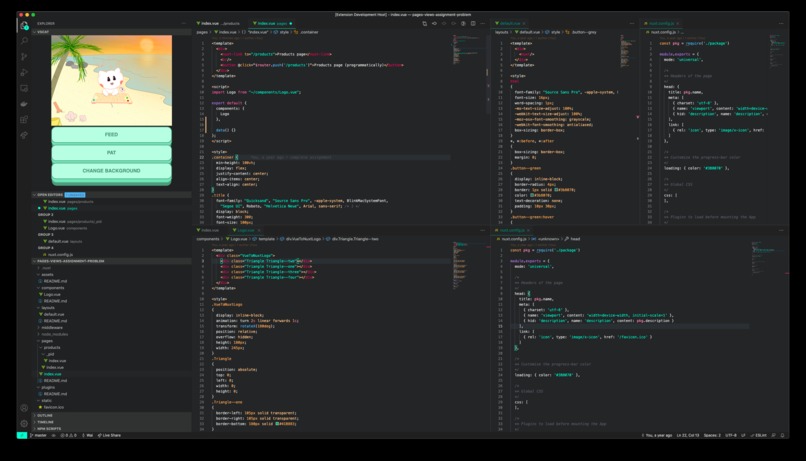
VSCat in VSCode
-
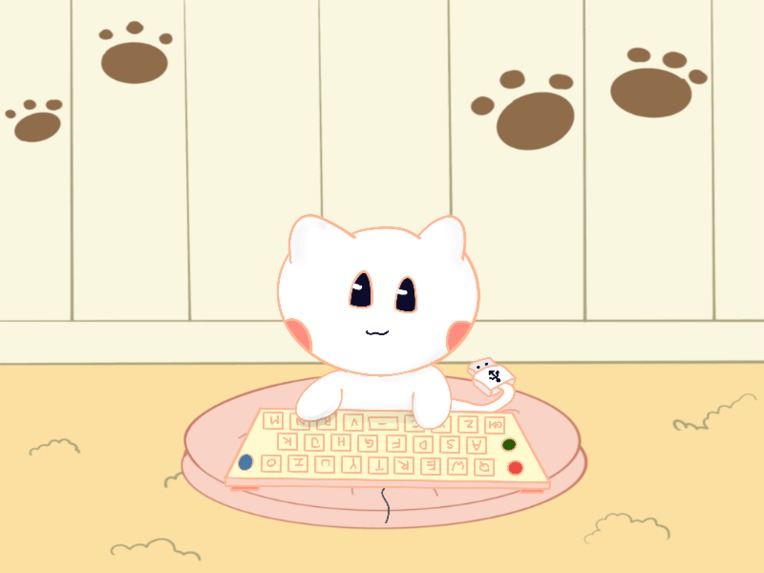
VSCat coding as you do too
-
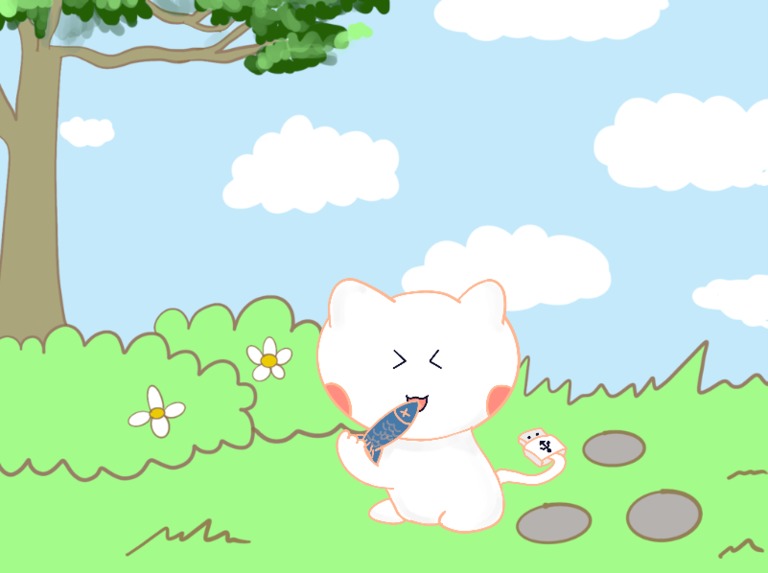
Feed VSCat to see his cute reactions!


What it does
VS Cat, short for Visual Studio Cat, is an interactive plugin for Visual Studio Code, where users can play with SoCCat (School of Computing Cat) while they use Visual Studio Code to write programs. Features include:
- Feeding SoCCat
- Patting SoCCat
- Bringing SoCCat out to different places
- Dragging SoCCat around the screen
- Changing state from Idle, Active, and Sleep, depending on whether user is actively typing code, idling for a while, or inactive in VS Code.
Inspiration
As CS students ourselves, we use Visual Studio Code frequently. Hence, we wanted to make the VS Code environment more lively, instead of just staring at our boring codes all day. As such, we came up with an idea of adopting a Virtual Pet inside VS Code, where we can play with the Pet. Ideally, the Pet should also get hungry, grow in size, and provide feedback when we play with it (much like a Virtual Pet game). The most natural way to realize this idea is to create a VS Code Plugin so that we can see our Cat inside the IDE environment itself. We have decided to use Cat, specifically SoCCat, School of Computing Mascot Cat, as we think SoCCat is cute (who wouldn't love SoCCat?).
How we built it
We used ReactJS to build the frontend of our application by integrating it with visual studio code's Webview API. We also used visual studio code's Extensions API to listen to the user typing so as to react to it. We also designed our graphical assets and animation featuring 4 backgrounds and various different SoCCat animations.
Challenges we ran into
It was our first time building a visual studio code extension, and for the Webview API, there weren't a lot of examples of integrating React / other frontend frameworks with vscode's webview. Conventionally, they are written in pure html and CSS, which makes it hard to maintain and less readable. We spent a lot of time figuring out the integration of the webview with React (we also tried with Vue initially), and finally got it to work as we wanted.
Accomplishments that we're proud of
As mentioned, it is our first time creating a visual studio code extension. We think the tooling is not the best for such development of extensions, so we are very proud that we were able to come up with a product that many fellow students at SoC, or even NUS (because SoCCat is so loved), can relate to and have a lot of fun with. We hope that fellow students can try out our extension and code together with SoCCat. We also managed to deploy our app to the marketplace and it is very nice to see our product being available to everyone to try out.
What we learned
We learnt how to create animations, to create vscode extensions and have fun while doing so!
Installation
- Go to VS Code Extensions
- Search for
VSCatand install it - VSCat will now appear in your Explorer tab
What's next for VS Cat
Other functionalities we have in mind, but did not have the time to implement within 24 hours include:
- Cat gets hungry as time passed
- Cat ages and grows in size as time passed
- Dresses up the Cat, buy toys for Cat to play
- Stats for Cat, such as Love Meter, Boredom Meter
- More interaction feedback from Cat, different types of Cat
Built With
- css
- extensionsapi
- javascript
- react
- typescript
- vscode
- webview


Log in or sign up for Devpost to join the conversation.