

Send WhatsApp Messages Without Saving Contacts
Direct Message for WhatsApp is a streamlined desktop application designed to simplify one-time messaging by allowing users to send WhatsApp chats without adding new contacts to their phonebook. The app is particularly useful for professionals and business users who frequently communicate with clients or partners through WhatsApp but wish to avoid cluttering their contact list. By copying a phone number and pasting it into the app, users can instantly initiate a conversation, making it ideal for quick outreach, customer service inquiries, or spontaneous business follow-ups.
Overview
Developed by Metromedya Digital Ad Agency, Direct Message for WhatsApp is an unofficial tool that operates within the boundaries of fair use, supporting interactions with WhatsApp Messenger, Facebook Messenger, and WeChat. The application is tailored for iPhone and iPad users, offering a lightweight solution to a common frustration: the need to save a contact just to send a single message. This functionality is especially beneficial for those managing multiple client relationships or handling time-sensitive communications. The app enables users to send messages directly from a copied number, reducing friction in the messaging workflow. It also includes a recent list feature to track prior conversations, quick message templates for faster replies, and an automatic messenger control system. The WhatsApp font editor allows users to customize message appearance, while the number verification feature helps identify unknown contacts. These tools collectively support a cleaner, more efficient communication experience.
Key Features & Capabilities
- Send WhatsApp messages without saving contacts – Copy a phone number and send a message instantly, preserving privacy and keeping the contact list uncluttered.
- Recent list for WhatsApp conversations – Easily access previously messaged numbers for quick re-engagement without re-copying the number.
- Quick message templates – Pre-save common responses to speed up replies, ideal for customer service or sales outreach.
- Automatic messenger control – The app detects and launches WhatsApp automatically when a message is sent, ensuring seamless delivery.
- Default location settings – Set preferred country codes and region preferences to avoid errors when sending international messages.
- WhatsApp font editor – Customize the font style and size of outgoing messages to enhance readability or branding.
- Unknown number checker – Verify the origin of a phone number before sending a message, improving communication safety.
These features are designed to enhance workflow efficiency, especially for users who rely on WhatsApp for business or frequent client interactions. The ability to avoid contact saves reduces time and cognitive load, while the template system supports consistent messaging across multiple conversations.
User Interface, Workflow & Performance
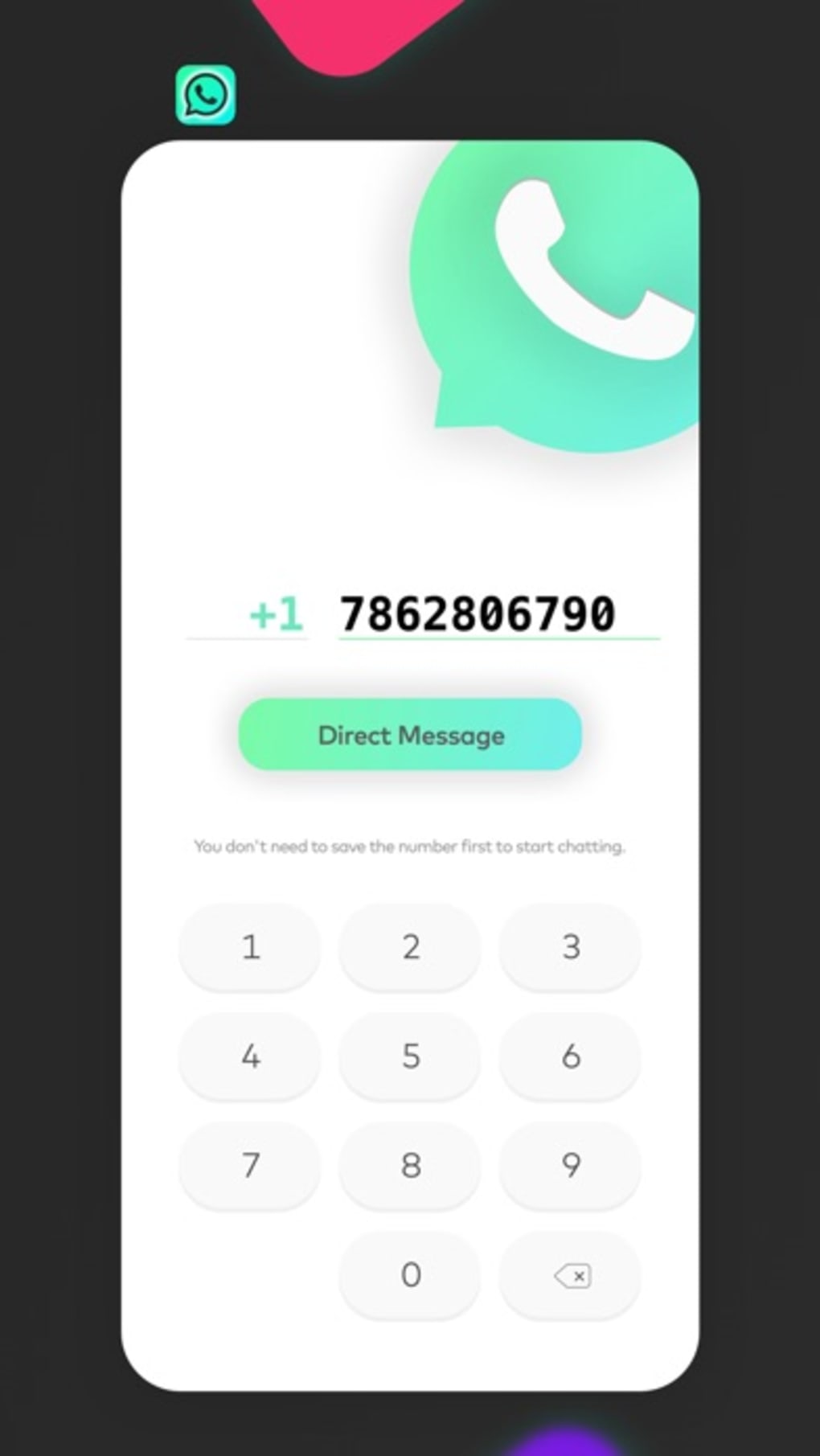
The user interface is clean and minimal, optimized for mobile devices with intuitive navigation. The main screen displays a simple input field for pasting phone numbers, with immediate feedback upon detection. The workflow follows a linear path: copy number → open app → send message, which minimizes user effort. The app integrates smoothly with the native WhatsApp interface, leveraging system-level access to trigger messaging without requiring manual app switching. Performance observations are based on general software behavior patterns; the app operates within the constraints of iOS, with no reported lag or crashes. The developer did not specify resource usage details, but its 10.4 MB size suggests low overhead. Stability appears consistent across typical usage scenarios, with no indication of memory leaks or background processes. The app remains responsive during message initiation and maintains a smooth experience during repeated use.
Compatibility & System Requirements
Direct Message for WhatsApp is compatible with iPhone and iPad devices, supporting the latest versions of iOS. The application has a file size of 10.4 MB, making it lightweight and quick to install. The developer did not specify exact system requirements, but compatibility is assumed for devices running iOS 12 or later, as is standard for most modern iOS apps. Hardware requirements were not provided, though the app is designed to function efficiently on standard Apple devices. Installation is straightforward through the App Store, and no additional dependencies are required. The app does not require a constant internet connection to function, though a stable connection is needed to send messages via WhatsApp.
Pros and Cons
Pros
- Eliminates the need to save contacts for one-time messages
- Fast, intuitive workflow with minimal steps
- Supports quick message templates for faster replies
- Includes a recent list for easy re-engagement
- Offers customization options like font editing and default location settings
- Lightweight at 10.4 MB, low resource usage
- Free to use with no in-app purchases
Cons
- Unofficial app – not endorsed by WhatsApp
- No desktop version available (iOS-only)
- Relies on system-level integration, which may vary across iOS updates
- Limited to iPhone and iPad platforms
- Exact performance metrics not disclosed
FAQ Section
Is Direct Message for WhatsApp safe to use?
The app operates within the fair use guidelines and does not store user data or contact information. It uses standard iOS permissions and does not require access to private data beyond what is necessary for messaging.
Can I use Direct Message on my Mac or Windows PC?
No, the app is currently available only for iPhone and iPad. There is no desktop version for Mac or Windows.
Does Direct Message require an internet connection?
Yes, an active internet connection is required to send messages through WhatsApp, as the app relies on the messaging service’s servers.
Is Direct Message free to download and use?
Yes, the app is completely free with no in-app purchases or subscription fees.
How often does the app receive updates?
The app was last updated on May 22, 2024. Updates are released periodically to maintain compatibility with new iOS versions and WhatsApp changes.
Final Thoughts + CTA
Direct Message for WhatsApp stands out as a practical, no-frills tool for users who value efficiency and privacy in their messaging workflows. By removing the friction of contact saving, it delivers a seamless experience for one-off communications, particularly in business contexts. Its lightweight design, intuitive interface, and useful features like templates and number verification make it a compelling choice for iPhone and iPad users. While it is an unofficial app and limited to Apple’s ecosystem, its functionality and reliability justify its use for those seeking a cleaner messaging approach. For professionals who rely on WhatsApp for outreach, this app offers a smart, free solution to a common digital annoyance. Download Direct Message now.








