
Screenshots
App details
- Updated
- Apr 24, 2009
- Language
- English
- Developer
- Eric Nitzche
- Category
- Mobile
About Dirhtml
Download Dirhtml – Directory HTML Generator, File Listing Tool, Web Utility
Overview
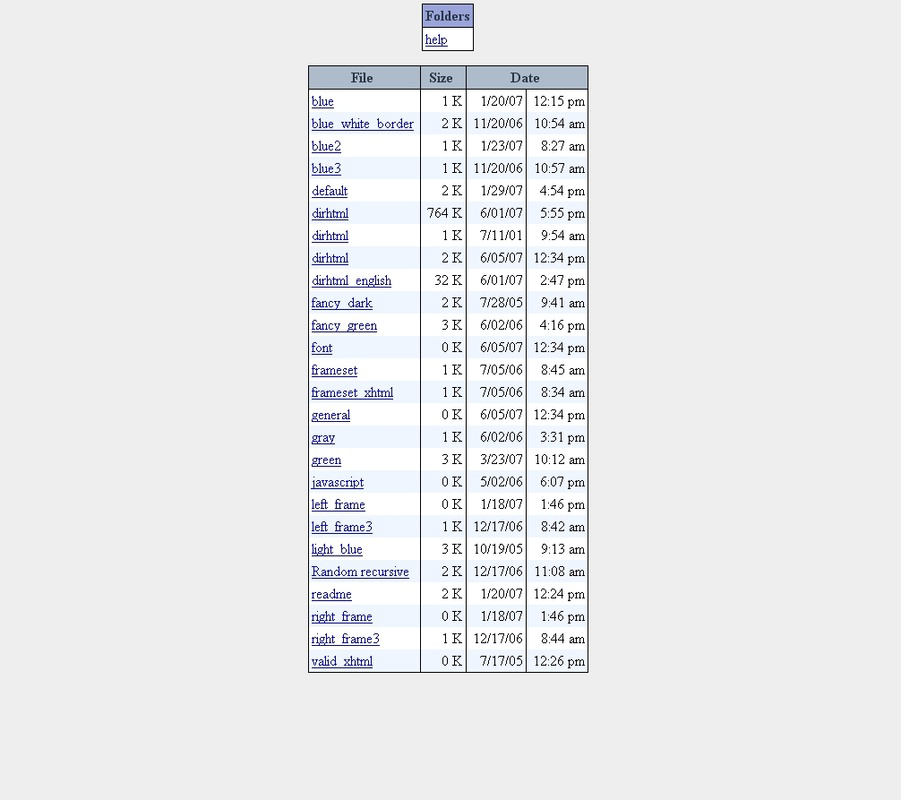
Dirhtml is a straightforward mobile application designed to automate the creation of HTML files that list the contents of a specific folder. Its primary function is to simplify the process of generating web-ready directory listings, making it easier for users to display file structures on websites without manual coding. The app is particularly useful for individuals managing small to medium-sized file collections who need a quick, reliable way to publish file directories online. It serves as a lightweight utility for web developers, content managers, and hobbyists who require a no-frills solution for file presentation.
By eliminating the need for repetitive HTML scripting, Dirhtml streamlines the workflow for publishing file directories. It is especially suited for users who do not require advanced file management or complex web features. Real-world use cases include organizing project assets, sharing downloadable content, or presenting a portfolio of documents. The app’s focus on simplicity and usability positions it as a niche but functional tool within the mobile productivity ecosystem.
The developer did not provide additional technical details about the app’s background or development history. However, the release date of April 24, 2009, indicates that Dirhtml has been in existence for over a decade, suggesting long-term stability and consistent use by a dedicated user base. Despite its age, the app remains relevant for its core purpose: generating clean, customizable HTML output from file directories.
Key Features & Functionality
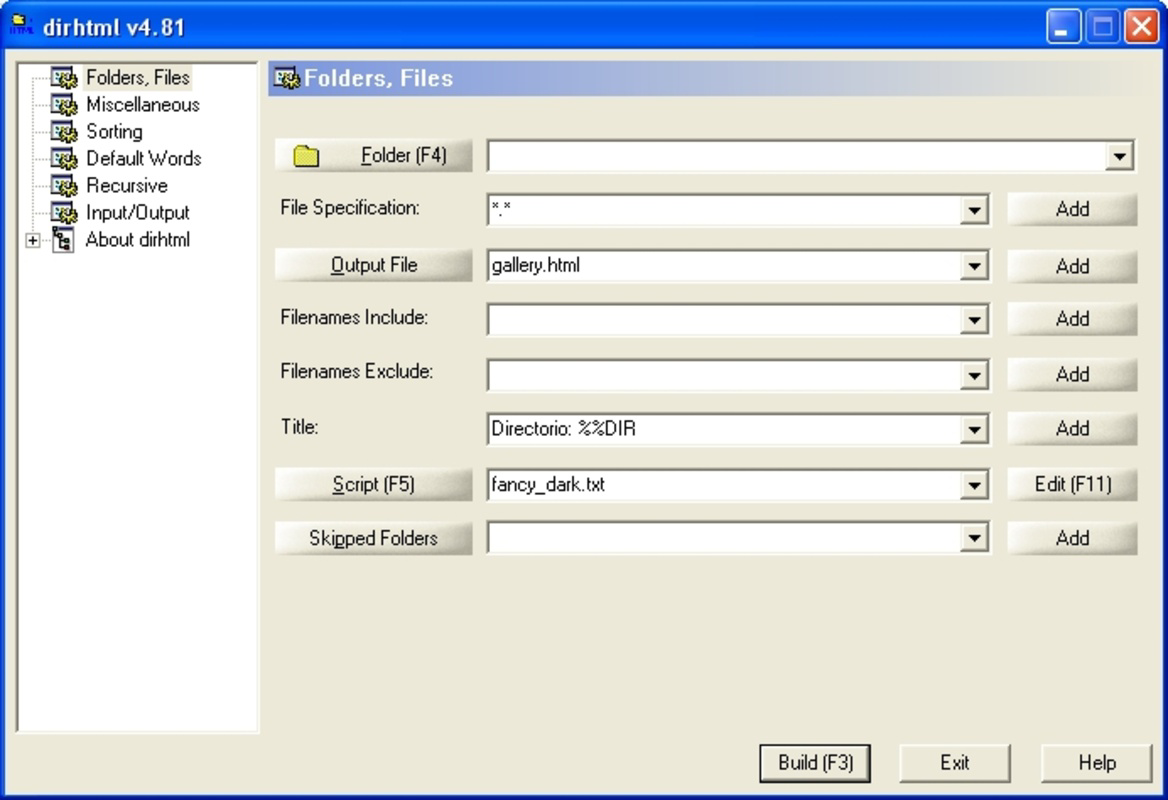
- Simple and Elegant Interface: Dirhtml features a clean, intuitive layout that enables users of all skill levels to navigate and operate the app without difficulty. The interface is designed to minimize learning curves, allowing immediate access to core functions such as folder selection and output generation.
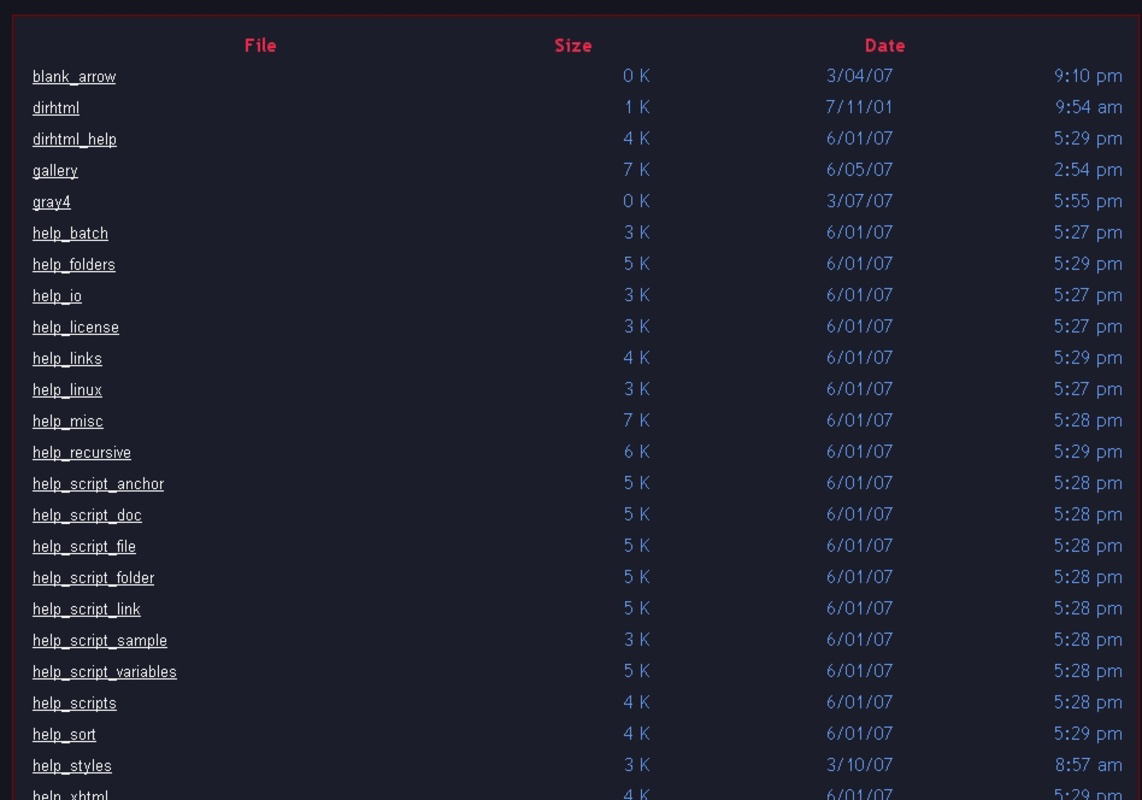
- Customizable Output Templates: The app provides multiple predefined templates for HTML output, allowing users to choose a visual style that aligns with their website’s design. Users can further personalize templates by inserting custom code, enabling tailored presentation without requiring in-depth web development knowledge.
- Content Filtering Options: Dirhtml includes tools to filter which files appear in the generated listing. Users can specify criteria to include or exclude certain file types, names, or sizes, helping maintain a focused and relevant directory display.
- Information Display Control: Users can toggle the visibility of file metadata such as size, date modified, and file type. This feature supports both minimalistic and detailed presentation styles, adapting to individual preferences and design needs.
- Ideal for Basic Directory Needs: The app is optimized for users who need a quick and efficient way to publish file listings without complex setup. It avoids feature bloat, focusing on core functionality to deliver a reliable and fast experience.
For example, a freelance designer could use Dirhtml to generate a public HTML page listing project files for client review. A teacher might use it to share course materials with students via a simple web link. The app’s lightweight nature ensures fast processing even on older devices, making it accessible across a broad range of hardware.
Interface, UX & Performance
Dirhtml’s interface is designed with usability at its core. The layout is minimalistic, with clearly labeled buttons and logical navigation flow. Users can select a folder, configure output settings, and generate an HTML file with just a few taps. The visual style prioritizes readability and function over decorative elements, which aligns with its utility-focused purpose.
Navigation is straightforward, with a linear workflow that guides users through each step without unnecessary detours. The app does not require complex setup or configuration, making it ideal for occasional use. Although the developer did not list formal performance metrics, the app’s lightweight design suggests it runs efficiently on a variety of mobile devices, including those with older operating systems.
Responsiveness is consistent across screen sizes, with layout adjustments that maintain usability on both smartphones and tablets. Stability appears to be a strength, given the app’s long-standing presence since 2009. However, compatibility with modern mobile platforms has not been confirmed, and specific performance data were not provided.
Platform Compatibility & Technical Requirements
Dirhtml is available on Android, though the exact version requirements were not specified by the developer. The app’s file size is not disclosed, which limits insight into storage impact. The latest version of the app is not listed, nor is the minimum OS version required for installation.
The developer did not specify minimum OS requirements or compatibility details for newer Android versions. As a result, users should exercise caution when installing on recent devices, especially those running Android 11 or higher. Compatibility information was not fully disclosed, so potential users are advised to verify functionality on their specific device before use.
Pros and Cons
Pros
- Simple, intuitive interface suitable for non-technical users
- Efficiently generates HTML files from folder contents
- Offers customizable templates and code insertion options
- Includes filtering and display control for file information
- Lightweight and fast, ideal for basic directory publishing
Cons
- No official release details for the latest version
- Minimum OS and file size requirements not disclosed
- Compatibility with modern Android versions uncertain
- Limited documentation or user support available
- No indication of regular updates or long-term maintenance
FAQ
Is Dirhtml available for iOS?
The developer did not confirm iOS availability. The app is known to be available on Android, but no information was provided about support for Apple’s mobile operating system.
Can I use Dirhtml to generate HTML for large folders?
While the app is designed for basic directory needs, performance on very large folders may vary. The developer did not specify file or folder size limits, so users should test with their specific data.
Is Dirhtml secure to use?
Dirhtml operates locally on the device and does not transmit data to external servers. As long as users only access trusted folders, the app is considered secure for personal use.
Do I need coding knowledge to use Dirhtml?
No. The app is designed for users without technical experience. Predefined templates and simple controls allow for effective use without writing HTML or JavaScript.
How often is Dirhtml updated?
There is no publicly available information about update frequency. The last known release was in 2009, and no recent updates have been documented.
Final Thoughts
Dirhtml stands out as a niche but dependable tool for generating HTML directory listings on mobile devices. Its clean interface, customizable output, and focus on simplicity make it a practical choice for users who need a quick way to publish file structures online. While the app lacks modern features and up-to-date compatibility details, its enduring functionality remains valuable for basic use cases.
It is particularly beneficial for educators, freelancers, and small content creators who prioritize speed and ease over advanced capabilities. For those seeking a secure, lightweight utility to automate HTML generation, Dirhtml offers a proven solution.
Download Dirhtml now
Guides & Tutorials
How to install Dirhtml
- Click the Download button above.
- Once redirected, accept the terms and click Install.
- Wait for the Dirhtml download to finish on your device.
How to use Dirhtml
This software is primarily used for its core features described above. Open the app after installation to explore its capabilities.
User Reviews
No reviews yet. Be the first to share your experience.
You may also like
more
Que no te pillen¡
About !Que no te pillen¡Reviewed by Jason A. BilbreyShow MoreShow Less

3D Combat Zone
About 3D Combat ZoneOriginally released in 1983, 3D Combat Zone immerses players...

666: El día del portal
About 666: El día del portalOn June 6, 2006, Agent P. Stone uncovers a sinister...

80 in 1 Best Flash games
About 80 in 1 Best Flash games 80 in 1 Best Flash games is a collection of 80 fl...

ABYSS SEEKERーーWhat Do You See Deep in The Abyss
About ABYSS SEEKERーーWhat Do You See Deep in The AbyssIn ABYSS SEEKER, players...

ACA NEOGEO THE KING OF FIGHTERS 2002 for Windows
About ACA NEOGEO THE KING OF FIGHTERS 2002 for WindowsTHE KING OF FIGHTERS 2002,...
