
Screenshots
App details
- Version
- 10.8.9.0 | 10.8.8.0 | 10.8.7.0 | 10.4 |...
- Size
- 3.80 MB
- Updated
- May 24, 2023
- Requires
- Windows 8
- Language
- English | German | Spanish | French | It...
- License
- Trial version
- Developer
- DivX, LLC
- Category
- Windows OS
About DivX Software
Download DivX Software – Free, Secure 4K Video Player & Converter
Overview – Why DivX Software Stands Out in the Media Player Market
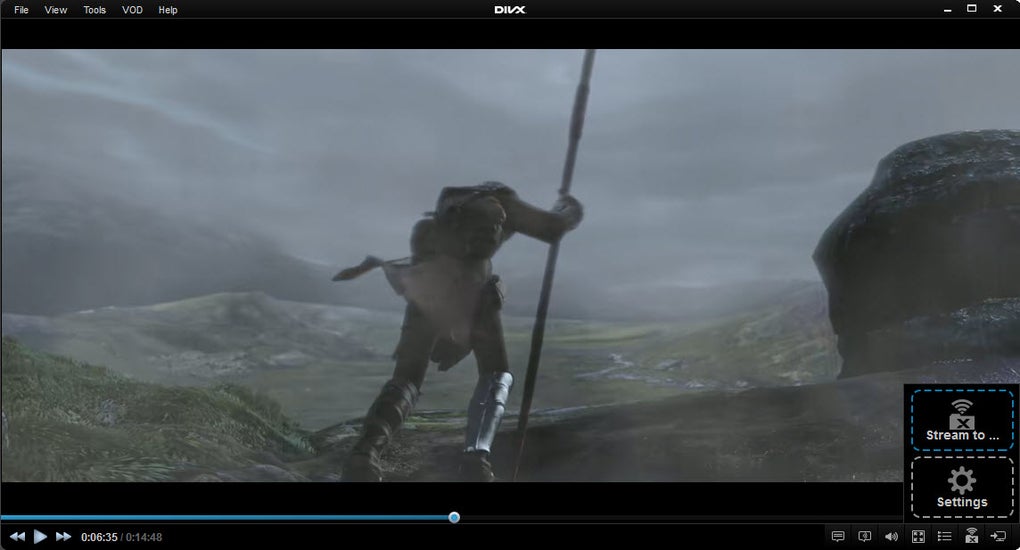
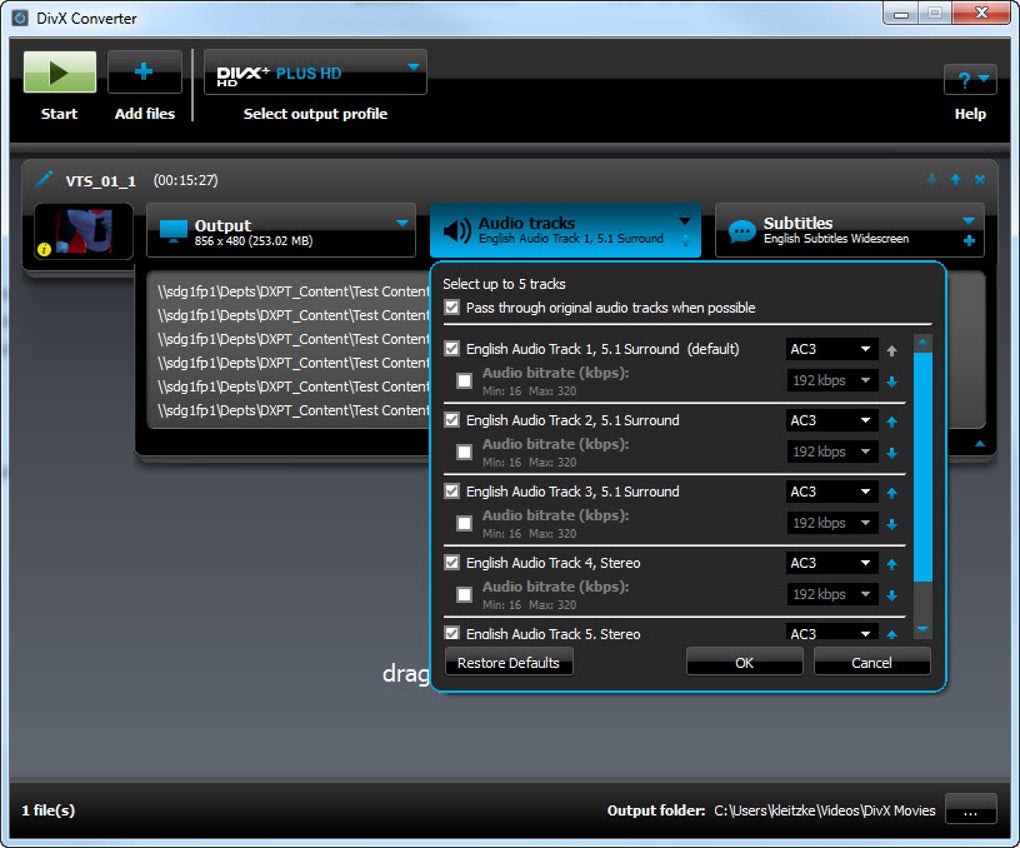
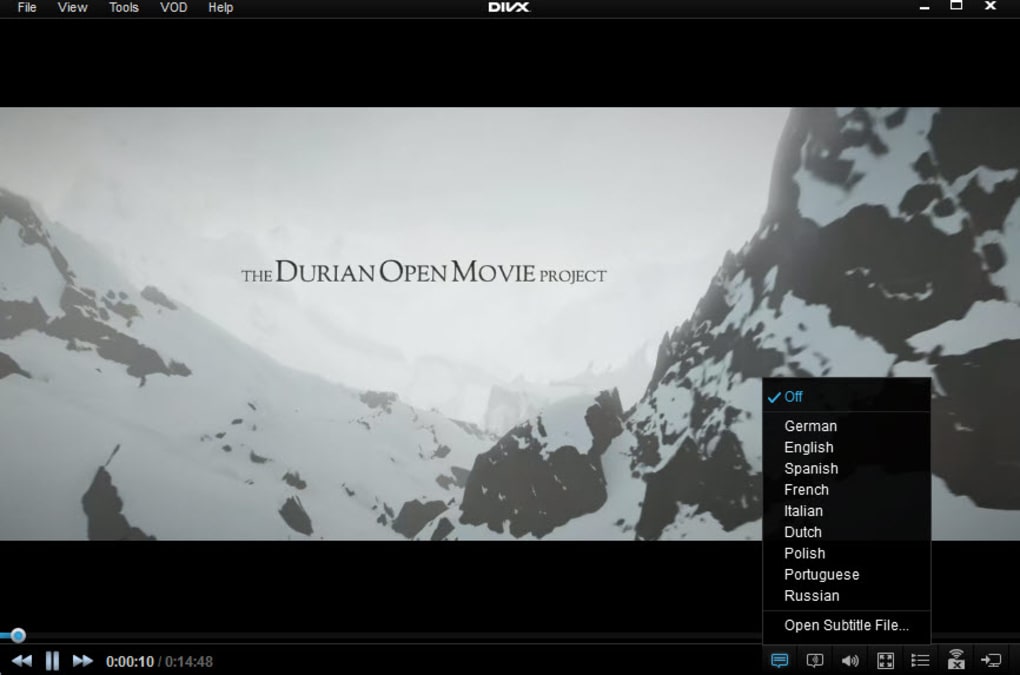
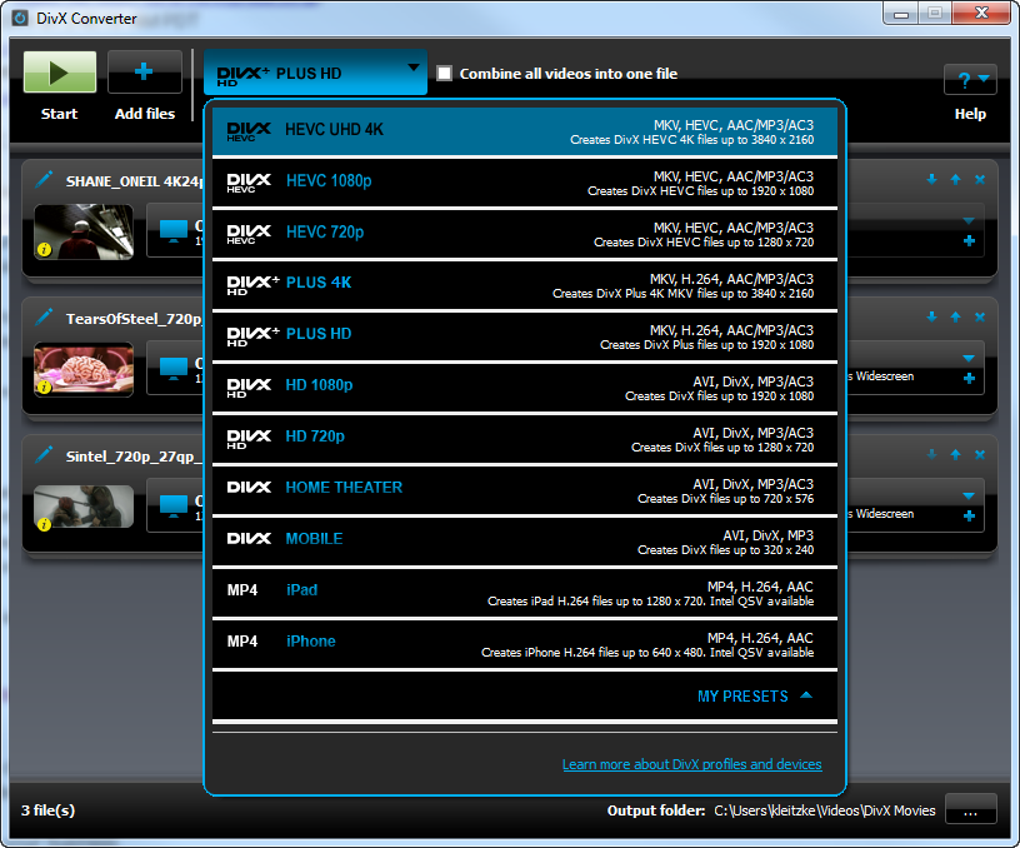
DivX Software is the official multimedia suite from the creators of the legendary DivX codec. Designed for Windows users who demand a seamless blend of playback and conversion, the package includes the DivX Player, DivX Web Player, a built‑in download manager, and a 15‑day trial of DivX Plus Converter. What makes this suite truly compelling is its all‑in‑one approach: you can watch DivX, MKV, and HEVC files up to 4K resolution, stream to DLNA‑compatible devices, and convert any video into high‑definition DivX or HEVC formats without hunting for third‑party codecs. The player’s interface is sleek, offering standard controls like play, pause, fast‑forward, subtitle toggling, and audio track selection, while also supporting advanced DVD features such as scene‑selection menus and multiple audio streams. For creators, the DivX Plus Converter lets you output up to 1920 × 1080 HD, choosing between interlaced and progressive scan, and the free HEVC plug‑in unlocks 4K playback with minimal performance impact. In addition, the suite bundles free trials of MPEG‑2/DVD, DFX Audio, and other plug‑ins that enhance both video quality and sound fidelity. While the 15‑day trial gives you a taste of the full conversion engine, a paid license is required for continued use beyond that period. Overall, DivX Software delivers a trustworthy, codec‑free experience that eliminates the risk of “dodgy” third‑party decoders, making it an ideal choice for both casual viewers and power users who need reliable, high‑quality video handling on Windows.
Key Features & Installation Guide – Getting Started in Minutes
- Native playback of DivX, MKV, MP4, AVI, and HEVC (up to 4K) without external codecs.
- DivX Plus Converter trial – convert any video to DivX or HEVC with resolutions up to 1080p HD.
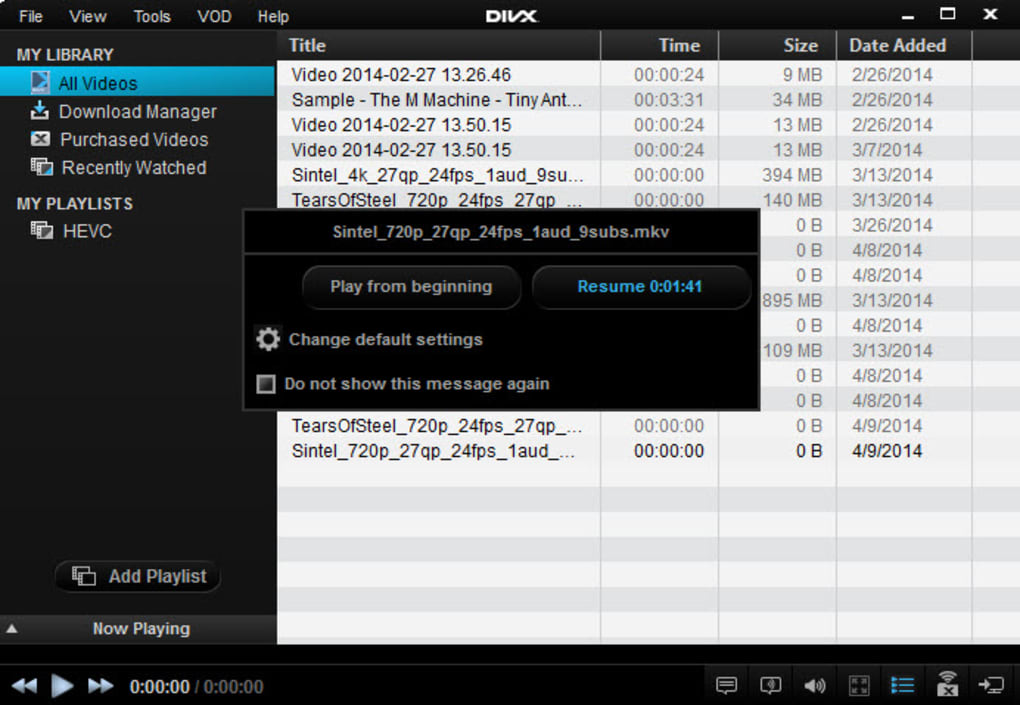
- Built‑in download manager – queue multiple video downloads and auto‑organize files.
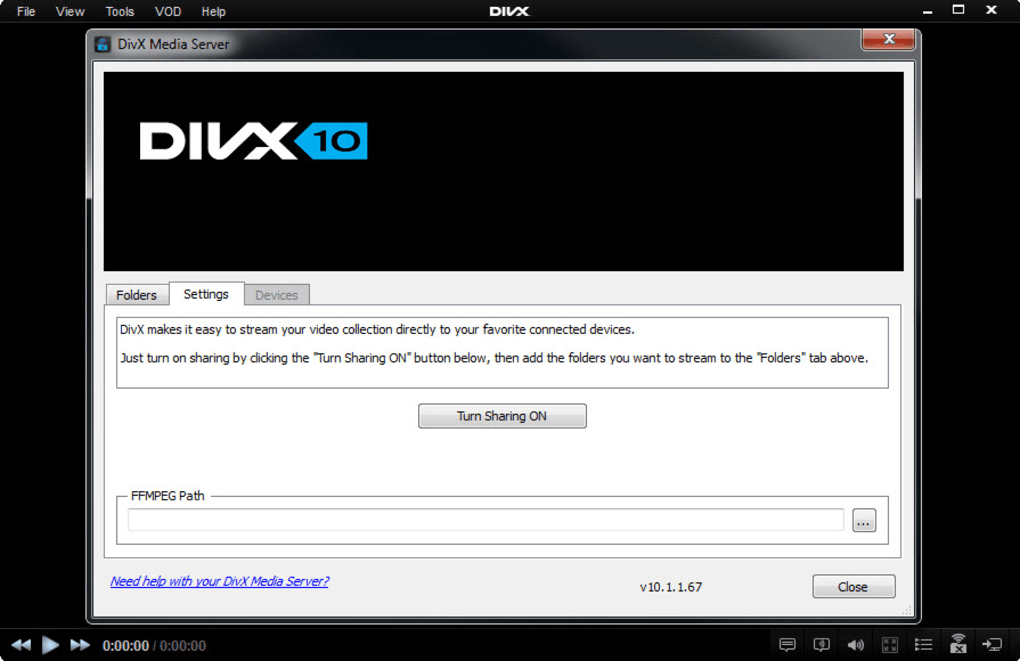
- DLNA media server – stream content to smart TVs, Blu‑ray players, PlayStation 3, and other devices.
- DivX Web Player browser extension – watch DivX videos directly in Chrome, Firefox, or Edge.
- Advanced DVD support – scene selection, multiple audio tracks, subtitle toggling.
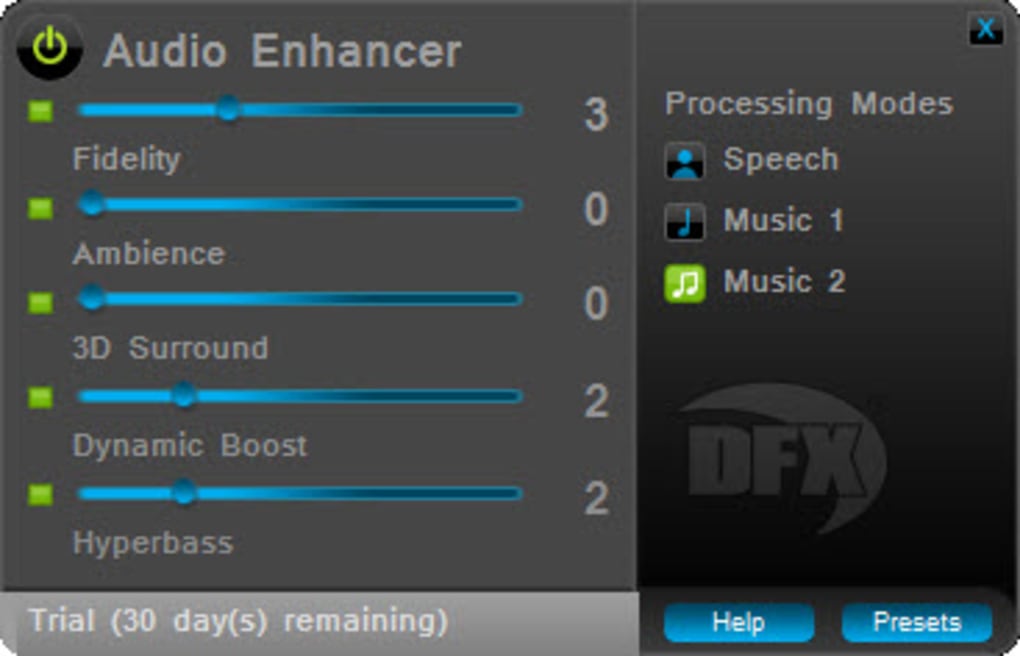
- Free plug‑in trials: MPEG‑2/DVD, DFX Audio, and HEVC for enhanced compatibility and sound.
- Intuitive user interface – sleek controls, customizable skins, and quick‑access toolbar.
Step‑by‑Step Installation
1. Download the installer from the official DivX website – the file is a small, secure executable (≈ 45 MB).
2. Run the setup and accept the license agreement. The installer will prompt you to choose which components to install; for most users, the default selection (Player, Converter trial, DLNA server, and plug‑ins) is optimal.
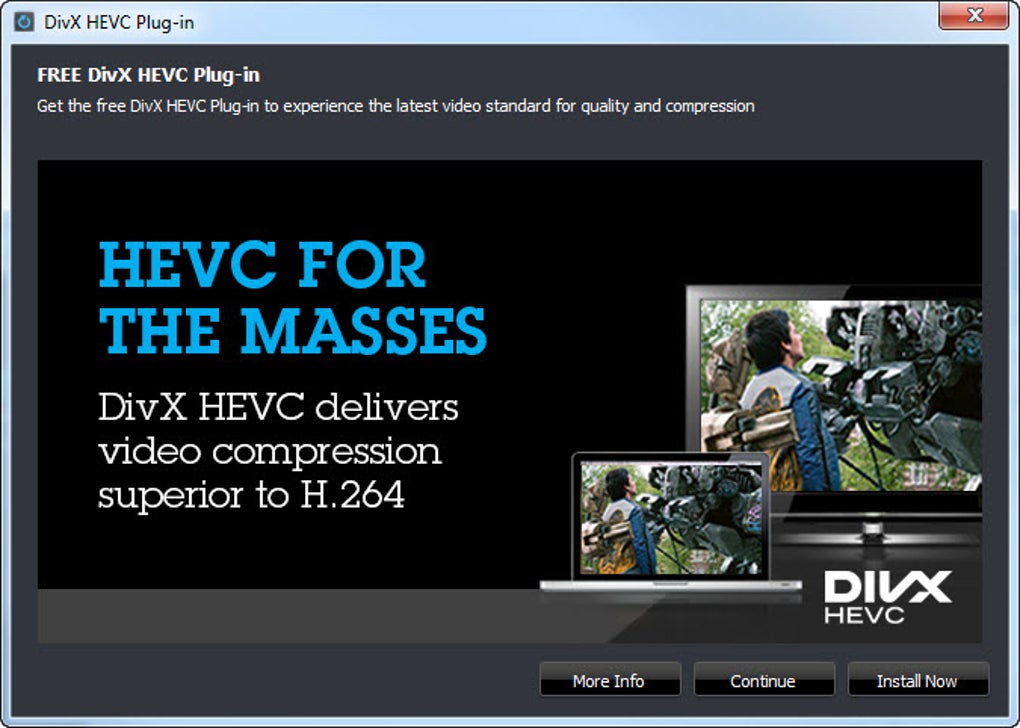
3. Enable the HEVC plug‑in during the custom installation screen if you plan to watch 4K HEVC content.
4. Finish the wizard and let the program register the DivX codec with Windows. A quick system reboot ensures the codec is fully integrated.
5. Launch DivX Player from the desktop shortcut. The first run will guide you through a brief tutorial, showing you how to open files, add subtitles, and start a conversion job.
Compatibility, System Requirements, and Pros & Cons – Is DivX Right for You?
DivX Software is built specifically for the Windows platform, supporting Windows 10, Windows 11, and legacy Windows 7 (64‑bit only). The application requires at least a dual‑core processor, 2 GB RAM, and 500 MB of free disk space for installation plus additional space for temporary conversion files. GPU acceleration is optional but recommended for smoother HEVC playback on older machines.
Pros
- All‑in‑one player and converter – eliminates the need for separate apps.
- Official codec from DivX, guaranteeing secure, malware‑free playback.
- Supports 4K HEVC and 1080p HD conversion with hardware acceleration.
- Integrated DLNA server simplifies streaming to home entertainment devices.
- Free trial of powerful conversion tools, plus additional plug‑in trials.
Cons
- Full functionality requires a paid license after the 15‑day trial.
- No native macOS, Linux, Android, or iOS client – Windows‑only.
- Conversion speed, while improved, can still lag on low‑end CPUs.
- Some advanced features (e.g., batch conversion) are limited in the trial.
- The installer bundles optional browser extensions that some users may find unnecessary.
FAQ – Your Most Common DivX Software Questions Answered
Is DivX Software really free to use?
The player and basic codec are free forever. The DivX Plus Converter is offered as a 15‑day trial; after that you need to purchase a license to continue converting videos.
Can I play 4K HEVC movies on an older PC?
Yes, if you enable the HEVC plug‑in during installation. However, smooth playback depends on your GPU and CPU; older hardware may experience stutter.
Does DivX Software support subtitles?
Absolutely. You can load external SRT, ASS, or embedded subtitle tracks directly from the player’s subtitle menu.
What formats can the DivX Plus Converter output?
The converter can create DivX, MPEG‑4, and HEVC files, with resolution options up to 1080p HD. You can also select interlaced or progressive scan depending on your target device.
Is there a way to stream my library to a PlayStation 3?
Yes. The built‑in DLNA media server automatically discovers DLNA‑compatible devices, including PS3, and lets you browse and stream your video collection without extra configuration.
Conclusion – Should You Download DivX Software Today?
If you’re looking for a trustworthy, Windows‑only media solution that handles everything from 4K HEVC playback to high‑speed conversion, DivX Software remains one of the most polished options on the market. Its official codec eliminates the security concerns that plague many free players, while the integrated DLNA server and download manager add real convenience for home‑theater enthusiasts. Although the full conversion suite requires a paid license after the trial, the value you receive—especially for creators who need reliable HD output—justifies the cost. For users who need cross‑platform support or a completely free converter, alternatives may be worth exploring, but for a seamless, all‑in‑one experience on Windows, DivX is hard to beat. Download DivX Software now, try the 15‑day converter trial, and decide if the official DivX ecosystem meets your entertainment and editing needs.
Guides & Tutorials
How to install DivX Software
- Click the Download button above.
- Once redirected, accept the terms and click Install.
- Wait for the DivX Software download to finish on your device.
How to use DivX Software
This software is primarily used for its core features described above. Open the app after installation to explore its capabilities.
User Reviews
No reviews yet. Be the first to share your experience.
You may also like
more
Llama 2
Free-to-use large language model As the new addition to Meta’s arsenal of langua...

NotebookLM
Revolutionizing the note-taking and idea-generation process NotebookLM is an exp...

Github co pilot
AI-inspired software development and coding platform GitHub Copilot is a browser...

Google Gemma
Google’s lightweight AI models Introducing Google Gemma , a family of cutting-ed...

AI Image Enlarger
A free app for Windows, by ai-image-larger. AI Image Enlarger is a free software...

DALL E
AI-driven text-to-image transformation engine DALL·E is a free graphic and desig...
