

Start in one command
Web
Open app.mcpjam.com. HTTPS servers, no install, shareable links.
Terminal
CLI
Four surfaces, one product
Inspector
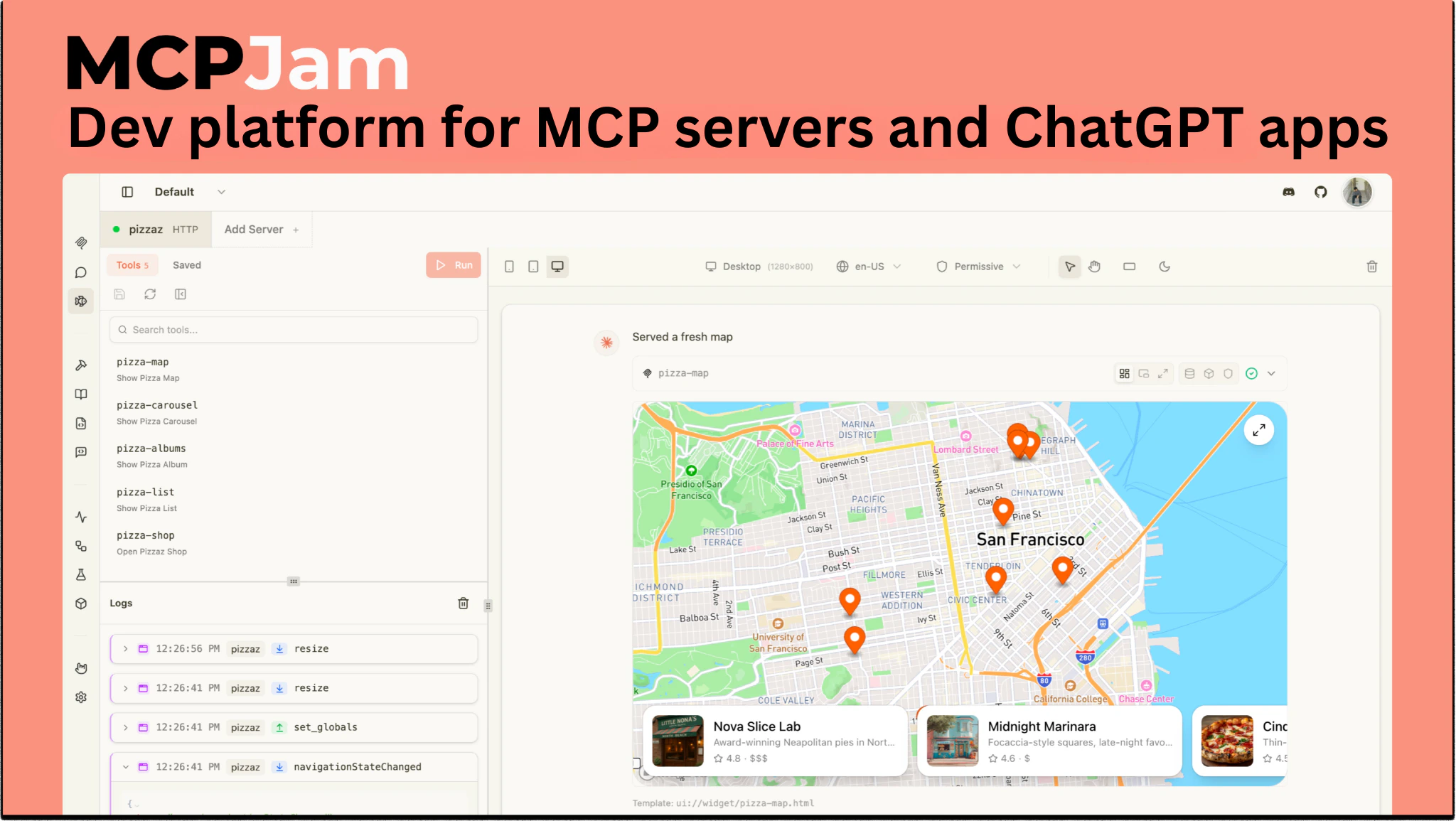
IDE-style workspace for MCP development. Chat with frontier models, invoke tools by hand, render widgets, compare hosts and models side by side.
CLI
Stateless tool for connectivity, OAuth, conformance, and tool execution. JUnit/JSON reporters built for CI.
SDK
@mcpjam/sdk — TypeScript toolkit for unit tests, e2e tests, and evals. Works inside Jest or Vitest.Hosted
Run MCPJam in the browser at app.mcpjam.com. Share servers and sessions with your team.
What you can build
Debug an MCP server end-to-end
Debug an MCP server end-to-end
Connect any HTTP, HTTPS, or STDIO server, watch every JSON-RPC message live in the Playground, and inspect tool input/output, widget state, and CSP activity per call.Open the Playground → · JSON-RPC logger →
Build an MCP App or ChatGPT App widget
Build an MCP App or ChatGPT App widget
The unified widget renderer handles both
_meta.ui.resourceUri (MCP Apps) and openai/outputTemplate (ChatGPT Apps). The window.openai shim is always injected, so you can iterate without a real host.First MCP App → · First ChatGPT App in React →Validate OAuth conformance across protocol versions
Validate OAuth conformance across protocol versions
Step through every stage of the MCP authorization flow against protocol versions 03-26, 06-18, and 11-25, with DCR, pre-registration, and CIMD coverage.Guided OAuth → · CLI OAuth conformance →
Run evals across LLMs and gate CI on regressions
Run evals across LLMs and gate CI on regressions
Author cases with expected tool calls, optional expected outputs, and deterministic checks. Run across Claude, GPT, Gemini, and your own providers — or move the same suite into Jest/Vitest with
@mcpjam/sdk.Evaluate in Inspector → · Run evals from the SDK → · CI integration →Auto-launch Inspector from your dev workflow
Auto-launch Inspector from your dev workflow
Launch the Inspector with a prefilled server URL, bearer token, and starting tab via CLI flags — wire it into your dev script or a framework integration.Launch from code →
Share a server with your team
Share a server with your team
Capabilities at a glance
| Capability | Description |
|---|---|
| Playground | IDE-style workspace combining chat, manual tool calls, widget rendering, Chat/Trace/Raw views, and multi-model and multi-host compare. OpenAI Apps SDK and MCP App UIs, text tools, Chrome DevTools-style widget emulator. Read more |
| OAuth Debugger | Guided MCP OAuth conformance checks: protocol versions 03-26, 06-18, 11-25; DCR, client pre-registration, CIMD. Read more |
| MCP Server Debugging | Manually run tools, resources, templates, and elicitation; full JSON-RPC logs. |
| Skills | Skills in the Playground; local filesystem only. Read more |
| Projects | Shared server groups with real-time team sync. Read more |
| Evals | Test cases with expected tool calls, run across LLMs, metrics. Read more |
| CLI | Run MCPJam checks, probes, and evals from the terminal. Perfect for local dev loops and CI. Read more |
| SDK | Programmatic access to MCPJam for custom tooling, scripting, and integrations. Read more |
| CI/CD | Run MCPJam checks and evals in GitHub Actions and other CI systems to gate PRs on regressions. Read more |
Get help
Discord
Ask the team and the community.
GitHub
File an issue or open a PR.
Changelog
What shipped, and when.
