

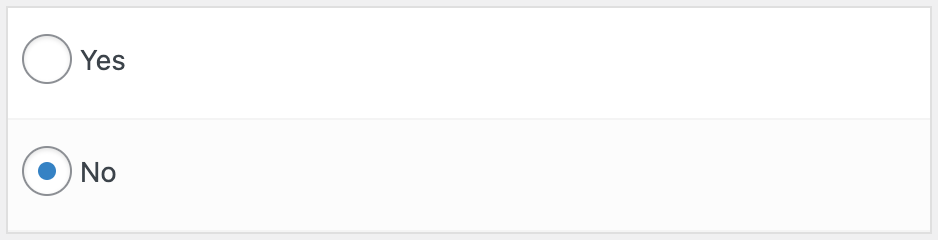

The Yes / No field can store boolean-like values. If saved, it will only save a “0” or a “1” value to the database.
Boolean values are treated like a light switch. “1” represents “on” or true. “0” represents “off” or false. We use “Yes” and “No” by default with Pods so it’s more friendly and readable when displaying.
Contents
Quick Start
- Fill out the Basic Field Settings (Label, Description, and Field Name)
- Select Field Type: Yes / No.
- Click Save New Field (or Save Field if you’re updating an existing field) to save your field configuration.
Settings
- Input Type
You can choose the input type to use for the field. Available options are:- Checkbox
- Radio Buttons
- Drop Down
- Yes Label
This is the text to use in the Input and it is also used on Display. - No Label
This is the text to use in the Input and it is also used on Display.
How to Display
Display with a Shortcode
[pods field="my_boolean_field"]
Display with PHP: pods_field_display()
<?php
echo pods_field_display( 'my_boolean_field' );
Display with PHP: $pod->display()
<?php
$pod = pods();

echo $pod->display( 'my_boolean_field' );

