

Download Docx Reader – docx reader, word document editor, document viewer, file format converter, mobile productivity tool
Overview
Docx Reader is a mobile productivity tool designed to simplify the handling of Word documents directly from Android devices. The app enables users to view, edit, and print documents in both DOCX and DOC formats, offering a convenient alternative to desktop-based word processing. Its core purpose is to empower professionals, students, and casual users with the ability to manage Word files on the go, without requiring access to a full computer. By supporting a range of file types, including PDF, RTF, and others, the app enhances document accessibility across different platforms and workflows.
For individuals who frequently receive or create Word documents, Docx Reader provides a practical solution to common challenges such as limited editing capabilities on mobile devices and compatibility issues between formats. The app is particularly beneficial for remote workers, educators, and freelancers who rely on mobile access to their documents. While the developer, Docx Reader, has not disclosed additional background information, the app’s focus on functionality and file compatibility suggests a targeted approach to mobile document management. Real-world use cases include reviewing reports during travel, annotating assignments, or preparing presentations with minimal setup. In the broader app ecosystem, Docx Reader fills a niche by delivering essential document editing tools in a lightweight, secure package, making it a valuable asset for users seeking efficient mobile productivity.
Key Features & Functionality
- Robust Editing Tools: The app provides a comprehensive suite of formatting and editing functions, allowing users to modify text, apply styles, and adjust layouts with precision. This enables users to maintain professional standards when editing documents on mobile devices.
- Integrated Content Elements: Users can insert tables, images, flowcharts, and annotations directly within documents. This integration supports dynamic content creation and enhances collaboration, especially when marking up drafts or adding visual references.
- Advanced Security Features: Password protection and encryption options are available to safeguard sensitive files. These tools help ensure confidentiality, making the app suitable for handling personal, legal, or business-related documents.
- Diverse Saving Formats: Documents can be exported in multiple formats, including PDF, eBook, and others. This flexibility supports varied sharing needs, from formal submissions to digital publishing.
- Wide File Format Support: The app supports DOCX, DOC, PDF, RTF, and additional formats, ensuring compatibility with a broad spectrum of document types used across industries and academic environments.
For example, a student can open a research paper in DOCX format, add comments and images, then export it as a PDF for submission. A business professional might use the app to edit a report during a commute, secure it with a password, and share it with colleagues. These real-world scenarios demonstrate how the app’s features translate into tangible productivity gains across different user profiles.
Interface, UX & Performance
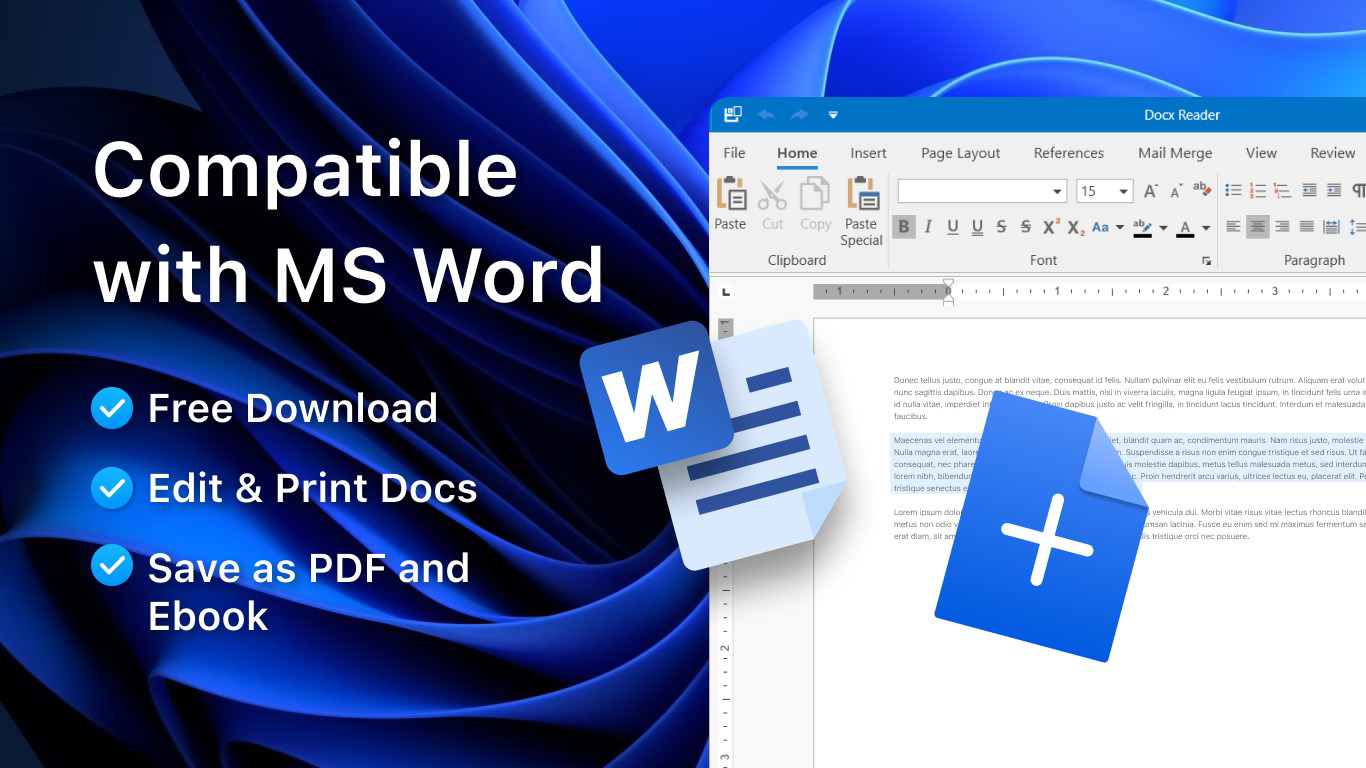
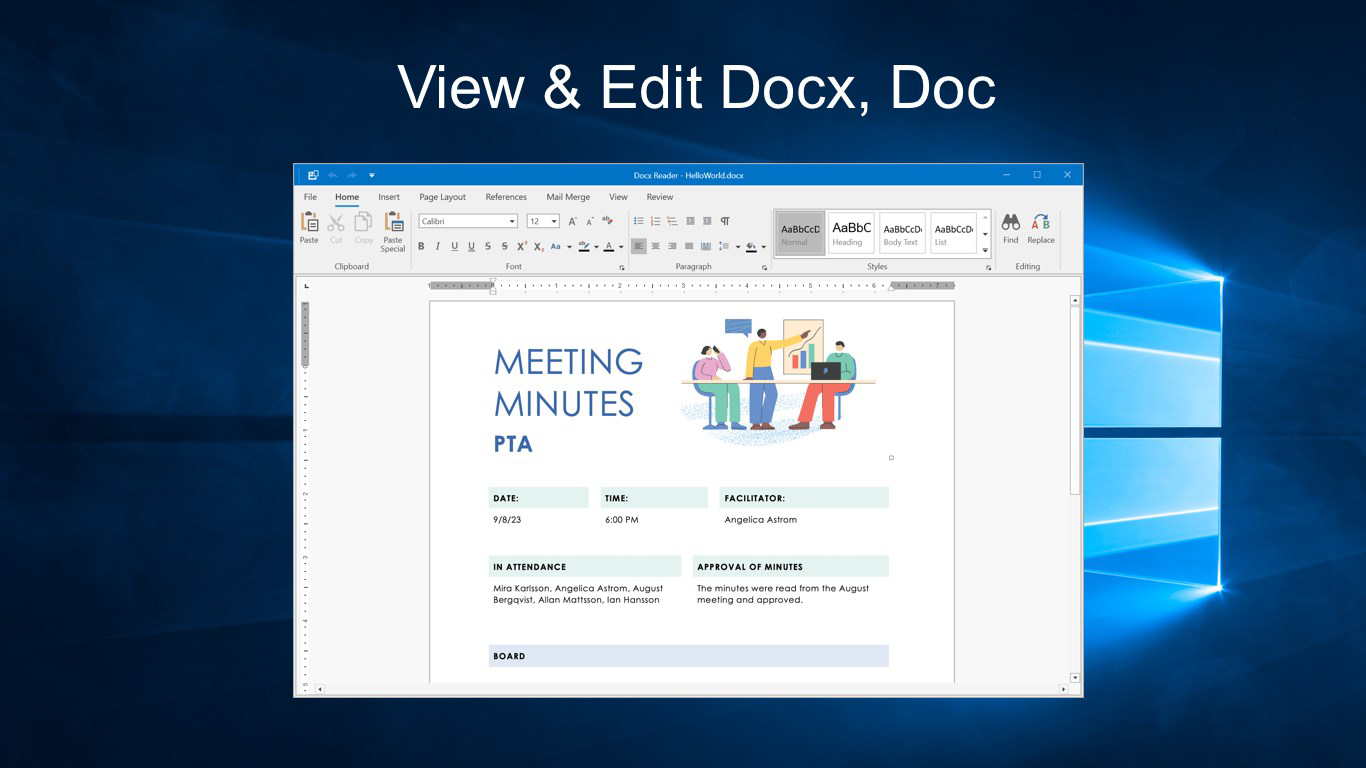
Docx Reader features a clean, intuitive interface designed to mirror the familiarity of Microsoft Word, reducing the learning curve for new users. The layout emphasizes accessibility, with toolbars and menus positioned for easy navigation. Users can expect a responsive experience when opening, editing, and saving documents, though specific performance metrics were not disclosed by the developer.
Navigation is straightforward, allowing users to switch between documents, access editing tools, and manage file operations with minimal taps. The app maintains stability during routine tasks such as inserting images or applying formatting, and the visual design remains consistent across screen sizes. Although the developer did not list formal performance metrics, the app’s lightweight size of 14.5 MB suggests optimized resource usage, which likely contributes to smooth operation on mid-range Android devices. However, compatibility with older OS versions or low-memory devices was not confirmed. Overall, the app delivers a reliable and user-friendly experience tailored to mobile productivity, with a focus on minimizing friction during document workflows.
Platform Compatibility & Technical Requirements
Docx Reader is available exclusively on the Android platform. It is compatible with Android devices running the specified version, though the exact minimum OS requirement was not listed by the developer. The app has a file size of 14.5 MB, which is considered lightweight and suitable for devices with limited storage space.
As the app is free to download and install, it lowers the barrier to entry for users seeking a mobile solution for document management. The latest version, 1.0.2, was released on November 23, 2023. While no specific hardware requirements were provided, the app’s small footprint indicates it is designed to function efficiently across a wide range of Android smartphones and tablets. Users should ensure their device meets general Android compatibility standards for app installation, but detailed technical specifications were not disclosed.
Pros and Cons
Pros
- Supports multiple file formats including DOCX, DOC, PDF, and RTF
- Offers robust editing tools suitable for professional and academic use
- Includes advanced security features like password protection and encryption
- Lightweight size of 14.5 MB ensures fast installation and minimal storage usage
- Free to download and install, with no in-app purchases reported
Cons
- Specific OS version requirements were not listed
- Developer did not provide performance benchmarks or device compatibility details
- No information on cloud integration or real-time collaboration features
- Advanced features may require a learning curve for users unfamiliar with document editing tools
- Compatibility with older Android devices was not confirmed
FAQ
Is Docx Reader safe to download and use?
Yes, the app is free and available from official Android sources. No third-party risks were reported. Users are advised to install from trusted app stores to ensure security.
Can I edit DOC and DOCX files with this app?
Yes, Docx Reader supports both DOC and DOCX file formats, allowing users to view, edit, and modify content directly on their mobile device.
Does the app support exporting documents to PDF?
Yes, users can export documents to PDF and other formats, enhancing sharing and publishing flexibility.
Is there a cost to use all features?
As of the latest version, the app is free to download and use. No premium features or in-app purchases were mentioned by the developer.
What should I do if the app doesn’t open on my device?
Ensure your device runs a compatible Android version. If issues persist, try reinstalling the app or checking for updates. Compatibility details were not fully disclosed.
Final Thoughts
Docx Reader stands out as a practical and accessible mobile productivity tool for users who need to manage Word documents on the go. Its combination of editing capabilities, format support, and security features makes it a reliable choice for professionals, students, and anyone handling digital documents. The app’s lightweight design and free access further enhance its appeal, offering strong value without compromising functionality. While some technical details remain unspecified, the app delivers a stable and intuitive experience that aligns with modern mobile workflows. For those seeking a secure, efficient way to view, edit, and share documents across formats, Docx Reader is a compelling option.
Download Docx Reader now


