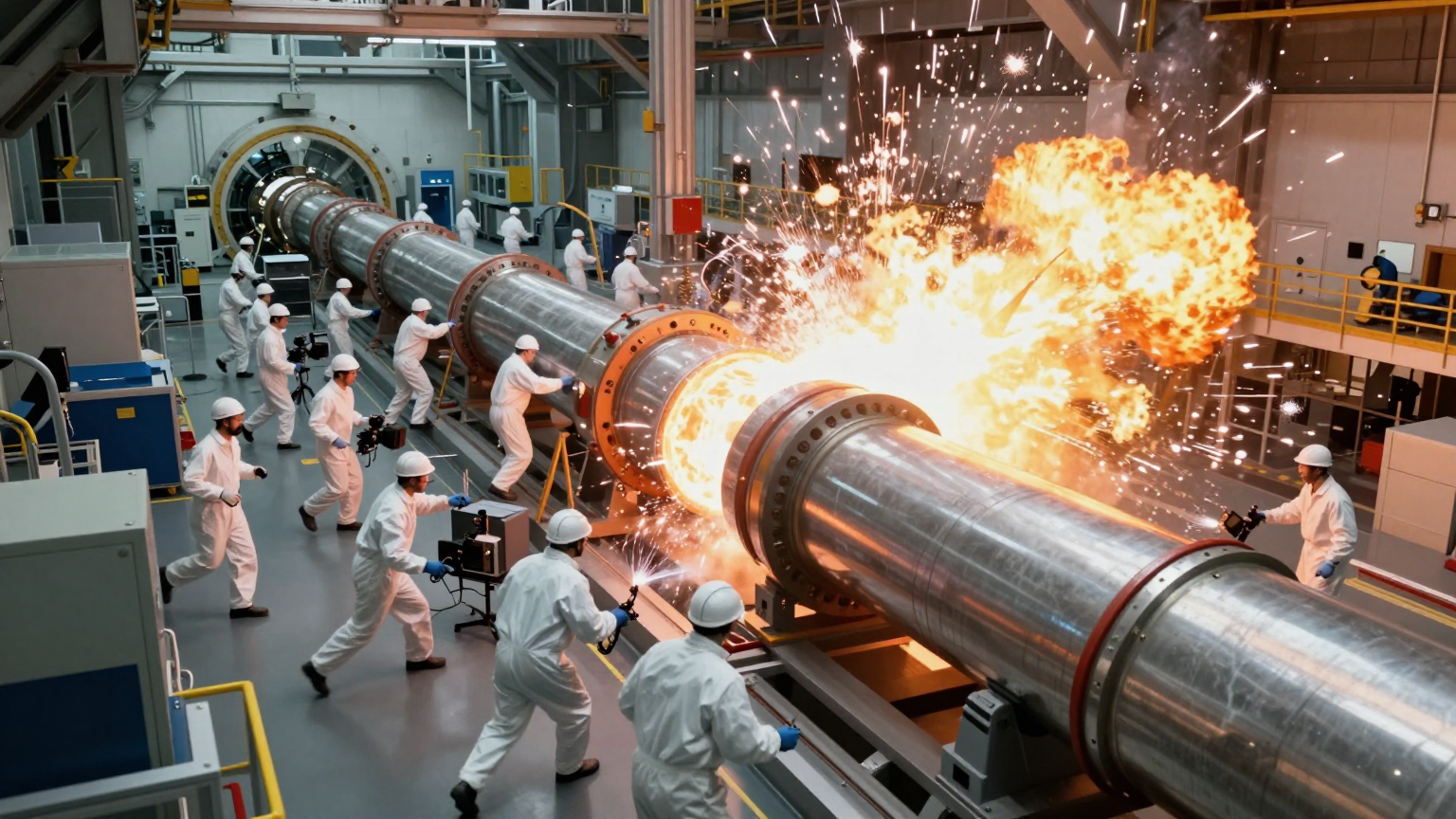
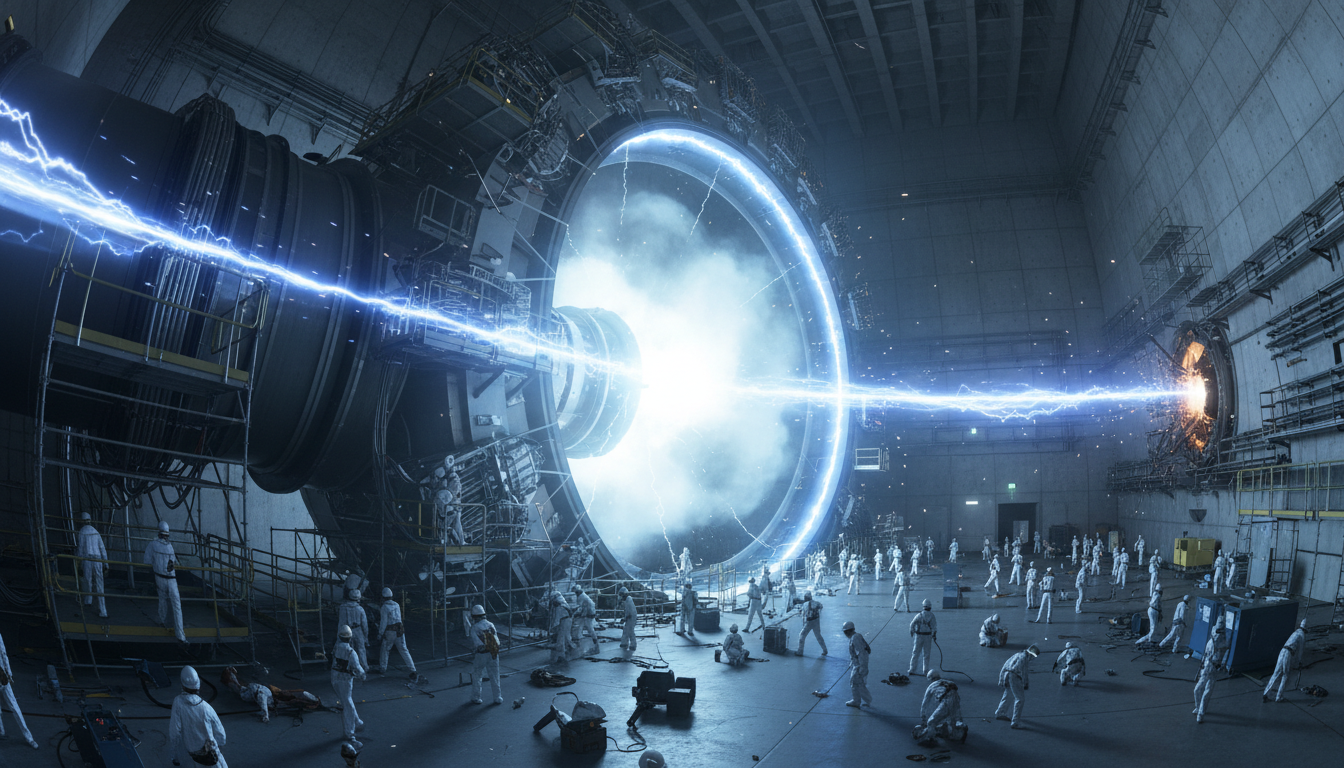
Domer AI Video Generator - Text to Video & Image to Video
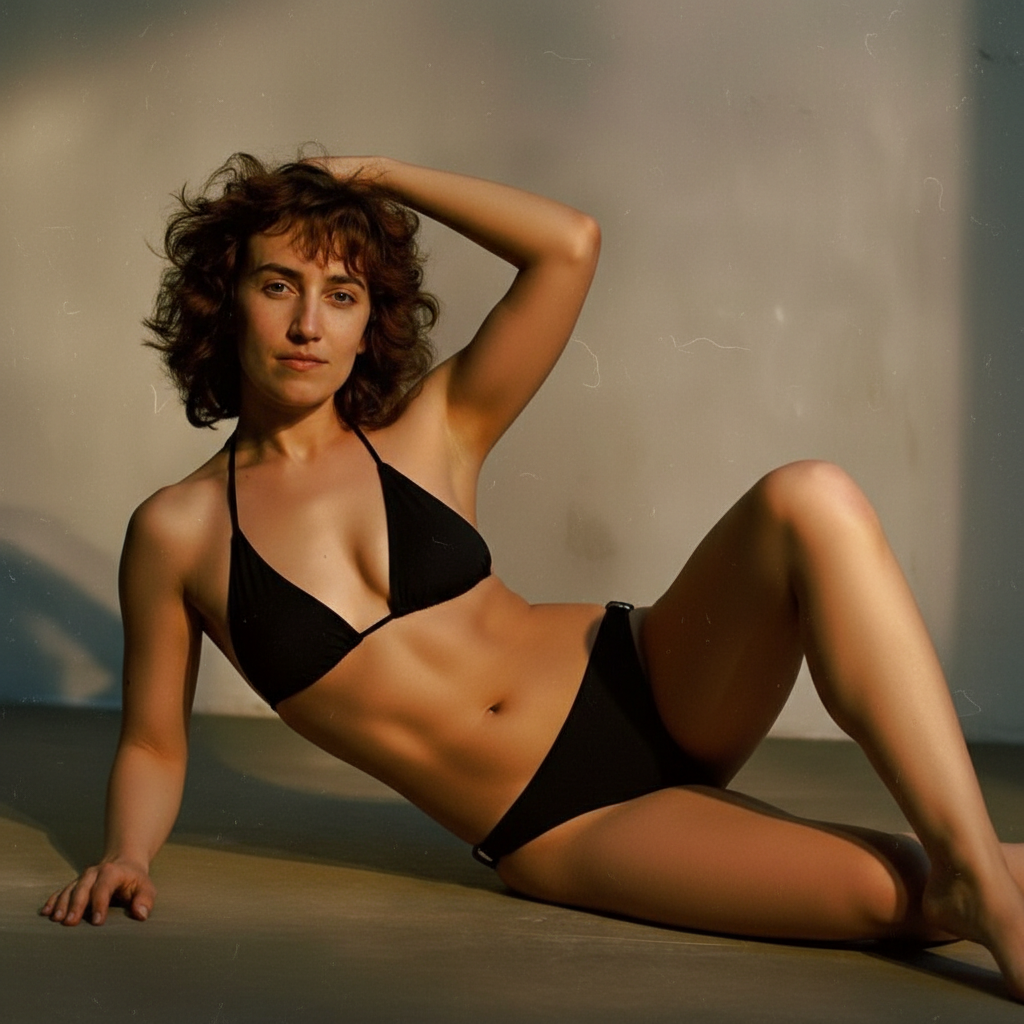
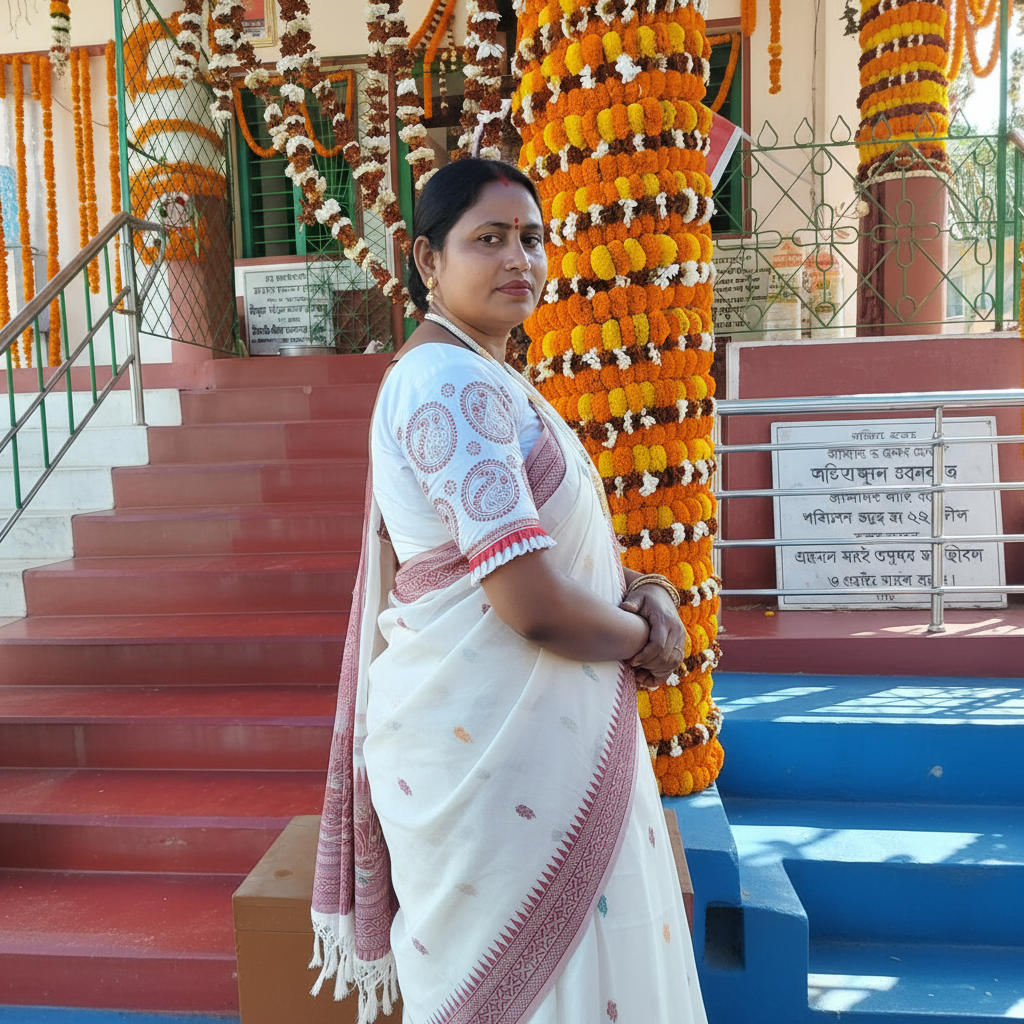
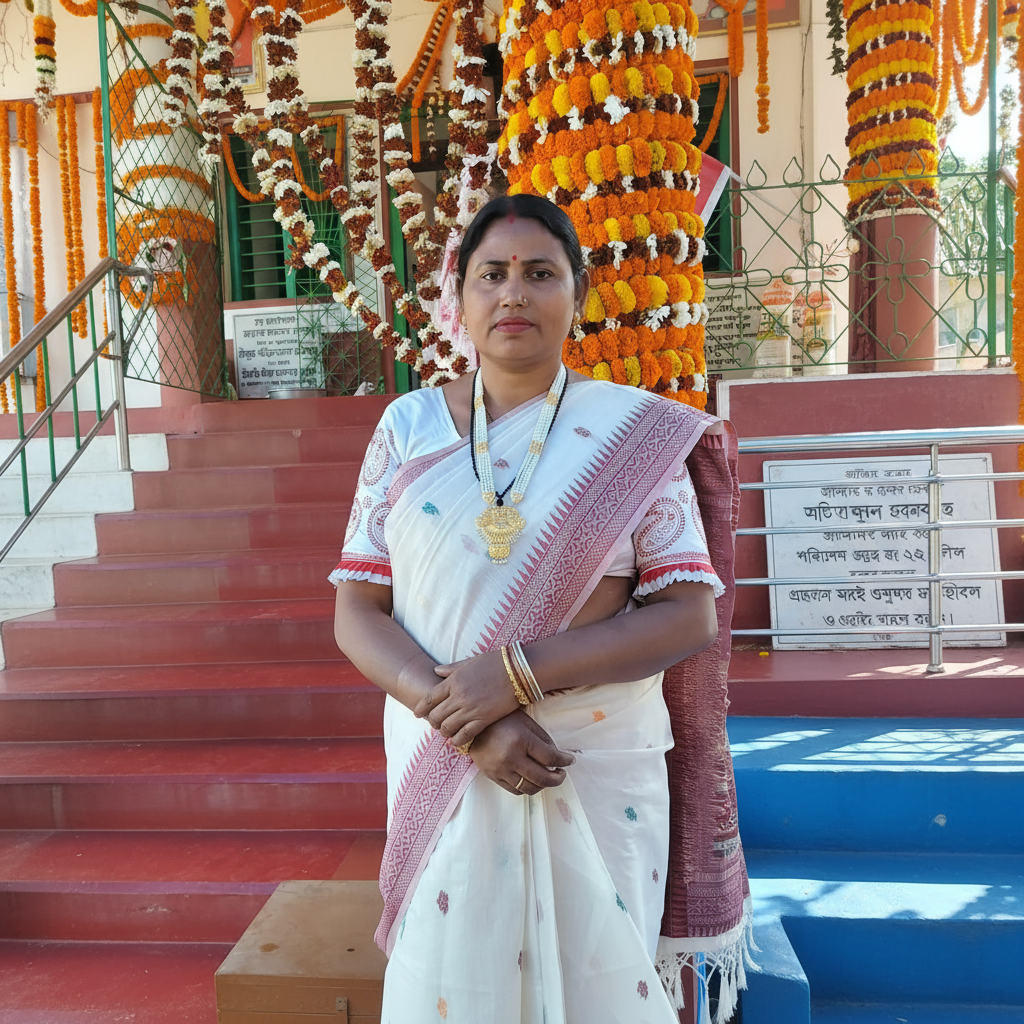
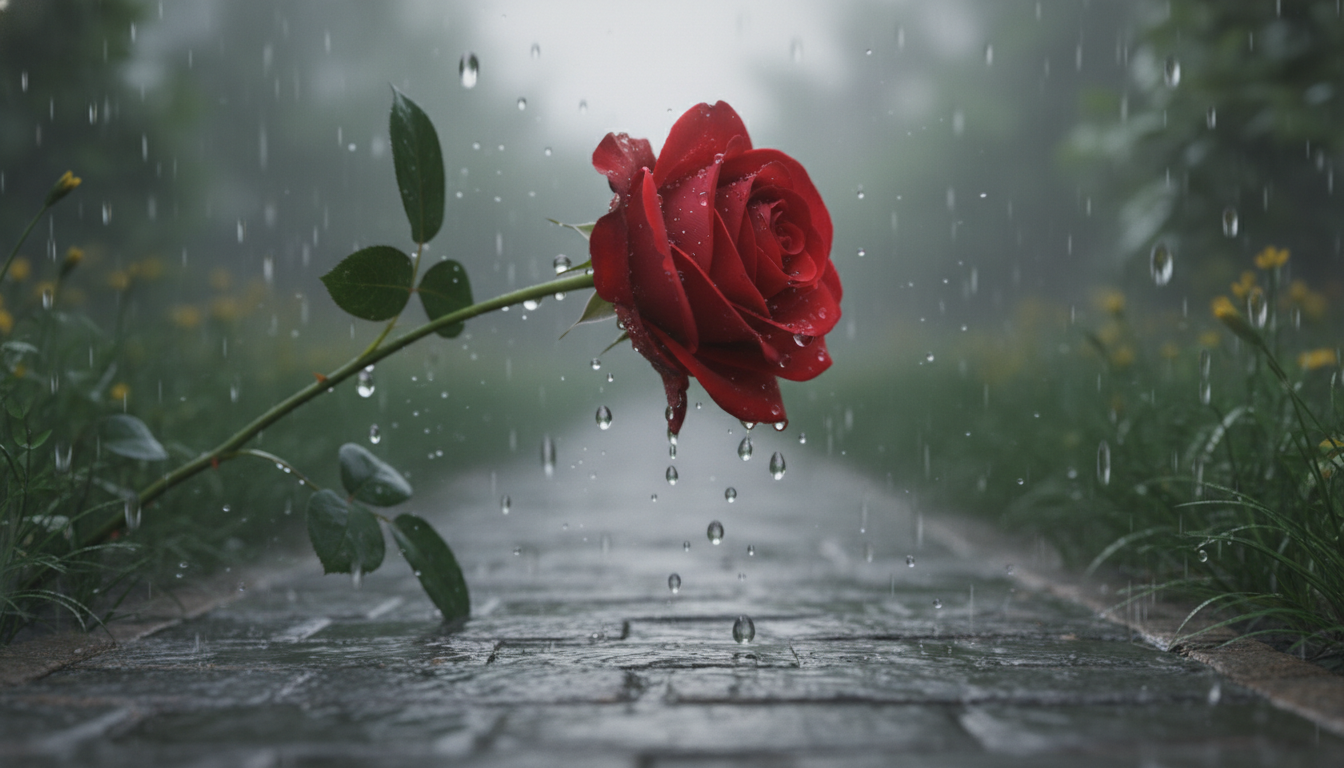
Write what you want to see, or upload a photo. Get back HD video in about 2 minutes. Works for TikTok, Instagram Reels, YouTube—basically anywhere you need video content. Start with 10 free credits.
Supports images (PNG, JPG, WebP), videos (MP4, MOV), and audio (MP3, WAV) formats.
Kling Motion Control
Upload a character image and reference video. AI transfers movements, poses, and expressions to generate realistic, temporally stable videos.

Text to Image AI Generator
Describe what you want, get an image in seconds. Works for social posts, marketing materials, blog illustrations, and creative projects. No design skills needed.

Image to Image AI Generator
Upload a photo, describe the changes you want. Style transfers, object edits, or complete makeovers—AI handles it while keeping your original composition. Perfect for quick edits without Photoshop.
Text to Video AI Generator
Write a description, get a video in minutes. Works for TikTok, YouTube Shorts, product demos, and marketing content. No filming or editing required.
Image to Video AI Generator
Upload a photo, add motion with AI. Turn still images into animated videos for social media, product showcases, and creative projects. Just describe the movement you want.
Video to Video AI Generator
Upload a video, describe the transformation you want. Style transfers, visual effects, and creative filters—AI applies them frame by frame. Perfect for repurposing footage without editing software.
What is Domer?
Domer lets you make videos without filming anything. Type a description (text-to-video), or upload a photo and describe how it should move (image-to-video). The tool handles the rest. We support three video models right now: Google Veo for quality, Kling for speed, and Wan for longer clips (up to 15 seconds). Each one costs different credits depending on what you pick. Most people use this for social media—Instagram Reels, TikTok, YouTube Shorts. But it works for product demos, ad concepts, or just testing ideas before you commit to actual filming.
How to Make a Video (Takes About 3 Minutes)
Pick text-to-video if you're starting from scratch, or image-to-video if you already have a photo you want to animate. Either way, the process is pretty much the same.
Write What You Want
For text-to-video, describe the scene. For image-to-video, upload your photo and describe how it should move. Be specific—camera angles, lighting, motion speed all affect the output.
Pick Your Model
Veo takes about 90 seconds and gives the best quality. Kling is faster (around 60 seconds) if you're testing ideas. Wan lets you make 15-second clips instead of just 5-8 seconds.
Download When Ready
You get an MP4 file, no watermark. Use it however you want—commercial projects, client work, social media. We don't put restrictions on what you do with it.
Why People Use Domer
What makes this different
You get access to multiple video models instead of being locked into one. That means you can pick the right tool for each project instead of making compromises.
Works Both Ways
Start from zero with text-to-video, or animate existing photos with image-to-video. Same interface, same workflow. Upload a product photo and make it spin, or describe a scene and get video from scratch.
Three Video Models, Different Trade-offs
Veo 3.1 for when quality matters most. Kling 2.6 when you need results faster. Wan 2.6 when you want longer clips (up to 15 seconds) or need 1080p resolution. Each shows the credit cost before you generate.
No Watermark, Full Rights
Every video exports clean. Use for client work, YouTube, TikTok, Instagram—whatever. No attribution needed, no licensing weirdness. What you make is yours.
Free to Test, Credits Don't Expire
Start with 10 free credits and see if it works for you. When you buy more, they stick around forever. No monthly subscriptions that pressure you to use credits before they vanish.
What You Can Make
Video and image tools
Two types of video generation, plus image tools if you need them. Most people stick to video, but the image generators are there when you need quick mockups or concept art.
Text-to-Video
Describe a scene and get video back. Works for anything from product demos to abstract concepts. Models support different aspect ratios (16:9 for YouTube, 9:16 for Reels/TikTok).
Image-to-Video
Upload a photo and tell it how to move. Camera pans, object rotations, zoom effects—whatever motion you describe. One or two images depending on which model you use.
Text-to-Image
Generate still images from descriptions. Cheaper than video (2-4 credits instead of 25-300). Useful for thumbnails, concept testing, or when you just need a static visual.
Image-to-Image
Upload an image and change its style or elements. Restyle product photos, turn sketches into renders, or swap backgrounds without manual editing.
Model Flexibility
For video: Veo 3.1 (quality), Kling 2.6 (speed), Wan 2.6 (length). For images: Flux, Stable Diffusion variants, Google models. Pick based on what you're making that day.
Clean Exports
MP4 for videos, PNG/JPG for images. HD resolution, no watermarks, no file size limits that force you to downgrade quality. Commercial use is included.
Pricing
Choose the plan that works best for you
No hidden fees • Cancel anytime • Unused credits roll over
Basic
$99.9/year billed yearly
Perfect for light creators
Annual savings! 16.7% off vs monthly!
- 2400 credits Per Year
- up to 1200 images
- Credits never expire
- Basic + Mid models
- HD, Watermark-Free Downloads
- Private Generation
- Faster Generation Speed
- Ad-free experience
Pro
$199.9/year billed yearly
Best value for creators
Annual savings! 16.7% off vs monthly!
- 6000 credits Per Year
- up to 3000 images
- Credits never expire
- All models
- HD, Watermark-Free Downloads
- Private Generation
- Faster Generation Speed
- Unlimited Conversation
- Ad-free experience
Ultra
$399.9/year billed yearly
For power users and studios
Annual savings! 16.7% off vs monthly!
- 14400 credits Per Year
- up to 7200 images
- Credits never expire
- All models + Early access to new models
- HD, Watermark-Free Downloads
- Private Generation
- Faster Generation Speed
- Ultra HD resolution
- Unlimited Conversation
- Ad-free experience
Free
Try it out with 10 free credits
- 10 credits (one-time)
- up to 5 images
- Credits never expire
- Basic models only
- Queue delay for busy times
- HD, Watermark-Free Downloads
- Unlimited Conversation
- Ad-free experience
Questions? Contact us at support@domer.io
Common Questions About Domer
What people usually ask
AI Creation Guides & Tips
Learn & Create
Tips, tutorials, and guides for creating professional content with AI. Learn AI art techniques and stay ahead of trending styles.

Kling Motion Control: Transfer Motion from Video to Image with AI
Learn how Kling Motion Control works - upload a reference video and static image to create videos with transferred motion. Complete guide with examples and tips.


Baby Brat Meme Generator: How to Create Cursed-Cute AI Images
Complete guide to creating Baby Brat memes—the cursed-cute trend combining baby filters with brat aesthetics. Get the best AI prompts, tools, and tips for viral-worthy images.

Domer: Free AI Image Generator - Complete Features & Guide
Everything you need to know about Domer AI—a fast, free image generator for creating memes, art, and transformations. Get 10 free credits to start.

What Is Domer Meme? The Baby Bart Simpson Phenomenon Explained
A deep dive into the Domer meme that took over TikTok in late 2025. Learn what 'Domer' means, why it went viral, and how to create your own Domer-style images with AI.
Start Creating with Domer AI Today
Generate professional images and videos in seconds with Domer AI. No credit card required to start.