
Download DOSBox – MS-DOS emulator, classic games, retro gaming, vintage software, DOS games, emulator, PC gaming, gaming tool, retro computing
Overview
DOSBox is a dedicated emulation tool designed to recreate the MS-DOS computing environment on modern devices. Its primary purpose is to enable users to run legacy software and classic video games originally developed for MS-DOS systems. By simulating vintage hardware components such as CPUs, video systems, and sound cards, DOSBox bridges the gap between outdated software and contemporary operating systems. This makes it an essential utility for retro computing enthusiasts, digital archivists, and gamers seeking authentic experiences from the 1980s and 1990s.
The application targets users who value historical software preservation, including hobbyists, educators, and developers interested in vintage computing environments. While the developer, DOSBox, did not provide additional background information, the tool’s long-standing presence in the open-source community suggests a strong foundation of user-driven development and continuous maintenance. Real-world use cases include running educational programs, playing early PC games like Doom or Commander Keen, and testing software from obsolete platforms.
DOSBox plays a critical role in the preservation of digital heritage, ensuring that software from the MS-DOS era remains accessible despite hardware obsolescence. Its ability to function across multiple platforms enhances its utility, making it a cornerstone tool in the retro computing ecosystem. The developer did not provide additional technical details regarding system requirements or performance metrics.
Key Features & Functionality
- CPU and Architecture Emulation: DOSBox supports emulation of 286 and 386 CPUs in both real and protected modes, allowing accurate execution of software that relied on specific processor behaviors. This is particularly useful for running older games and applications that required precise hardware timing.
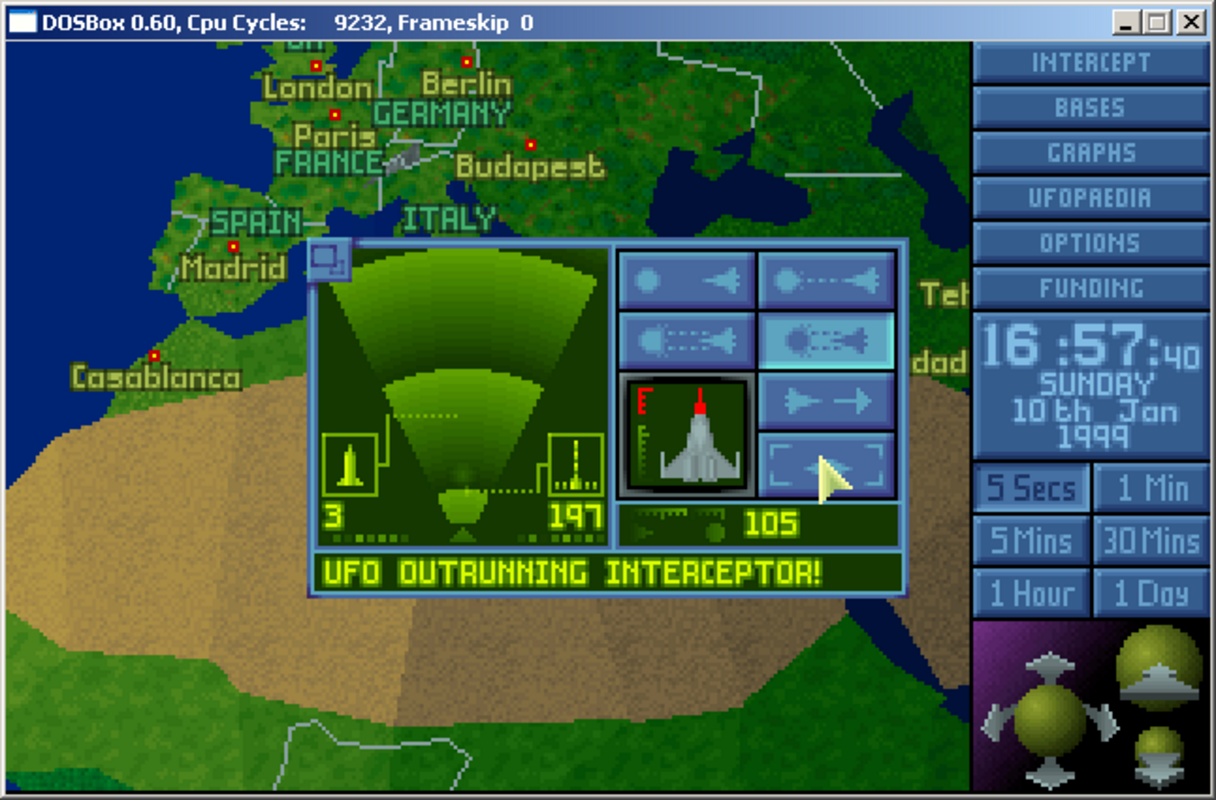
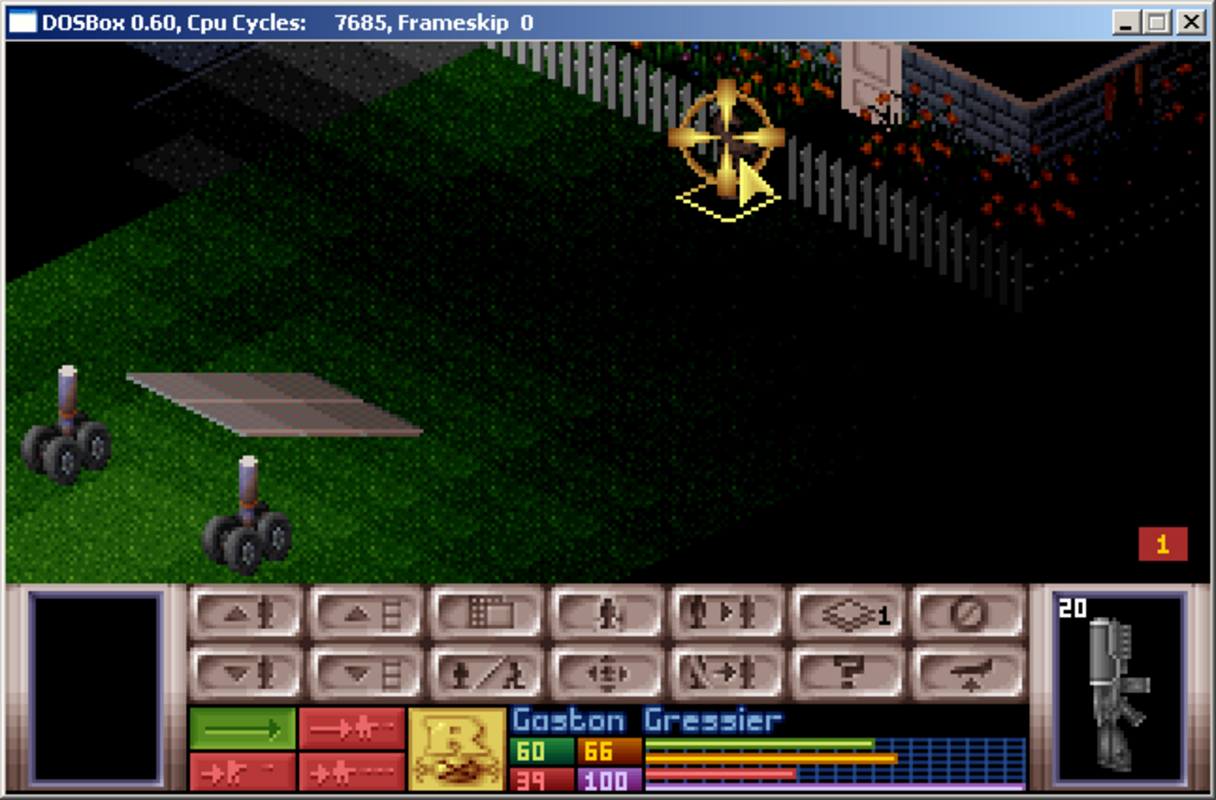
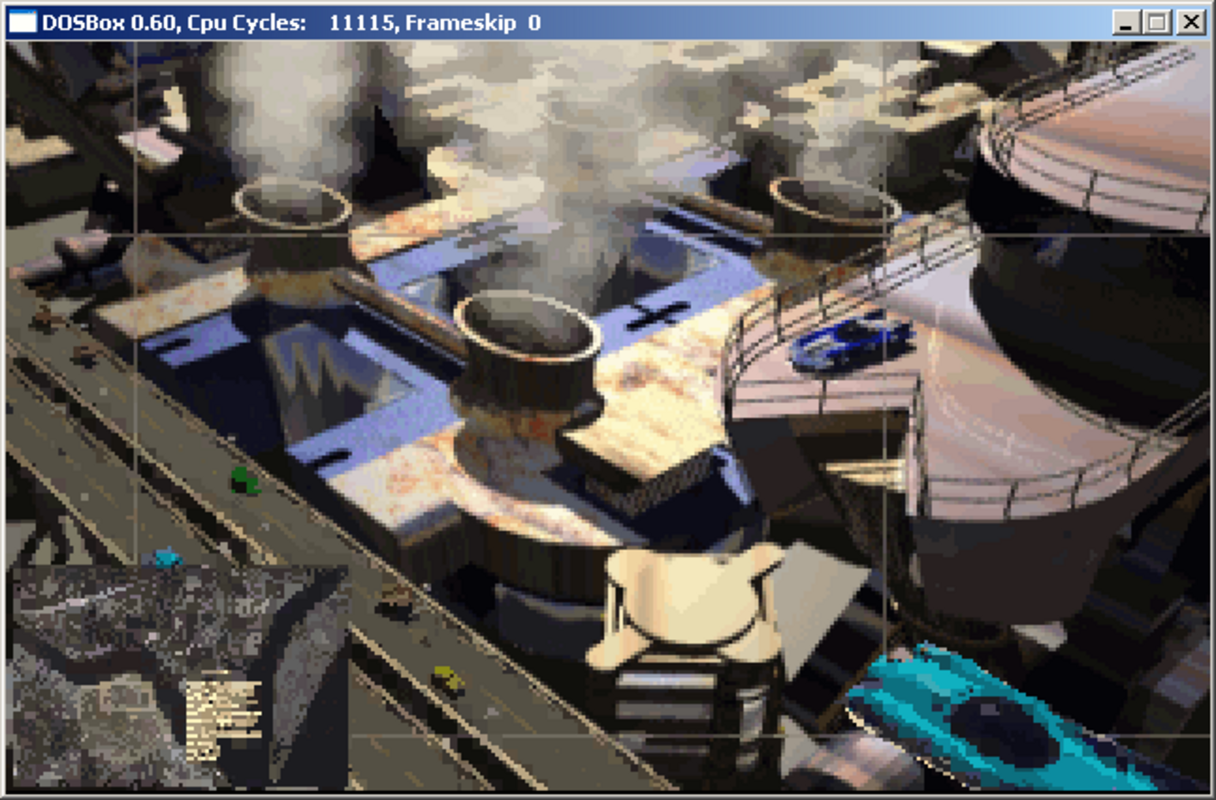
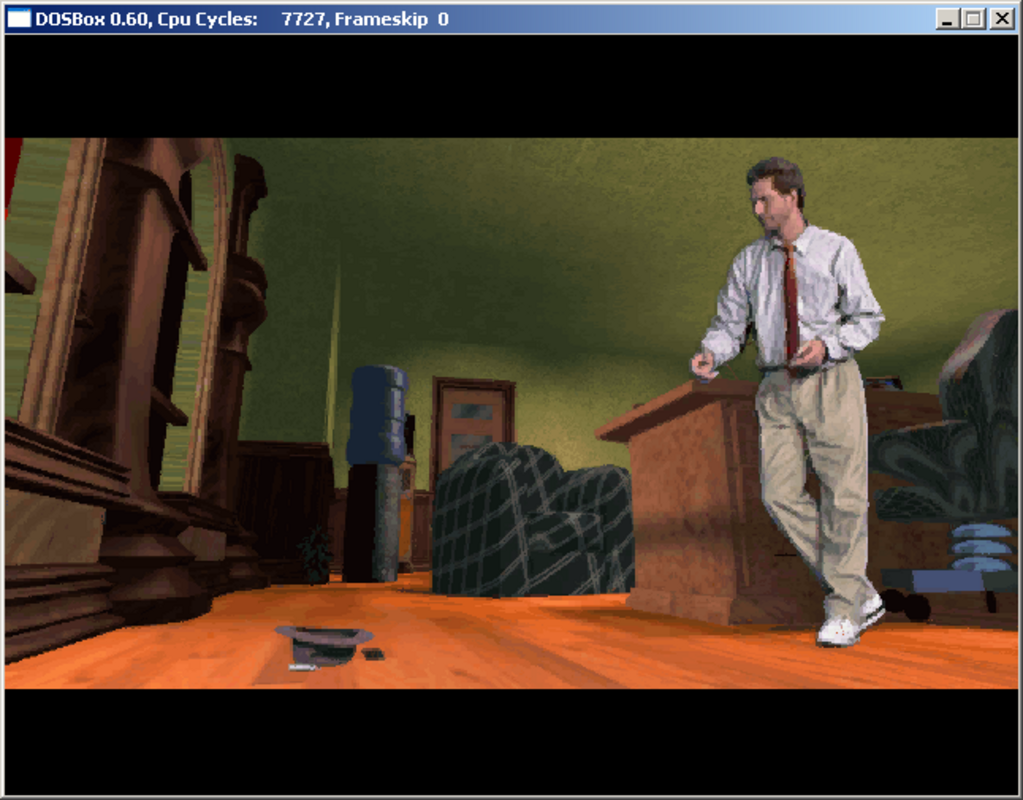
- Video System and Graphics Card Emulation: The tool emulates multiple display standards including CGA, VGA, EGA, Tandy, Hercules, and VESA, ensuring that visual output matches original hardware specifications. This preserves the look and feel of classic games and software, even on high-resolution modern screens.
- Sound Card Emulation: Users can select from a range of emulated sound cards such as Adlib, Sound Blaster, and Gravis Ultra Sound. This feature ensures that audio output remains faithful to the original experience, including period-accurate music and sound effects.
- Virtual Disk and Input Device Emulation: DOSBox allows users to mount virtual drives and emulate CD-ROMs and floppy disks. This enables the installation and execution of software from disk images, supporting formats commonly used in the DOS era.
- Cross-Platform Compatibility: Built using SDL libraries, DOSBox operates on Windows, Mac, and Linux, providing consistent functionality across different operating systems. This broad availability enhances accessibility for users regardless of their preferred platform.
These features collectively enable users to run software that would otherwise be incompatible with modern systems. For example, a user can load a .iso file of a 1990s game, configure the emulator to match the original hardware, and experience the game exactly as it was intended, complete with authentic graphics and sound.
Interface, UX & Performance
DOSBox features a command-line interface that closely mirrors the original MS-DOS environment. While this may present a learning curve for users unfamiliar with terminal-based systems, it offers a high degree of control and customization. Navigation is structured around typed commands, allowing users to mount drives, configure settings, and launch software with precision.
The visual style remains minimal and functional, reflecting the aesthetic of the DOS era. There are no modern graphical overlays or animated transitions, which contributes to a lightweight and focused experience. Users can adjust screen scaling and aspect ratio to suit different display configurations, improving usability on modern high-resolution devices.
Although the developer did not list formal performance metrics, the application is known for its stability and low resource consumption. It runs efficiently on a wide range of devices, from older laptops to modern desktops, maintaining consistent frame rates during gameplay. Responsiveness is generally strong, with minimal input lag when using emulated keyboard and joystick inputs. The developer did not specify minimum OS requirements or compatibility details for specific device categories.
Platform Compatibility & Technical Requirements
DOSBox is available on Windows, Mac, and Linux platforms. The current version is 0.74, with a file size of 13.5 MB. The application is distributed as a free tool, with no cost for download or use. Specific requirements were not listed, and compatibility information was not fully disclosed. The developer did not provide details about minimum operating system versions or hardware specifications.
Given its cross-platform nature and lightweight design, DOSBox is likely compatible with most modern systems. However, users should ensure their device supports the necessary libraries for SDL-based applications. The lack of formal system requirements means installation may vary depending on the user’s environment and configuration.
Pros and Cons
Pros
- Free to download and use, making it accessible to all users.
- Supports a wide range of vintage hardware emulation for authentic experiences.
- Available on multiple platforms including Windows, Mac, and Linux.
- Lightweight with minimal system resource usage.
- Preserves digital history by enabling access to obsolete software.
Cons
- Command-line interface may be challenging for non-technical users.
- Limited visual feedback and no built-in tutorial for beginners.
- Specific system requirements were not disclosed by the developer.
- Setup may require manual configuration for optimal performance.
- No official mobile version available for smartphones or tablets.
FAQ
Is DOSBox safe to download and install?
Yes, DOSBox is a trusted open-source application that is free from malware and adware. It is distributed through official channels and widely used in the retro computing community.
Can I play classic DOS games with DOSBox?
Yes, DOSBox is specifically designed to run classic DOS games. With proper configuration, users can load game files from disk images or physical media and play them as they were originally intended.
Does DOSBox work on mobile devices?
DOSBox is not officially available for mobile platforms such as Android or iOS. While there are third-party ports, they are not maintained by the original developer and may vary in reliability.
How do I update DOSBox?
Updates are released periodically by the development team. Users can download the latest version from the official website or repository. The application does not include an automatic update feature.
Is there a user-friendly interface for DOSBox?
While the default interface is command-line based, there are third-party frontends available that provide graphical interfaces. These tools simplify configuration and game launching without altering the core emulation engine.
Final Thoughts
DOSBox stands as a powerful and reliable solution for anyone seeking to experience the golden age of PC gaming and software. Its deep emulation capabilities, cross-platform availability, and commitment to authenticity make it indispensable for retro computing enthusiasts. While the command-line interface may deter beginners, the tool’s flexibility and performance justify the learning curve for dedicated users.
Whether you're a nostalgic gamer, a digital historian, or a developer exploring vintage systems, DOSBox delivers unmatched value. It preserves software history while remaining lightweight and efficient on modern hardware. For those who appreciate the legacy of MS-DOS, this tool is essential.
Download DOSBox now


