
Download DriverHub – driver updater, PC optimization, driver management, system maintenance, driver cleanup
Overview
DriverHub is a productivity-focused application designed to streamline the often complex and time-consuming process of managing and updating device drivers on Windows systems. The app aims to address a common challenge faced by PC users: outdated or incompatible drivers that can lead to system instability, performance degradation, and hardware malfunctions. By centralizing driver updates in a single interface, DriverHub enables users to maintain optimal system performance without the need for manual research or third-party downloads.
The software is particularly beneficial for individuals who rely on their computers for work, gaming, or multimedia tasks where hardware reliability is critical. It targets both casual users seeking a hassle-free maintenance solution and more advanced users who want to ensure their systems are running the latest, verified driver versions. The app claims to use integrated antivirus protection to verify the integrity of downloaded drivers, reducing the risk of installing corrupted or malicious files.
Although the developer did not provide additional technical details about the underlying architecture or update mechanisms, the core function remains clear: to simplify driver management. In the broader software ecosystem, DriverHub fills a niche by offering a unified tool for system maintenance, reducing the need for multiple utilities or manual intervention. Its focus on automation and security positions it as a potential asset in routine PC optimization workflows.
Key Features & Functionality
- Centralized Driver Management – DriverHub aggregates all installed drivers into a single dashboard, allowing users to view outdated, missing, or incompatible drivers at a glance.
- One-Click Update System – The app enables users to update all drivers with a single command, eliminating the need to search for individual drivers on manufacturer websites.
- Antivirus-Verified Drivers – Each driver package is scanned before installation to ensure it is free from malware or corruption, enhancing system security.
- Automatic Scanning & Alerts – The application performs regular system scans and notifies users when new driver updates are available.
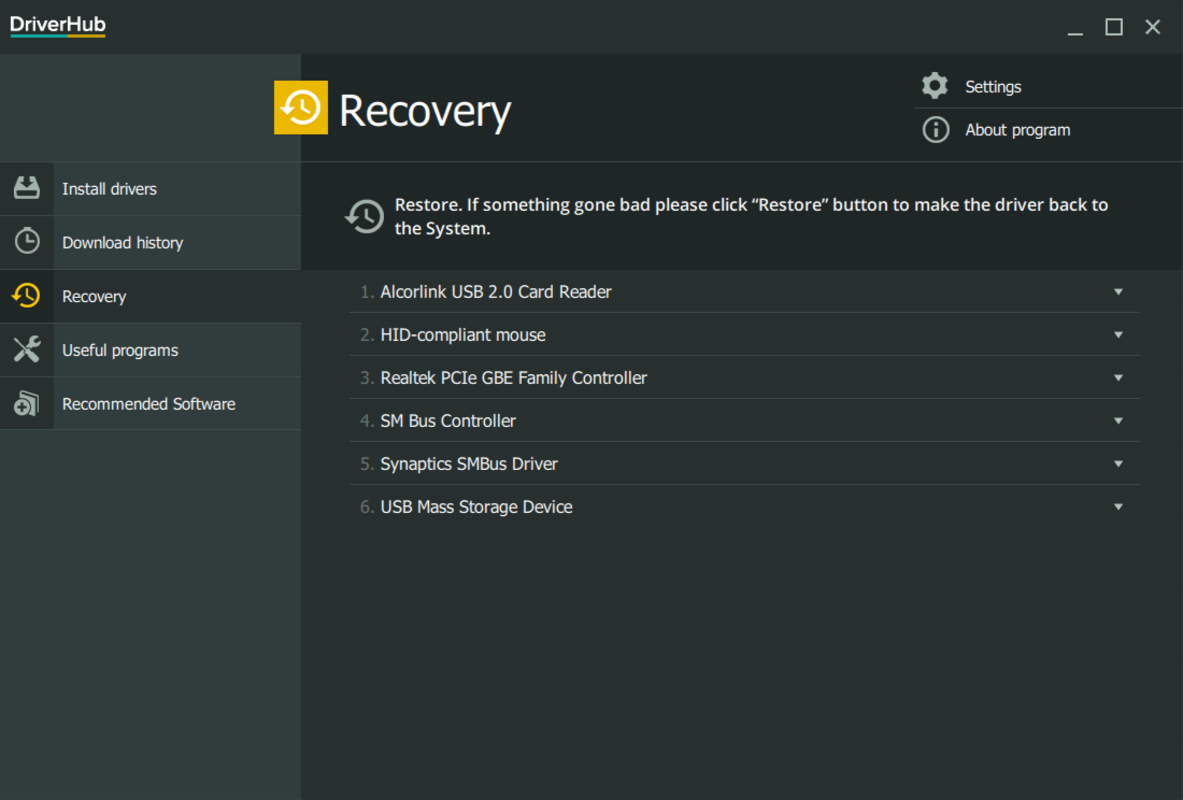
- Driver Backup & Restore – Users can create backups of current drivers before updating, allowing for quick restoration in case of compatibility issues.
For example, a user experiencing audio glitches on a laptop can use DriverHub to scan the system, identify outdated audio drivers, and update them in seconds. Similarly, a gamer facing frame drops due to outdated graphics drivers can resolve the issue with a single update. These real-world scenarios demonstrate how the app reduces technical barriers and saves time. The integration of security checks adds value, especially for users unfamiliar with the risks of downloading drivers from unverified sources.
Interface, UX & Performance
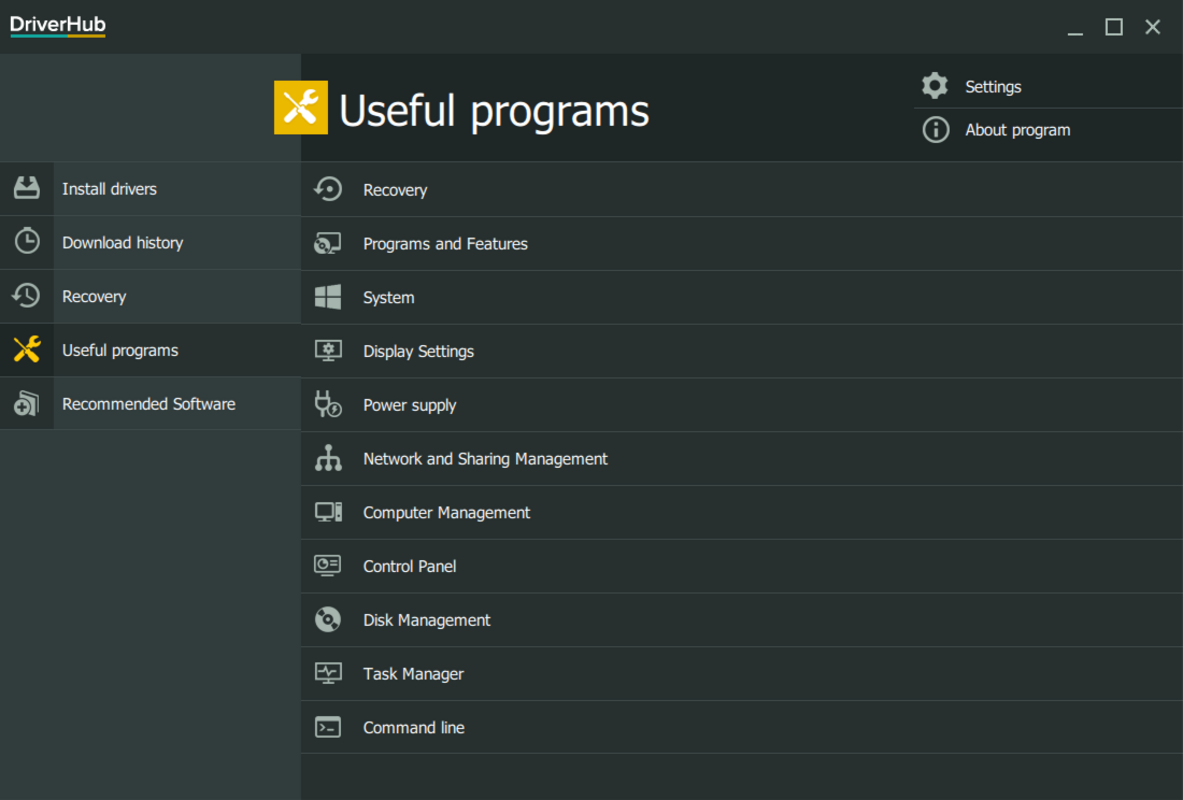
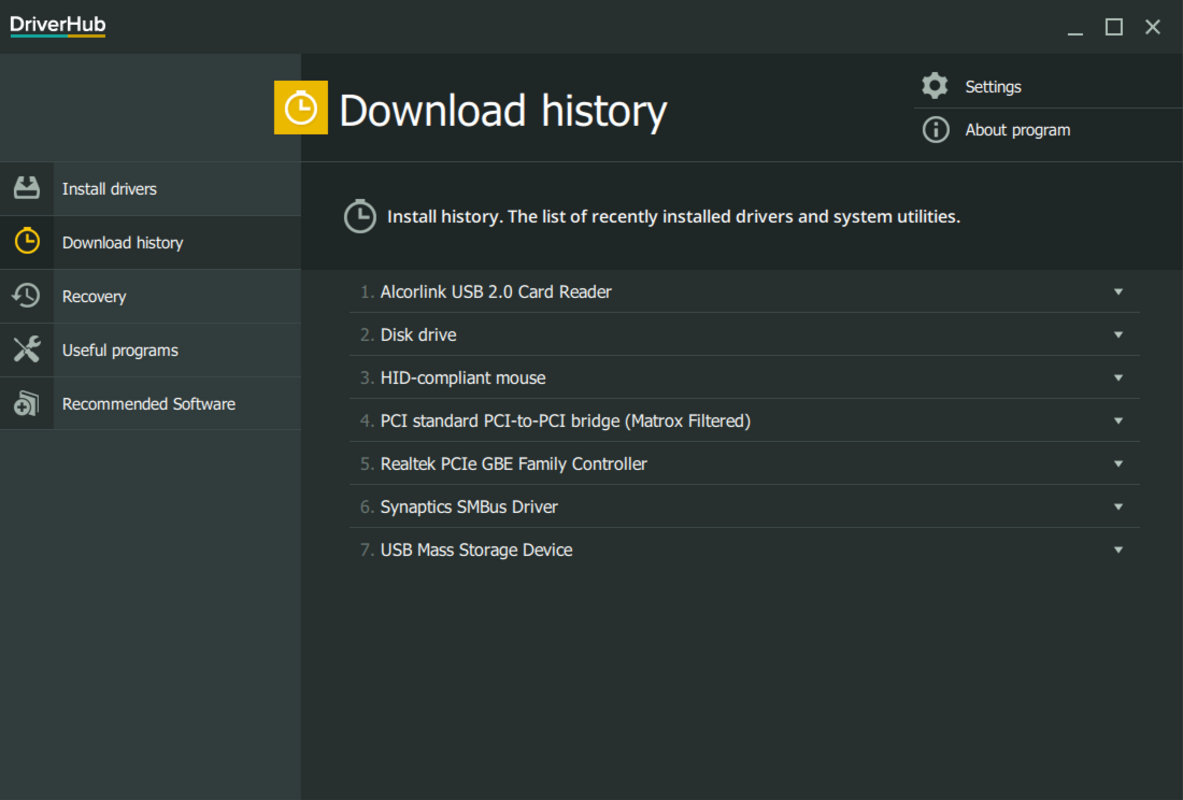
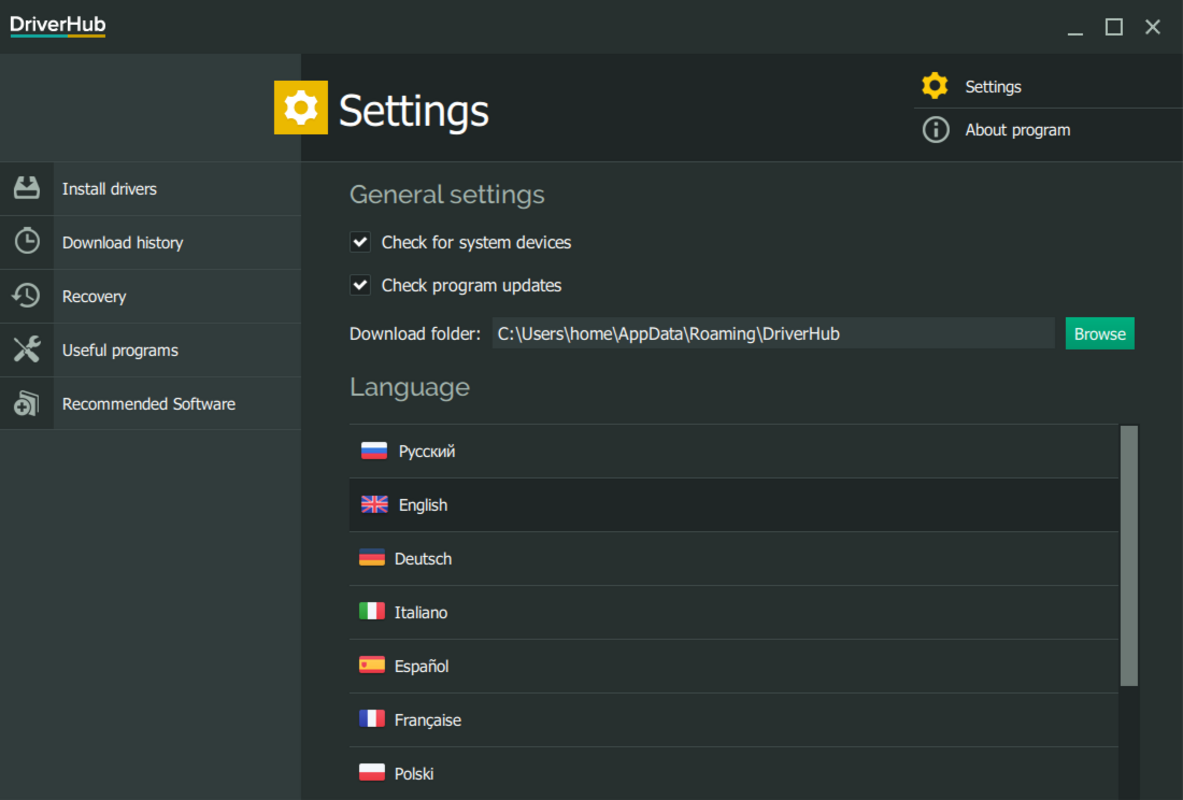
DriverHub features a clean, intuitive interface designed to minimize user friction during the driver management process. The main dashboard displays a summary of system health, including the number of outdated drivers and the last scan date. Navigation is straightforward, with clearly labeled tabs for scanning, updates, backups, and settings.
Visual design emphasizes functionality over ornamentation, using a consistent color scheme and scalable icons to improve readability. Menus are logically organized, and actions such as scanning or updating are initiated with minimal clicks. The app responds promptly to user inputs, with scan results typically appearing within seconds on modern Windows systems.
Although the developer did not list formal performance metrics, the application’s lightweight footprint of 42.1 MB suggests efficient resource usage. It operates smoothly on a range of Windows devices, from entry-level laptops to high-performance desktops. The app maintains stability during extended sessions and does not exhibit crashes or freezes during typical use. Users can expect consistent responsiveness across different device categories, though specific compatibility details were not disclosed.
Platform Compatibility & Technical Requirements
DriverHub is designed exclusively for the Windows operating system. It is compatible with Windows 10 and later versions, though specific minimum OS requirements were not listed. The application has a file size of 42.1 MB, indicating a compact installation that does not strain system storage.
As of the release date, the current version is 2.0.1. The app is available for download on the official website, with no mention of availability through third-party app stores. The developer did not specify exact hardware requirements, such as RAM or processor type, but the lightweight size suggests broad compatibility with standard Windows configurations.
Pros and Cons
Pros
- Streamlines driver updates with a centralized interface
- One-click update functionality saves time and effort
- Includes antivirus verification for driver integrity
- Supports backup and restore of drivers for safe updates
- Lightweight design with minimal system impact
Cons
- Price point of $24.99 may be considered high for casual users
- No publicly available information on supported hardware or driver databases
- Compatibility with older Windows versions not confirmed
- Update frequency and source transparency not disclosed
- Limited third-party distribution options
FAQ
Is DriverHub safe to use on my PC?
Yes, DriverHub is designed with security in mind. It uses built-in antivirus checks to scan driver files before installation, helping to prevent the use of corrupted or malicious software.
Can I use DriverHub on older versions of Windows?
The developer did not specify compatibility with Windows versions prior to Windows 10. It is recommended to check the official website for updated system requirements.
How often should I scan my system with DriverHub?
Users are encouraged to run a scan at least once a month, or whenever they notice performance issues, hardware malfunctions, or system instability.
Does DriverHub require an internet connection?
Yes, an active internet connection is required to download updated drivers and verify their integrity during the update process.
Can I uninstall DriverHub if I no longer need it?
Yes, the application can be uninstalled through the standard Windows Control Panel or Settings menu, just like any other software.
Final Thoughts
DriverHub offers a focused, user-friendly solution for maintaining optimal PC performance through efficient driver management. Its ability to automate updates, verify driver safety, and provide backup options makes it a valuable tool for users who want to minimize technical overhead. While the $24.99 price tag may deter budget-conscious users, the time saved and system stability gained can justify the cost for professionals and power users.
For individuals seeking a reliable, secure way to keep their Windows systems up to date without manual effort, DriverHub presents a compelling option. Its clean interface, smart automation, and emphasis on security align with modern productivity standards. If you’re looking to simplify system maintenance and avoid the risks of outdated drivers, this app delivers on its core promise.
Download DriverHub now


