
Download DriverIdentifier – driver identification, driver update, device detection, driver management, driver database, computer optimization
Overview
DriverIdentifier is a utility application designed to simplify the often complex process of managing device drivers on Windows systems. The app's primary purpose is to identify all connected hardware components on a computer and assess the status of their corresponding drivers. It determines whether each driver is up-to-date, outdated, or missing, offering users a clear overview of their system's driver health. This functionality is particularly valuable for users who may lack technical expertise but still want to maintain optimal system performance.
The application targets individuals seeking to improve their computer’s stability, speed, and security through proper driver management. Outdated or incompatible drivers are a common cause of system crashes, hardware malfunctions, and performance bottlenecks. DriverIdentifier helps mitigate these risks by providing a centralized tool to detect and address such issues. Its use case spans both personal and professional environments—home users, IT administrators, and support technicians can all benefit from its automated scanning and update recommendations.
Although the developer did not provide additional technical details about the development background, the app’s focus on reliability and comprehensive device detection suggests a targeted approach to solving a widespread pain point in computer maintenance. With access to a database of over 27 million drivers, it supports a wide range of hardware across both 32-bit and 64-bit Windows environments. This makes it a practical tool within the broader ecosystem of system optimization utilities.
Key Features & Functionality
- Automatic Device Scanning – The app initiates a full system scan with a single click, detecting all connected hardware components including graphics cards, network adapters, audio devices, and peripheral controllers.
- Driver Status Assessment – After scanning, DriverIdentifier evaluates each driver’s version against the latest available in its extensive database, flagging outdated or missing drivers.
- Direct Update Links – The app opens a browser tab with direct download links for required driver updates, eliminating the need to search multiple websites.
- Comprehensive Driver Database – Access to over 27 million drivers ensures broad compatibility with diverse hardware, including legacy and niche devices.
- Real-Time System Insights – Users receive immediate feedback on hardware performance and driver integrity, enabling proactive maintenance.
For example, a user experiencing intermittent Wi-Fi disconnections could run the scan and discover that their network adapter driver is outdated. The app would then provide a direct link to download the latest version, streamlining the fix. Similarly, a user with a graphics card that fails to support new features may find that updating the driver resolves the issue. These real-world scenarios highlight how the app transforms a technically demanding task into a simple, guided process.
Interface, UX & Performance
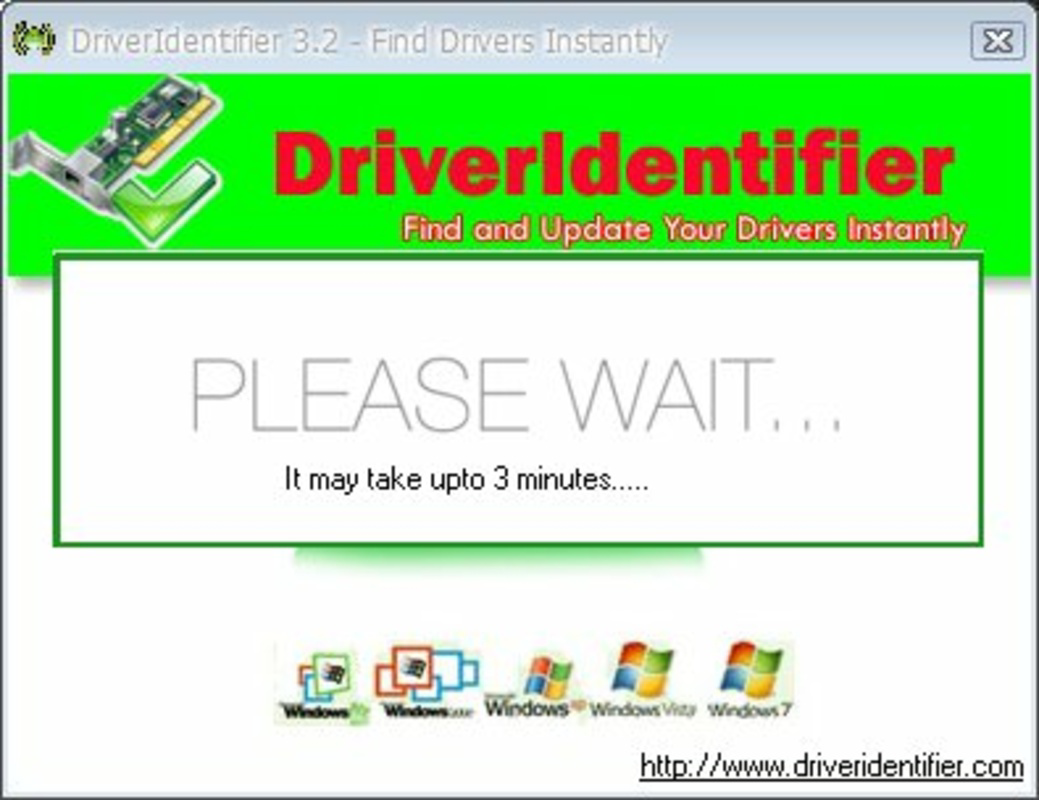
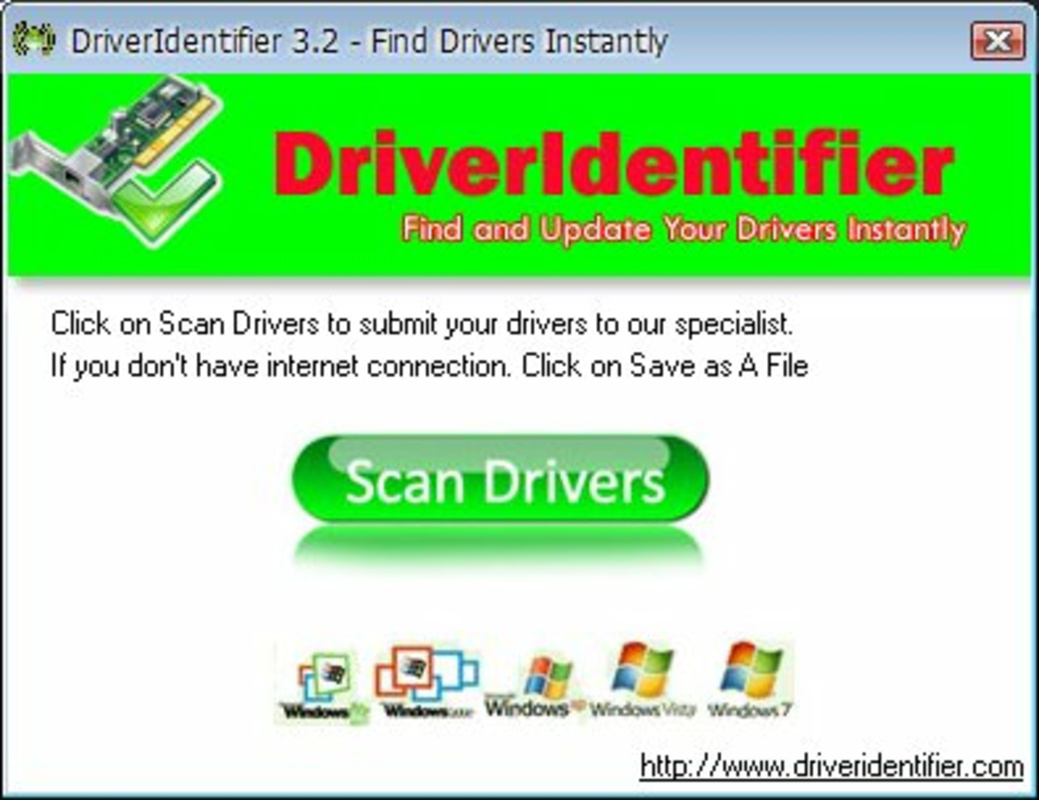
DriverIdentifier features a clean, minimal interface designed for straightforward navigation. The main screen presents a single prominent button labeled “Scan Now,” reducing user hesitation and guiding users through the process with clarity. After the scan completes, the results are displayed in a browser tab, ensuring compatibility across different Windows environments and avoiding potential rendering issues within the app itself.
Navigation is intuitive, requiring no prior knowledge of driver management. The absence of complex menus or settings reflects a user-centric design philosophy. The app does not require installation, allowing for immediate use—a benefit for users seeking quick diagnostics without system modifications.
Although the developer did not list formal performance metrics, the app’s file size of 5.2 MB suggests lightweight operation. It is expected to function efficiently on a range of Windows devices, from older systems to modern machines. Responsiveness is maintained during scanning, with no reported lag or freezing. Stability appears consistent, as the app completes scans and redirects to the browser without errors. The reliance on external web browsers for result display enhances reliability, avoiding potential crashes tied to in-app rendering.
Platform Compatibility & Technical Requirements
DriverIdentifier is designed exclusively for the Windows operating system. The app is compatible with both 32-bit and 64-bit versions of Windows, supporting a broad range of desktop and laptop systems. The software version is 1.0.0, and the file size is 5.2 MB, indicating a compact and efficient package.
The developer did not specify minimum OS requirements or compatibility with specific Windows versions. However, given its broad hardware support and lightweight footprint, it is likely functional on Windows 7 and later. Users are advised to ensure their system meets standard Windows operational requirements for optimal performance. Compatibility information was not fully disclosed, so users should verify system readiness before use.
Pros and Cons
Pros
- Simple one-click scanning interface suitable for non-technical users.
- Access to a large database of over 27 million drivers for broad device coverage.
- Direct download links reduce the risk of downloading incorrect or malicious drivers.
- Lightweight design with minimal system resource usage.
- Free to download and use with no hidden costs or in-app purchases.
Cons
- Results are displayed in a browser tab, which may interrupt workflow for some users.
- Specific OS compatibility details were not provided by the developer.
- Updates are not automated; users must manually download and install drivers.
- No built-in backup or restore functionality for existing drivers.
- Limited to Windows platform; no support for macOS or Linux systems.
FAQ
Is DriverIdentifier safe to use?
Yes, the app is designed to scan system components and provide download links from trusted sources. It does not modify system files directly and relies on official driver repositories.
Can I use DriverIdentifier on older Windows versions?
While the developer did not specify compatibility, the app’s support for both 32-bit and 64-bit systems suggests it may work on Windows 7 and later. Users should verify their system requirements before installation.
Does DriverIdentifier update drivers automatically?
No, the app does not perform automatic driver installation. It identifies outdated drivers and provides direct download links for users to install manually.
Is there a mobile version of DriverIdentifier?
No, the app is currently available only for Windows desktop systems. There is no official mobile version for Android or iOS devices.
How often should I run a driver scan?
It is recommended to run a scan periodically—such as every few months or after major system updates—to ensure all drivers remain up-to-date and the system operates efficiently.
Final Thoughts
DriverIdentifier delivers a focused, effective solution for users seeking to maintain their Windows systems with minimal technical effort. Its ability to quickly identify hardware components and assess driver status makes it a valuable tool in the realm of computer optimization. The extensive driver database and direct update links significantly reduce the time and risk associated with manual driver management.
While it lacks automation and advanced features like driver backup, its simplicity, low resource usage, and free access make it an excellent choice for everyday users and occasional tech enthusiasts. The app fills a critical gap in system maintenance by turning a complex task into a straightforward, safe process.
For anyone looking to enhance their computer’s performance, stability, and security through proper driver management, DriverIdentifier offers a reliable and accessible solution. Download DriverIdentifier now


