
Download DTaskManager – task manager, process management, system monitoring, Windows utility, productivity tool, system performance, process control, task killer, system optimization, process manager
Overview
DTaskManager is a specialized utility designed to extend the functionality of the default Windows Task Manager. It targets users who require advanced control over system processes and performance optimization. The app serves as a powerful alternative for individuals managing resource-intensive workflows, troubleshooting system instability, or seeking greater flexibility in process handling. Its primary purpose is to provide enhanced tools for monitoring, managing, and manipulating running processes beyond what is available in the native Windows environment.
Designed for both intermediate and advanced users, DTaskManager supports real-world scenarios such as ending unresponsive applications, temporarily suspending background tasks, and efficiently managing multiple processes simultaneously. It is particularly useful in development, system administration, and power-user environments where precise control over processes is essential. The developer, DTaskManager, has focused on delivering a lightweight yet robust solution that integrates seamlessly into the Windows ecosystem.
Although the developer did not provide additional technical details about the development background or team, the app’s feature set suggests a targeted approach to system-level utility. Its release on April 15, 2024, positions it as a modern, purpose-built tool in the productivity category. By offering functionality not found in standard system tools, DTaskManager fills a niche for users seeking deeper system insights and control without the complexity of third-party alternatives.
Key Features & Functionality
- Multiple Termination Methods – Users can choose from three distinct process termination options: a termination request (graceful shutdown), forced termination with dialogue tolerance (standard force close), and a hard force termination capable of stopping any process, including system-critical ones. This flexibility allows users to respond appropriately to different process behaviors.
- Pause and Restart Processes – A standout capability inspired by Linux systems, this feature enables users to temporarily halt a running process and resume it later without restarting the application. This is ideal for managing long-running tasks, conserving system resources, or troubleshooting without data loss.
- Simultaneous Process Management – Unlike the default Task Manager, DTaskManager allows users to select and manage multiple processes at once. This streamlines operations such as closing several background apps or terminating a group of redundant processes, significantly improving efficiency.
- User-Friendly Interface – The app features an intuitive layout with clear visual cues and logical navigation. Even users unfamiliar with system-level tools can quickly learn to use its core functions, reducing the learning curve and minimizing errors.
- Enhanced Control Over System Processes – By integrating advanced features into a single interface, DTaskManager empowers users with deeper insights into system activity. This level of control helps maintain optimal performance, identify resource hogs, and prevent system slowdowns.
For example, a developer working with multiple virtual machines can pause non-essential background processes to free up RAM, then resume them later. Similarly, a system administrator can use the simultaneous management feature to clean up a cluster of stalled services in a single action.
Interface, UX & Performance
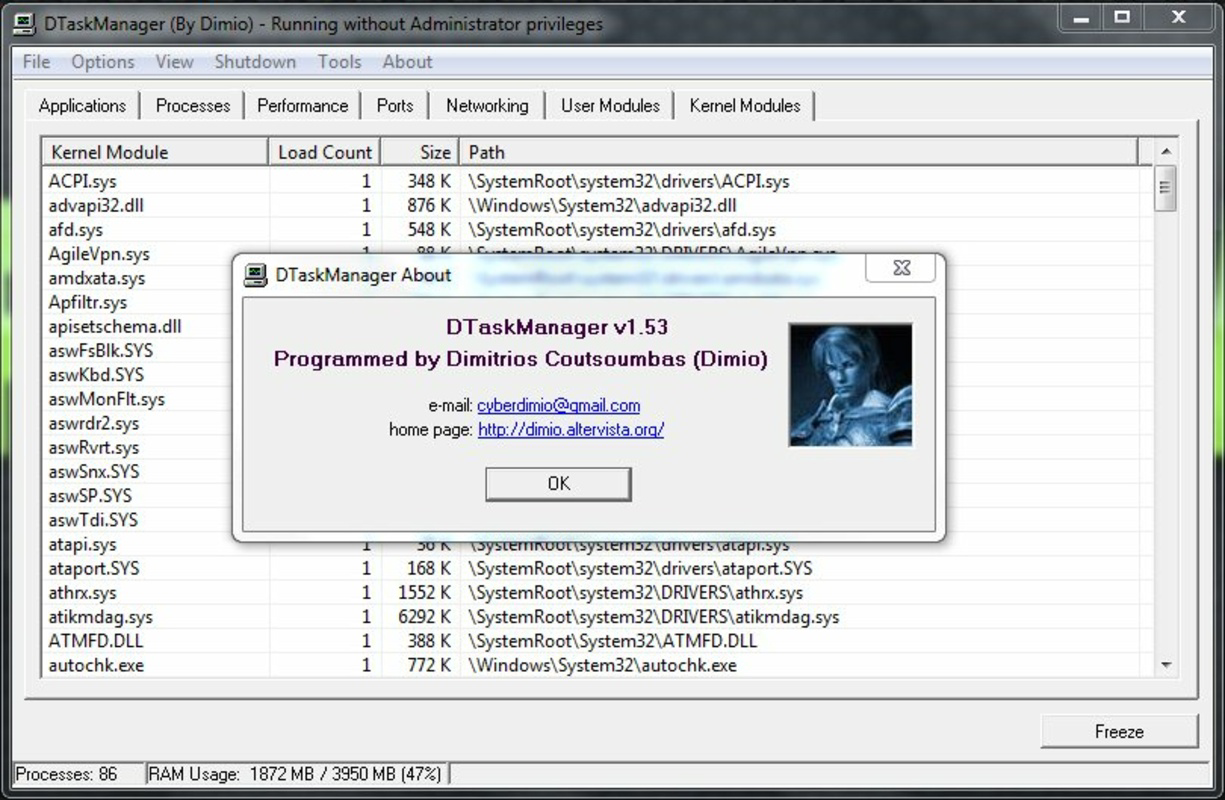
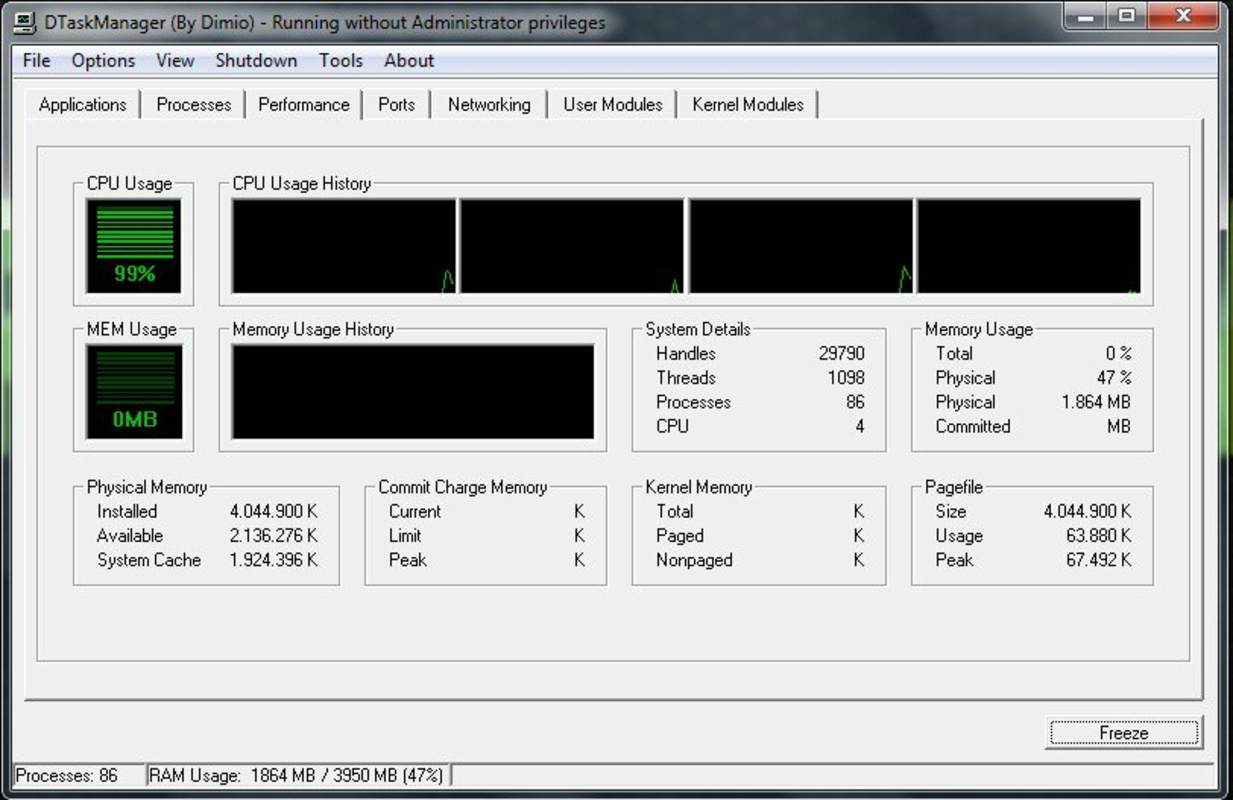
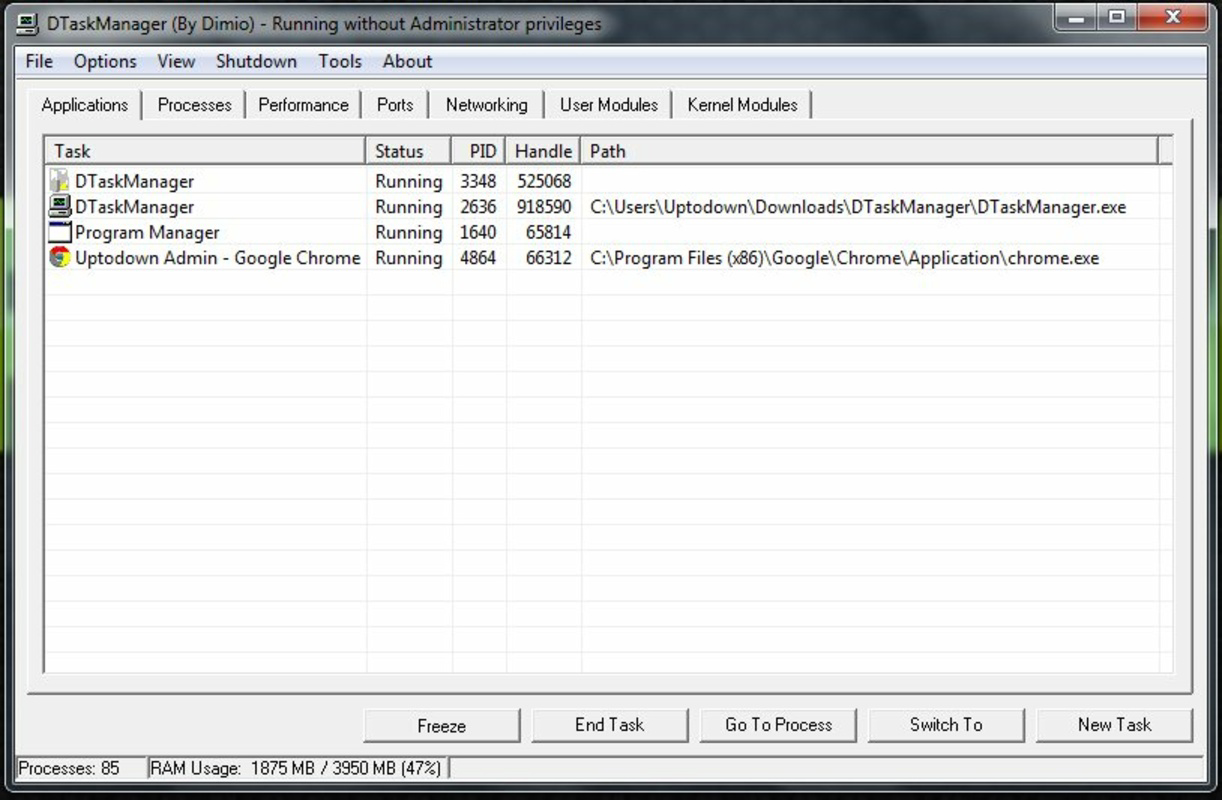
DTaskManager presents a clean, organized interface with a focus on usability and clarity. The layout prioritizes essential process information—such as process name, CPU usage, memory consumption, and status—ensuring users can make informed decisions quickly. Navigation is straightforward, with logical grouping and responsive controls that adapt to user input.
Although the developer did not list formal performance metrics, the app’s lightweight footprint of 2.5 MB suggests efficient resource usage. It is designed to operate with minimal impact on system performance, making it suitable for use on a wide range of Windows devices, from low-end laptops to high-performance workstations.
Responsiveness is maintained across different screen sizes and resolutions, and the app maintains stability during prolonged use. The absence of visible lag or crashes in typical operations indicates a well-structured codebase. However, specific performance data under heavy load was not disclosed.
Platform Compatibility & Technical Requirements
DTaskManager is available exclusively for the Windows platform. It supports the latest versions of Windows operating systems, though specific minimum OS requirements were not listed. The app has a file size of 2.5 MB, indicating a compact and efficient installation package.
Given its release date of April 15, 2024, and version 1.0.0, the app is a stable initial release. Users are advised to ensure their system meets standard Windows compatibility standards. The developer did not specify additional technical requirements, such as hardware acceleration or administrative privileges, though typical system utility apps may require elevated access for full functionality.
Pros and Cons
Pros
- Offers advanced process management beyond the default Windows Task Manager
- Supports multiple termination methods for flexible process handling
- Enables pause and restart of processes—ideal for temporary task suspension
- Allows simultaneous management of multiple processes, improving efficiency
- Lightweight design with minimal system impact (2.5 MB)
- Free to download and use, with no in-app purchases
Cons
- Specific OS compatibility details were not disclosed
- Advanced features may require user understanding of system processes
- Limited information on update frequency and support lifecycle
- Not available on mobile platforms (Android, iOS)
- Developer background and support channels were not specified
FAQ
Is DTaskManager safe to use on my Windows system?
Yes, DTaskManager is designed as a system utility and does not contain malware or intrusive behavior. However, users should exercise caution when terminating processes, especially system-critical ones, to avoid instability.
Can I use DTaskManager on older versions of Windows?
The developer did not specify minimum OS requirements. While the app may function on older Windows versions, compatibility is not guaranteed without official confirmation.
Does DTaskManager require admin privileges to run?
Although not explicitly stated, system-level utilities like DTaskManager typically require elevated permissions to manage processes. Users may need to run the app as an administrator for full functionality.
Is DTaskManager available for Android or iOS?
No. DTaskManager is currently only available for Windows. There is no official mobile version for Android or iOS devices.
How often is DTaskManager updated?
Update frequency was not disclosed by the developer. Users are advised to check the official source for the latest version and security patches.
Final Thoughts
DTaskManager stands out as a capable, lightweight, and free alternative to the standard Windows Task Manager. Its combination of advanced features—multiple termination methods, process pausing, and multi-process management—makes it a valuable tool for power users, developers, and system administrators. The clean interface ensures accessibility without sacrificing functionality.
While the developer did not provide detailed information on support or update cycles, the app’s current stability and feature completeness suggest a solid foundation. For anyone seeking greater control over system performance and process handling, DTaskManager delivers real utility in a compact package.
Download DTaskManager now


