This week the topic was Creating and Curating Digital Resources and we were invited to explore various tools that could be used in lieu of pen and paper to organize lesson plans, tools and learning objects such as websites or articles. There are a lot of resources out there! Below are some of the ones we were encouraged to investigate:
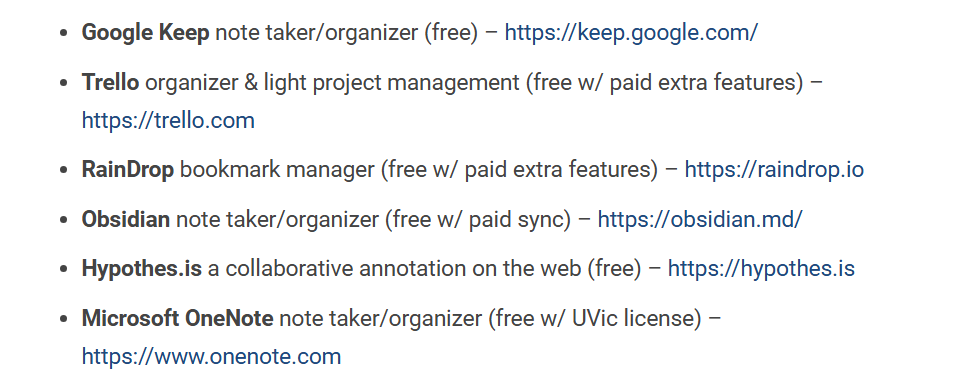
I checked out Hypothes.is which is a resource that is applicable to post secondary and potentially secondary settings. It allows users to make annotations in the margins of shared documents. This is a good tool to use to check student participation and engagement because students can leave comments (annotate) while they are reading. I also like that it is unaffiliated with google because I like to use alternatives to supporting billion dollar corporations when possible.
Having worked in post-secondary I have some familiarity with Google classroom. It certainly has advantages however working in classrooms where each student is on a laptop has some drawbacks. For example, who is checking if students are using their devices to get work done or not? Also, when I am working on my computer at home, I tend to get easily distracted by social media and streaming services. I find it takes a great deal of effort to avoid these time-wasters and usually find the amount of time I spend on the computer is divided many times because I often myself visiting sites that are not relevant to what I am trying to get accomplished.
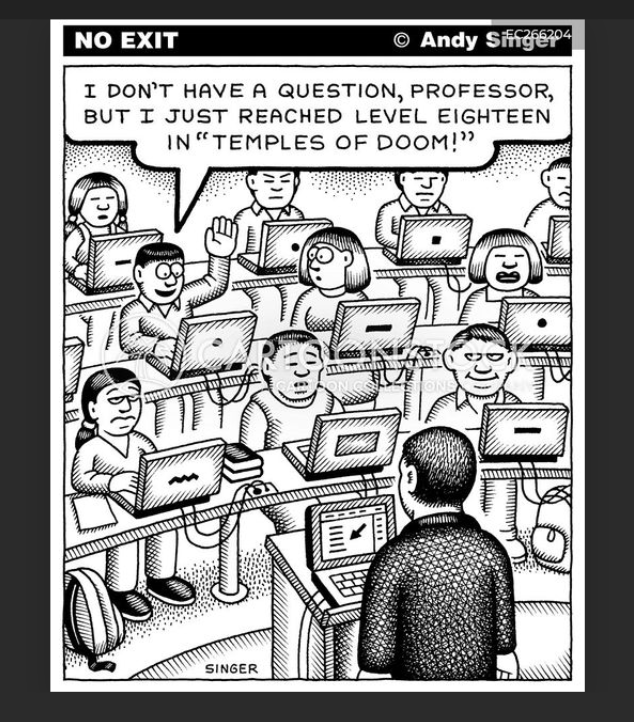
I think using tools like Hypothes.is or Google classroom can give an aura of professionalism to a new teacher and be effective for many students so they are worth using. I hope teachers using Google classroom supplement that tool with hands on teaching to cover any gaps for students who might be struggling to find assignments in the technology for example. Unfortunately I have had the experience of seeing a teacher rely completely on software so students in his class enjoyed only a minimum of interaction with their teacher to the point that a student who asked the teacher to print something for him was responded to with an irritated, “it’s on Google classroom!”
I also checked out Microsoft OneNote and watched some of this introductory video. It looks like a tool that could be potentially helpful to manage a busy schedule. I am used to using Microsoft Word and e-mail, Google docs, Canva and PowerPoint. The layout of Microsoft One Note makes it seem like a binder so I guess it is more user friendly. However, I think that having one page for each meeting/class with notes in a Word program is similar to what is being offered in Microsoft One Note. Still, it is useful to be aware of these tools as they might be useful down the road.