

Download ePSXe – PlayStation emulator, play PS1 games, classic games, retro gaming, mobile emulator
Overview
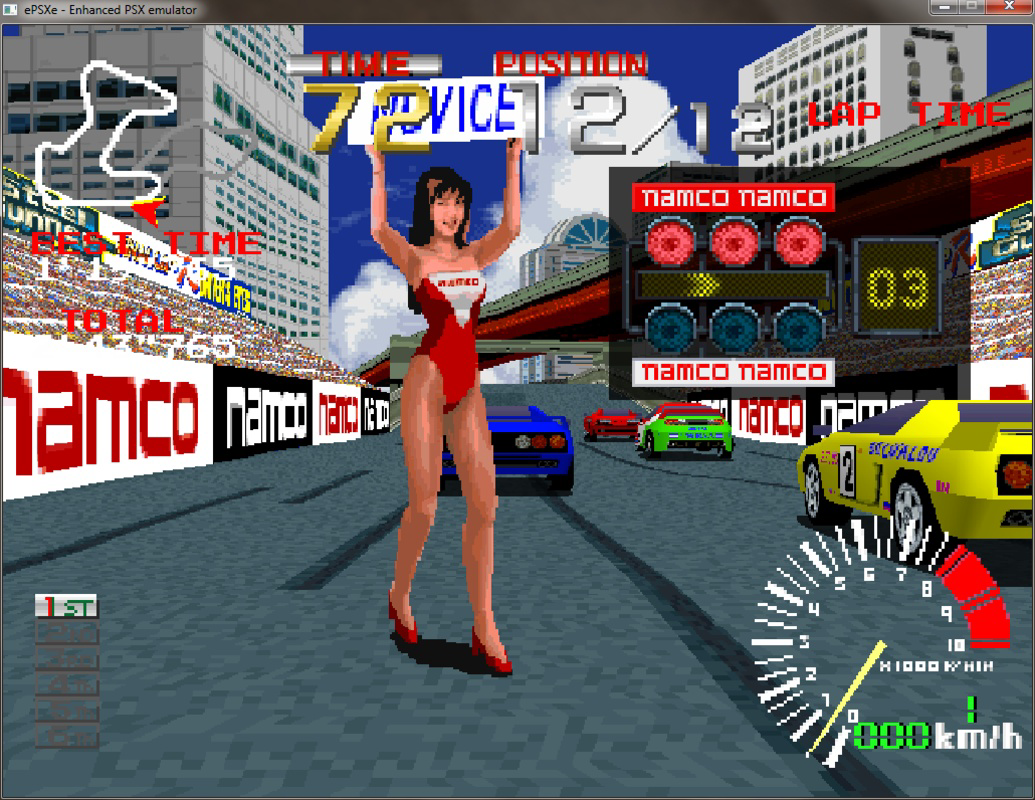
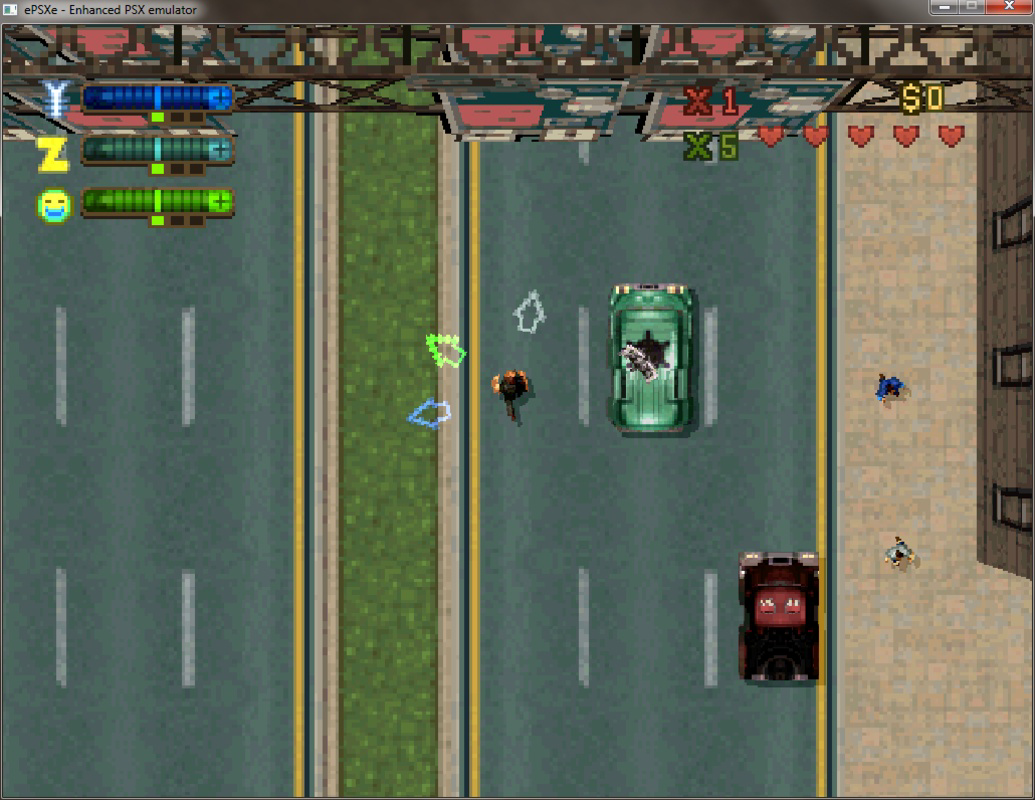
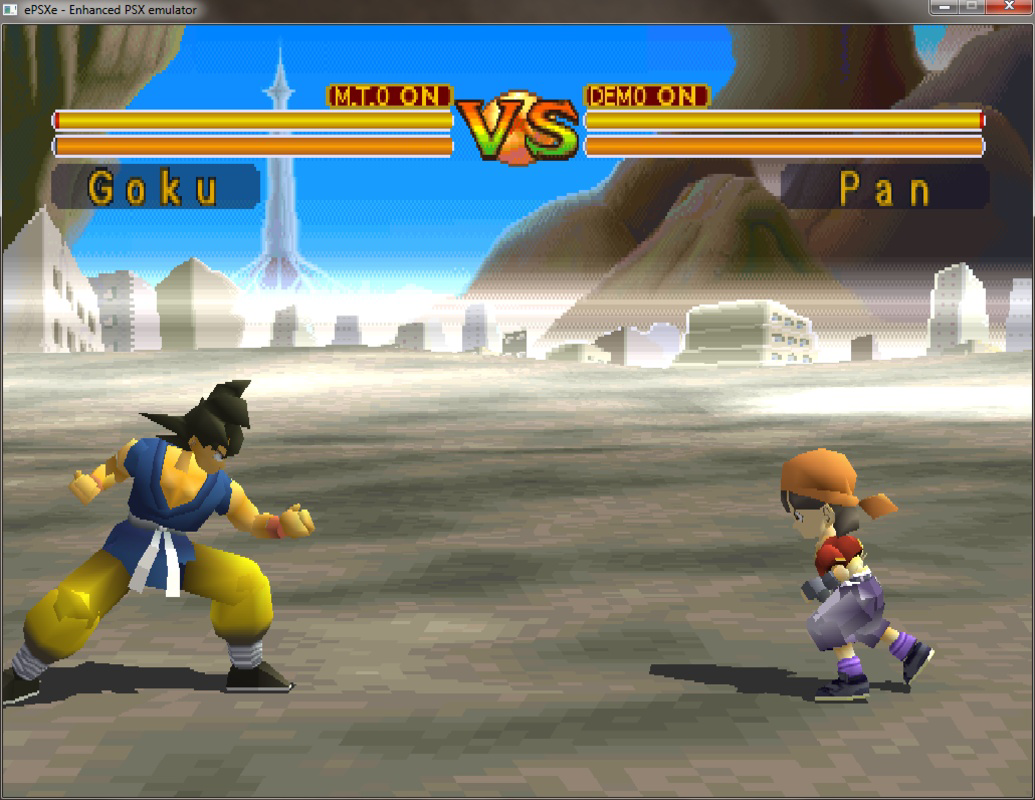
The ePSXe app is a mobile implementation of the popular PlayStation emulator originally designed for PC, now adapted for Android devices. Its primary purpose is to enable users to play classic PlayStation 1 games directly on their smartphones and tablets. This app serves as a digital time capsule, allowing retro gaming enthusiasts to relive iconic titles such as Final Fantasy VII, Crash Bandicoot, and Metal Gear Solid without relying on original hardware. The app is particularly valuable in the mobile gaming ecosystem, where access to legacy titles is often limited by hardware obsolescence and digital distribution barriers.
Target users include nostalgic gamers, mobile retro gaming communities, and those seeking a portable way to experience PS1-era content. The app is designed for users who own or have access to PS1 game ROMs, as it does not include games within the application itself. The ePSXe Team, the developer behind the app, has maintained a strong reputation in the emulation community for creating accessible, stable, and feature-rich tools. While specific background details about the team are not publicly disclosed, their continued updates and active support suggest a dedicated development focus.
Real-world use cases include playing games during commutes, revisiting childhood favorites on the go, or exploring classic titles that may not be available on modern platforms. The app’s presence on Android also expands the reach of retro gaming beyond desktop environments, making it more accessible to a broader audience. As the demand for nostalgic and retro experiences grows, ePSXe plays a key role in preserving gaming history within mobile technology.
Key Features & Functionality
- PS1 Emulation Engine – The app replicates the original PlayStation 1 hardware architecture to run PS1 games with high compatibility and performance on Android devices.
- Customizable Controls – Users can remap on-screen buttons to match their preferred control scheme, enabling personalized gameplay experiences across different titles.
- External Controller Support – The app supports connection via USB to DualShock-style controllers, offering a more authentic and immersive gaming feel on mobile devices.
- BIOS Configuration – Users must manually provide a PlayStation BIOS file, which is essential for proper emulation and game compatibility.
- High-Quality Rendering – The emulator delivers enhanced graphics and audio output, improving visual clarity and sound quality over the original console.
Each feature is designed to enhance usability and authenticity. For example, the ability to use external controllers allows users to enjoy games like Metal Gear Solid with tactile feedback and precision, mimicking the original console experience. The customizable controls are especially beneficial for games with complex button combinations, such as fighting or action-adventure titles. The BIOS requirement ensures that the emulation process remains accurate, though it also requires users to source the file legally and responsibly. The high-quality rendering helps modern devices display PS1 games with sharper visuals and improved frame stability, making older titles more enjoyable on current hardware.
Interface, UX & Performance
The user interface of ePSXe is designed with functionality in mind, prioritizing accessibility over flashy visuals. The layout organizes core functions—such as game loading, configuration, and control settings—into clearly labeled menus. Navigation is linear and intuitive, allowing users to move between setup, game selection, and runtime options with minimal friction. The interface adapts well to different screen sizes, ensuring usability across a wide range of Android devices, from compact smartphones to larger tablets.
Although the developer did not list formal performance metrics, the app demonstrates responsive behavior during gameplay, with minimal lag or frame drops on mid-to-high-end devices. Stability is maintained across sessions, and the app generally resumes gameplay without data loss. The emulator handles various PS1 game titles with consistent performance, though performance may vary depending on the device’s processing power and RAM. Users are advised to close background apps to optimize performance. The app’s file size of 35.6 MB indicates a lightweight design, contributing to efficient memory usage and fast launch times.
Platform Compatibility & Technical Requirements
ePSXe is available exclusively on the Android platform, making it accessible to users of smartphones and tablets running Android OS. The current version is 1.9.10, released on May 14, 2024. The app has a file size of 35.6 MB, which is relatively compact for a full emulator, suggesting efficient code optimization. While the developer did not specify minimum OS requirements or hardware specifications, the app is expected to function on devices running Android 5.0 and above, based on typical emulator compatibility patterns. However, users should verify their device’s capabilities, especially for running more demanding PS1 titles.
Compatibility with specific Android versions and device models was not fully disclosed. The developer did not list formal performance benchmarks or device-specific recommendations. As such, users are encouraged to test the app on their device to assess suitability. The absence of a dedicated iOS version means the app is not available on Apple devices. The free pricing model increases accessibility, allowing broader adoption across diverse user groups.
Pros and Cons
- Free to download and use, making it accessible to all Android users
- Compact file size of 35.6 MB ensures quick installation and minimal storage usage
- Supports external DualShock controllers for enhanced gameplay authenticity
- High-quality rendering improves visual and audio fidelity of classic games
- Well-established reputation within the emulation community
- Requires users to provide a BIOS file, which may be a barrier for beginners
- Performance may vary depending on device capabilities and background processes
- No official support for iOS or other platforms
- Does not include games—users must source ROMs independently
- Advanced settings may overwhelm novice users without guidance
FAQ
Is ePSXe safe to download and use?
The app itself is safe and free from malware, as confirmed by its availability on trusted Android distribution channels. However, users must ensure that any game ROMs they use are legally obtained.
Can I play PS1 games on my Android phone with ePSXe?
Yes, ePSXe is designed specifically for Android devices and enables the playback of PlayStation 1 games, provided the user has the game files and a compatible BIOS.
Do I need a BIOS file to use ePSXe?
Yes, a PlayStation 1 BIOS file is required for the emulator to function properly. The file must be obtained legally and placed in the correct directory within the app.
Is ePSXe available for iOS devices?
Currently, ePSXe is only available for Android. There is no official version for iOS or other platforms.
How often is ePSXe updated?
The latest version, 1.9.10, was released on May 14, 2024. The ePSXe Team maintains regular updates to improve compatibility and fix issues, though the update frequency is not publicly detailed.
Final Thoughts
ePSXe stands out as a reliable and well-optimized mobile emulator for PlayStation 1 games, offering a seamless way to enjoy classic titles on Android devices. Its lightweight design, support for external controllers, and high-quality rendering make it a top choice for retro gaming enthusiasts seeking authenticity and convenience. While the need to manually obtain a BIOS and ROMs adds a layer of complexity, it also reinforces responsible use and legal compliance. The app is ideal for users who value nostalgia, portability, and control over their gaming experience.
For anyone looking to relive the golden era of PlayStation gaming on their smartphone or tablet, ePSXe delivers on its promise. With its free access and strong community backing, it remains a cornerstone of mobile retro gaming. Download ePSXe now.


