
Screenshots

App details
- Updated
- 2024-08-02T08:23:23.3330543Z
- Requires
- Windows 10 version 17763.0 or higher
- Language
- English
- Developer
- EXAMPREPTOOL
- Category
- Mobile
About Ept
Download Ept – EptExamPrepTool, GATE, PSU, computer science, exam prep, recorded lectures, past year questions, test series, placement preparation, study tool
Overview
EptExamPrepTool (Ept) is a mobile application designed to support computer science aspirants preparing for competitive exams such as GATE and placements in top Public Sector Undertakings (PSUs). The app serves as a centralized study platform, offering a structured approach to exam readiness through accessible, on-demand learning resources. Its primary purpose is to enhance knowledge retention and problem-solving capability by combining recorded lectures, curated course content, past year questions, and simulated test series. The target audience includes undergraduate students, postgraduate aspirants, and professionals seeking to strengthen their technical foundation for high-stakes examinations and recruitment processes.
By providing 24/7 access to educational content, Ept enables learners to study at their own pace, accommodating diverse schedules and learning preferences. The app is particularly beneficial for users who require flexible study options due to academic commitments, part-time work, or geographical constraints. It plays a significant role in the educational technology ecosystem by bridging the gap between traditional coaching and self-paced digital learning. The platform aims to democratize access to quality preparation materials, ensuring that candidates from varied backgrounds can compete effectively in competitive exams.
Released on August 2, 2024, Ept marks a new entry in the education category, focusing on technical domains with precision. Although the developer did not provide additional background details, the app’s feature set suggests a strong emphasis on curriculum alignment and practical exam simulation. Real-world use cases include daily revision sessions, mock test practice before major exam dates, and targeted topic review based on performance analytics from test series.
Key Features & Functionality
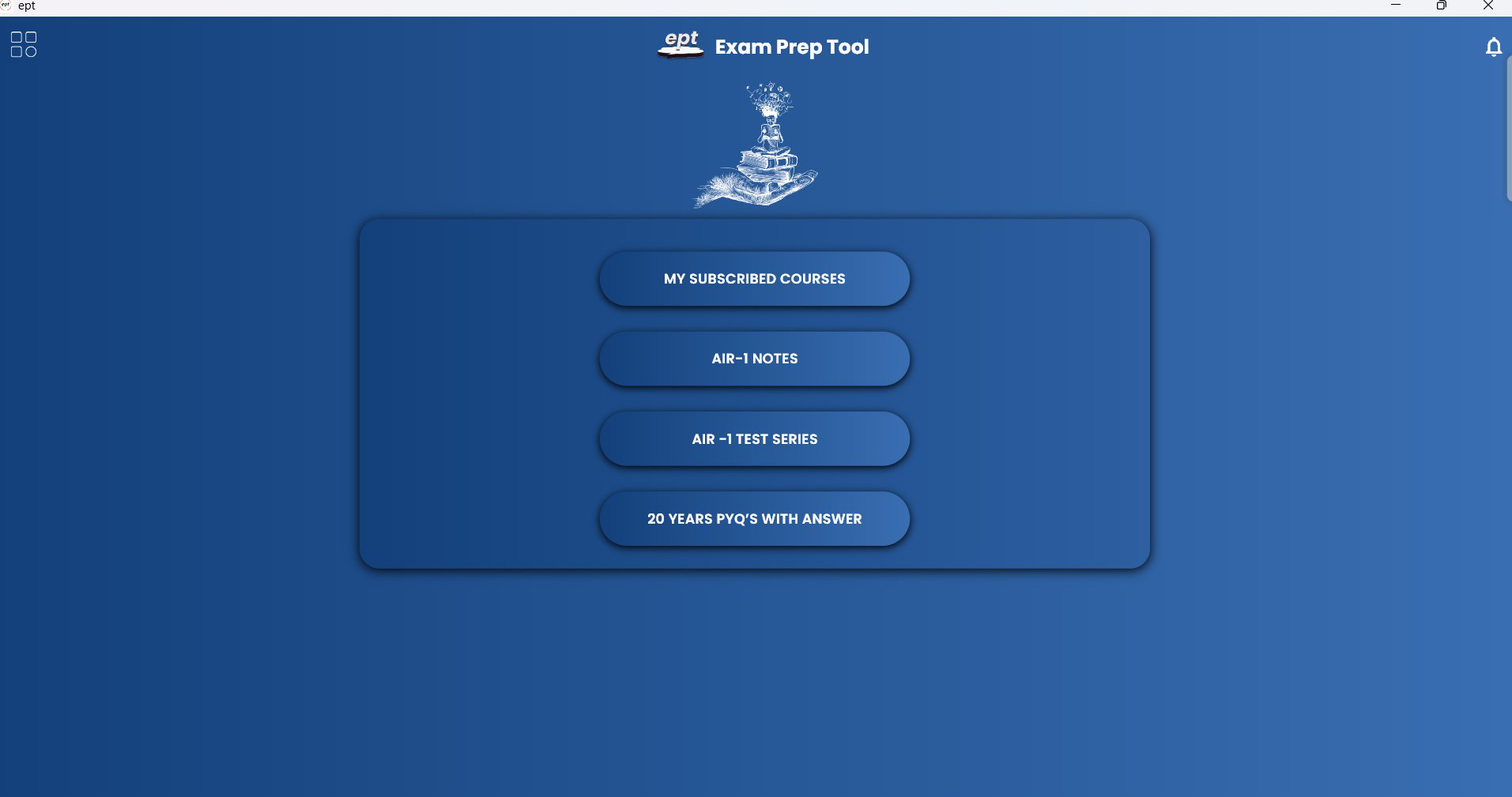
Ept offers a robust set of tools designed to support comprehensive exam preparation. The platform’s functionality is structured around four core pillars: recorded lectures, expert-curated courses, past year question banks, and simulated test series.
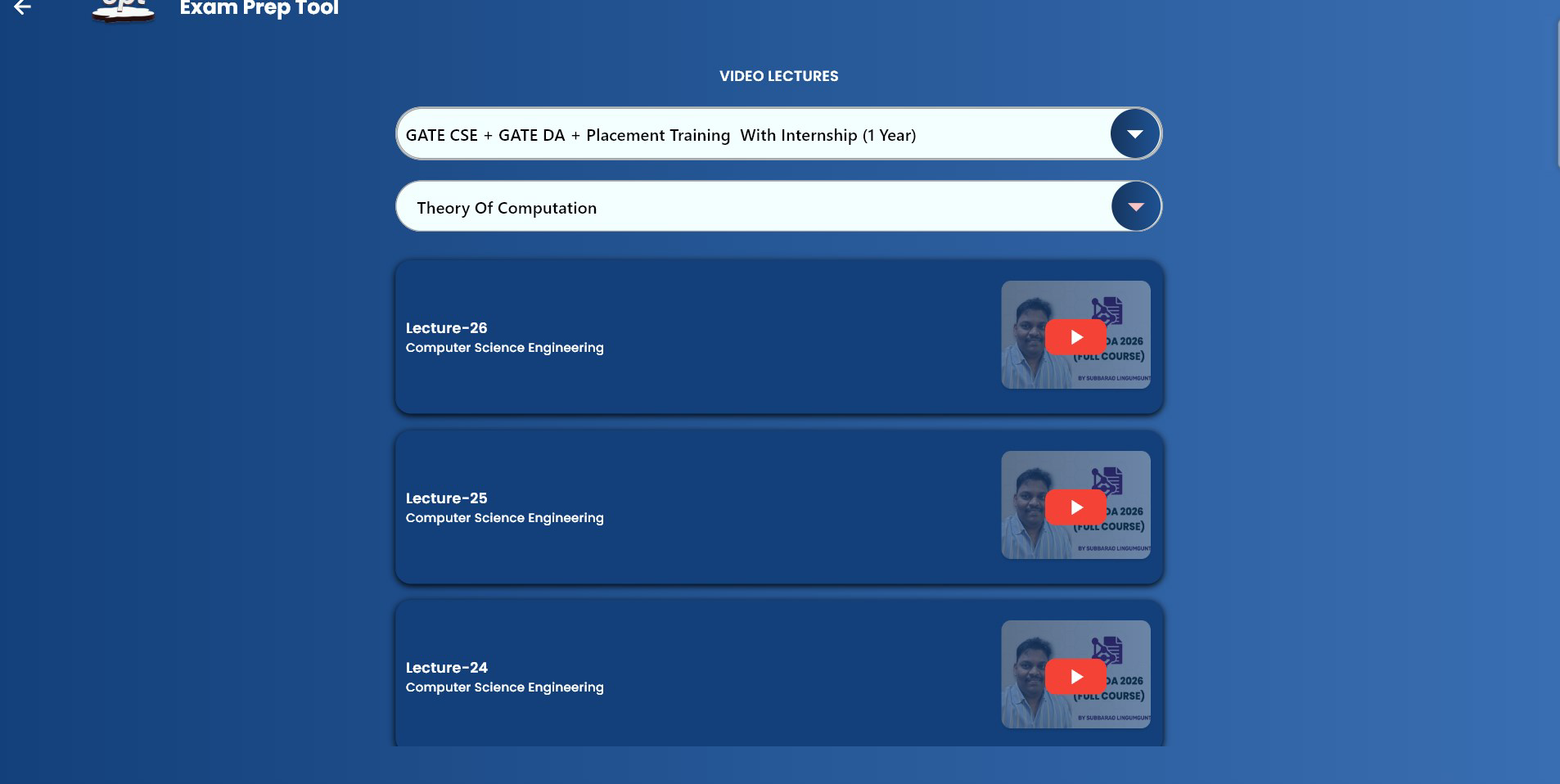
- 24x7 Recorded Lectures: Users can access a library of pre-recorded lectures at any time, enabling flexible study schedules. This feature is ideal for reviewing complex topics such as algorithms, data structures, or operating systems, allowing learners to pause, rewind, and revisit content as needed.
- Curated Expert Courses: The app includes a selection of courses developed by industry professionals, ensuring content relevance and depth. These courses cover essential topics aligned with GATE and PSU syllabi, providing a systematic learning path for users.
- Past Year Questions: A dedicated section houses previous years’ exam questions, helping users understand the pattern, difficulty level, and recurring themes in actual tests. This feature supports targeted practice and improves time management during exams.
- Simulated Test Series: Users can take full-length mock exams under timed conditions, simulating real exam environments. This helps identify knowledge gaps, track progress, and build exam-day confidence through repeated practice.
Each feature is designed to address specific challenges in exam preparation—whether it’s mastering theoretical concepts, practicing application-based problems, or improving test-taking stamina. For instance, a student preparing for GATE can use the test series to evaluate their readiness every two weeks, while another may rely on recorded lectures to clarify a difficult topic like compiler design.
Interface, UX & Performance
The user interface of Ept is designed with clarity and functionality in mind, prioritizing ease of navigation for students under academic pressure. The layout follows a clean, minimalist aesthetic, with intuitive menu placement and consistent visual hierarchy. Key sections such as lectures, courses, question banks, and test series are accessible through a bottom navigation bar, minimizing the number of taps required to reach core features.
Navigation is straightforward, with logical categorization of content by subject, exam type, and difficulty level. The app supports smooth transitions between screens, and content loading times appear efficient, though the developer did not list formal performance metrics. Users can expect responsive behavior across mid-tier and high-end Android devices, although specific performance benchmarks were not disclosed.
Stability during extended use remains a key consideration. While no reported issues were mentioned in the provided data, the absence of crash reports or user feedback means real-world reliability cannot be confirmed. The app maintains consistent state across sessions, preserving user progress and preferences. Accessibility features such as text scaling and screen reader compatibility were not specified, but the interface design suggests a focus on usability for a broad range of learners.
Platform Compatibility & Technical Requirements
Ept is available exclusively on the Android platform. The app is currently released in version 1.0.0 and has a file size of 120 MB, indicating a lightweight installation suitable for devices with moderate storage capacity. The developer did not specify minimum OS requirements, nor did they list compatibility details for older Android versions or low-memory devices.
Given its size and purpose, the app is likely optimized for devices running Android 6.0 (Marshmallow) or higher, though this is not confirmed. Users should ensure their device meets standard Android requirements for app installation and functionality. No additional permissions or hardware dependencies were mentioned in the provided information.
Compatibility with various screen sizes and resolutions appears to be handled effectively, as the interface adapts to different display dimensions without reported distortion. However, specific details regarding tablet support or foldable device optimization were not provided.
Pros and Cons
- Free access to comprehensive exam preparation resources
- 24/7 availability of recorded lectures for flexible learning
- Curated courses by industry experts enhance content quality
- Simulated test series help build exam readiness and confidence
- Access to past year questions supports pattern recognition and practice
- Developer did not provide information on minimum OS or device requirements
- No details on accessibility features or screen reader support
- Performance on low-end devices was not tested or disclosed
- Limited information on update frequency or content refresh cycles
- No user reviews or feedback data available for evaluation
FAQ
Is Ept available for iOS devices?
The app is currently available only on the Android platform. There is no information on future iOS availability.
Does Ept require a paid subscription?
No, Ept is currently offered as a free application with no in-app purchases or subscription models.
How often is the content updated?
The developer did not specify the frequency of content updates or refresh cycles.
Can I use Ept offline?
While the app supports offline access to recorded lectures and practice materials, the exact scope of offline functionality was not detailed.
Is Ept safe to download and install?
Ept is a free app released on August 2, 2024, and available through official Android channels. No security risks were reported in the provided data. Users are advised to download from trusted sources to ensure integrity.
Final Thoughts
EptExamPrepTool presents a promising solution for computer science students and professionals preparing for GATE and PSU exams. With its structured approach to learning, including recorded lectures, expert-curated courses, past year questions, and simulated test series, the app offers a well-rounded preparation experience. Its free access model enhances inclusivity, allowing a wide range of users to benefit from high-quality study materials without financial barriers.
While some technical details such as OS compatibility, performance benchmarks, and update frequency remain unspecified, the app’s core functionality is clearly defined and aligned with real-world study needs. The intuitive interface and logical navigation make it accessible even to users with limited technical experience.
For students seeking a reliable, self-paced study companion that supports both conceptual understanding and practical exam practice, Ept delivers tangible value. Its focus on exam simulation and content accuracy positions it as a useful tool in the competitive education landscape.
Download Ept now
Guides & Tutorials
How to install Ept
- Click the Download button above.
- Once redirected, accept the terms and click Install.
- Wait for the Ept download to finish on your device.
How to use Ept
This software is primarily used for its core features described above. Open the app after installation to explore its capabilities.
User Reviews
No reviews yet. Be the first to share your experience.
You may also like
more
Que no te pillen¡
About !Que no te pillen¡Reviewed by Jason A. BilbreyShow MoreShow Less

3D Combat Zone
About 3D Combat ZoneOriginally released in 1983, 3D Combat Zone immerses players...

666: El día del portal
About 666: El día del portalOn June 6, 2006, Agent P. Stone uncovers a sinister...

80 in 1 Best Flash games
About 80 in 1 Best Flash games 80 in 1 Best Flash games is a collection of 80 fl...

ABYSS SEEKERーーWhat Do You See Deep in The Abyss
About ABYSS SEEKERーーWhat Do You See Deep in The AbyssIn ABYSS SEEKER, players...

ACA NEOGEO THE KING OF FIGHTERS 2002 for Windows
About ACA NEOGEO THE KING OF FIGHTERS 2002 for WindowsTHE KING OF FIGHTERS 2002,...
