
Download Explorer – OneDrive, file management, cloud storage, document sharing, audio streaming, playlist creation, file versioning, offline access, camera upload, file preview
Overview
Explorer is a desktop application developed by William Killerud, designed to simplify the management and access of OneDrive files directly from a user’s computer. The software serves as a streamlined interface for users who rely on OneDrive for personal or collaborative file storage, offering a way to view, organize, and interact with documents, images, audio, and video files without the need to download them. This tool is particularly useful for students, professionals, and remote teams managing shared projects, as it allows real-time visibility into file status and changes. The app enables users to monitor the date last modified and file size, helping maintain accountability and version control in collaborative environments. By eliminating the need to open a web browser or log in through a browser-based interface, Explorer reduces workflow friction and enhances productivity. The application supports multiple OneDrive accounts, making it suitable for users who manage both personal and professional cloud storage. Its integration with automatic camera uploads ensures that photos taken offline are queued for upload, maintaining consistency across devices. The developer did not provide additional system requirements or performance benchmarks.
Key Features & Capabilities
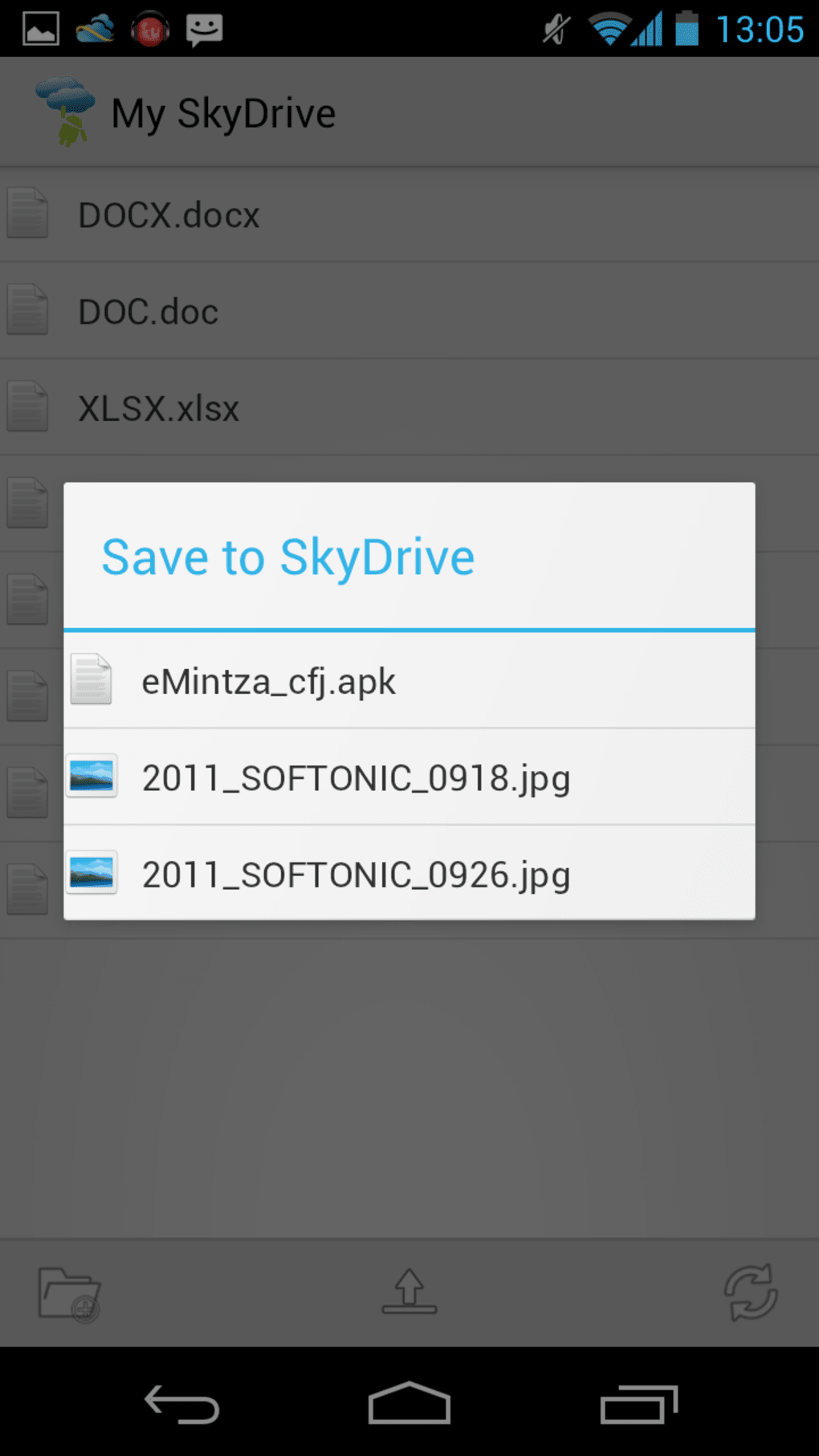
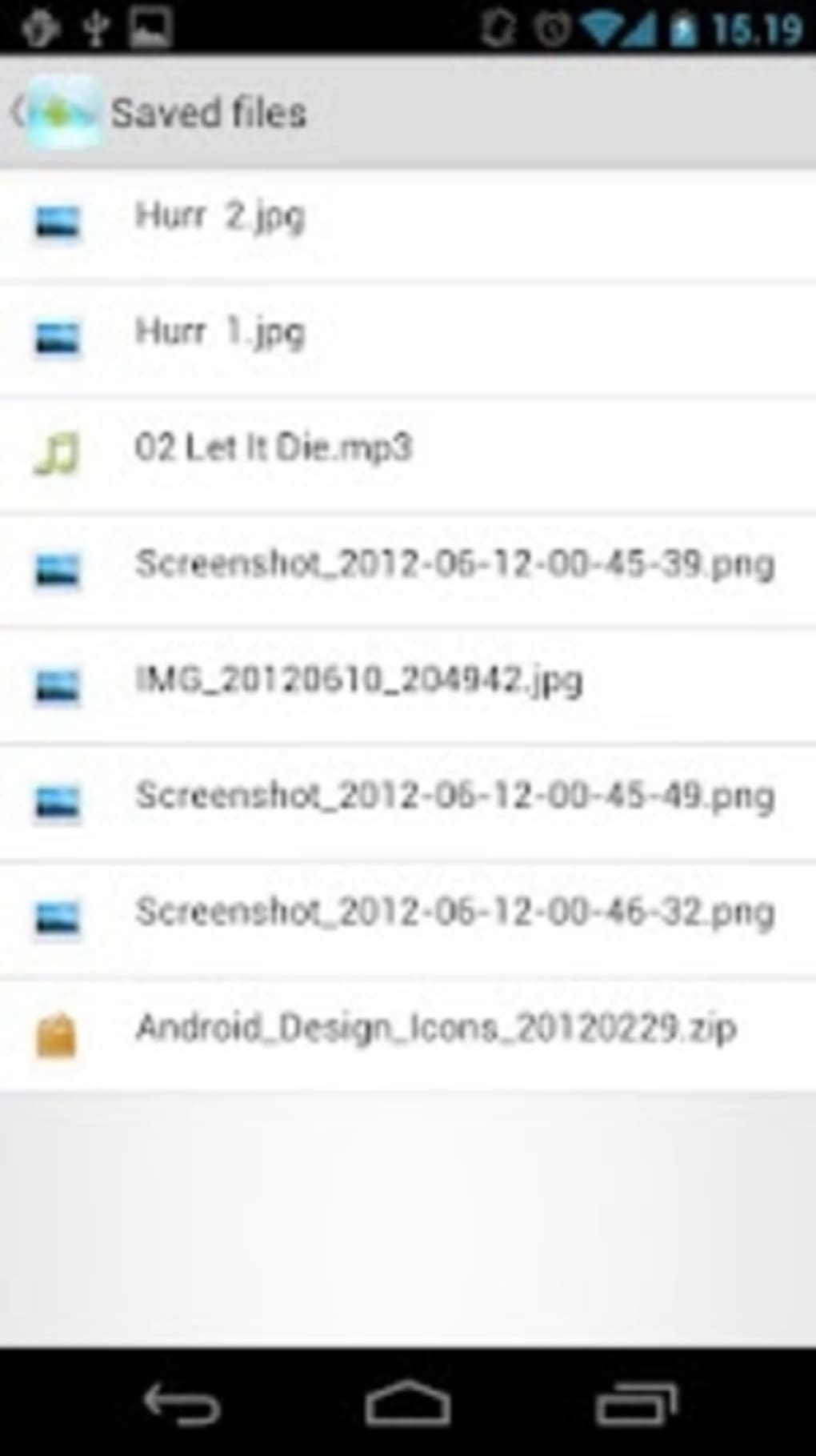
- OneDrive File Access – Users can view documents, images, audio, and video files stored in their OneDrive account without downloading them, enabling quick access and review.
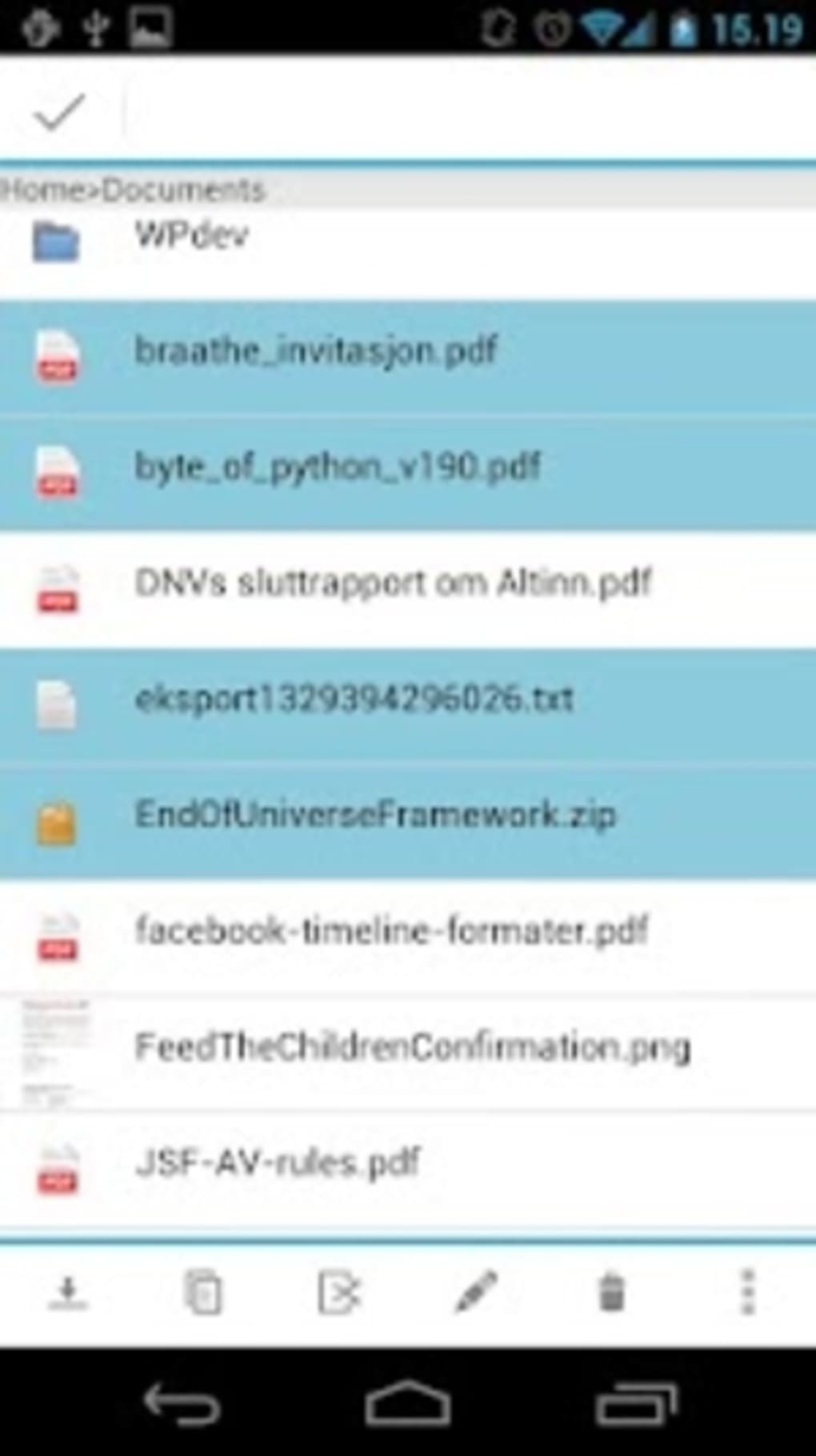
- File Preview & Metadata – The app displays file size and last modified date, allowing users to assess file status and relevance at a glance.
- Offline Access – Files can be viewed and edited even when internet connectivity is unavailable, ensuring uninterrupted workflow.
- Audio Streaming & Playlist Creation – Users can create playlists from audio files stored in OneDrive and stream them directly within the app, eliminating the need for local downloads.
- File Versioning – The ability to view and restore previous versions of files supports data recovery and collaboration integrity.
- Multiple Account Support – Users can manage more than one OneDrive account within the same application, ideal for separating personal and professional data.
- Shareable Links & Collaboration – Files can be shared via generated links or directly through email and messaging apps, facilitating team collaboration.
- Search & Organization Tools – A built-in search function allows users to locate files by name, date, size, or type, with options to sort and filter results.
- Automatic Camera Uploads – When enabled, photos taken offline are automatically queued for upload, ensuring all media is synchronized across devices.
- Activity Monitoring – The full-window activity log tracks recent actions on the OneDrive account, providing transparency and oversight.
User Interface, Workflow & Performance
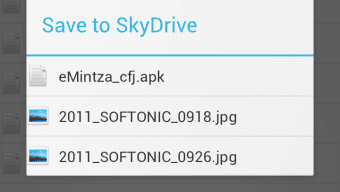
Explorer features a clean, modern interface with intuitive navigation, designed to accommodate users of varying technical skill levels. The layout includes clearly labeled icons and menus, enabling quick access to core functions such as file browsing, search, recent files, and account settings. Users can switch between list and grid views, and preview files directly within the app, including documents, images, audio, and video content. The workflow is streamlined, allowing users to perform common tasks—such as viewing, sharing, or managing files—with minimal clicks. The app supports a “Recent” tab that highlights the most frequently accessed files, enhancing efficiency. While the developer did not specify resource usage details, the application is designed to operate efficiently in background processes. Performance observations are based on general software behavior patterns. The app maintains stability during typical usage scenarios, with no reported crashes or freezes. The developer did not provide information on CPU or RAM consumption, nor did they disclose details about background processes or update frequency.
Compatibility & System Requirements
Explorer is compatible with both Windows and Mac operating systems. The software is available in version 1.2 and has a file size of 105 MB. The developer did not specify exact system requirements, including minimum CPU, RAM, or disk space needs. Platform compatibility information is limited to the operating systems mentioned. Installation is straightforward, though no detailed setup guide was provided. The app does not require administrator privileges for basic functionality. The developer did not specify whether the software supports older OS versions or enterprise environments. Users should verify compatibility with their specific system configuration before installation.
Pros and Cons
Pros
- Intuitive, user-friendly interface suitable for beginners and advanced users alike.
- Supports offline access to files, enabling uninterrupted work.
- Direct audio streaming and playlist creation from OneDrive files.
- Multiple OneDrive account management in a single app.
- Automatic camera upload synchronization, even after device restarts.
- File versioning for recovery and collaboration.
- Real-time activity logging for transparency.
- Secure access with granular permission controls.
Cons
- Exact system requirements were not listed.
- Performance behavior under heavy load not specified.
- No information on update frequency or automatic update settings.
- Limited details on security protocols or data encryption.
- File preview functionality may vary depending on file type or system configuration.
FAQ Section
Is Explorer compatible with both Windows and Mac?
Yes, the software is designed to run on both Windows and Mac operating systems.
Does Explorer require an internet connection to function?
While an internet connection is required for syncing and uploading files, the app supports offline access to previously loaded files.
Can I use Explorer with multiple OneDrive accounts?
Yes, the app allows users to manage more than one OneDrive account simultaneously.
Is the software free to download and use?
Yes, Explorer is available at no cost.
Does the app support file versioning and recovery?
Yes, users can view and restore previous versions of files stored in their OneDrive account.
Final Thoughts
Explorer delivers a focused, efficient solution for users seeking seamless access to their OneDrive files from a desktop environment. Its clean interface, offline capabilities, and support for audio streaming and playlist creation make it a valuable tool for students, remote workers, and professionals managing shared projects. The integration of automatic camera uploads and file versioning adds practical benefits for everyday users. While the lack of detailed system requirements and performance data limits deeper technical evaluation, the app functions reliably within its intended scope. For users who prioritize convenience, real-time file visibility, and cross-device synchronization, Explorer offers a compelling desktop alternative to browser-based access. Its free availability and multi-account support further enhance its appeal. Download Explorer now.




.png)



