You can now share any guide using a QR code.Each guide comes with a scannable QR code that instantly opens the guide on any device—no links to copy, no friction. This makes it easi...
Product Updates
Share Guides via QR Code

Shri Vatz
yesterdayTrash & Restore
What's New: Guides are now moved to trash instead of being permanently deleted, giving you a 30-day window to restore them if needed.What Changed:Deleted guides are moved to a tras...
Shri Vatz
last weekFind Guides Faster with Filters
You can now quickly find the exact guides or articles you’re looking for using powerful filters. This makes managing large libraries easier and helps you get to the right content f...
Shri Vatz
Jan 13, 2026Drag & Drop Guides Across Categories
You can now drag and drop guides across categories/subcategories in your help center.Previously, guides could only be reordered within the same category. This update makes it easie...
Shri Vatz
Jan 11, 2026Import Steps from PDFs and Word Docs
We know that half the battle of creating a great guide is starting from scratch—especially when you already have the info buried in a PDF or a messy Word doc. That’s why we’ve buil...
Shri Vatz
Jan 8, 2026Slide View: A New Way to Embed Guides
We’ve added a new Slide embed view under the Step-by-step type. This presents guides in a fixed, slide-style layout with clear next/previous navigation, making it easy for users to...
Shri Vatz
Jan 2, 2026
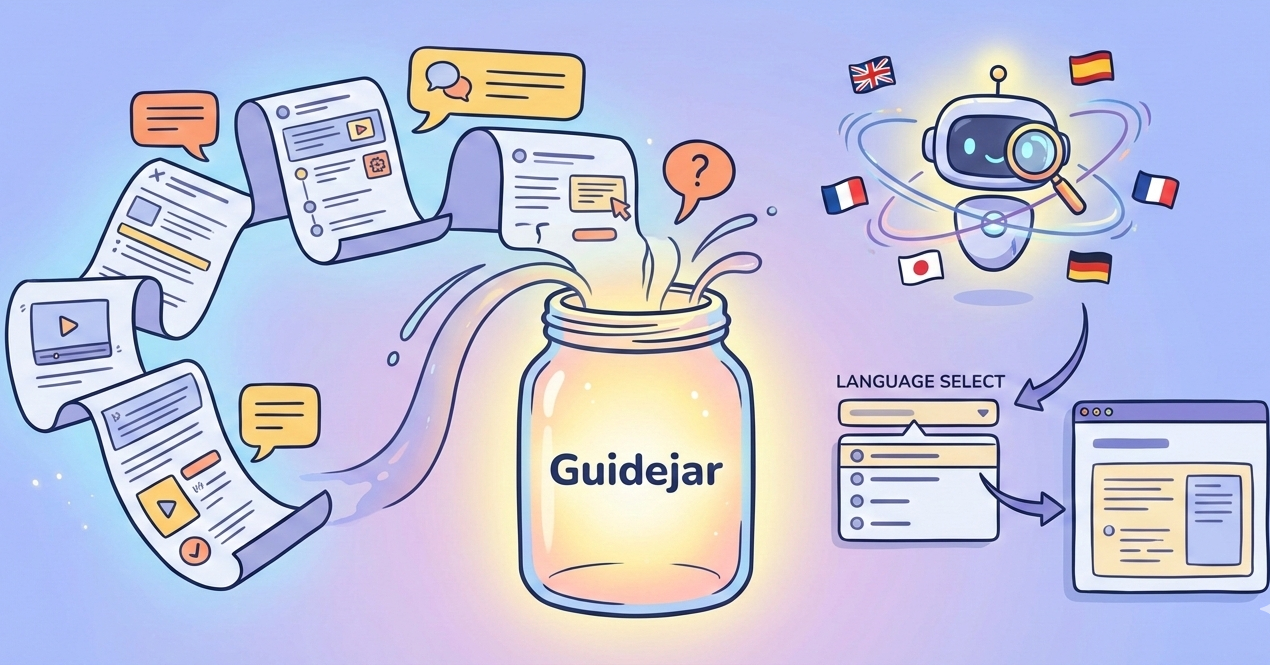
Multilingual Guides (Translation 2.0)
We’ve completely overhauled how translations work in Guidejar.Previously, our Translate feature would convert your entire guide into a single new language. It's effective, but limi...
Help Center: Documentation Layout
This new design replaces the classic full-screen guide view with a powerful left-hand navigation panel that remains visible all the time.To enable the Documentation layout, just he...
Quick Actions (Cmd + K)
Creating guides just got way fasterPress Cmd + K (or Ctrl + K) when you're in the editor to open the new Quick Actions menu.Here are our two favourite options:🔎 Jump to : Instantly...
🧩 Use Guidejar Inside ChatGPT via MCP
We’ve developed Guidejar's very own MCP (Model Context Protocol) server making it possible to connect Guidejar directly to AI tools like ChatGPT, Claude, n8n, Zapier and other MCP-...
Got an idea?
Powered by UserJot
