
Download Fire – Free Multi‑Protocol Messenger for macOS
Overview of Fire Messenger
Fire is a lightweight, open‑source instant‑messaging client designed specifically for macOS. Built under the GPL license, Fire brings together four of the most popular chat networks of the early 2000s—AOL, ICQ, Yahoo! Messenger, and MSN—into a single, unified interface. The current stable release, version 1.5.6, was last updated on February 16 2006, and despite its age it still offers a surprisingly modern experience for users who need a free, secure, and low‑impact solution for staying connected across multiple services. With a small footprint, fast start‑up time, and seamless integration with macOS Spotlight (on 10.4 and later), Fire is an excellent choice for anyone looking for a no‑frills, cross‑network chat client that respects system resources.
Fire belongs to the “Internet Software” category, with a subcategory of “Chat & Communication – Instant Messengers.” It supports English language only, but its intuitive layout makes it easy for non‑native speakers to navigate. Since its addition to our software selection in 2006, Fire has recorded more than 7,200 downloads, reflecting a niche yet dedicated user base that values the ability to manage several messenger accounts without juggling multiple applications. Whether you are a nostalgic user revisiting classic networks or a developer needing a simple test client for protocol experiments, Fire delivers a stable, feature‑rich environment that runs smoothly on macOS 10.4 (Tiger) and newer.
Key highlights include automatic translation speedups, saved buddy text encodings for IRC and ICQ, and a refreshed tab‑dragging system that prevents crashes when the program reads aloud messages. These improvements, combined with a minimal storage requirement, ensure that Fire remains a practical solution for modern Mac users who prefer lightweight software that gets the job done without unnecessary bloat.
Core Features and macOS Compatibility
- Unified inbox for AOL, ICQ, Yahoo! Messenger, and MSN.
- Automatic translation acceleration for multilingual chats.
- Spotlight integration – search past conversations directly from macOS.
- Saved buddy text encodings for IRC and ICQ to preserve message integrity.
- Improved tab and group dragging that eliminates crashes during speech synthesis.
- Lightweight footprint – occupies far less disk space than typical multi‑messenger suites.
- GPL‑licensed, allowing free download, modification, and redistribution.
Operating System Support
Fire is compatible with macOS 10.4 (Tiger) and later versions, including macOS 10.5 (Leopard), 10.6 (Snow Leopard), and newer releases. While the software was originally built for the classic PowerPC architecture, it runs natively on Intel‑based Macs without the need for Rosetta. Users on the latest macOS releases may experience minor UI scaling issues, but the core functionality—sending and receiving messages across the four supported networks—remains fully operational. Because Fire is a native Cocoa application, it integrates smoothly with macOS system services such as notifications, Dock icon badges, and the aforementioned Spotlight search, delivering a seamless user experience that feels at home on any Mac.
For developers interested in extending Fire’s capabilities, the open‑source nature of the project means the source code can be compiled on newer macOS SDKs, allowing custom patches or feature additions. Whether you are running a legacy Mac that still relies on older chat protocols or a modern system that appreciates lightweight utilities, Fire offers a reliable bridge between the past and present of instant messaging.
Installation Guide and Everyday Usage
Downloading and installing Fire is straightforward. Follow these steps to get the messenger up and running on your Mac:
- Visit the official Fire download page and click the Download Fire 1.5.6 DMG link. The file size is under 5 MB, making it quick to download even on slower connections.
- Once the DMG file is saved, double‑click it to mount the disk image.
- Drag the Fire icon into your
/Applicationsfolder. macOS may prompt you to confirm the action because the app is from an unidentified developer; simply click “Open” after approving the security warning. - Launch Fire from the Applications folder or via Spotlight. The first run will request permission to access your contacts and notifications—grant these for the best experience.
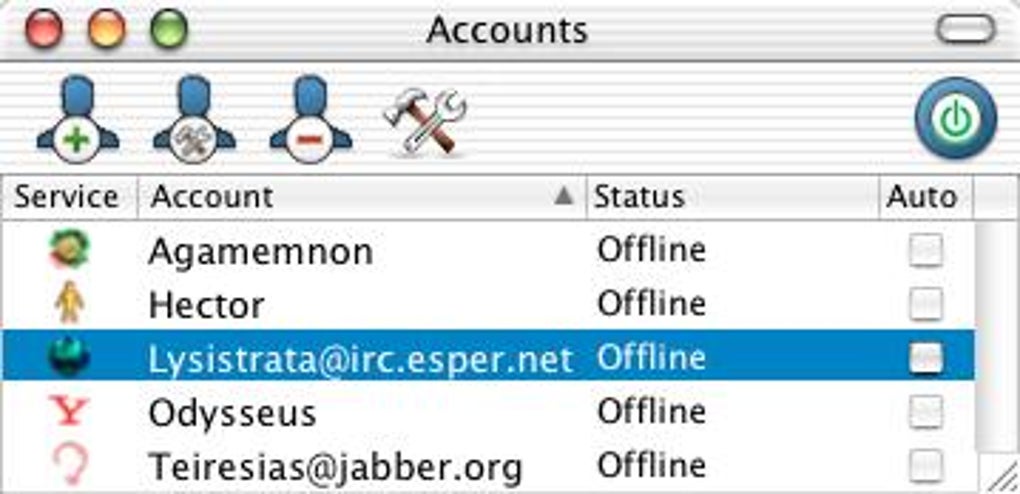
- Enter your credentials for each messenger service you wish to use (AOL, ICQ, Yahoo!, MSN). Fire stores passwords securely in the macOS Keychain, so you won’t need to re‑enter them after each restart.
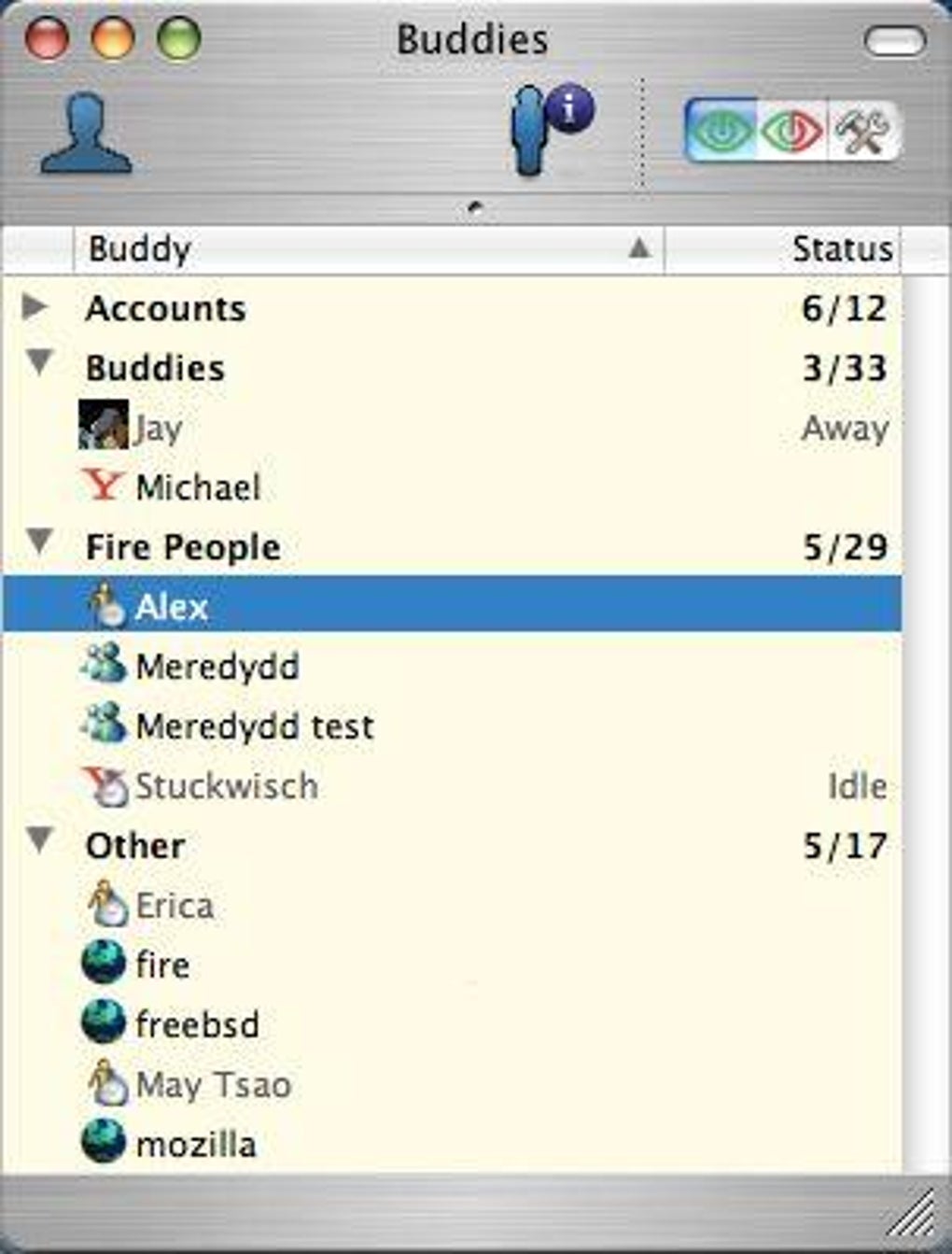
After configuration, the main window displays a tabbed interface where each tab represents a connected network. You can group chats, drag tabs to reorder them, and use the built‑in search bar to locate contacts quickly. The “Buddy List” panel on the left shows online status indicators, while the right‑hand pane contains the active conversation. Fire also supports voice‑synthesis of incoming messages; however, a recent bug that caused crashes during speech synthesis has been resolved in version 1.5.6.
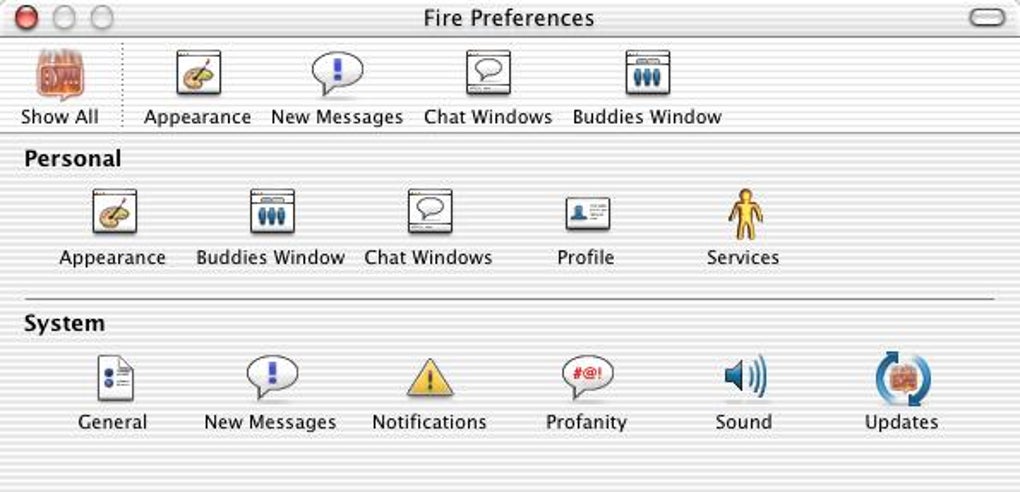
For power users, Fire offers several hidden preferences accessible via the defaults command in Terminal. Examples include adjusting the auto‑translation speed, customizing notification sounds, and toggling the Spotlight indexing depth. Detailed documentation is bundled within the app under the “Help” menu, providing step‑by‑step instructions for these advanced tweaks.
Overall, Fire’s installation process is hassle‑free, and its daily usage feels intuitive thanks to a clean UI that mirrors native macOS design conventions. Whether you are switching between multiple chat services or consolidating them into one window, Fire simplifies the workflow while keeping resource consumption low.
Pros and Cons of Fire Messenger
Pros
- Free and open‑source (GPL) – no hidden fees or subscription costs.
- Supports four major legacy chat networks in a single interface.
- Very small disk footprint and low memory usage compared to modern messengers.
- Spotlight integration allows quick search of past conversations.
- Saved buddy text encodings prevent garbled messages on IRC and ICQ.
- Automatic translation speed improvements for multilingual chats.
Cons
- Last updated in 2006; no native support for newer chat platforms (e.g., Slack, Discord).
- English‑only UI may be limiting for non‑English speakers.
- Potential UI scaling issues on macOS Big Sur and later.
- Limited documentation; community support primarily via legacy forums.
- No built‑in video or voice call features – only text messaging.
Frequently Asked Questions
Is Fire still safe to use on modern macOS versions?
Yes. Although the last official update was in 2006, Fire runs natively on macOS 10.4 and later. The code is open‑source, so security‑focused users can audit it or compile a patched version if needed. It does not contain any known malware.
Can I use Fire to connect to newer services like Slack or Discord?
No. Fire is limited to AOL, ICQ, Yahoo! Messenger, and MSN. For modern services you’ll need a different client, but Fire still excels at handling legacy networks that many newer apps have dropped.
How does Fire store my passwords?
Passwords are saved securely in the macOS Keychain, the same system used by Safari and other native apps. This ensures encrypted storage and easy retrieval without exposing credentials.
Is there a way to export my chat history?
Fire does not include a built‑in export tool, but you can copy conversation text manually or use macOS’s “Print to PDF” function from the conversation window. Advanced users can also parse the SQLite database located in ~/Library/Application Support/Fire/.
Can I customize the look and feel of Fire?
Customization options are limited to the standard macOS appearance settings. However, because the source code is open, developers can modify the UI theme and recompile the app if they wish to create a personalized look.
Conclusion & Call to Action
Fire remains a solid choice for macOS users who need a free, lightweight client that consolidates legacy chat networks into one secure application. Its small size, GPL licensing, and thoughtful features—such as Spotlight search, automatic translation acceleration, and saved text encodings—make it stand out among the few remaining instant‑messengers that still support AOL, ICQ, Yahoo!, and MSN. While the lack of modern service integration and occasional UI scaling quirks are notable drawbacks, the core functionality is reliable and well‑suited for niche use cases, hobbyists, and developers interested in an open‑source messaging platform.
If you’re looking to download a free, secure messenger that won’t hog system resources, give Fire a try today. Click the download button below, follow the simple installation steps, and enjoy unified chat across four classic networks—all from your Mac.
Download Fire for macOS







