











FlashPrint 5


Multi-machine List Management
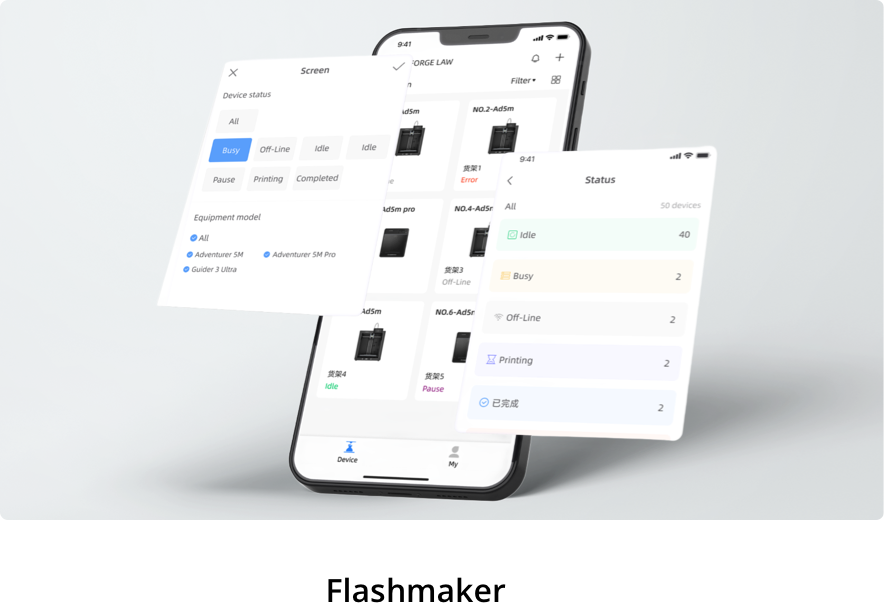
When printing on multiple machines, the grouping list management can be realized, and different printing jobs can be distinguished and managed by different grouping list names, which is efficient and convenient.


File List Reading
A coherent workflow helps you work more effectively. You can save time by opening the print files stored in the memory list from FlashPrint 5, which is convenient, fast and efficient.


More Powerful Functions

Auto Repair
The damaged model will be repaired automatically.

Rotation Optimization
The position of the model on the platform will be optimized automatically.

Model Copy
The sliced model can be easily copied with the same print settings.

Model Cutting
The model can be cut along the selected plane to divide it into several parts.

Software Compatibility
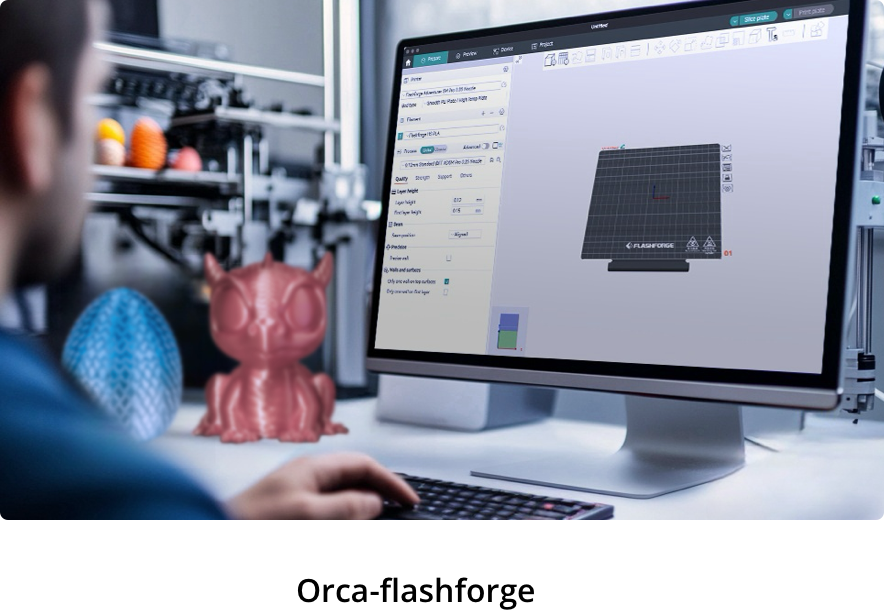
FlashPrint 5 is compatible with all major 3D modeling programs and supports files in. stl, .obj, .fpp and .3mf formats.

Undo Function
All operations can be undone by pressing the Ctrl+Z combination on the keyboard.
