

Sean McCue
CEO
13 MIN READ
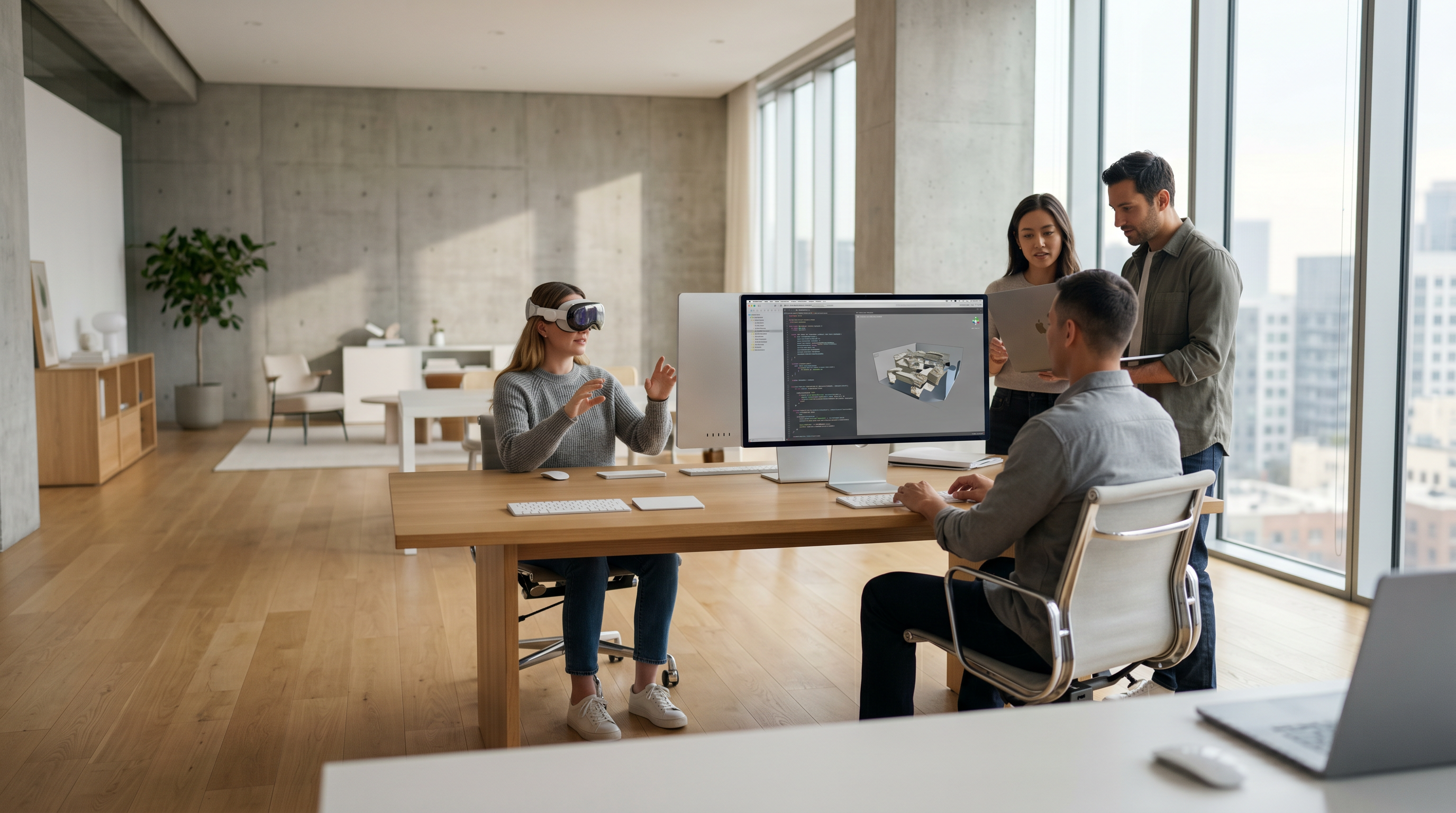
An Apple Vision Pro developer is a specialized software engineer who builds immersive spatial applications for Apple’s Vision Pro headset using visionOS, ARKit, RealityKit, and Metal. These developers combine skills in Swift, SwiftUI, and 3D design to create interactive environments that blend digital and physical spaces. They use tools such as Xcode, Reality Composer Pro, and TestFlight to prototype, test, and optimize performance on Vision Pro hardware. Mastery of spatial UX design, real-time rendering, and Apple’s development frameworks enables them to deliver high-quality, intuitive, and visually rich mixed reality experiences.
Understanding the Apple Vision Pro Ecosystem
The Apple Vision Pro ecosystem represents the convergence of cutting-edge hardware, software, and design principles that define the future of spatial computing. It’s built on visionOS, Apple’s dedicated operating system for mixed reality, and integrates frameworks like ARKit, RealityKit, and Metal to deliver immersive, high-fidelity experiences.
The Rise of Spatial Computing and visionOS
Spatial computing marks a paradigm shift from flat screens to immersive environments where users interact with digital content in real-world space. With visionOS, Apple has introduced a spatial operating system that supports 3D interfaces, gesture-based control, and eye-tracking input. According to Apple’s official documentation, visionOS combines the best of iOS and macOS frameworks while adding new APIs for spatial rendering and real-time interaction.
The Apple Vision Pro headset uses advanced sensors, LiDAR, and micro-OLED displays to create lifelike visuals. This hardware-software synergy allows developers to build applications that feel natural and intuitive. For example, enterprise teams can create collaborative design tools, while educators can develop immersive learning environments.
From a strategic standpoint, businesses adopting spatial computing early gain a competitive edge. As seen in Apple’s newsroom, Apple’s continued investment in spatial computing signals a long-term commitment to this platform. The takeaway: visionOS isn’t a passing trend—it’s the next major computing frontier.
Key Capabilities of Apple Vision Pro for Developers
Developers can leverage Apple Vision Pro to create apps that blend augmented and virtual reality. Key capabilities include:
- Spatial audio for realistic soundscapes.
- Eye and hand tracking for intuitive control.
- 3D object anchoring for persistent digital content.
- Shared spaces for multi-user collaboration.
These features empower developers to craft experiences that go beyond traditional AR apps. For instance, a design firm using Frame Sixty’s 3D model design services can integrate photorealistic assets into a Vision Pro environment for client presentations.
By understanding these capabilities, teams can align their creative and technical goals with Apple’s spatial computing roadmap. The key takeaway: mastery of visionOS features directly impacts app quality and user immersion.
How Apple’s Spatial Frameworks (ARKit, RealityKit, Metal) Work Together
Apple’s spatial frameworks form the foundation of Vision Pro development. ARKit provides motion tracking, environment understanding, and scene reconstruction. Developers can explore its full potential via Apple’s ARKit documentation. RealityKit, detailed on Apple’s RealityKit page, handles rendering, animation, and physics simulation, while Metal—as explained in Apple’s Metal documentation—optimizes GPU performance for real-time 3D rendering.
These frameworks are tightly integrated. For example:
| Framework | Primary Function | Integration Benefit |
|---|---|---|
| ARKit | Spatial tracking & mapping | Enables realistic motion and depth |
| RealityKit | Rendering & physics | Simplifies 3D scene creation |
| Metal | GPU optimization | Enhances performance and frame rate |
By combining these tools, developers can deliver smooth, visually stunning experiences. The key takeaway: successful Vision Pro apps rely on deep integration across Apple’s spatial frameworks.
Core Skills Every Apple Vision Pro Developer Should Have
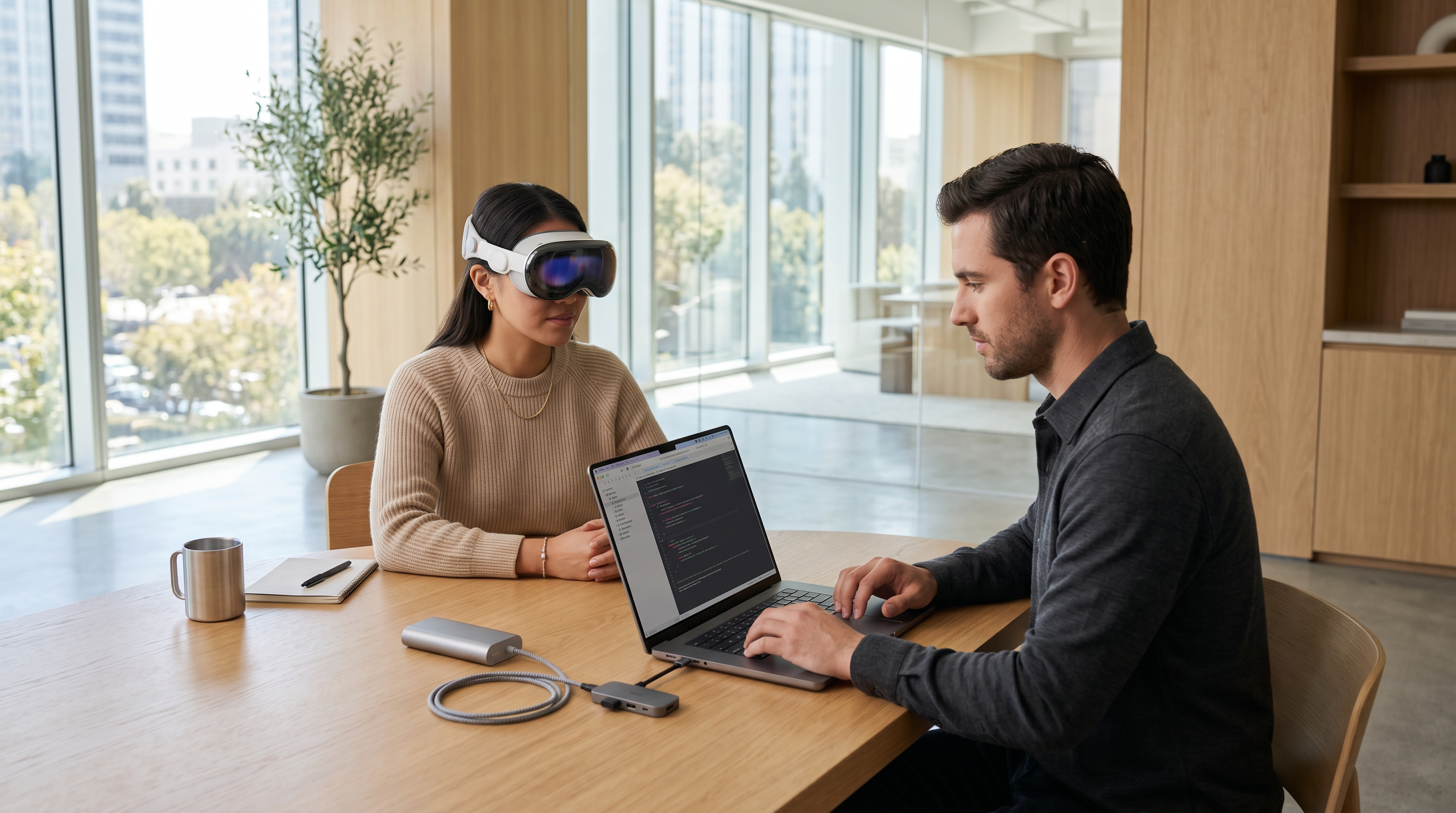
An Apple Vision Pro developer must possess a blend of programming, 3D design, and user experience expertise. The right combination of technical and creative skills ensures that spatial apps perform seamlessly and engage users effectively.
Proficiency in Swift, SwiftUI, and Xcode
Swift and SwiftUI are the backbone of visionOS app development. Developers use Xcode, Apple’s integrated development environment, to build, test, and deploy spatial apps. A proficient developer understands how to structure modular Swift code, manage memory efficiently, and design adaptive interfaces.
For example, a developer building an immersive retail app might use SwiftUI to dynamically adjust product displays based on user gaze. Teams familiar with Frame Sixty’s AI developer expertise can also integrate AI-driven personalization into spatial interfaces. The takeaway: Swift proficiency ensures efficient, scalable, and maintainable codebases for visionOS apps.
Experience with Reality Composer Pro, ARKit, and 3D Asset Pipelines
Reality Composer Pro, described in Apple’s documentation, is essential for prototyping and assembling 3D scenes. Developers use it to import USDZ models, configure materials, and preview spatial interactions. Combined with ARKit, it enables rapid iteration of mixed reality experiences.
A strong development team understands 3D asset pipelines, from modeling in Blender to optimizing textures for performance. Agencies like Frame Sixty specialize in high-quality 3D modeling for manufacturing and industrial design, as seen in their 3D modeling for manufacturing services. The takeaway: mastery of Reality Composer Pro and ARKit accelerates development and enhances visual fidelity.
Understanding Spatial UX Design and Mixed Reality Interaction Models
Designing for spatial computing requires rethinking traditional UX principles. According to Nielsen Norman Group’s UX research, spatial interfaces must prioritize comfort, clarity, and intuitive interaction. Developers must understand how users perceive depth, motion, and focus in 3D environments.
For example, in a productivity app, buttons should appear within natural reach zones, and visual hierarchy should adapt to spatial depth. Teams with experience in AI-augmented reality can also leverage context-aware interfaces that respond to user behavior. The takeaway: spatial UX design expertise ensures accessibility and user satisfaction in immersive environments.
Familiarity with Unity, Unreal Engine, and USDZ Workflows
While Apple’s native tools are powerful, cross-platform engines like Unity and Unreal Engine remain vital for developers targeting multiple XR platforms. Both engines support USDZ workflows, allowing seamless integration with Apple’s ecosystem.
A skilled developer knows when to use each tool:
- Unity: Ideal for rapid prototyping and multi-platform deployment.
- Unreal Engine: Preferred for cinematic-quality visuals and advanced physics.
Teams like Frame Sixty often combine these tools to balance creative flexibility with technical precision. The takeaway: versatility across engines enhances cross-platform development efficiency.

Evaluating the Right Apple Vision Pro Development Team
Choosing the right Apple Vision Pro development team determines the success of your spatial app. The evaluation process should focus on technical expertise, creative vision, and proven experience with Apple’s spatial frameworks.
In-House vs. Outsourced vs. Specialized Apple Vision Pro Agencies
Businesses can build in-house teams, outsource to general AR developers, or partner with specialized Vision Pro agencies. Each approach has trade-offs:
| Approach | Advantages | Challenges |
|---|---|---|
| In-House | Full control, direct communication | High cost, longer ramp-up |
| Outsourced | Lower cost, flexibility | Limited domain expertise |
| Specialized Agency | Deep expertise, faster delivery | Premium pricing |
Partnering with a specialized agency like Frame Sixty ensures access to developers experienced in Apple’s spatial ecosystem. The takeaway: specialized agencies offer the best balance of quality and speed for Vision Pro projects.
How to Assess Technical Expertise in visionOS Development
Assessing technical expertise involves reviewing developers’ familiarity with visionOS, RealityKit, and ARKit. Request code samples, technical documentation, and performance metrics. Teams should demonstrate understanding of GPU optimization using Metal and spatial rendering pipelines.
Additionally, developers should stay current with research from IEEE Xplore, which provides peer-reviewed insights into AR/VR performance and human-computer interaction. The takeaway: technical depth ensures your app performs reliably across complex spatial environments.
Reviewing Portfolios and Case Studies for Spatial App Quality
A strong portfolio showcases real-world experience in spatial computing. Review past projects for visual fidelity, user engagement metrics, and innovative interaction models. For example, Frame Sixty’s featured apps for Apple Vision Pro demonstrate how spatial storytelling can enhance user immersion.
Look for:
- Realistic lighting and physics.
- Smooth frame rates and low latency.
- Positive user feedback or App Store ratings.
The takeaway: a proven portfolio validates a team’s ability to deliver high-quality spatial experiences.
Checking for Apple Developer Program Certification and Compliance
Ensure your team is enrolled in the Apple Developer Program, which grants access to beta SDKs, TestFlight, and submission tools. Certification ensures compliance with Apple’s privacy and performance standards. Developers should also follow the Apple Human Interface Guidelines for visionOS to maintain consistency.
The takeaway: certified developers guarantee smoother app approval and long-term compatibility with Apple’s evolving SDKs.
The Process of Building a Spatial App for Apple Vision Pro
Building a spatial app for Apple Vision Pro involves structured phases: discovery, prototyping, development, testing, and optimization. Each step ensures alignment with user needs and Apple’s technical standards.
Discovery and Spatial UX Strategy
The discovery phase defines the app’s purpose, target audience, and spatial interaction model. Teams conduct workshops to identify user goals and define key performance indicators such as engagement and session duration. Integrating insights from Frame Sixty’s agentic spatial computing research can help shape intelligent, adaptive experiences.
The takeaway: strategic discovery ensures your app meets both business and user objectives.
Prototyping and XR Design Iterations
Prototyping allows teams to visualize spatial interactions early. Using Reality Composer Pro and ARKit, developers can simulate environments, test gestures, and refine spatial layouts. Iterative testing minimizes usability issues before full-scale development.
The takeaway: iterative XR design reduces risk and accelerates innovation.
Development Workflow with Xcode and Reality Composer Pro
The development phase involves coding in Swift, integrating 3D assets, and configuring physics and lighting. Developers use Xcode for debugging and performance profiling. Reality Composer Pro streamlines asset assembly and scene management.
Teams collaborating through GitHub and the Apple Developer Portal ensure version control and continuous integration. The takeaway: a structured workflow ensures efficient collaboration and high-quality output.
Testing and Optimization on Apple Vision Pro Hardware
Testing on actual Vision Pro hardware is essential for validating performance metrics like frame rate, latency, and memory usage. Developers use TestFlight for beta testing and gather real user feedback. Optimization focuses on reducing crash rates and improving rendering performance.
The takeaway: thorough testing guarantees stability and user satisfaction in real-world conditions.
Tools and Platforms for Apple Vision Pro Developers
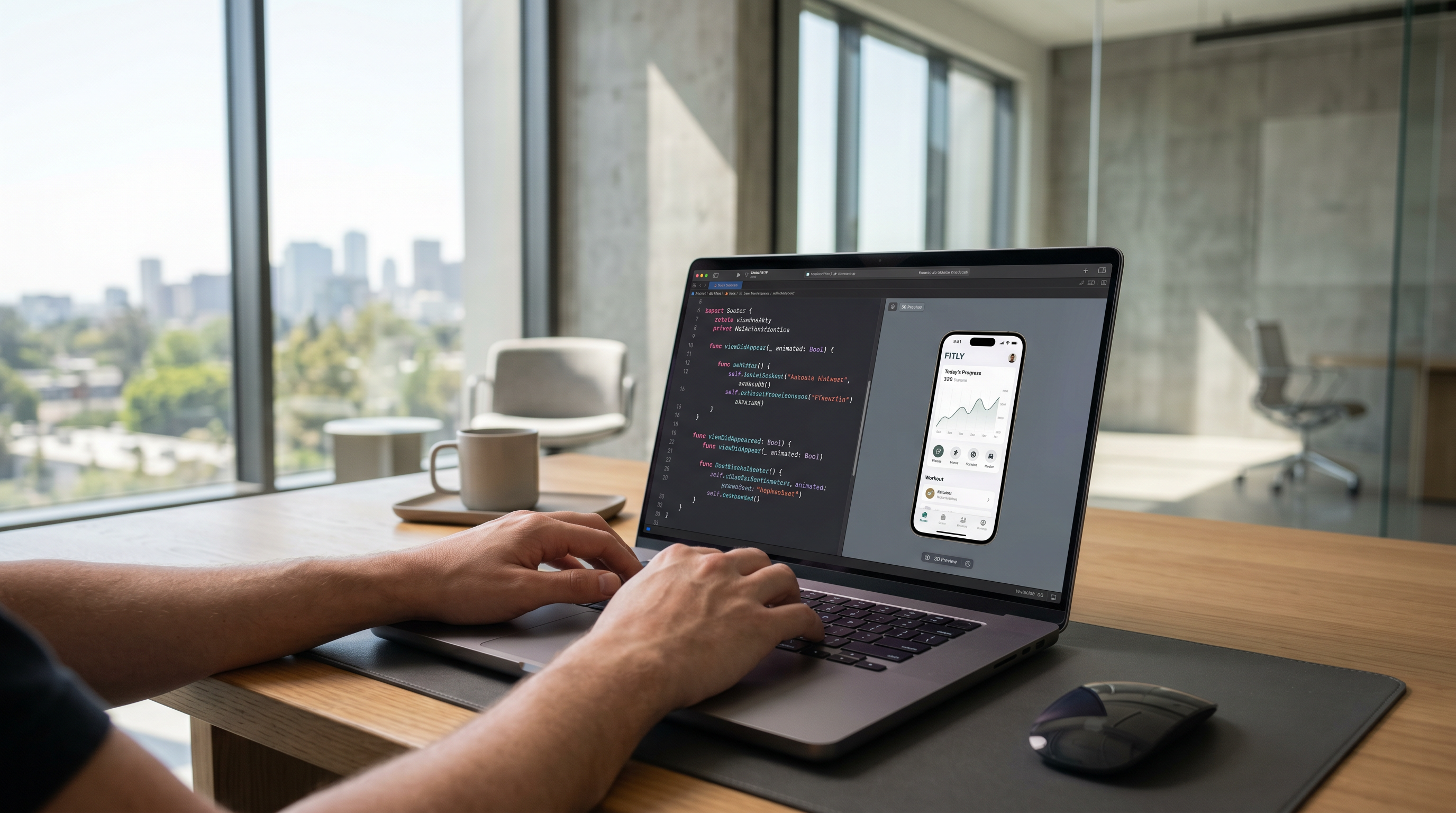
Apple Vision Pro developers rely on a robust set of tools for coding, design, testing, and collaboration. Mastery of these platforms accelerates production and ensures technical excellence.
Core Development Tools: Xcode, Reality Composer Pro, TestFlight
- Xcode: The primary IDE for visionOS development, offering debugging and performance analytics.
- Reality Composer Pro: Ideal for assembling 3D scenes and testing spatial interactions.
- TestFlight: Enables beta testing and feedback collection before App Store release.
These tools form the foundation of Apple’s spatial app pipeline. The takeaway: leveraging Apple’s native tools ensures seamless integration and performance optimization.
3D and Design Tools: Blender, Figma, Unity, Unreal Engine
Developers often use Blender for 3D modeling, Figma for interface design, and engines like Unity and Unreal Engine for advanced visualization. Integrating these tools with USDZ workflows streamlines asset management across platforms.
The takeaway: combining creative and technical tools enhances design flexibility and visual quality.
Collaboration and Version Control: GitHub and Apple Developer Portal
Collaboration tools like GitHub facilitate version control, while the Apple Developer Portal provides access to SDKs, certificates, and analytics. Teams can manage builds, track issues, and streamline deployment.
The takeaway: effective collaboration ensures consistent progress and compliance with Apple’s ecosystem standards.
Performance Optimization and Quality Assurance
Optimizing performance is critical for maintaining smooth, immersive experiences on Vision Pro. Developers monitor frame rate, latency, and memory usage to ensure responsiveness.
Measuring Frame Rate, Latency, and Rendering Performance
Using Metal and RealityKit profiling tools, developers analyze rendering pipelines and GPU load. Maintaining a stable 90+ FPS frame rate ensures comfort and immersion. The takeaway: consistent performance metrics enhance user comfort and retention.
Reducing Memory Usage and Crash Rate in Spatial Apps
Developers optimize textures, compress assets, and manage memory allocation efficiently. Automated testing detects potential crash points. The takeaway: efficient memory management prevents instability and improves user trust.
Enhancing User Engagement, Retention Rate, and Session Duration
Integrating analytics helps track user engagement and session duration. Developers can apply insights to refine spatial flow and interaction design. The takeaway: continuous UX optimization drives higher retention and satisfaction.
Publishing and Maintaining Your visionOS App
Publishing a visionOS app involves adhering to Apple’s submission guidelines and maintaining consistent updates post-launch.
Submitting to the Apple App Store and Meeting Review Guidelines
Developers submit apps through the Apple App Store, ensuring compliance with privacy and performance standards. Following Apple’s review process minimizes rejection risk. The takeaway: compliance ensures faster approval and credibility.
Using TestFlight for Beta Testing and Feedback
TestFlight allows developers to distribute beta builds and collect user feedback. Iterative testing ensures issues are resolved before public release. The takeaway: structured beta testing improves launch quality.
Continuous Updates and Performance Monitoring After Launch
Post-launch, developers monitor analytics for crash rate, conversion rate, and app store rating. Regular updates maintain compatibility with new visionOS versions. The takeaway: ongoing maintenance sustains long-term app success.
Cost and Timeline Considerations for Apple Vision Pro Projects
The cost of hiring an Apple Vision Pro developer varies by complexity, scope, and design requirements. Spatial apps require specialized skills and hardware testing, influencing both budget and timeline.
Factors Influencing Development Cost and Duration
Key factors include:
- App complexity and interactivity.
- 3D asset creation and optimization.
- Integration with AI or IoT systems.
Projects with advanced spatial interactions or enterprise-level integrations typically require more time and resources. The takeaway: clear scope definition ensures accurate budgeting.
Budgeting for 3D Assets, Testing Devices, and Developer Licenses
Budgets should account for:
- 3D modeling and animation costs.
- Vision Pro hardware for testing.
- Apple Developer Program licenses.
Partnering with experienced providers like Frame Sixty can streamline asset production and reduce costs. The takeaway: comprehensive budgeting prevents delays and cost overruns.
Estimating ROI and Conversion Rate for Spatial Experiences
Spatial apps can deliver high ROI through enhanced engagement and brand differentiation. Metrics like conversion rate and user retention measure success. The takeaway: data-driven evaluation validates investment in spatial computing.
Common Challenges in Apple Vision Pro Development
Developing for Vision Pro introduces unique challenges, from technical constraints to evolving SDKs.
Handling Complex 3D User Interfaces and Spatial Interactions
Designing intuitive 3D user interfaces requires balancing immersion with usability. Developers must ensure spatial elements remain comfortable and responsive. The takeaway: careful UI design prevents user fatigue and confusion.
Balancing Immersion with Usability and Accessibility
Accessibility remains critical in spatial computing. Developers should follow Apple’s accessibility guidelines and integrate adaptive controls. Insights from Frame Sixty’s AI in virtual reality development can enhance inclusivity. The takeaway: inclusive design broadens audience reach.
Adapting to Evolving Apple SDKs and visionOS Updates
Apple frequently updates visionOS and related SDKs. Staying current with Apple’s newsroom and developer documentation ensures compatibility. The takeaway: proactive adaptation maintains performance and compliance.
Conclusion
Hiring the right Apple Vision Pro developer is the foundation of a successful spatial app strategy. From mastering visionOS frameworks to designing intuitive 3D interfaces, the ideal team combines technical precision with creative innovation. Businesses that invest in specialized expertise can unlock the full potential of Apple’s spatial computing ecosystem.
As spatial computing continues to evolve, aligning with experienced partners like Frame Sixty ensures your app remains at the forefront of innovation. Their deep understanding of 3D modeling, AI integration, and spatial UX design positions them as a trusted authority in the Vision Pro landscape.
The future of immersive digital experiences depends on thoughtful design, robust engineering, and continuous optimization. Whether you’re building a training simulator, a retail showcase, or a collaborative workspace, the right development team can transform your vision into a compelling spatial reality.
Ready to bring your idea to life? Get in touch with Frame Sixty to hire expert Apple Vision Pro developers and start building the next generation of spatial experiences.
Apple Vision Pro Developer Hiring and App Development Insights
This FAQ explores key considerations for hiring Apple Vision Pro developers, understanding technical requirements, and planning effective strategies for building spatial computing apps on visionOS.
What does an Apple Vision Pro developer do for spatial app projects?
An Apple Vision Pro developer builds immersive apps using visionOS, Apple’s spatial computing platform. They combine 3D design, Swift programming, and spatial UX principles to create interactive experiences that blend digital and physical environments.
How can a business find qualified Apple Vision Pro developers?
Businesses can find qualified developers through specialized agencies, Apple Developer Program networks, or professional platforms focused on XR development. It’s essential to verify experience with visionOS, RealityKit, and ARKit before hiring.
Why is hiring a specialized Apple Vision Pro team better than a general AR developer?
Specialized Vision Pro teams understand Apple’s spatial frameworks and hardware-specific optimization. This expertise ensures better performance, visual fidelity, and compliance with Apple’s design and technical guidelines.
What programming languages are used by Apple Vision Pro developers?
Developers primarily use Swift and SwiftUI within Xcode to build visionOS apps. They also leverage frameworks like RealityKit, ARKit, and Metal for rendering, physics, and spatial tracking.
How does Reality Composer Pro assist in Apple Vision Pro app development?
Reality Composer Pro allows developers to assemble and preview 3D scenes, import USDZ models, and test spatial interactions. It speeds up prototyping and ensures visual accuracy before full-scale coding begins.
Can Unity or Unreal Engine be used for Apple Vision Pro development?
Yes, both Unity and Unreal Engine support USDZ workflows compatible with Apple’s ecosystem. Developers often use these engines for cross-platform XR projects or when advanced visual effects are required.
How much does it cost to hire an Apple Vision Pro development team?
Costs vary depending on app complexity, 3D asset requirements, and testing needs. Projects typically range from mid-five to six figures, with specialized agencies charging premium rates for expertise and speed.
What are the main phases of developing a spatial app for Apple Vision Pro?
The process includes discovery, prototyping, development, testing, and optimization. Each phase ensures technical quality, user comfort, and alignment with Apple’s visionOS standards.
How can businesses measure ROI from Apple Vision Pro app development?
ROI can be measured through user engagement metrics, retention rates, and conversion improvements. Spatial apps that deliver immersive, intuitive experiences often show higher brand impact and customer satisfaction.
