
Download Fullscreenizer – Gaming Tool, Productivity, Utility
Overview
Fullscreenizer is a lightweight utility designed to enhance the gaming experience on PC systems, particularly for older or legacy games that lack native full-screen mode support. The app enables users to force any running game into borderless full-screen mode, eliminating window borders and maximizing screen real estate. This is especially beneficial for gamers using modern monitors with higher resolutions and aspect ratios, where older games may otherwise appear with black bars or improper scaling. By dynamically adjusting the game’s aspect ratio to fit the display, Fullscreenizer ensures a more immersive and visually consistent experience.
Target users include retro gaming enthusiasts, indie developers testing older titles, and casual players seeking a cleaner visual setup without the need for complex configuration. The app is ideal for those who want to improve the presentation of games that were not built with modern display standards in mind. While the developer did not provide additional background information, the tool’s functionality suggests a focus on practicality and minimal user friction. Real-world use cases include streamlining gameplay for Twitch or YouTube content, improving visual clarity during competitive play, and reducing distractions during extended gaming sessions.
Within the broader software ecosystem, Fullscreenizer fills a niche gap by offering a no-install, zero-configuration solution for display optimization. It complements existing game launchers and emulators without requiring system-level changes, making it a safe and accessible addition for users of all technical levels.
Key Features & Functionality
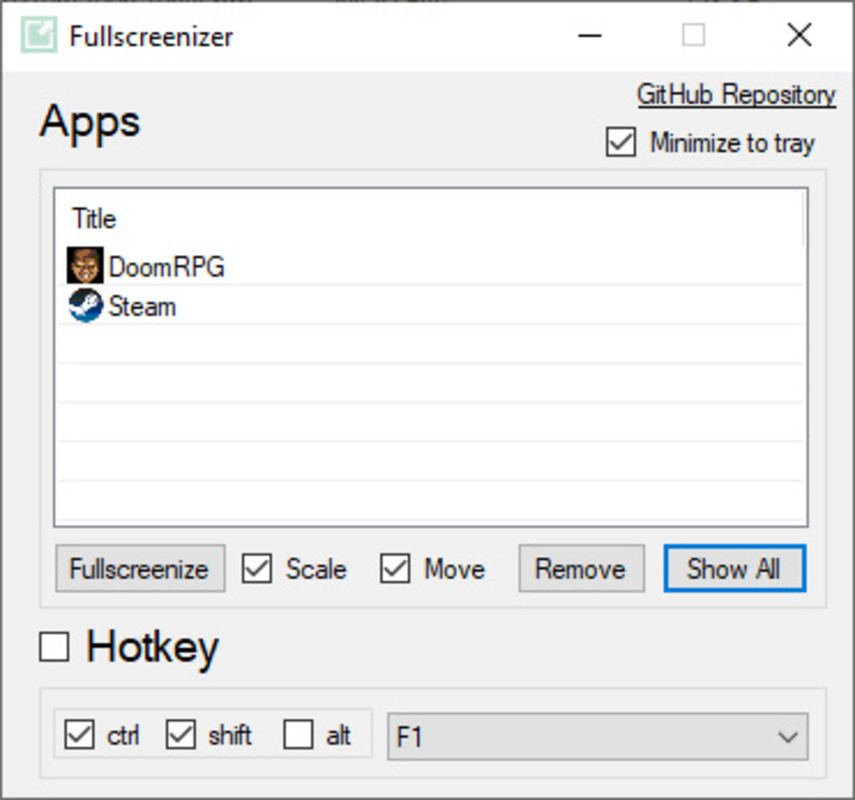
- Easy Game Selection: The app provides a clean interface that lists all currently running programs. Users can click the 'Show All' button to view the full list of active applications and quickly select the desired game. This feature simplifies the process of identifying and managing games in real time, especially when multiple titles are open.
- Custom Keyboard Shortcuts: Fullscreenizer allows users to assign personalized keyboard combinations using Ctrl, Alt, or Shift with any key. This enables instant toggling between windowed and full-screen modes, enhancing responsiveness during gameplay and reducing the need to navigate menus.
- No Installation Required: The tool is designed for immediate use—no setup, no registry edits, and no system modifications. Simply download the executable file, run it, and begin using it. This makes it ideal for temporary setups, public computers, or users who prefer portable applications.
- Reversible Modes: The full-screen effect is fully reversible. Users can switch back to windowed mode at any time with a single click, ensuring flexibility and control over their display preferences. This is particularly useful when multitasking or needing to access other applications during gameplay.
For example, a player running a 2005-era RPG on a 16:9 monitor can use Fullscreenizer to remove black bars and scale the game to fit the screen. Similarly, a content creator can use keyboard shortcuts to quickly toggle full-screen mode during a live stream without interrupting the broadcast.
Interface, UX & Performance
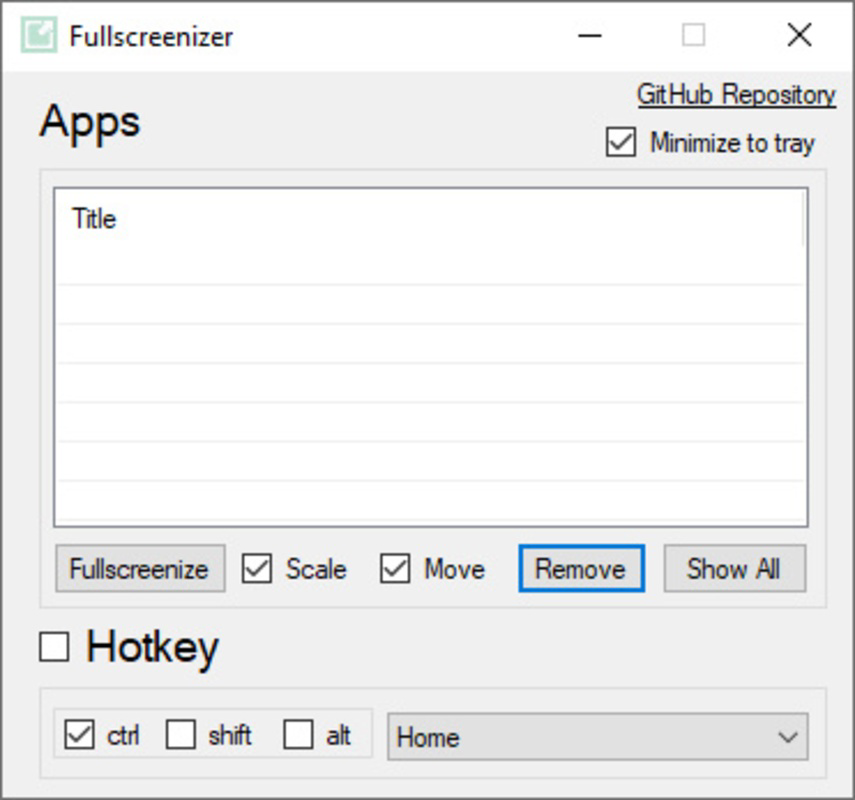
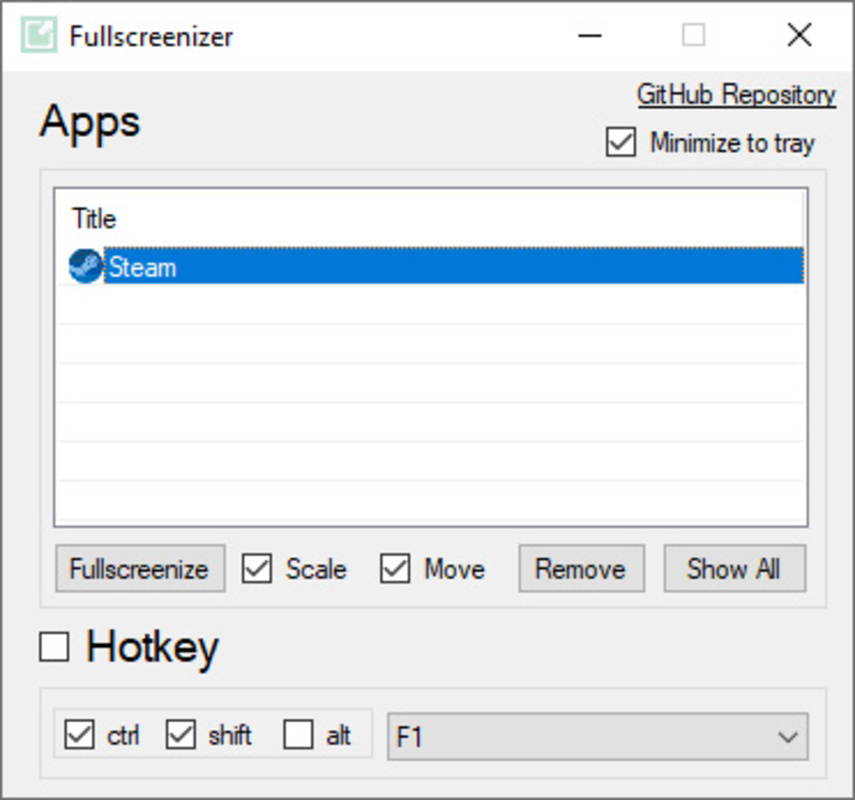
Fullscreenizer features a minimalistic and intuitive user interface, designed with functionality over aesthetics. The main window displays a list of active programs, with a clear 'Show All' button and a straightforward toggle for full-screen activation. Navigation is direct: select the game, click the button, and the mode changes instantly. The layout avoids clutter, focusing on core functionality without unnecessary distractions.
Visual style is plain but effective—text-based labels and simple icons ensure readability across different screen resolutions. The app runs in the background with minimal resource consumption, and although the developer did not list formal performance metrics, its sub-1 MB file size suggests low overhead. Responsiveness is consistent across different device categories, including older machines, as the tool operates at the application layer rather than requiring deep system integration.
Stability appears to be a strong point, given the app’s lightweight nature and lack of installation steps. Users are unlikely to encounter crashes or conflicts with other software, as Fullscreenizer does not modify system files. However, specific performance data, such as CPU or memory usage, was not provided.
Platform Compatibility & Technical Requirements
Fullscreenizer is designed for Windows-based systems. The app runs on modern versions of the Windows operating system, though specific OS versions were not listed by the developer. The file size is less than 1 MB, making it highly portable and suitable for use on devices with limited storage. The latest version was released on January 21, 2025, indicating active maintenance and recent updates.
Compatibility information was not fully disclosed, so users should verify system requirements before downloading. The developer did not specify minimum OS requirements or hardware recommendations. However, the lightweight design suggests broad compatibility with most Windows PCs from the last decade.
Pros and Cons
Pros
- Lightweight and portable—no installation required
- Simple, intuitive interface for quick game selection
- Supports custom keyboard shortcuts for rapid toggling
- Reversible full-screen mode for flexible control
- Enhances visual experience for older games on modern displays
Cons
- Specific OS compatibility details were not provided
- No built-in update checker or auto-update feature
- Functionality limited to Windows platform
- Developer background and support channels not disclosed
- May not work with games using anti-cheat or DRM protections
FAQ
Is Fullscreenizer safe to download and use?
Yes, Fullscreenizer is a lightweight utility that does not require installation and operates at the application level. It does not modify system files or install drivers, making it a secure option for most users. However, always download from official sources to avoid tampering.
Can I use Fullscreenizer with any game?
Fullscreenizer works with most standard PC games that run in windowed or borderless modes. It may not function properly with titles using advanced anti-cheat systems or DRM protections, as these can restrict external window manipulation.
Does Fullscreenizer require admin rights to run?
Based on the app’s design, it likely does not require elevated permissions. The tool operates at the user application level and should run without needing admin rights on most systems.
Is Fullscreenizer available for Mac or Linux?
As of now, the app is confirmed to be available only for Windows. No versions for macOS or Linux were listed in the provided information.
How often is Fullscreenizer updated?
The latest version was released on January 21, 2025. While the update frequency is not specified, the recent release suggests ongoing development and support.
Final Thoughts
Fullscreenizer delivers a focused, reliable solution for gamers and developers seeking to enhance the visual presentation of older PC games. Its minimal footprint, ease of use, and reversible full-screen functionality make it a standout utility in a crowded market. The lack of installation and customizable keyboard shortcuts add significant value for users who prioritize speed and control. While some technical details remain unspecified, the app’s core promise—immediate, hassle-free full-screen optimization—is fulfilled effectively.
It is particularly beneficial for retro gaming communities, content creators, and anyone looking to enjoy legacy titles on modern hardware without compromise. For those seeking a secure, lightweight tool to elevate their gaming setup, Fullscreenizer is a practical and efficient choice.
Download Fullscreenizer now


