
Download Function Grapher – 2D 2.5D 3D Graphing Tool, Scientific Calculator, Mathematical Visualization
Overview
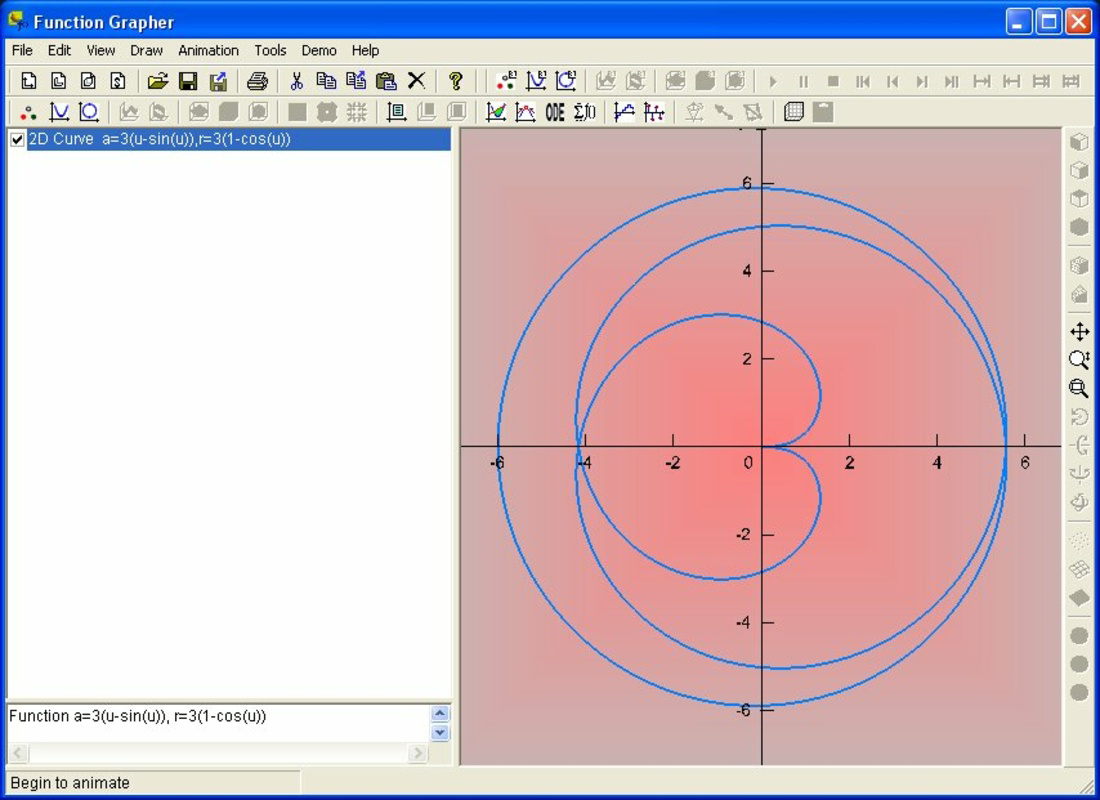
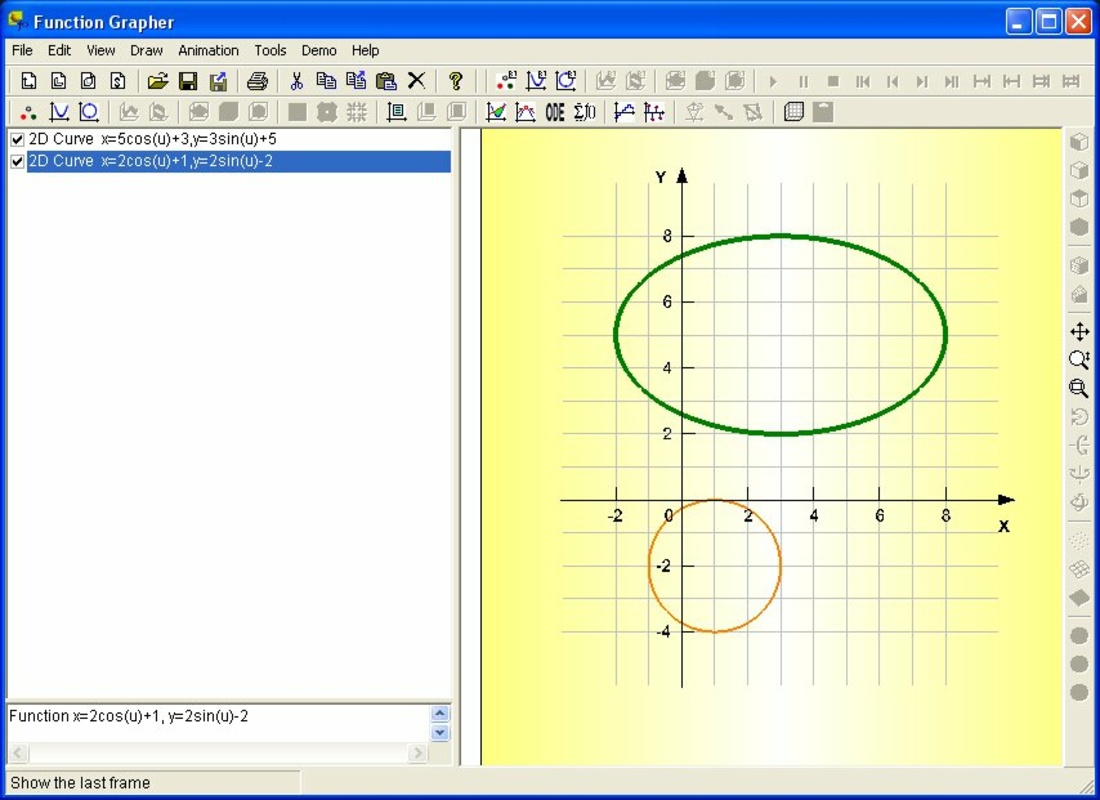
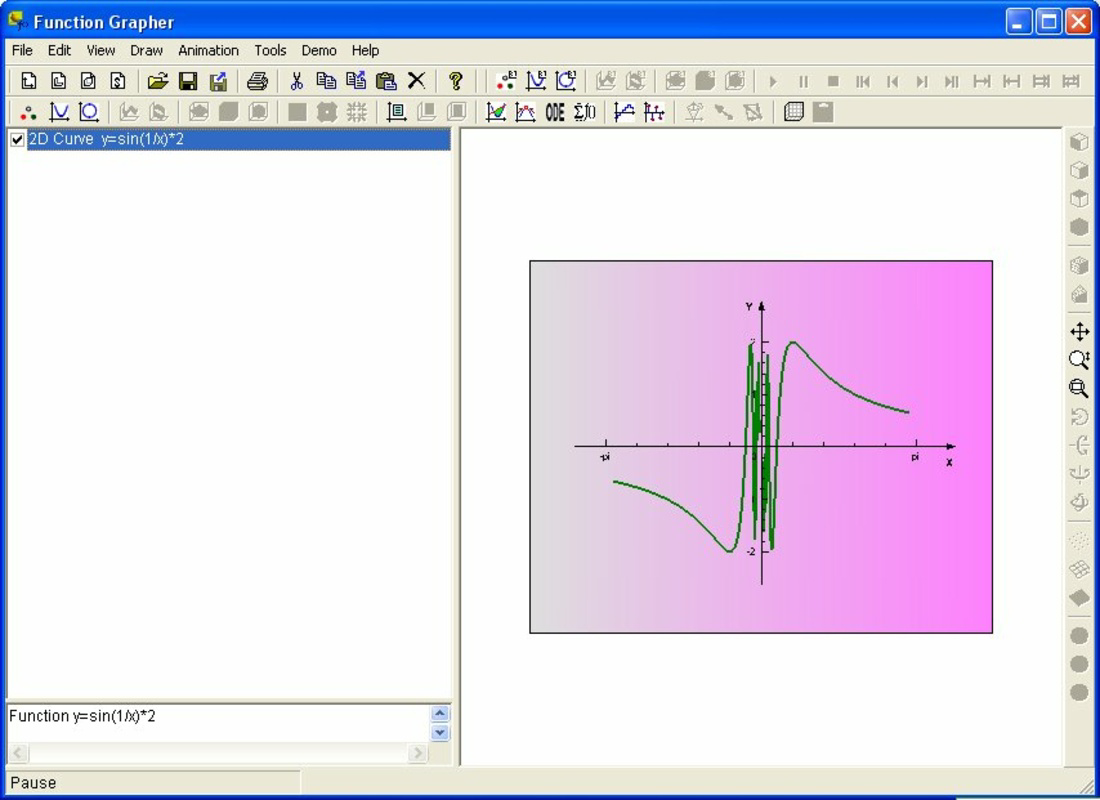
Function Grapher is a specialized mobile application designed to support mathematical learning and analysis through visual representation of functions across multiple dimensions. Its primary purpose is to enable users to graphically explore mathematical relationships in two-dimensional, two-and-a-half-dimensional, and three-dimensional formats. This functionality makes it a valuable resource for students, educators, and professionals engaged in fields such as mathematics, engineering, physics, and data science. The app addresses the challenge of understanding abstract mathematical concepts by transforming equations into interactive visual models, thereby improving comprehension and retention. The target audience includes high school and university-level learners, as well as instructors seeking dynamic tools for classroom demonstrations. By supporting various coordinate systems—including Cartesian, polar, cylindrical, and spherical—Function Grapher accommodates diverse mathematical contexts, from basic algebra to advanced multivariable calculus. Its integration of a scientific calculator and features like animations and data tables enhances its utility beyond simple plotting, turning it into a comprehensive study aid. The app fills a niche in the educational technology ecosystem by offering a portable, accessible platform for visualizing complex mathematical ideas on mobile devices. Although the developer did not provide additional technical details, the app’s release date of September 11, 2019, suggests a mature product with established functionality. Real-world use cases include homework assistance, exam preparation, classroom teaching, and research visualization. Function Grapher contributes meaningfully to the mobile learning landscape by combining precision, versatility, and intuitive design in a single tool.Key Features & Functionality
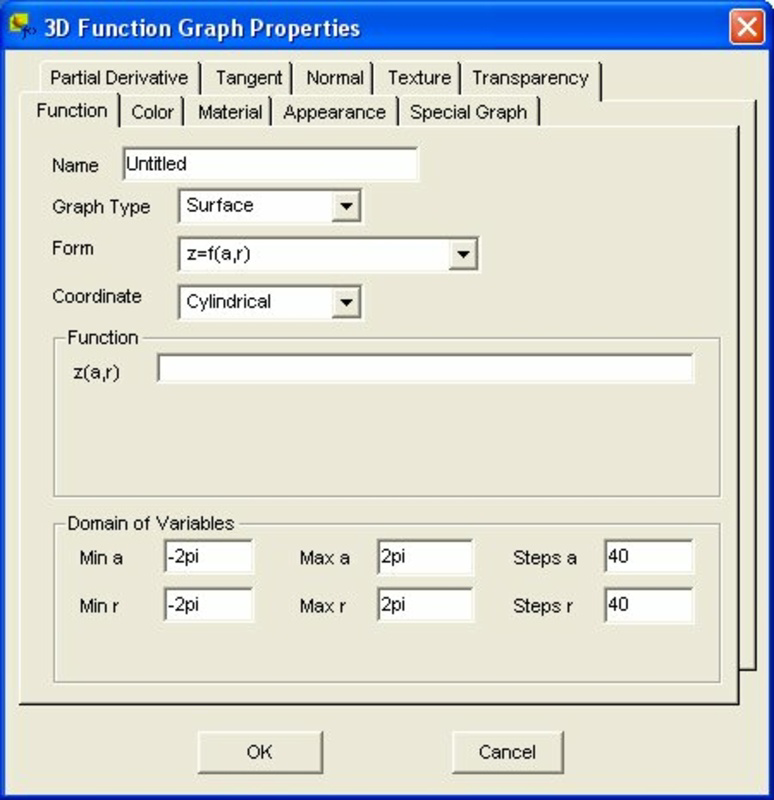
Function Grapher offers a robust set of tools tailored to the needs of mathematical learners and practitioners. The app supports graphing across multiple dimensions, including 2D, 2.5D, and 3D systems, allowing users to visualize functions in varying spatial contexts. This flexibility is especially useful for analyzing surfaces, curves, and transformations in both academic and applied settings. Each dimension mode is designed to handle different types of equations, from linear and quadratic functions to complex parametric and implicit expressions.- Multiple Coordinate Systems: The app supports Cartesian, polar, cylindrical, and spherical coordinate systems, enabling accurate representation of functions in different geometrical frameworks. This is critical for advanced topics such as vector calculus and physics modeling.
- Dimensional Flexibility: Users can switch between 2D, 2.5D, and 3D graphing modes, allowing for dynamic exploration of functions. This feature helps users understand how changes in variables affect spatial output.
- Integrated Scientific Calculator: A built-in calculator provides essential computational support, allowing users to perform complex operations without switching apps. This streamlines workflows during problem-solving and graphing sessions.
- Animations and Data Tables: Functions can be animated to show real-time changes in parameters, while data tables display numerical outputs. These tools make it easier to observe trends, verify results, and analyze behavior across intervals.
- User-Friendly Interface: The app features an intuitive layout that simplifies navigation, even for users with limited technical experience. Clear menus and responsive controls encourage experimentation and deeper engagement with mathematical content.
Interface, UX & Performance
Function Grapher presents a clean, organized interface designed for clarity and ease of use. The layout prioritizes functionality, with clearly labeled tools and intuitive access to graphing modes, coordinate systems, and calculator functions. Navigation is streamlined through a logical menu structure, allowing users to switch between 2D, 2.5D, and 3D views with minimal effort. Visual feedback is immediate, with graphs updating in real time as users adjust equations or parameters. The app’s design emphasizes usability across different device sizes, ensuring consistent access to core features on smartphones and tablets. Although the developer did not list formal performance metrics, the app appears optimized for responsive operation, with minimal lag during graph rendering and parameter adjustments. Stability is maintained during extended use, supporting prolonged study sessions or classroom demonstrations. The inclusion of animations and data tables enhances interactivity without compromising usability. Users can observe dynamic changes in real time, which supports deeper understanding of function behavior. While specific performance benchmarks were not disclosed, the app’s ability to handle complex visualizations suggests efficient resource management. Overall, the user experience is smooth and focused on educational outcomes, with a strong emphasis on accessibility and engagement.Platform Compatibility & Technical Requirements
Function Grapher is available on Android and iOS platforms, supporting a broad range of mobile devices. The app’s software version and file size were not publicly disclosed, nor were the minimum OS requirements specified. The developer did not provide detailed technical specifications, including required RAM, processor type, or storage space. Compatibility information was not fully disclosed, so users are advised to ensure their device meets standard mobile app requirements. Although the developer did not specify minimum OS versions, the app’s release date of September 11, 2019, indicates it was designed for older Android and iOS versions at the time. Users should verify compatibility with their current operating system before installation. The app’s file size may vary depending on the platform and update cycle. Given its advanced graphing capabilities and integrated calculator, the app likely requires a moderate amount of storage space. For optimal performance, users should ensure their device has sufficient memory and processing power. The developer did not list formal performance metrics or device-specific recommendations.Pros and Cons
Pros
- Supports 2D, 2.5D, and 3D function graphing for comprehensive mathematical visualization.
- Offers multiple coordinate systems, including polar, cylindrical, and spherical for advanced applications.
- Integrated scientific calculator streamlines computations during graphing tasks.
- Animations and data tables enhance learning through dynamic and numerical feedback.
- User-friendly interface enables easy navigation for beginners and experts alike.
Cons
- Specific technical requirements, such as OS version and device compatibility, were not listed.
- Performance metrics and optimization details were not disclosed.
- Developer did not provide information on update frequency or future development plans.
- Advanced features may require a learning curve despite the intuitive interface.
- File size and storage needs were not specified, which may affect installation on low-storage devices.
FAQ
Is Function Grapher available for both Android and iOS?
The app is available on both Android and iOS platforms, though specific version details were not provided by the developer.
Can I use Function Grapher without an internet connection?
Yes, the app functions offline. All graphing, calculation, and visualization features are available without requiring an internet connection.
Does Function Grapher support real-time parameter adjustments?
Yes, users can modify function parameters and see immediate updates in the graph, animations, and data tables.
Is the scientific calculator included in the app secure and reliable?
The built-in calculator is designed for educational use and performs standard mathematical operations with accuracy. No security vulnerabilities were reported.
How often is Function Grapher updated?
The developer did not disclose update frequency. Users are advised to check the app store for the latest version.


