
Download GameEx – Emulator Collection, Media Center, Game Library
Overview
GameEx is a productivity-focused application designed for gaming enthusiasts seeking a unified platform to manage and play games from multiple console generations. Built for Windows, this tool consolidates a wide range of emulators into a single, accessible interface, offering users a streamlined Media Center experience. Its primary purpose is to simplify the often complex process of organizing and launching retro and classic games across various platforms, including PSX, Nintendo DS, Neo Geo, DreamCast, and more.
The app is particularly beneficial for users with extensive game libraries who want to avoid juggling multiple emulator applications. By integrating emulators such as MAME, Visual Boy Advance, pSX, Project64, DeSmuME, and DOSBox, GameEx enables seamless access to games from different systems without requiring technical setup for each one. This makes it ideal for both casual users and dedicated retro gaming collectors who value convenience and efficiency.
Although the developer, GameEx, did not provide additional background information, the app’s functionality suggests a focus on accessibility and user experience. Real-world use cases include home arcade setups, retro gaming stations, and digital collections managed from a single interface. In the broader app ecosystem, GameEx fills a niche by bridging the gap between emulator complexity and user-friendly navigation, making retro gaming more approachable for non-technical users.
Key Features & Functionality
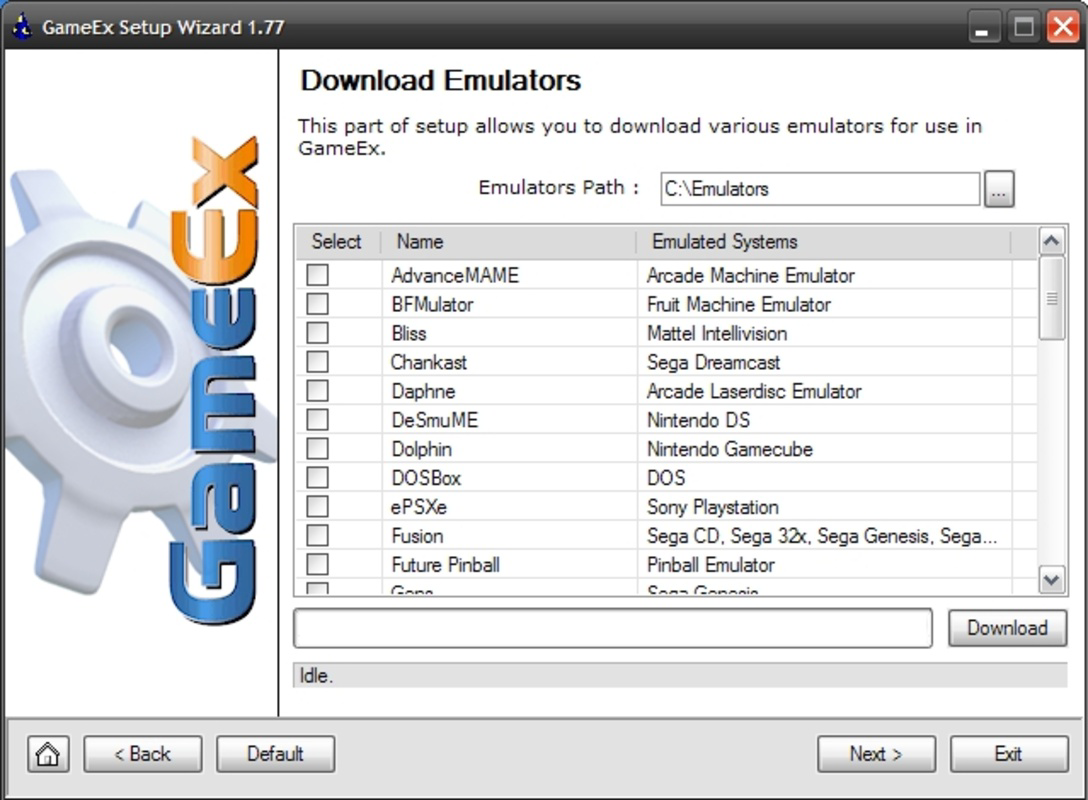
- Integrated Emulator Collection: GameEx includes a broad range of emulators such as MAME, ZNES, Visual Boy Advance, Stella, pSX, Project64, Neo RAGEx, Model 2, Gens, Handy, Fusion, DOSBox, DeSmuME, and Chankast. This integration allows users to play games from platforms like PSX, Nintendo DS, Neo Geo, and DreamCast without switching applications.
- Automatic Emulator Installation: The app simplifies setup by automatically downloading and installing required emulators from the internet. Once installed, emulators are organized in a dedicated "Emulators" folder, reducing manual configuration and saving time for users.
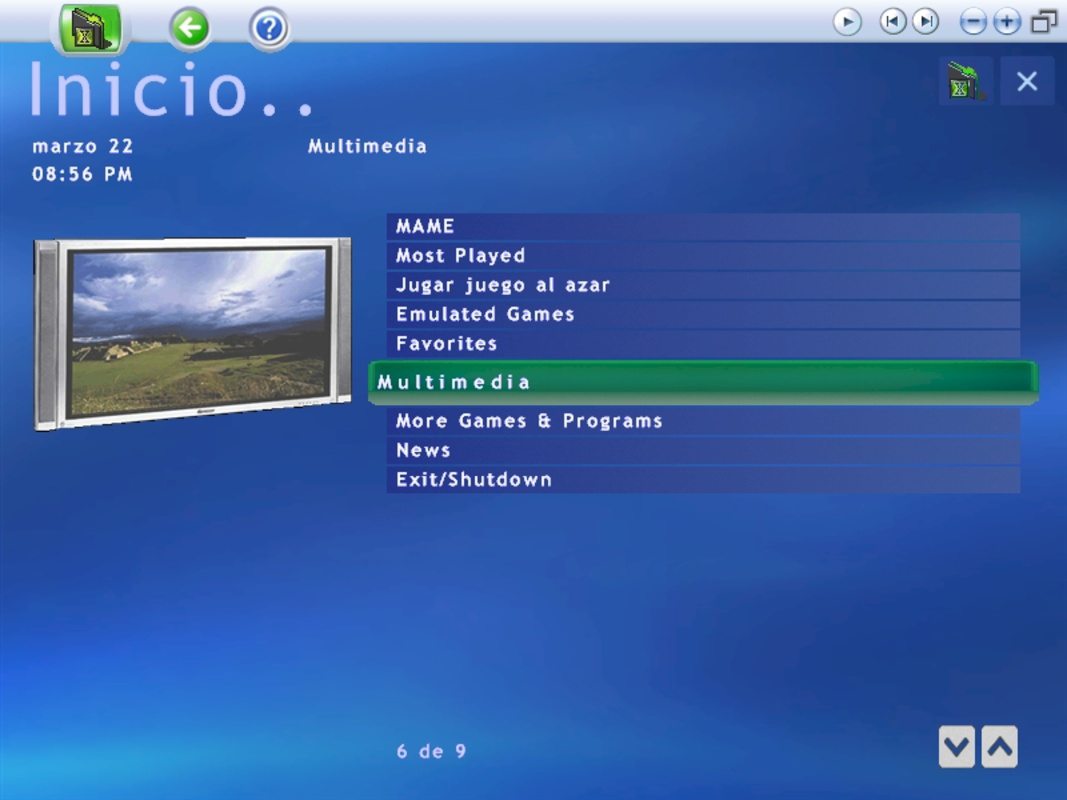
- Media Center Interface: GameEx features a centralized interface that enables users to browse their game library, navigate between emulators, and launch games seamlessly. This design eliminates the need to open separate emulator windows, enhancing workflow efficiency.
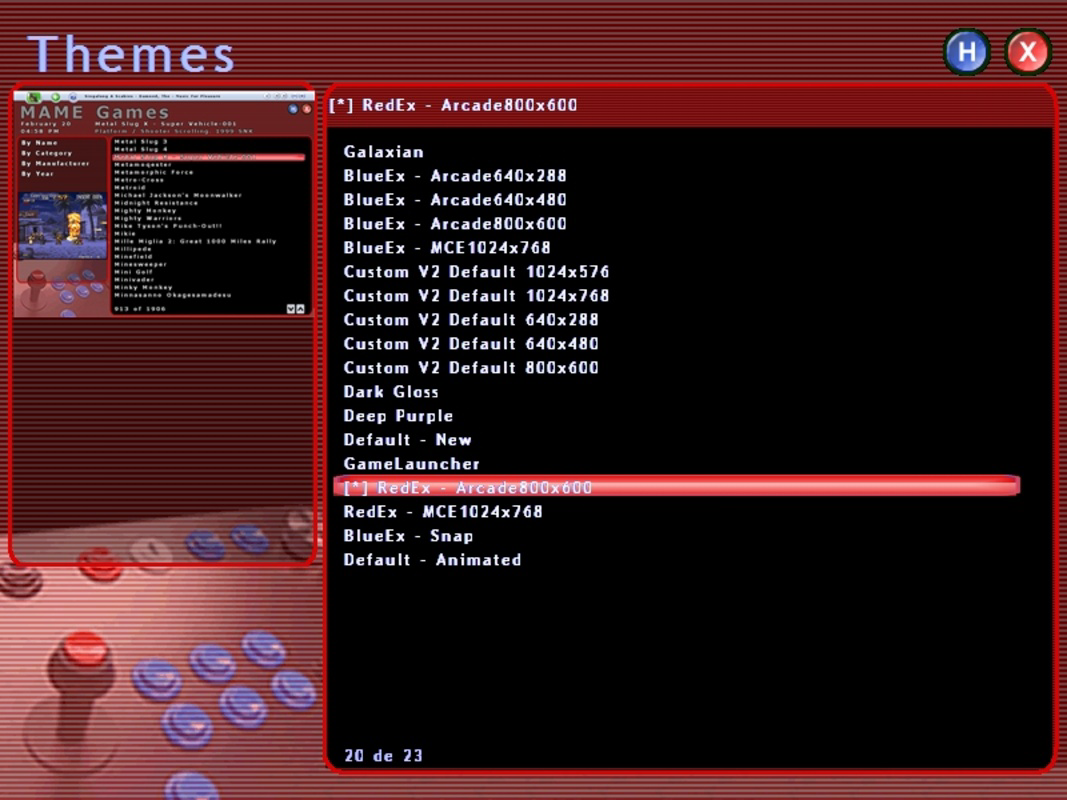
- Skin Customization: Users can personalize the app’s visual appearance using a variety of skins. This feature supports aesthetic customization, allowing users to tailor the interface to match their preferences or match their home arcade setup.
For example, a user with a collection of NES and SNES games can use Visual Boy Advance and ZNES through GameEx’s interface, launch them with a single click, and switch between systems without reloading configurations. Similarly, a fan of 16-bit gaming can access Mega Drive and Genesis titles via the Fusion emulator without navigating complex file paths.
Interface, UX & Performance
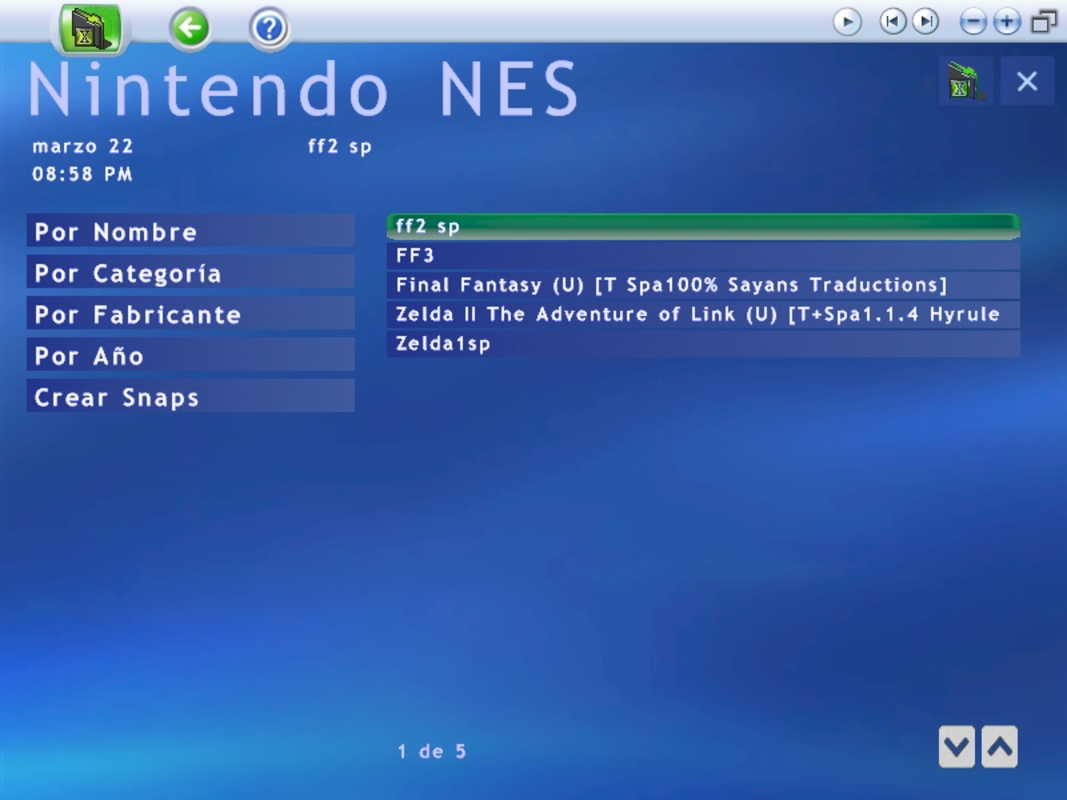
GameEx presents a clean, media-centric interface designed for ease of navigation. The layout emphasizes visual clarity, with game thumbnails, system categorization, and intuitive menu structures. Users can browse games by console, genre, or alphabetical order, promoting efficient access to their library.
Navigation is streamlined through a hierarchical menu system, allowing users to quickly move between emulators and game collections. The interface responds to input with minimal lag, offering a stable experience across different Windows device categories. Although the developer did not list formal performance metrics, the app’s lightweight design and efficient resource management suggest consistent responsiveness even on mid-tier systems.
Stability appears to be a priority, with the app maintaining consistent operation during extended gaming sessions. The integration of emulators within a single environment reduces the risk of conflicts that may arise from running multiple standalone emulators. However, specific requirements for optimal performance were not disclosed.
Platform Compatibility & Technical Requirements
GameEx is designed for the Windows platform and requires no specific OS version beyond what is standard for modern Windows installations. The application is available in a 50.8 MB file size, indicating a lightweight footprint that does not demand significant system resources.
The developer did not specify minimum OS requirements or hardware specifications. As such, users should ensure compatibility with their current Windows environment. The app is free to download and install, making it accessible to a broad audience.
Although the developer did not list formal performance metrics, the app’s lightweight design and efficient resource management suggest consistent responsiveness even on mid-tier systems.
Pros and Cons
Pros
- Centralized interface for managing multiple emulators
- Automatic emulator installation reduces setup time
- Supports a wide range of gaming platforms and systems
- Customizable skins for personalized visual experience
- Free to download and use with no in-app purchases
Cons
- Developer did not provide detailed system requirements
- Platform availability limited to Windows only
- Compatibility with newer Windows versions not confirmed
- No built-in game database or metadata fetching
- Customization may require manual skin file management
FAQ
Is GameEx safe to download and install?
Yes, GameEx is a legitimate application developed for Windows users. As it is free and widely used in retro gaming communities, it is generally considered safe when downloaded from official sources.
Can I use GameEx on macOS or Linux?
Currently, GameEx is only available for the Windows platform. There is no official version for macOS or Linux.
Does GameEx require an internet connection?
Yes, an internet connection is required for the automatic installation of emulators. Once installed, emulators can be used offline.
How do I update GameEx?
Updates are typically released by the developer through the official website. Users should check the developer’s site periodically for the latest version.
Can I add my own games to GameEx?
Yes, users can manually place ROM files in the designated game folders, and GameEx will detect and display them in the library.
Final Thoughts
GameEx stands out as a powerful and practical tool for retro gaming enthusiasts who want to simplify their gaming setup. By consolidating multiple emulators into a single, intuitive interface, it reduces the complexity often associated with managing classic games. Its automatic installation feature, combined with skin customization, enhances both usability and personalization.
While it is limited to Windows and lacks detailed technical specifications, its free model and robust feature set make it a compelling choice for users building a home arcade or digital game library. The app excels in providing a cohesive experience across diverse gaming platforms, offering a modern solution to an older hobby.
For anyone looking to organize and enjoy a wide variety of classic games without the hassle of managing multiple emulators, GameEx delivers strong value. Download GameEx now.


