Important
The CollaboraOnline/online.mirror repository on GitHub is a read-only mirror. Collabora Online and Collabora Office are developed on our Gerrit instance at https://gerrit.collaboraoffice.com; the GitHub repository only mirrors that source code.
- Code contributions go through Gerrit, not GitHub. Pull requests are disabled here; see CONTRIBUTING.md for how to submit a patch.
- Report issues at the CollaboraOnline/online issue tracker.







Secure Document Collaboration. Controlled by You.
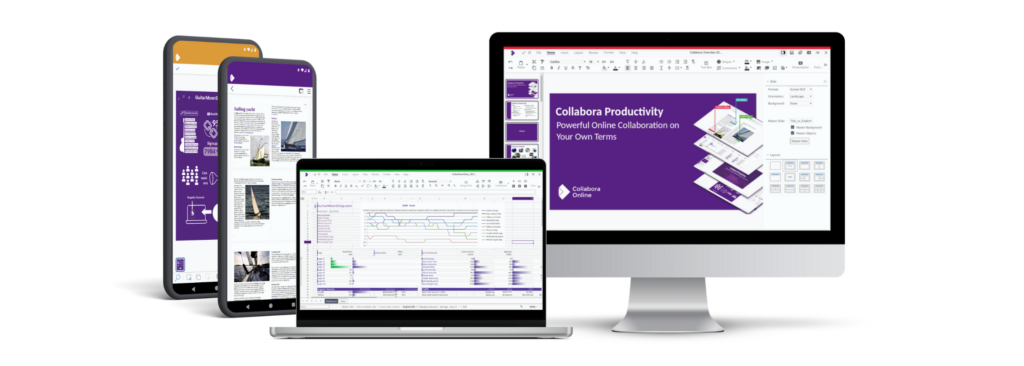
- Collabora Online Development Edition (CODE)
- Collabora Online
- Collabora Office
- Collabora Office for iOS and Android
- For additional details, build instructions, downloads, and more, please visit www.collaboraoffice.org. You can also explore the SDK Documentation.
- View and edit text documents, spreadsheets, presentations & more
- Collaborative editing features
- Collabora Online works in any modern browser – no plugin needed
- Integrate, extend and customise
- Open Source – primarily under the MPLv2 license. Some parts are under other open source licences, see e.g. browser/LICENSE.
To integrate Collabora Online into your own solution, you can see our step-by-step tutorial, view the available integrations, understand the post message API used to customize and interact with Collabora Online, and a lot more.
Set up Nextcloud or ownCloud on localhost and install the richdocuments app, or explore other integrations that can be used to test Collabora Online at https://www.collaboraonline.com/integrations/.
Good tutorials exist how to install ownCloud or Nextcloud, we don't repeat them here. richdocuments is called Collabora Online in the respective app stores / marketplaces / whatever.
When you have a running Nextcloud or ownCloud instance at http://localhost/nextcloud or at http://localhost/owncloud go to Collabora Online settings, and set the WOPI URL to http://localhost:9980
Then in the build tree, edit the generated coolwsd.xml and set ssl setting to false. You can run make run, and test coolwsd with the ownCloud or Nextcloud integration.
Note: if SSL is enabled in either Online or the integration, both must have SSL enabled. That is, you must access NC/OC using https:// as well as configure the Collabora Online endpoint in NC/OC as https://localhost:9980.
Do you want a ready-to-go or simplified solution? Find a trusted vendor from our list of global partners who integrate and host Collabora Online.
Please ask your questions on any of the bridged Matrix/Telegram rooms
- Matrix: #cool-dev:matrix.org
- Telegram: CollaboraOnline
Join the conversation on our Discourse server at https://forum.collaboraonline.com/
Watch the tinderbox status (it should be green):
This project has several components:
- engine/
- The document rendering engine
- wsd/
- The Web Services Daemon - which accepts external connections
- kit/
- The client which lives in its own chroot and renders documents
- common/
- Shared code between these processes
- browser/
- The client side JavaScript component
- test/
- C++ based unit tests
- cypress_test/
- JavaScript based integration tests
- Build Collabora Online
- Build Collabora Office for iOS
- Build Collabora Office for Android
- Build Collabora Office for Windows
- Build Collabora Office for macOS
- Build Collabora Office for Linux
You can access the admin panel by directly accessing the admin.html file from browser directory.
Websocket connections to admin console can be made at path: /adminws/ on the
same url and port as coolwsd is running on. However, one needs a JWT token to
authenticate to the admin console websocket. This is stored as a cookie with
Path: /adminws/ when user successfully authenticates when trying to access
/browser/dist/admin/admin*html files (HTTP Basic authentication). Token
is expired after every half an hour, so websocket connection to admin console
must be established within this period.
It should also be possible to do various sorts of tasks such as killing documents that are open for more than 10 hours etc. See protocol.txt for various commands. Only tricky thing here is getting the JWT token which can be obtained as described above.
See protocol.txt for a description of the protocol to be used over the websocket.
Please refer to https://sdk.collaboraonline.com/docs/architecture.html
