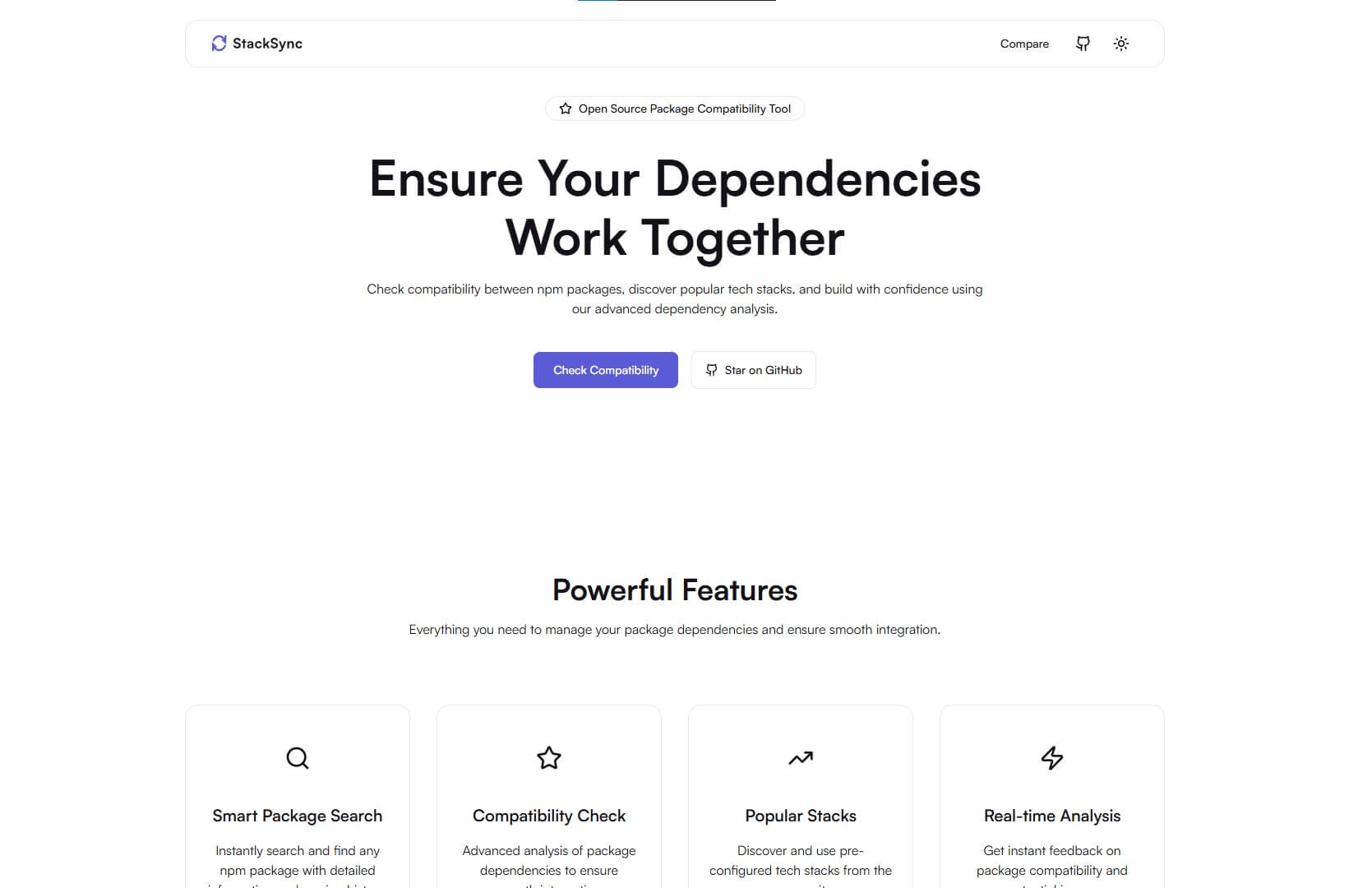
StackSync is an open-source tool that helps developers check package compatibility across different versions of React, Next.js, Tailwind CSS, and more. It simplifies dependency management by ensuring that the selected npm packages are compatible with your tech stack.
✅ Check Package Compatibility - Verify if npm packages, frameworks, and libraries are compatible across different versions.
✅ Compare Versions - Side-by-side version comparison to make informed decisions.
✅ Real-time Updates - Always fetch the latest versions from npm and framework registries.
✅ Dark Mode & Light Mode - User-friendly interface with theme switching.
✅ Blazing Fast Performance - Built with Next.js 15, Tailwind CSS, and optimized for speed.
✅ SEO Optimized - Metadata, OpenGraph, and Twitter Cards for better discoverability.
✅ Fully Responsive - Works seamlessly across all devices.
✅ Easy to Use - Minimalist design with an intuitive UI.
✅ Open-Source & Free - Contribute and enhance it as you like!
- Next.js 15 - React framework for server-side rendering and static site generation.
- Tailwind CSS - Utility-first CSS framework for styling.
- ShadCN UI - Beautiful, accessible, and customizable UI components.
- Framer Motion - Smooth animations for a great user experience.
- ESLint & Prettier - Code linting and formatting for maintainability.
- Dark Mode & Light Mode - Theme switcher for better accessibility.
-
Clone the repository:
git clone https://github.com/HardikGohilHLR/stacksync.git cd stacksync -
Install dependencies:
npm install
-
Setup environment variables: Create a
.env.localfile in the root directory and add:NEXT_PUBLIC_SITE_URL=your-site-url NEXT_PUBLIC_VERIFICATION_GOOGLE=your-google-verification-code NEXT_PUBLIC_GA_MEASUREMENT_ID=your-ga-measurement-id
-
Run the development server:
npm run dev
The project will be available at
http://localhost:3000. -
Build for production:
npm run build && npm start
We welcome contributions! Feel free to submit a pull request or report issues.
- Fork the repository
- Create a new branch:
git checkout -b feature-branch - Commit changes:
git commit -m "Added new feature" - Push the branch:
git push origin feature-branch - Open a Pull Request
StackSync is open-source and licensed under the MIT License. See the LICENSE file for details.
If you like this project, give it a ⭐ on GitHub and consider supporting me:

📧 Email: [email protected]
🐦 Twitter: @hardikgohil
🔗 Website: hardikgohilhlr.tech
