

Download Gmail – Email Management, Mobile Email, Google Integration, Secure Email, Free Email App
Overview
Gmail is a mobile email application developed by Google, designed to bring the full functionality of the web-based email service to smartphones and tablets. As a core component of Google’s productivity suite, Gmail enables users to read, write, and manage emails directly from their mobile devices. The app supports both personal and professional use, offering seamless access to multiple email accounts, including Gmail, Yahoo! Mail, Outlook, Exchange, and manually configured IMAP or POP accounts. It serves as a primary tool for individuals and professionals who require constant access to their inbox, whether for personal communication, business correspondence, or academic coordination.
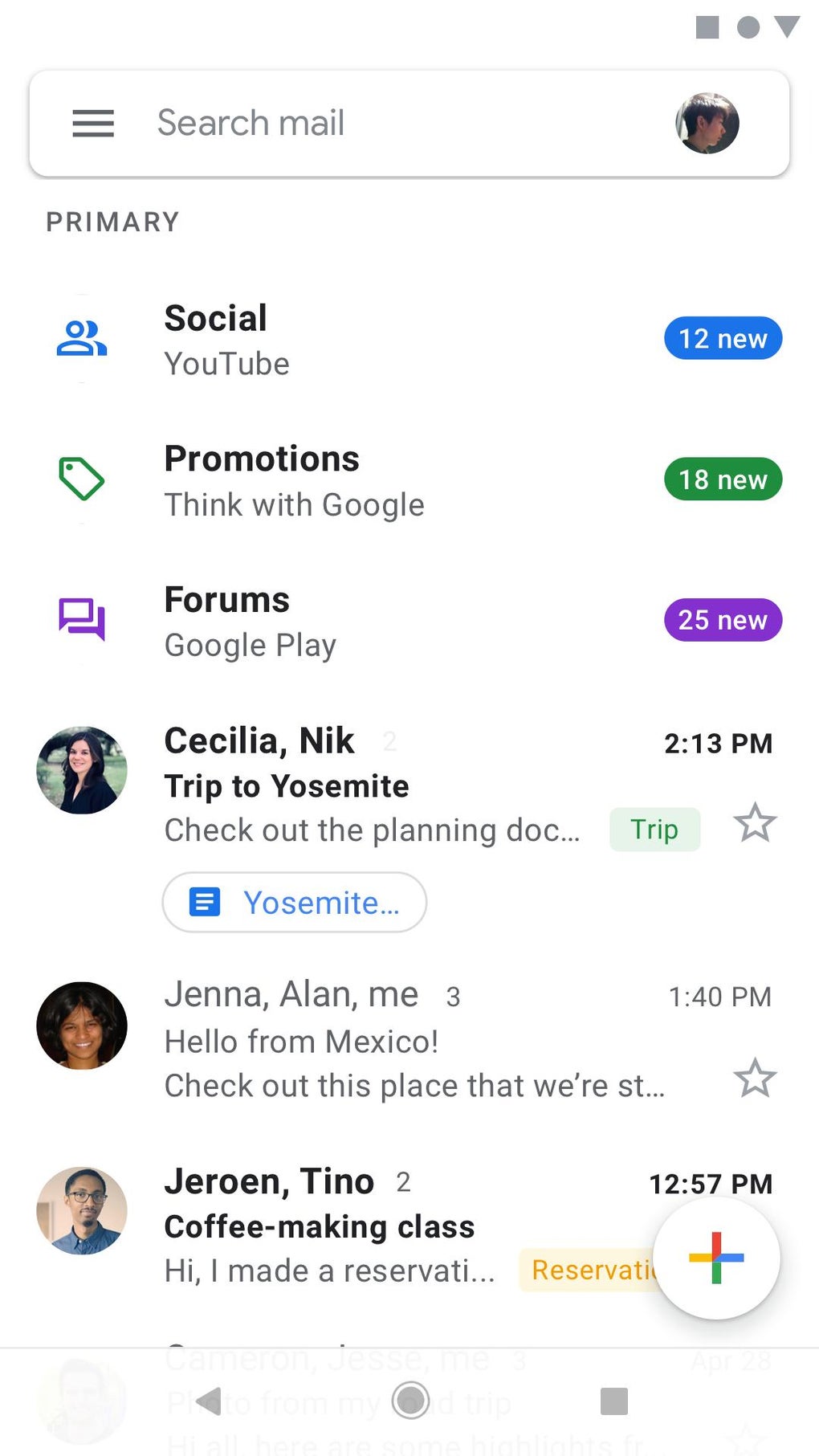
The application is optimized for mobile use, replicating the key features of its desktop counterpart with intuitive navigation and real-time synchronization. Users benefit from instant notifications, intelligent inbox organization that separates primary, social, and promotional emails, and the ability to manage messages efficiently with actions such as labeling, archiving, marking as unread, or reporting spam. The app also supports attachment handling, allowing users to save files to their device or Google Drive. With its widespread availability across Android and iOS platforms, Gmail is positioned as a standard email client for mobile users worldwide.
Key Features & Capabilities
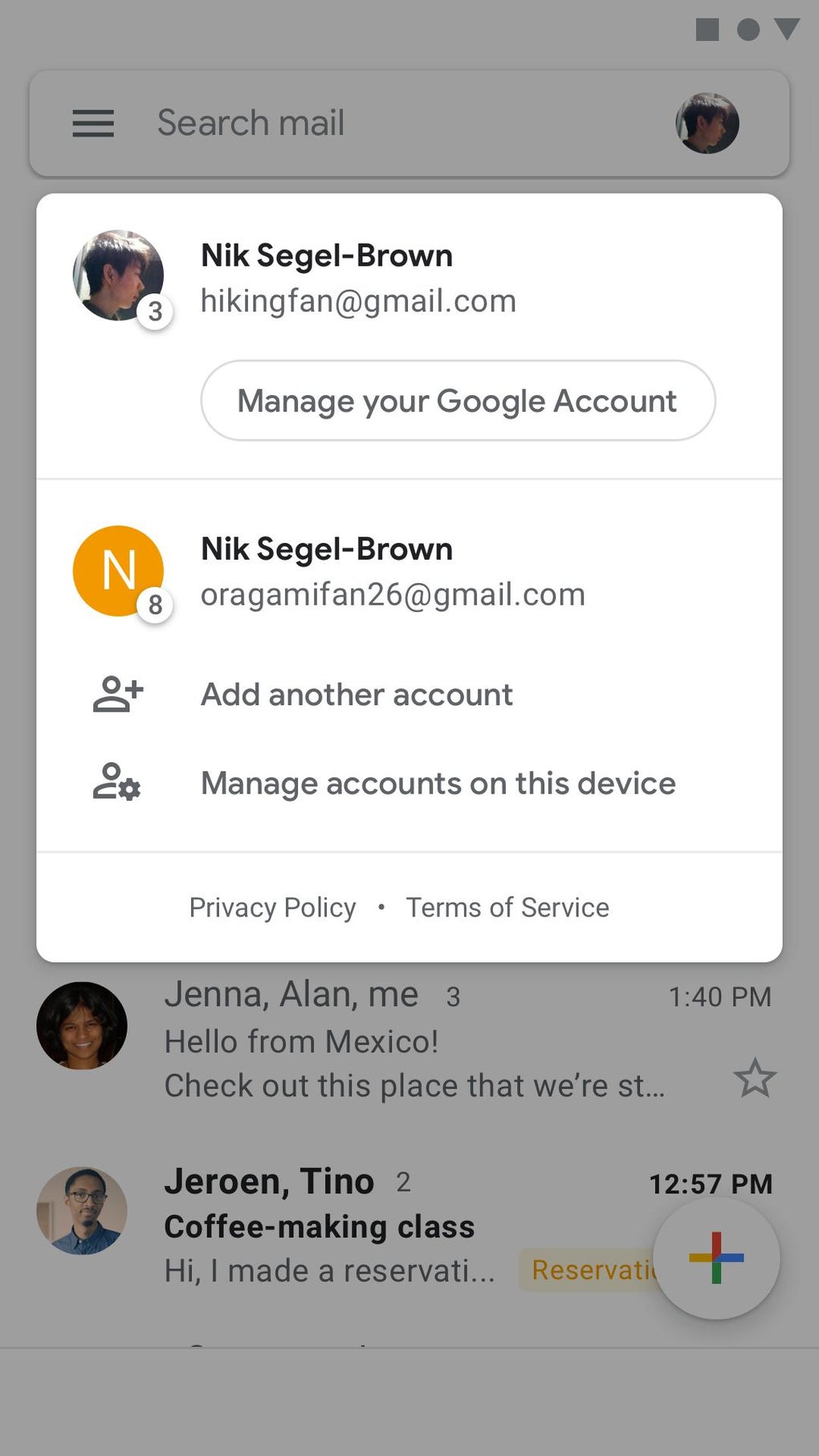
- Multi-Account Support: Users can add and switch between multiple email accounts, including Gmail, Yahoo! Mail, Outlook, Exchange, and custom IMAP/POP configurations, all within a single interface.
- Smart Inbox Organization: The app automatically categorizes incoming emails into Primary, Social, Promotions, Updates, and Forums, helping users prioritize important messages.
- Real-Time Notifications: Instant alerts for new emails ensure users stay informed and responsive, even when away from their desktop.
- Google Meet Integration: A dedicated Meet tab allows users to start, join, or schedule video meetings directly from the inbox without installing a separate app.
- Advanced Email Management: Users can perform bulk actions such as selecting multiple emails and applying labels, archiving, deleting, or marking as unread in one step.
- Attachment Handling: Files can be viewed, saved to the device, or uploaded to Google Drive directly from the app.
- Help Me Write AI Assistance: An AI-powered feature that generates draft content based on minimal input, offering suggestions to improve clarity, tone, and professionalism.
These capabilities make Gmail ideal for professionals managing high-volume inboxes, students coordinating group projects, and individuals maintaining personal email correspondence. The integration of Google Meet enhances remote collaboration, while the AI-driven drafting tool supports efficient communication, particularly for users who want to reduce writing time without sacrificing quality.
User Interface, Workflow & Performance
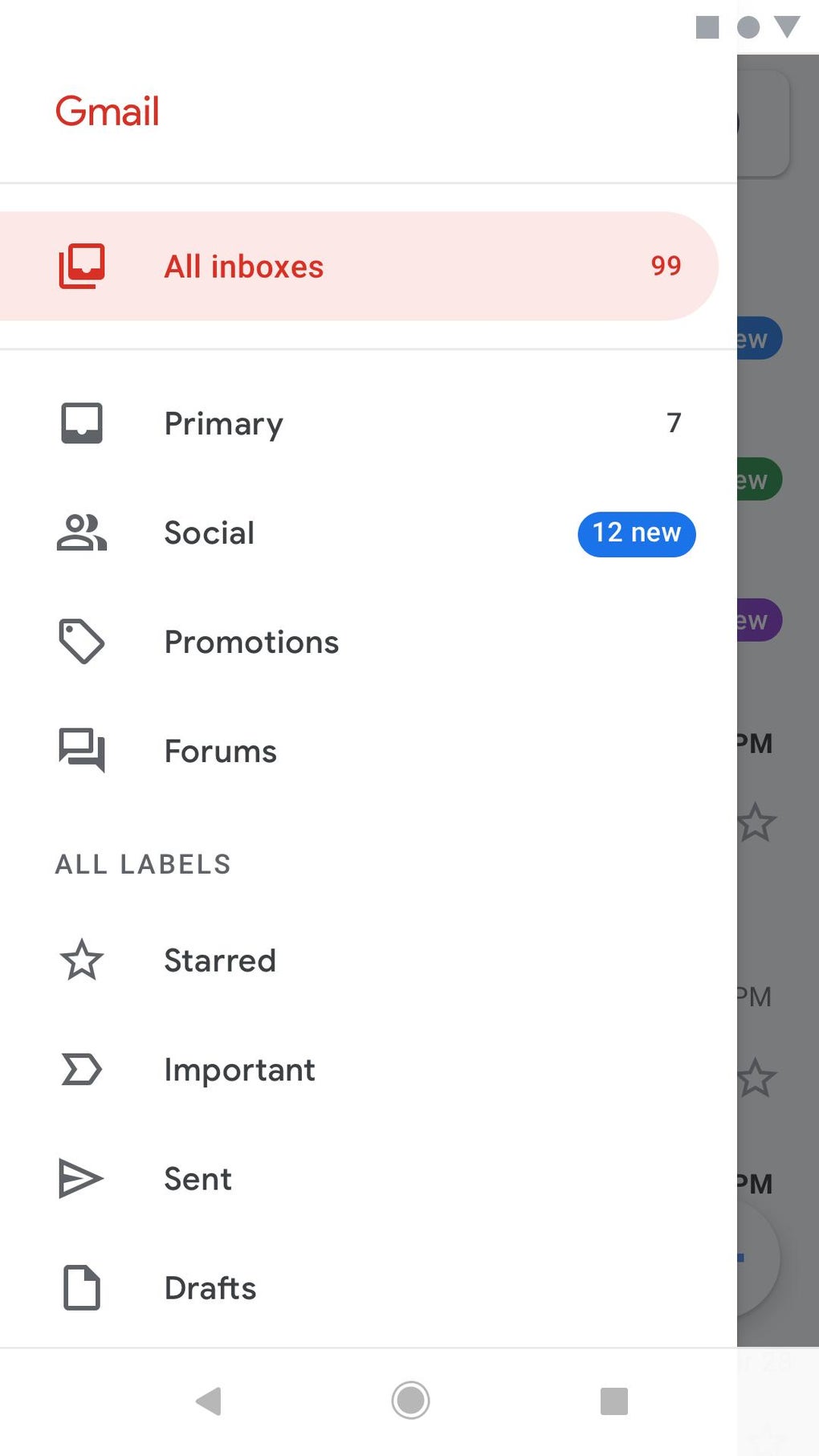
The user interface of Gmail on mobile devices is clean, consistent, and closely mirrors the design language of its web counterpart. The main screen displays the inbox with unread messages highlighted in bold, and navigation is handled through a bottom tab bar featuring icons for Inbox, Search, Compose, and the Meet tab. Tapping the three-line menu icon opens access to labels, filters, and account settings. The layout is intuitive, with minimal onboarding required for new users.
Workflow efficiency is enhanced by features like swipe gestures, quick-reply options, and the ability to perform bulk actions. The app responds promptly to user inputs, with minimal lag during navigation and message loading. However, exact performance details such as CPU or RAM usage were not specified by the developer. The app maintains stability during extended use, and updates are typically rolled out smoothly through the Google Play Store and Apple App Store.
Performance observations are based on general software behavior patterns. The app functions reliably across a range of devices, though performance may vary depending on network speed and device capabilities. The developer did not provide additional system requirements.
Compatibility & System Requirements
Gmail is available for both Android and iOS operating systems. The application is designed to run on modern smartphones and tablets, supporting the latest versions of each platform. The installation size is optimized for mobile devices, though the exact file size was not provided. The developer did not specify detailed hardware requirements, such as minimum RAM or processor speed.
Platform compatibility information is limited to the stated operating systems. While the app is widely used across a broad range of devices, compatibility with older or less common platforms was not confirmed. Users should ensure their device meets the system requirements of the respective app store to install and run the application.
Pros and Cons
Pros
- Free to download and use with no hidden costs
- Seamless integration with Google’s ecosystem, including Drive, Calendar, and Meet
- Supports multiple email accounts from various providers
- Intelligent inbox sorting improves focus and reduces clutter
- Real-time notifications keep users informed and responsive
- AI-powered drafting assistance enhances writing efficiency
- Efficient bulk actions and labeling system for inbox management
Cons
- AI features may require a stable internet connection to function optimally
- Some advanced features are limited for free-tier users, such as meeting duration and participant count in Google Meet
- Customization options for the interface are limited compared to third-party email clients
- Dependence on Google’s infrastructure may raise privacy concerns for some users
- Performance may vary on older or low-end devices
FAQ Section
Is Gmail available for both Android and iOS?
Yes, Gmail is available for both Android and iOS platforms. It can be downloaded from the Google Play Store and Apple App Store.
Is Gmail safe to use?
Gmail uses industry-standard encryption for data in transit and at rest. The app is developed by Google, a trusted technology provider, and adheres to strict security protocols.
Does Gmail require an internet connection to function?
Basic functionality such as viewing saved emails and drafts can be accessed offline. However, real-time syncing, notifications, and features like AI assistance require an active internet connection.
Can I use Gmail without a Google account?
No, a Google account is required to use Gmail. Users must sign in with a Google ID to access the service.
How often does Gmail receive updates?
Gmail receives regular updates through the app stores. These updates include new features, performance improvements, and security patches.
Final Thoughts
Gmail stands out as one of the most reliable and feature-rich mobile email applications available today. Its seamless integration with Google’s broader ecosystem, intelligent inbox management, and powerful collaboration tools like Google Meet make it a top choice for professionals, students, and everyday users. The addition of AI-driven writing assistance further enhances its value, offering users a smarter way to compose emails with less effort.
While some advanced features are restricted for free users, the core functionality remains robust and accessible. With its intuitive design, strong performance, and widespread compatibility, Gmail delivers a complete email experience tailored for modern mobile use.
Download Gmail now and experience the future of email management.




.png)



