Screenshots
App details
- Version
- 57.0.2987.13
- Size
- 206.02 MB
- Updated
- December 12, 2023
- Requires
- Mac OS X
- Language
- English | Arabic | Czech | Danish | Germ...
- License
- Free
- Developer
- Category
- Mac OS
About Google Chrome Dev
Download Google Chrome Dev – fast, secure, developer‑focused browser
Overview
Google Chrome Dev is the bleeding‑edge, developer‑only channel of the world‑renowned Chrome browser. Designed for programmers, QA engineers, and power users who want to explore upcoming web platform features before they reach the stable channel, Chrome Dev delivers a sleek, minimalist interface combined with the latest rendering engine, V8 JavaScript runtime, and experimental APIs. While the stable release of Chrome focuses on reliability for everyday browsing, the Dev channel pushes the envelope with subtle UI tweaks, early‑access flags, and performance optimizations that are still under testing. This makes it an ideal sandbox for developers to test progressive web apps, service workers, WebAssembly modules, and new CSS specifications. Because it is a development release, occasional bugs or crashes can occur, but Google actively encourages feedback through the built‑in “Send feedback” tool, helping shape the next generation of the browser. The Dev version retains all core strengths of Chrome—fast page loads, strong security sandboxing, and a rich extension ecosystem—while offering early access to features such as Native Client on Linux, improved proxy handling on GNOME 3, and a host of behind‑the‑scenes stability fixes. Whether you’re fine‑tuning a JavaScript library, benchmarking performance across platforms, or simply curious about what Chrome will look like in the next few months, Google Chrome Dev provides a secure, free, and regularly updated testing ground for developers worldwide.
Key Features of Google Chrome Dev
- Early‑Access Flags: Toggle experimental web platform features such as WebGPU, Origin‑private File System, and new CSS Layout APIs directly from
chrome://flags. - Native Client (NaCl) Support on Linux: Enables 32‑bit Linux users and Intel Atom CPUs to run compiled native code safely inside the browser sandbox.
- Improved Proxy Detection on GNOME 3: Automatically fetches system proxy settings even when the
glib2‑devpackage is missing, ensuring seamless network connectivity. - Fast JavaScript Engine (V8): The latest V8 version brings ahead‑of‑time compilation, reduced memory usage, and support for new ECMAScript proposals.
- Enhanced Security Model: Sandboxed rendering processes, site‑isolation, and built‑in Safe Browsing protect users from malicious sites while testing new code.
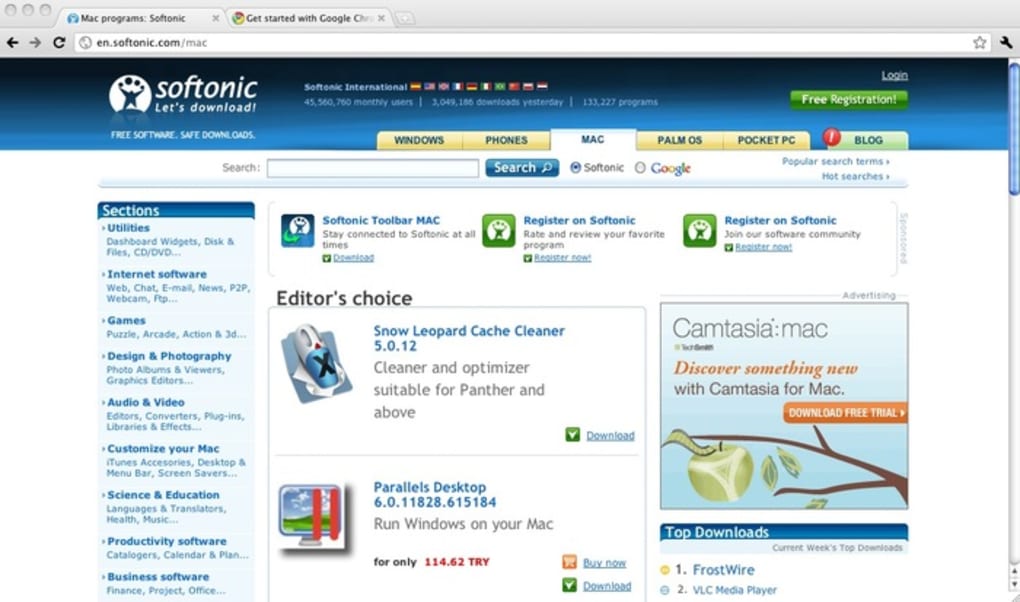
- Minimalist UI for Developers: Fewer toolbar buttons, with all settings and extensions accessible via icons in the top‑right corner, keeping the focus on debugging and testing.
- Integrated DevTools Updates: New panels for Performance, Lighthouse, and Memory profiling appear earlier than in stable Chrome, letting developers diagnose issues sooner.
- Automatic Updates: Background updates deliver the newest builds daily, ensuring you always have the latest patches and feature flags.
- Cross‑Platform Consistency: Identical experience on Windows, macOS, Linux, Android, and iOS, allowing developers to test across devices without switching browsers.
- Extension Compatibility: Supports the full Chrome Web Store library, so you can install debugging extensions, ad blockers, or UI customizers while staying in the Dev channel.
Installation, Usage & Compatibility
Downloading the Installer
To get started, visit the official Chrome Dev download page. Choose the installer that matches your operating system—Windows (64‑bit), macOS (Intel or Apple Silicon), Linux (deb or rpm), Android (Google Play), or iOS (App Store). The download is free and signed by Google, guaranteeing a secure, tamper‑free package.
Step‑by‑Step Installation
- Windows: Run the
ChromeDevSetup.exefile, accept the license agreement, and let the installer place Chrome Dev inC:\Program Files\Google\Chrome Dev\Application. A shortcut will be added to the Start menu. - macOS: Open the
GoogleChromeDev.dmg, drag the Chrome Dev icon to the Applications folder, and launch it from Launchpad or Spotlight. - Linux (Debian/Ubuntu): Execute
sudo dpkg -i google-chrome-dev_current_amd64.debin a terminal, then resolve any dependency issues withsudo apt‑get -f install. - Linux (Fedora/RedHat): Use
sudo rpm -i google-chrome-dev_current_x86_64.rpm, followed bysudo dnf install -yto satisfy dependencies. - Android & iOS: Install directly from the respective app store; the app will update automatically in the background.
First‑Run Configuration
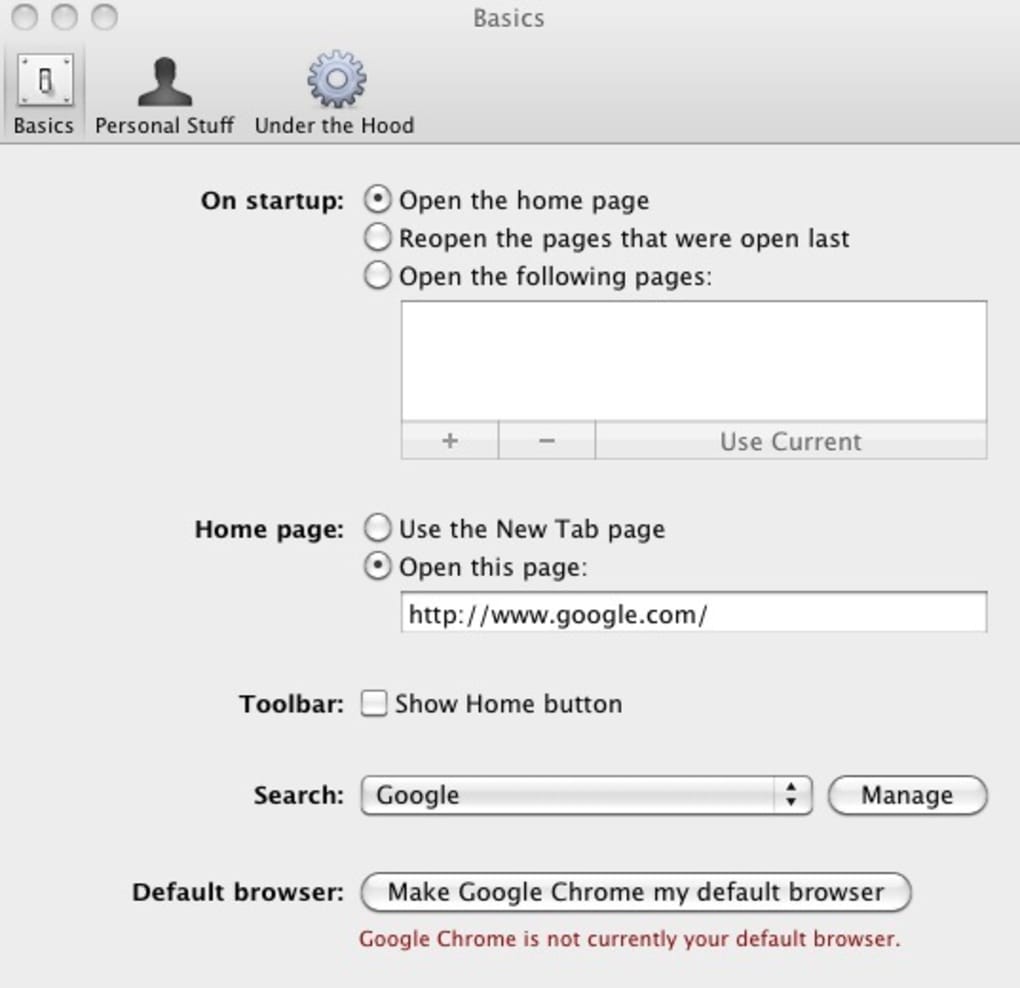
Upon launching Chrome Dev for the first time, you’ll be greeted with a brief welcome screen offering to import bookmarks and settings from a stable Chrome profile. Since Chrome Dev runs side‑by‑side with the stable channel, you can keep separate user data directories, which is handy for testing extensions without affecting your main browsing environment.
Using Developer‑Focused Tools
Open the built‑in DevTools with F12 or Ctrl+Shift+I. The “Experiments” tab (found under the three‑dot menu → More tools → Experiments) lets you enable or disable cutting‑edge features not yet exposed in the UI. Additionally, the “Command Menu” (Ctrl+Shift+P) provides quick access to actions like “Reload ignoring cache” or “Capture full size screenshot”. For performance testing, the “Lighthouse” panel now includes experimental metrics such as “Cumulative Layout Shift (CLS) on first paint”.
Operating System Compatibility Windows 10/11, macOS 10.15 and later, Linux (Debian, Ubuntu, Fedora, openSUSE), Android 8.0+, iOS 13+. The Dev channel receives daily builds, so newer OS releases are often supported shortly after they become generally available. System requirements are modest: at least 2 GB RAM and 500 MB of free disk space for the core installation, plus additional space for user profiles and caches.
Pros, Cons & Frequently Asked Questions
Pros
- Access to the latest web platform features before they reach stable Chrome.
- Frequent automatic updates keep the browser secure and performant.
- Powerful DevTools with experimental panels for deeper debugging.
- Cross‑platform consistency enables testing on Windows, macOS, Linux, Android, and iOS.
- Full compatibility with Chrome extensions and Web Store apps.
- Google‑signed installer ensures a safe download experience.
Cons
- Being a development build, occasional crashes or bugs may affect stability.
- Some experimental flags can cause unexpected behavior in web pages.
- Frequent updates may consume more bandwidth compared to the stable channel.
- Limited official support; users rely on community forums and bug reports.
- Not recommended for primary daily browsing due to potential instability.
FAQ
Is Google Chrome Dev free to download?
Yes, Chrome Dev is completely free. You can download it from Google’s official site without any cost or registration.
Can I run Chrome Dev alongside the stable version?
Absolutely. Chrome Dev installs in a separate directory and uses its own user profile, so it does not interfere with your stable Chrome installation.
What should I do if I encounter a bug in Chrome Dev?
Use the built‑in “Send feedback” option (menu → Help → Report an issue) or file a bug on the Chromium issue tracker. Providing steps to reproduce helps the developers address the problem quickly.
Does Chrome Dev support extensions from the Chrome Web Store?
Yes, all extensions available in the Chrome Web Store work in the Dev channel, though some may rely on stable‑only APIs and could behave differently.
How often is Chrome Dev updated?
Chrome Dev receives daily builds. Updates are downloaded automatically in the background, ensuring you always have the newest features and security patches.
Conclusion & Call to Action
Google Chrome Dev offers a powerful, free, and secure environment for developers who want to stay ahead of the curve. By providing early access to experimental web standards, an ever‑evolving DevTools suite, and cross‑platform consistency, it empowers programmers to test, debug, and optimize their applications before the features land in the stable channel. While occasional instability is a trade‑off, the benefits of early‑stage feedback and rapid iteration far outweigh the drawbacks for anyone serious about modern web development. Ready to explore the next generation of Chrome? Download Google Chrome Dev now and start shaping the future of the web today.
Overall Rating: 4.5/5 – A must‑have for developers looking for cutting‑edge browser features.
Guides & Tutorials
How to install Google Chrome Dev
- Click the Download button above.
- Once redirected, accept the terms and click Install.
- Wait for the Google Chrome Dev download to finish on your device.
How to use Google Chrome Dev
This software is primarily used for its core features described above. Open the app after installation to explore its capabilities.
User Reviews
No reviews yet. Be the first to share your experience.
You may also like
more
DiffusionBee
Generate unique art with this app DiffusionBee is a free and accessible artifici...

Excire Foto Light
Organize your snapshots Excire Foto Light is a free-to-download AI -powered phot...

Topaz Photo AI
Photo enhancement tool with AI Topaz Photo AI is a premium AI image editor for P...

anonymoX
Surf anonymously with Firefox anonymoX for Firefox is an add-on that gives you f...

DownThemAll
Download Them All! Downloading anything or everything on a webpage can be a labo...
.webp)
DuckDuckGo Privacy Essentials
A free program for Mac, by DuckDuckGo, Inc.. DuckDuckGo Privacy Essentials is a...
