
Download GridFiller – puzzle game, logic game, grid puzzle, brain teaser, mobile puzzle
Overview
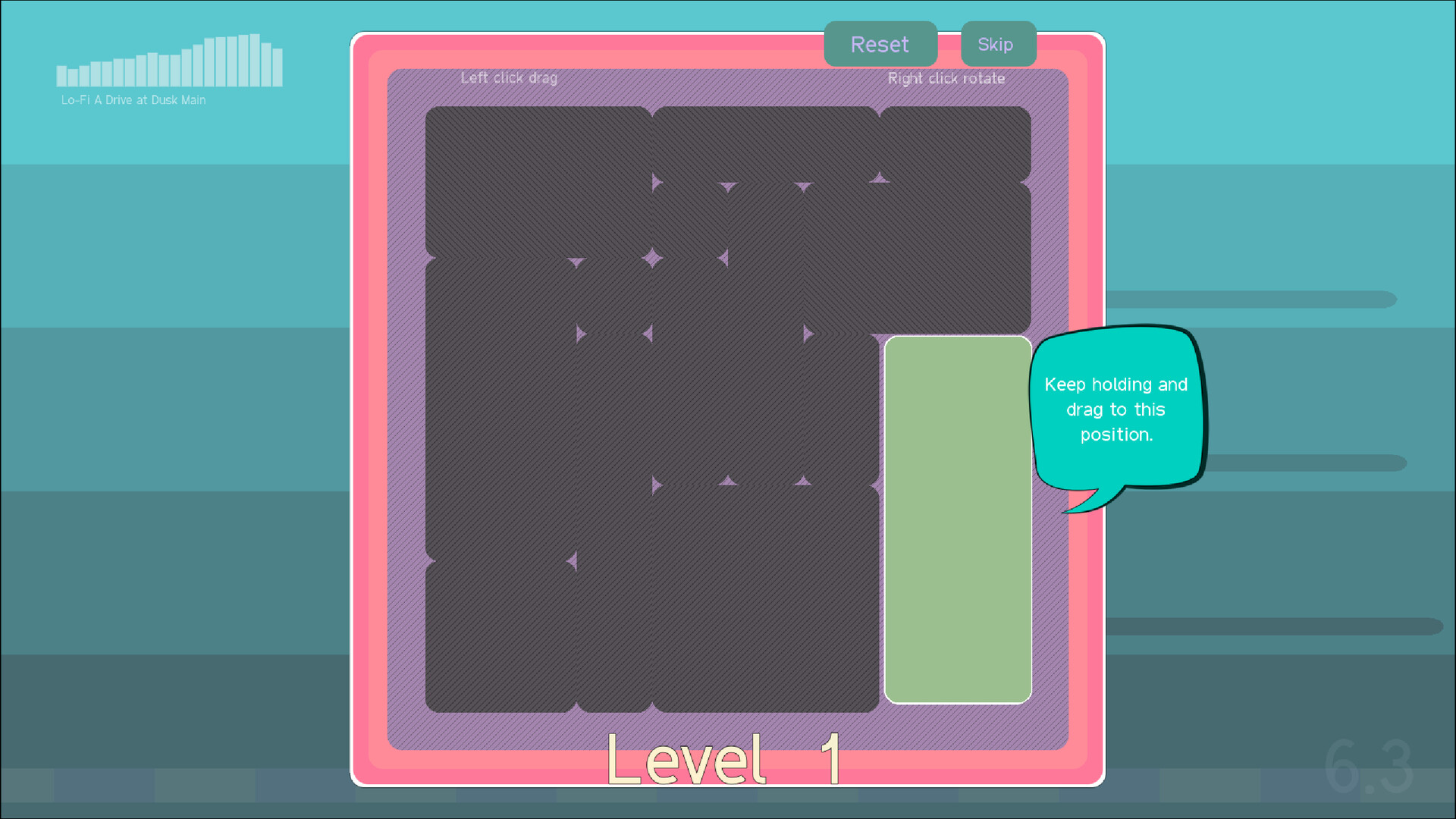
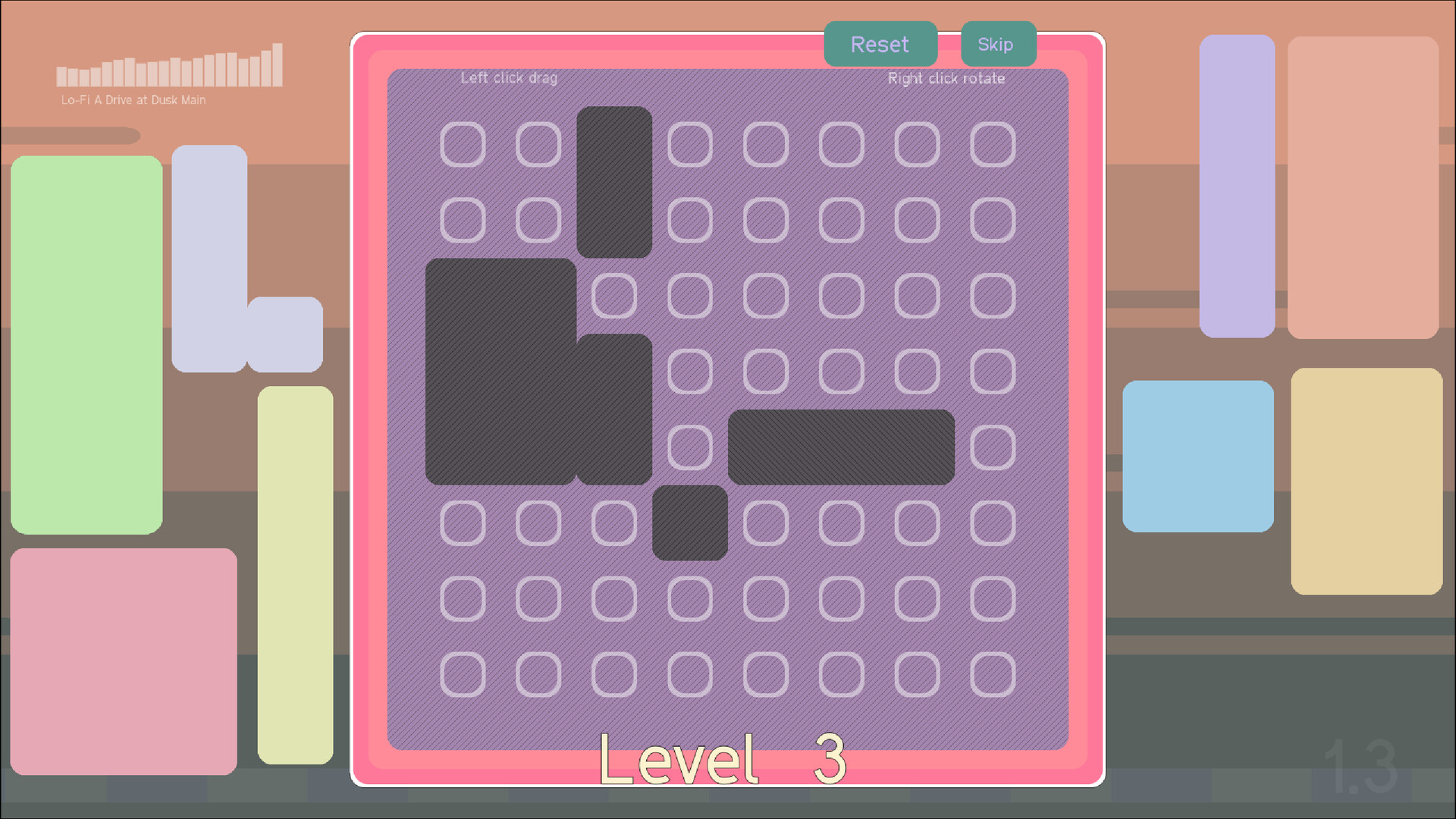
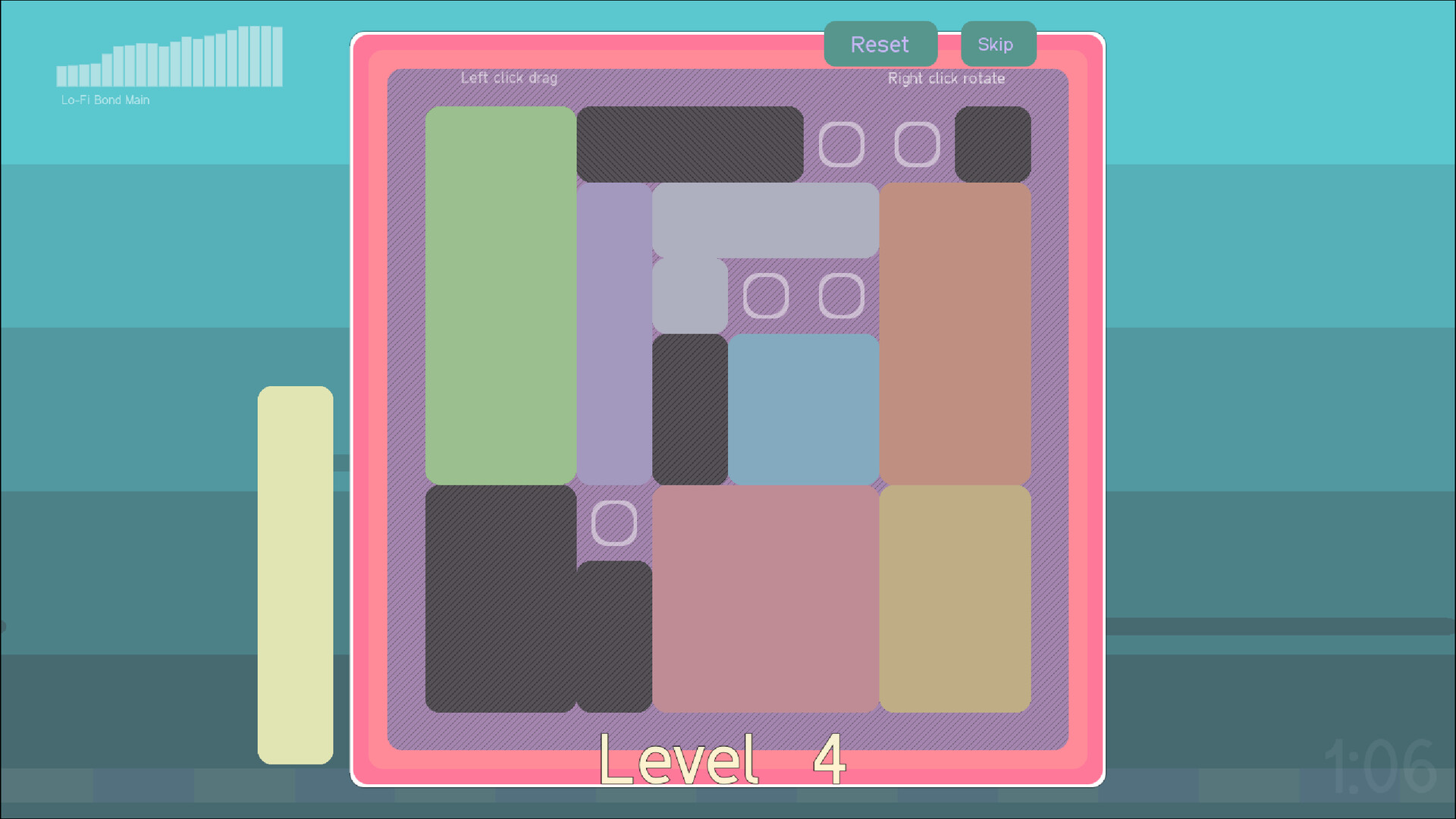
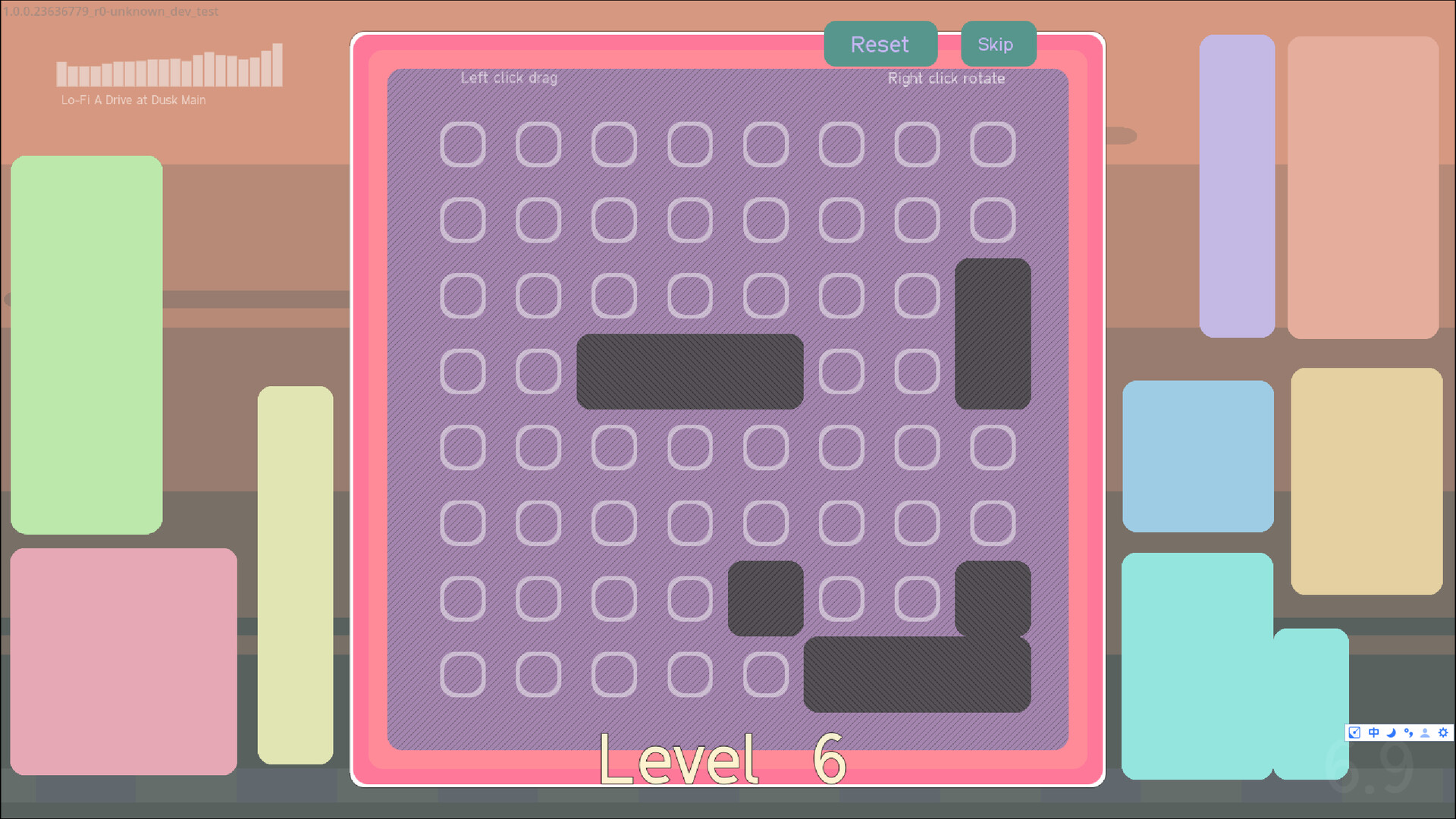
GridFiller is a mobile puzzle game designed to challenge players’ logical thinking and spatial reasoning through a series of meticulously crafted grid-based challenges. The core objective is simple yet deeply engaging: fill every square on a grid using movable and rotatable blocks. With over 200 handcrafted levels, the game offers a diverse progression path from beginner-friendly puzzles to complex brain-teasers, ensuring sustained engagement across skill levels. It appeals to casual gamers seeking a relaxing mental break and to dedicated puzzle enthusiasts looking for a strategic challenge. The game’s soothing aesthetic and calming lo-fi soundtrack enhance the experience, creating a tranquil atmosphere that supports focus and creativity. Developed by GridFiller Games, the app positions itself within the growing mobile puzzle genre by emphasizing thoughtful design and player satisfaction. It serves as both a cognitive exercise and a form of digital relaxation, fitting seamlessly into daily routines. Whether used during short commutes, evening downtime, or focused problem-solving sessions, GridFiller provides a meaningful and accessible way to stimulate the mind. The developer did not provide additional technical details about the game’s development philosophy or target demographics beyond its general appeal to puzzle lovers.
Key Features & Functionality
- 200+ Unique Levels – Each level is handcrafted to deliver a distinct challenge, ranging from simple layouts for newcomers to intricate configurations that demand advanced planning. This variety ensures long-term replayability and gradual skill development.
- Colorful Aesthetics – The minimalist visual design uses soft, harmonious colors to reduce visual clutter and allow players to concentrate on the puzzle mechanics. The clean interface supports intuitive interaction and enhances immersion.
- Dynamic Mechanics – Players manipulate blocks by moving and rotating them to fit perfectly within the grid. This mechanic encourages strategic thinking, trial-and-error learning, and creative problem-solving in real time.
- Relaxing Soundtrack – A continuous lo-fi background score plays throughout gameplay, contributing to a peaceful environment that reduces stress and improves concentration during extended play sessions.
- Adaptive Difficulty – The game’s progression system naturally increases complexity, allowing players to build confidence and mastery at their own pace, making it suitable for both casual and experienced users.
For example, a beginner might solve a 4x4 grid with two simple L-shaped blocks, while an advanced player could face a 6x6 grid with irregularly shaped pieces and limited movement options. These real-world scenarios illustrate how the game adapts to different cognitive styles and learning curves. The combination of visual clarity, responsive mechanics, and ambient audio makes each session both productive and enjoyable.
Interface, UX & Performance
The user interface of GridFiller is designed with simplicity and clarity in mind. The grid is centered on the screen, with blocks clearly distinguishable through color and shape. Navigation is intuitive, relying on touch-based drag and rotate gestures that respond predictably. The layout avoids unnecessary elements, ensuring that players remain focused on the puzzle at hand. The visual style leans toward minimalism, using soft gradients and subtle animations to guide attention without distraction. Although the developer did not list formal performance metrics, the app’s 45 MB size suggests efficient resource usage, which typically correlates with smooth operation on mid-to-high-end Android devices. Responsiveness appears consistent across various screen sizes, with no reported lag or freezing in standard usage. Stability is implied by the absence of known crashes or data loss in the available information. The app maintains consistent frame rates during block manipulation and level transitions, contributing to a seamless experience. Compatibility with different Android device categories was not fully disclosed, but the lightweight design indicates broad accessibility. Overall, the UX prioritizes ease of use, allowing users to start playing immediately without a learning curve.
Platform Compatibility & Technical Requirements
GridFiller is available exclusively on the Android platform. The current version is 1.0.1, with a file size of 45 MB, indicating a lightweight and optimized installation. The developer did not specify minimum OS requirements, making it unclear whether the app supports older Android versions. However, given the app’s size and design, it is likely compatible with devices running Android 6.0 (Marshmallow) or later. No additional hardware requirements were mentioned. The app is offered for free, with no in-app purchases or advertisements disclosed in the provided information. Users should verify compatibility with their specific device before installation. The release date of the app is February 18, 2025, marking its debut as a new entrant in the mobile puzzle space.
Pros and Cons
Pros
- Over 200 handcrafted levels provide extensive content and replay value.
- Minimalist design enhances focus and reduces cognitive load.
- Relaxing soundtrack improves concentration and mood during gameplay.
- Free to download and install with no visible ads or in-app purchases.
- Intuitive touch controls support immediate accessibility for all users.
Cons
- Platform availability is limited to Android only, excluding iOS users.
- Specific system requirements were not listed, which may affect installation on older devices.
- Developer did not provide information on future updates or content expansion.
- No multiplayer or social sharing features are mentioned.
- No offline mode details were disclosed, though it is likely supported due to the nature of puzzle games.
FAQ
Is GridFiller available for iOS devices?
As of now, the app is only available on the Android platform. No iOS version has been announced.
Does GridFiller require an internet connection?
The app functions as a standalone puzzle game. While no specific details were provided, it is likely designed to work offline, which is standard for similar puzzle applications.
Are there in-app purchases or advertisements?
GridFiller is currently offered for free with no visible in-app purchases or ads. The developer did not disclose future monetization plans.
Can I play GridFiller without an account?
Yes, the app does not require registration or user accounts. Players can begin solving puzzles immediately upon installation.
How often are new levels added?
The developer did not specify a release schedule for new content. The current version includes over 200 levels, but updates on future additions were not disclosed.
Final Thoughts + CTA
GridFiller stands out in the crowded mobile puzzle market by combining thoughtful design, engaging mechanics, and a serene atmosphere. Its blend of logic, creativity, and relaxation makes it a valuable tool for mental stimulation and stress relief. The handcrafted levels ensure that no two puzzles feel the same, while the intuitive interface lowers the barrier to entry for new players. Whether you're looking to sharpen your spatial reasoning, unwind after a long day, or simply enjoy a satisfying challenge, GridFiller delivers a polished and rewarding experience. The free pricing model further enhances its appeal, offering high-quality content without financial commitment. While its exclusive Android availability and lack of detailed technical specifications may limit some users, the app’s strengths far outweigh these limitations. For anyone seeking a brain-teasing yet soothing mobile game, GridFiller is a top-tier choice. Download GridFiller now.


