
Handle Your Tasks with One Swipe
Overview
Handle is a desktop productivity application designed to streamline personal task management by integrating email, to-do lists, and calendar functions into a single intuitive interface. The app enables users to convert incoming emails into actionable tasks with a simple swipe, offering a seamless workflow for individuals aiming to reduce digital clutter and stay organized. It is particularly suited for professionals and students who manage multiple responsibilities across email, deadlines, and location-based reminders.
By allowing users to organize tasks into projects, set due dates, and assign location-based triggers, Handle helps prevent task overload and improves focus. The integration with Gmail allows direct access to emails, enabling users to read, respond, and convert messages into tasks without switching applications. The intelligent timeline feature ensures that tasks appear only when relevant—such as when arriving at a specific location—reducing cognitive load and increasing efficiency.
Developed by Handle Inc., the software is positioned as a modern, user-centric tool for daily productivity. While it currently supports only Gmail for email integration, its core functionality centers around simplifying task creation and management through minimal interaction. The app is available for both Windows and Mac, making it accessible to a broad range of desktop users seeking a unified productivity experience.
Key Features & Capabilities
- Email-to-Task Conversion – Swipe right on any Gmail message to instantly create a to-do, add a reminder, or schedule it in your calendar. This feature reduces friction between incoming information and actionable steps.
- Location-Based Reminders – Enable geofencing to receive alerts when arriving at or departing from a specific location, ideal for managing errands or meeting prep.
- Smart Timeline View – Tasks appear only when contextually relevant—such as when a user reaches a designated place—helping users avoid being overwhelmed by past or future obligations.
- Unified Inbox & Calendar Access – Manage multiple Gmail accounts and calendars within the app, including creating events and setting reminders directly from the interface.
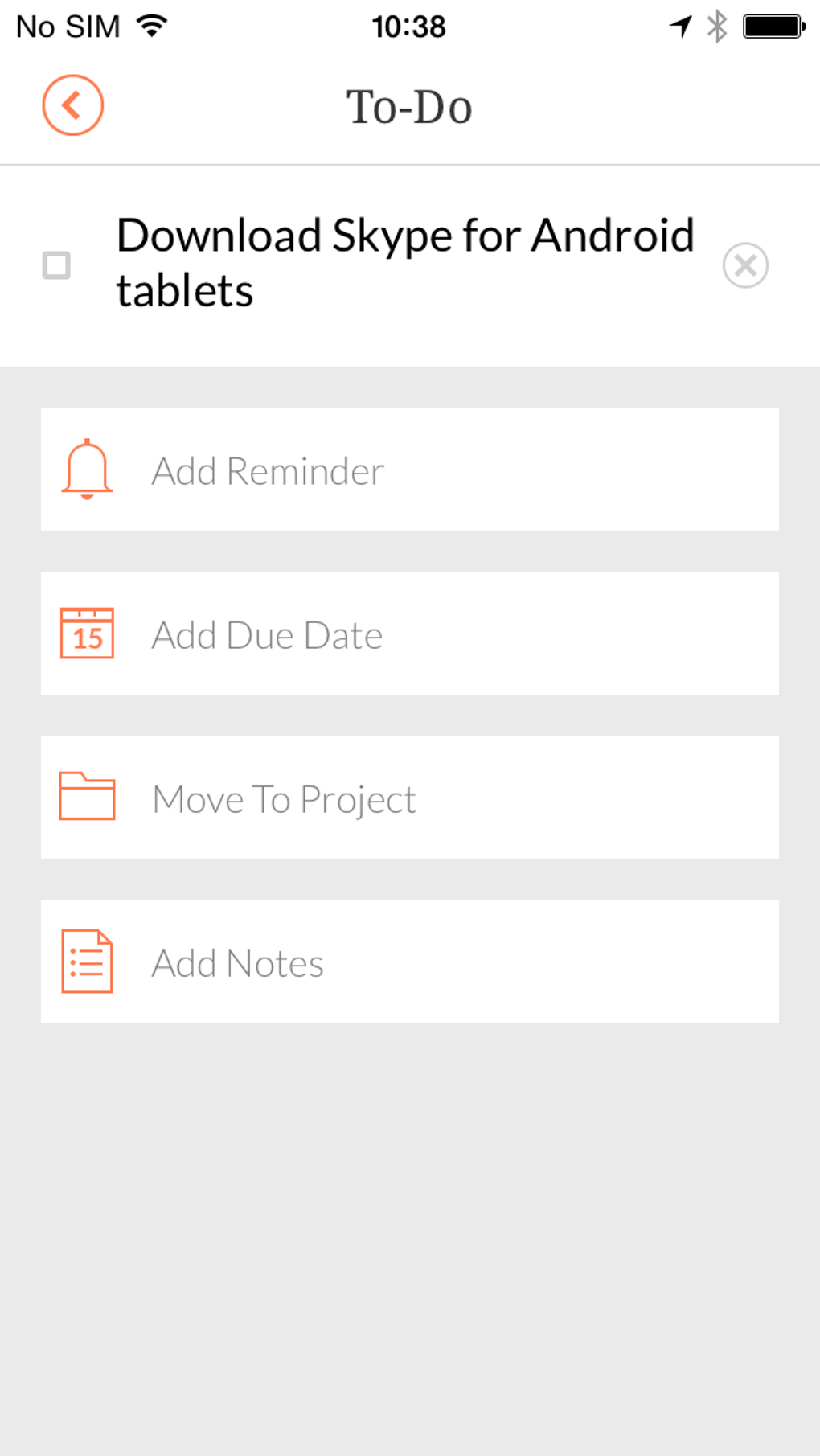
- Project and Priority Organization – Group tasks into projects, assign due dates, and sort them by time, project, or location for better prioritization.
- Completed Task Archive – Keep a record of completed items for tracking progress and maintaining a sense of accomplishment.
These features are especially useful in real-world scenarios such as preparing for a work meeting, managing a personal errand list, or organizing study sessions. For example, a user can swipe a reminder email to create a task that triggers only when they arrive at the office, ensuring timely preparation without manual tracking.
User Interface, Workflow & Performance
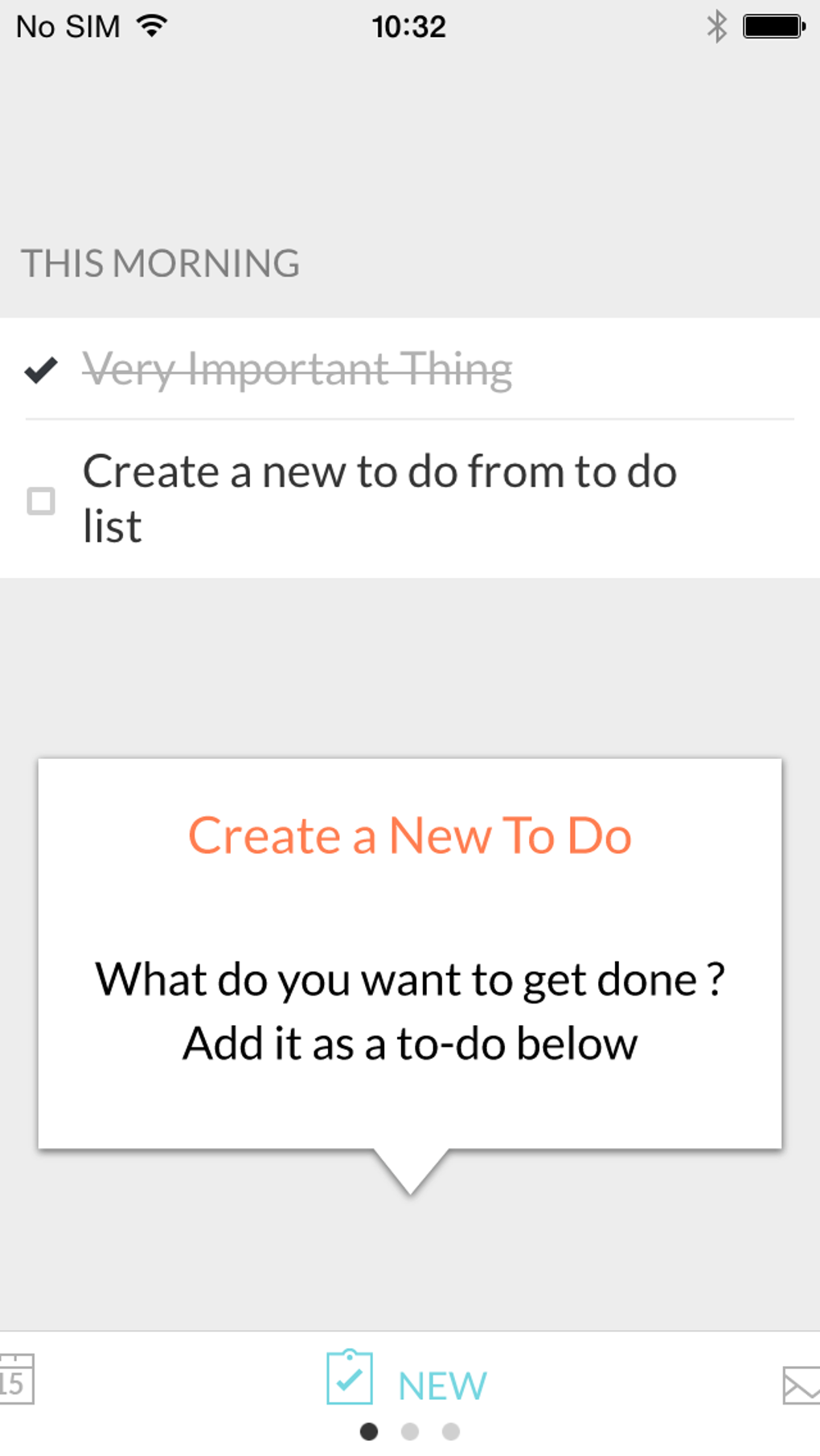
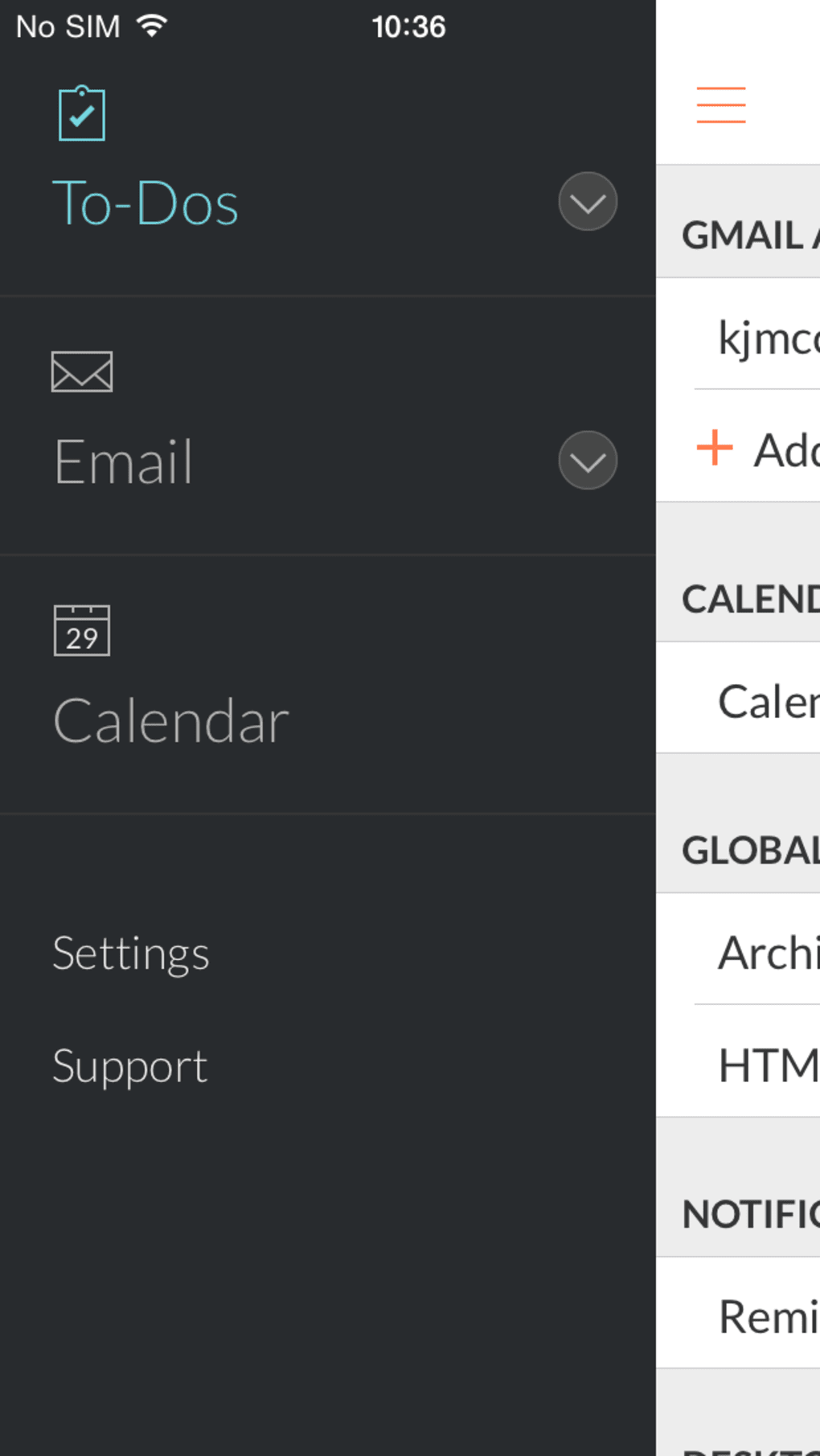
The user interface of Handle is clean, modern, and highly intuitive. The left sidebar provides quick access to core functions: to-dos, email, and calendar. Navigation is streamlined, allowing users to switch between views with minimal clicks. Task management is handled through swipe gestures—left to add a reminder, right to assign to a project—making the workflow feel fluid and responsive.
Task organization is flexible, with options to view items by due date, project, or location. The intelligent timeline ensures that users are not bombarded with outdated or prematurely active tasks, enhancing focus and reducing decision fatigue. The interface supports multiple calendars and Gmail accounts, enabling centralized management without external switching.
Performance details were not specified by the developer. However, based on the app’s design and interaction model, it appears optimized for smooth, real-time updates. The app runs as a desktop application with a 150 MB installation size, suggesting efficient resource usage. Stability and CPU/RAM behavior were not publicly documented.
Compatibility & System Requirements
Handle is compatible with both Windows and Mac operating systems. The software version is 1.2.3, with a file size of 150 MB. This indicates a lightweight installation suitable for most modern desktop environments.
Exact system requirements were not listed. The developer did not provide additional system requirements. Platform compatibility information is limited to the supported operating systems. Users should ensure their system meets general desktop software standards to run the application without issues.
Pros and Cons
Pros
- Intuitive swipe-based task management for quick action
- Seamless Gmail integration with full email access and response capabilities
- Location-based reminders improve contextual task relevance
- Smart timeline prevents task overload and enhances focus
- Unified interface for tasks, email, and calendar reduces app switching
- Free to use with no pricing barriers
Cons
- Requires Dropbox account for sign-in instead of email-based registration
- Limited to Gmail for email integration (no support for Outlook or other providers)
- Lacks collaboration features such as task assignment or shared projects
- Geofencing and location features require location permissions
- No official update history or changelog provided
FAQ Section
Is Handle compatible with Windows and Mac?
Yes, Handle is available for both Windows and Mac operating systems.
Is the software secure?
Handle uses Dropbox for data sync, which provides encryption and secure access. However, the app does not provide detailed security documentation.
How often does Handle receive updates?
The developer has not published an official update schedule or changelog. Users are advised to check the official site for the latest version.
Can I use Handle without an internet connection?
Handle requires an active internet connection for email sync, task updates, and location services. Offline functionality is limited.
What type of license does Handle use?
Handle is currently free to use. The licensing model does not include paid tiers or subscription plans at this time.
Final Thoughts + CTA
Handle delivers a refreshingly simple yet powerful approach to personal productivity. Its ability to turn emails into tasks with a single swipe, combined with intelligent task scheduling and a unified interface, makes it a standout tool for users seeking a clutter-free workflow. While the Dropbox sign-in requirement and Gmail-only integration are limitations, they do not significantly hinder the core experience.
For professionals, students, and anyone managing a busy schedule, Handle offers a streamlined way to organize tasks, emails, and calendars in one place. Its modern design, intuitive navigation, and thoughtful features like location-based reminders make it a compelling choice for daily use.
Download Handle now








