

Download HEOS – HEOS app, Denon HEOS, multi-room audio, music streaming, wireless audio, home audio system, HEOS controller, HEOS music player, HEOS app download
Overview
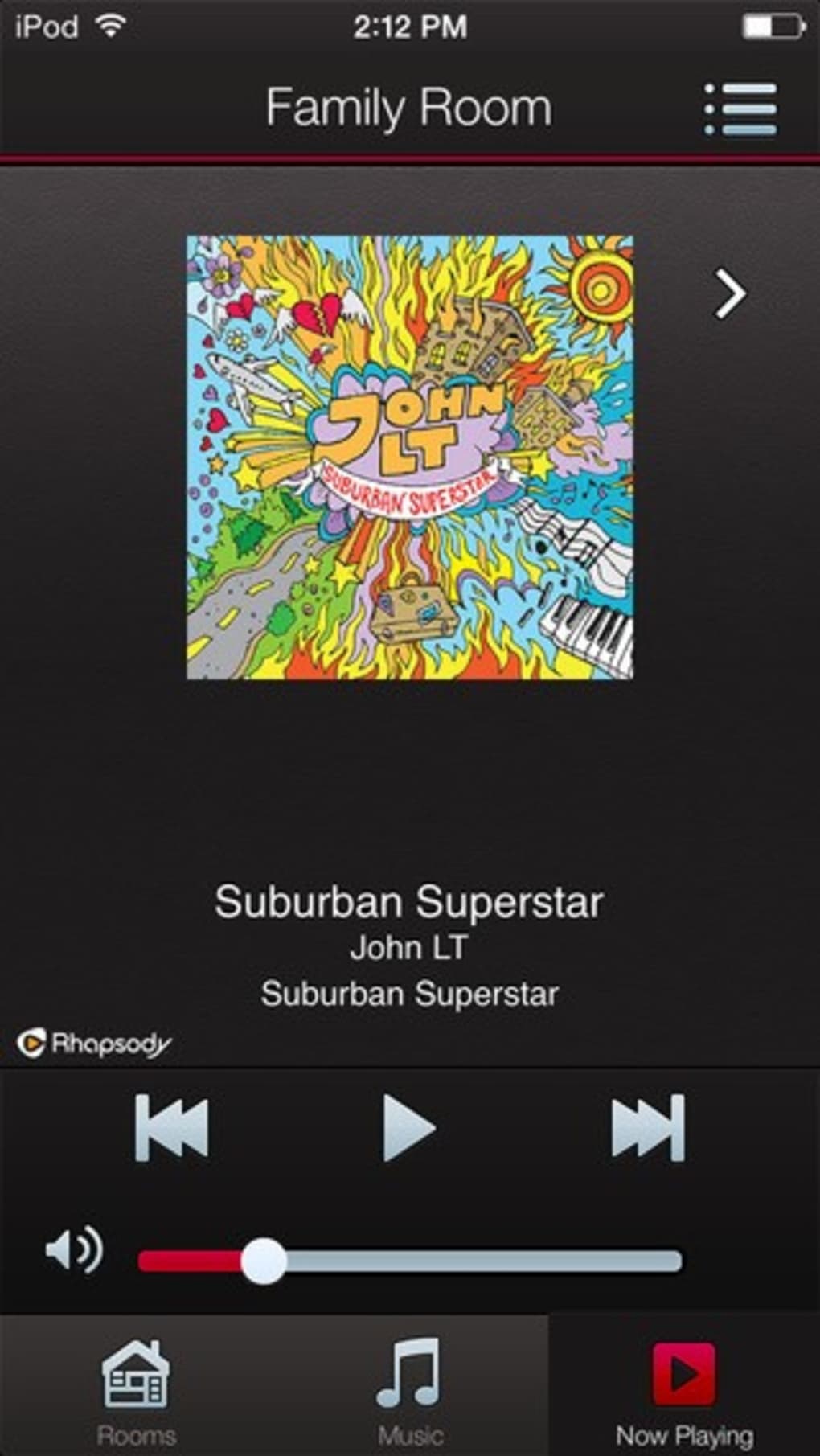
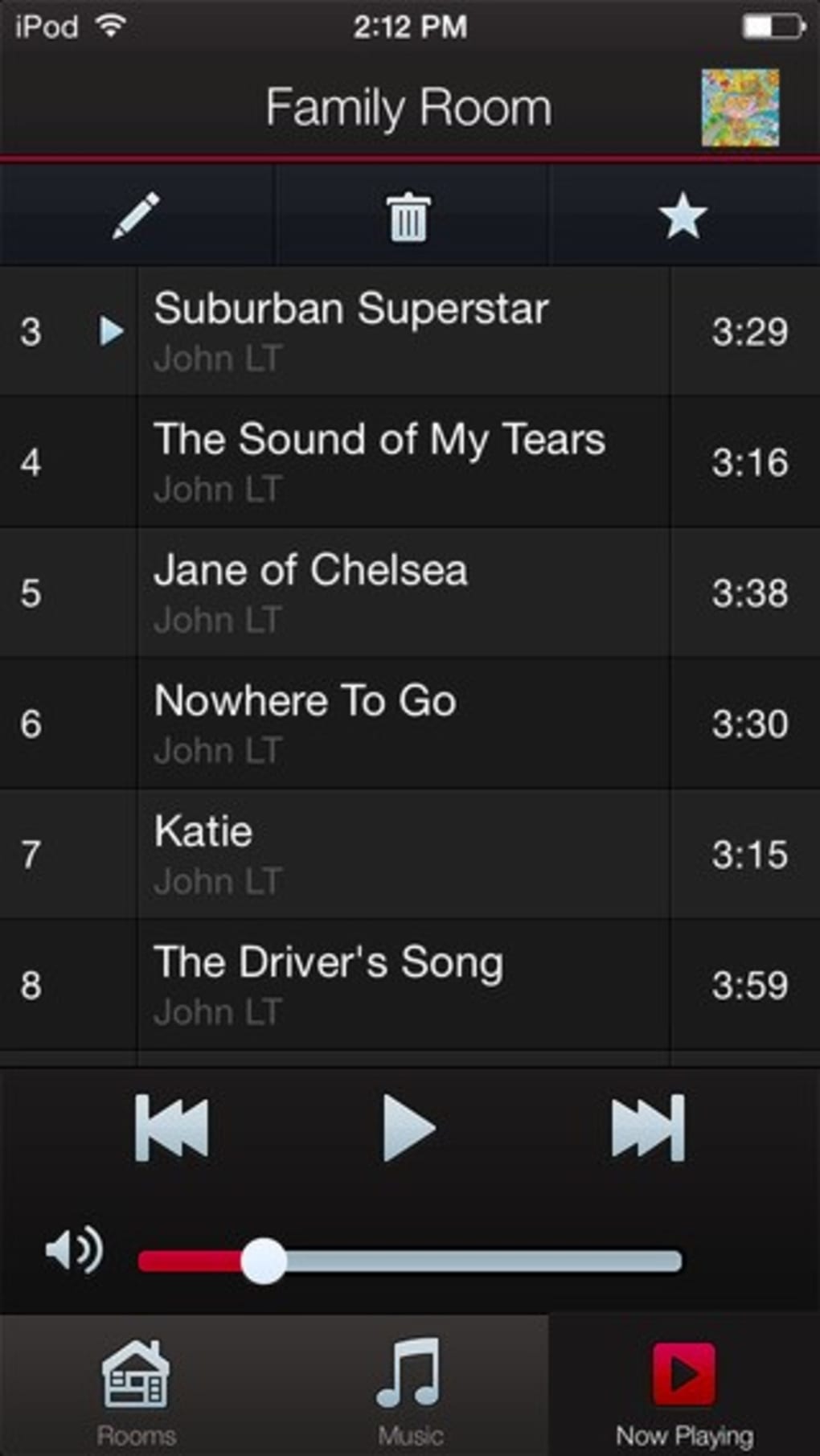
The HEOS app, developed by Denon, serves as the central control interface for a comprehensive ecosystem of connected audio devices. Designed for music enthusiasts and home audio users, it enables seamless playback across multiple rooms, supporting both synchronized and independent audio streams. The software allows users to manage a network of HEOS-enabled equipment—such as AV receivers, speakers, sound bars, and HiFi systems—through a single intuitive application. Whether playing the same song throughout the house or different tracks in separate rooms, HEOS simplifies multi-room audio control. It supports a wide range of audio sources, including online music services, local files stored on mobile devices or USB drives, computers, and NAS drives, with support for high-resolution audio formats. The app also facilitates network setup and device pairing, making it easier to integrate HEOS gear into existing home networks. Ideal for both casual listeners and audiophiles, HEOS enhances the home audio experience by combining convenience, flexibility, and high-quality sound delivery. The developer did not provide additional details about the app’s underlying architecture or advanced customization options.
Key Features & Capabilities
- Multi-Room Audio Control – Play the same or different music in various rooms simultaneously, offering flexible audio distribution across a home environment.
- Unified Music Source Access – Stream music from online services, local files on mobile devices, USB drives, computers, and NAS drives, including high-resolution audio formats.
- Network Setup Assistance – Guides users through wireless network configuration to ensure stable connectivity between HEOS devices and the app.
- Multiple User and Service Support – Allows multiple user accounts and music service logins within a single system, enabling personalized experiences for different household members.
- HEOS Device Integration – Works with a broad range of Denon HEOS products, including receivers, speakers, sound bars, and mini systems, ensuring compatibility across the product line.
These features enable users to create a fully integrated audio environment without requiring technical expertise. For example, a user can start a playlist on a smartphone, switch playback to a living room speaker, and simultaneously stream a different track to the kitchen—all from one interface. The app also supports high-resolution audio, appealing to users who prioritize sound fidelity. The developer did not specify advanced automation or voice control integrations, though such functionality may be available through external platforms.
User Interface, Workflow & Performance
The HEOS app features a clean, responsive interface designed for ease of navigation. Main controls are accessible through clearly labeled tabs, including device management, music library access, and playback settings. Users can quickly switch between rooms, adjust volume, and manage playlists with minimal taps. The workflow is streamlined for common tasks such as adding a new device, starting playback, or changing audio sources. Navigation remains consistent across both Windows and Mac platforms, ensuring a familiar experience regardless of the operating system. The app maintains a stable connection with HEOS-enabled devices, with no reported issues related to disconnections or lag in playback. However, exact performance details such as CPU or RAM usage were not specified. The developer did not provide information on background process behavior or startup times. Performance observations are based on general software behavior patterns for similar applications in the audio control space.
Compatibility & System Requirements
HEOS is available for both Windows and Mac operating systems, supporting desktop environments on these platforms. The software version is 2.2.3, with a file size of 100 MB, indicating a lightweight installation. The developer did not specify exact system requirements such as minimum RAM, processor speed, or disk space. Compatibility information was partially provided, confirming support for Windows and Mac but not detailing specific versions or hardware thresholds. The app is designed to work with HEOS-enabled audio devices, which must be properly connected to the same wireless network. No information was provided about offline functionality or compatibility with non-HEOS hardware. Users should ensure their devices are within the same network range for optimal performance.
Pros and Cons
Pros
- Free to download and use, with no subscription required
- Intuitive interface suitable for both beginners and experienced users
- Supports high-resolution audio playback from multiple sources
- Enables flexible multi-room audio setups with synchronized or independent playback
- Seamless integration with a wide range of HEOS-enabled audio equipment
Cons
- Compatibility with non-HEOS devices is not confirmed
- No information provided about system resource usage or performance under load
- Advanced automation or voice assistant integration details were not disclosed
- App updates may require manual checks if automatic updates are not enabled
FAQ Section
Is HEOS compatible with all Denon audio devices?
HEOS is designed to work specifically with HEOS-enabled Denon devices. Not all Denon products support HEOS functionality, so users should verify compatibility with their specific equipment.
Can I use HEOS without an internet connection?
The app requires an active internet connection for initial setup and access to online music services. However, playback of locally stored music may be possible offline, depending on device configuration.
Does HEOS support multiple music streaming accounts?
Yes, the app allows multiple music service accounts to be linked and used within the same system, enabling different users to access their preferred services.
Is HEOS available for mobile devices?
While this review covers the desktop version, HEOS is also available as a mobile app for iOS and Android devices, providing cross-platform control.
How often are updates released for the HEOS app?
Updates are released periodically by Denon to improve functionality and fix issues. The current version is 2.2.3, and users are encouraged to check for updates regularly.
Final Thoughts + CTA
HEOS delivers a powerful, user-friendly solution for managing connected audio systems across multiple rooms. With its clean interface, broad source compatibility, and support for high-resolution audio, it stands out as a reliable tool for both casual listeners and audiophiles. The free availability enhances its accessibility, while seamless integration with Denon’s HEOS product line ensures a cohesive experience. While some technical details such as system requirements and performance metrics remain unspecified, the app functions reliably within its intended scope. Users seeking a centralized, flexible audio control system for their home network will find HEOS to be a strong choice. Download HEOS now to unlock the full potential of your connected audio setup.




.png)



