


Download Hotspot Shield Basic – Free VPN Proxy Privacy
Overview
Hotspot Shield Basic is a free VPN service application designed to help users unblock websites and applications while enhancing online privacy and security. Developed by AnchorFree GmbH, the software routes internet traffic through remote servers, making it more difficult for third parties to monitor online activity. This tool is particularly useful for individuals seeking to access geo-restricted content, protect sensitive data on public Wi-Fi networks, or bypass internet censorship. The application is suitable for both casual users and those requiring basic privacy protection while browsing. It enables secure access to the internet across various platforms, including Windows, Mac, Android, and iOS. The software’s core purpose revolves around privacy, security, and unrestricted access, with a focus on simplicity and ease of use. A single-button connection allows users to quickly establish a secure session. While the free version includes advertisements, the developer offers a premium upgrade that removes ads and expands functionality. Real-world use cases include accessing international streaming libraries, safeguarding personal information on public networks, and protecting data during remote work sessions.
Key Features & Capabilities
- Free Access to Secure Browsing – The software provides a no-cost entry point for users seeking to protect their online privacy and bypass regional restrictions. It enables secure connections without requiring payment for basic functionality.
- Auto-Connect and Smart Location Selection – Upon activation, the app automatically selects the optimal server location based on connection speed, minimizing user effort and maximizing performance.
- SSL and Proprietary Encryption – Hotspot Shield employs SSL connections and its proprietary Hydra protocol, utilizing AES-256 and AES-128 encryption, 2048-bit RSA certificates, and ECDHE for forward secrecy to safeguard data in transit.
- App Protection Feature – This functionality allows users to isolate and secure specific applications, ensuring that sensitive data remains encrypted even when using insecure networks.
- Deep Cleaning and Storage Optimization – The tool scans for unused files and photos, offering suggestions to free up storage space and improve device performance.
- P2P and Torrent Support – The service supports peer-to-peer file sharing across all server locations, allowing users to download torrents without bandwidth throttling or data caps.
- Streaming Service Unblocking – Hotspot Shield is effective in accessing popular platforms such as Netflix, Disney Plus, Amazon Prime Video, BBC iPlayer, ITV, and Channel 4 with access to regional libraries including US, UK, Canada, Australia, and Japan.
User Interface, Workflow & Performance
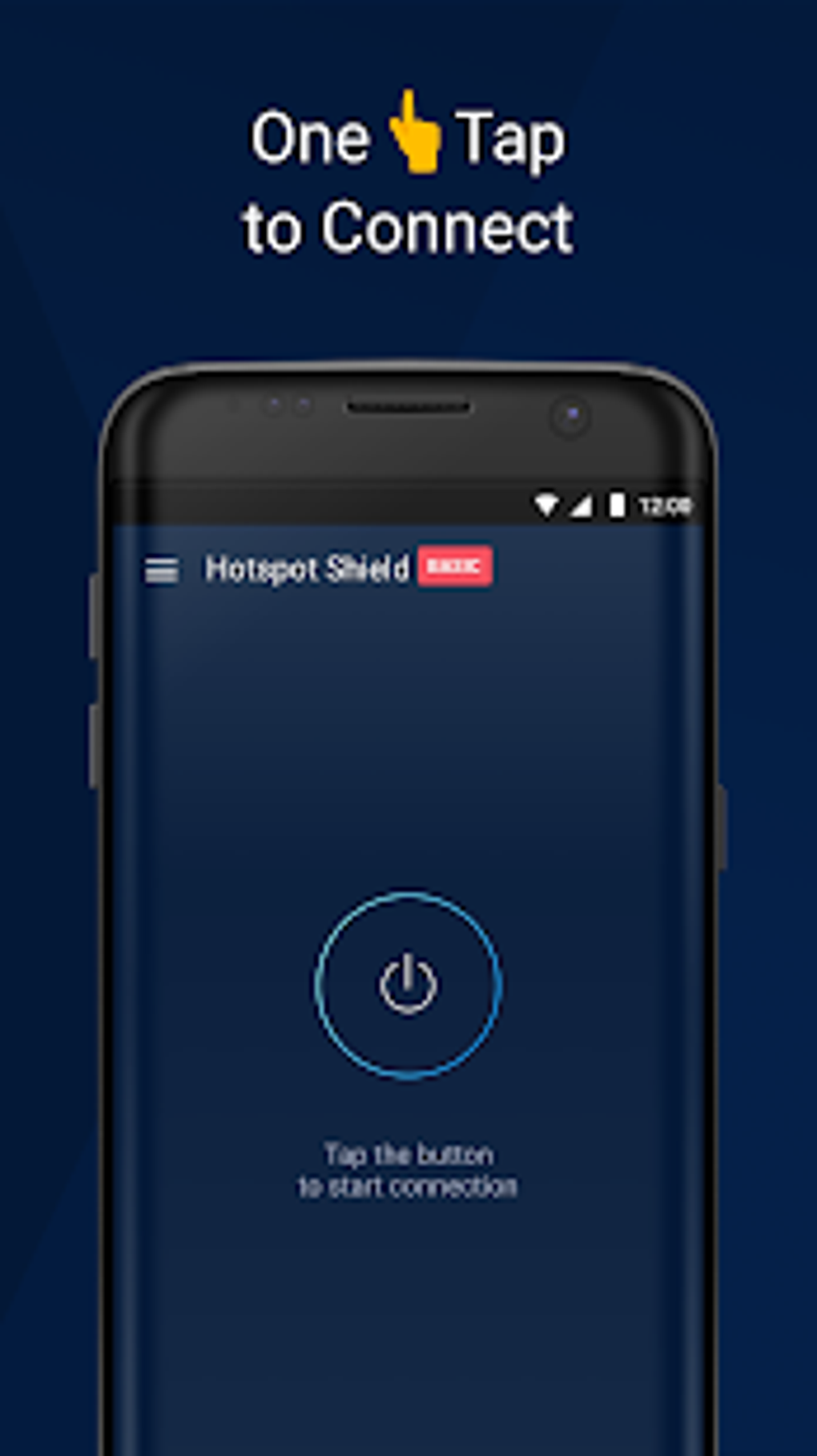
Hotspot Shield Basic features a clean, minimalistic interface focused on simplicity and accessibility. The main screen centers around a single connect button, reducing cognitive load and enabling quick setup. Navigation is intuitive, with minimal menu layers and clear visual cues. Users can manually select server locations from a list, though the default auto-selection prioritizes speed. The workflow is streamlined: initiate connection, grant required permissions from the system settings, and begin browsing securely. The application’s performance is consistent with typical free-tier VPNs, offering reliable connections under normal conditions. However, the presence of advertisements during the connection process may affect the user experience. The developer did not specify resource usage details, so CPU and RAM behavior remain unknown. Stability appears adequate for standard browsing, though some users may encounter intermittent disconnections. Performance observations are based on general software behavior patterns, and exact metrics were not provided.
Compatibility & System Requirements
Hotspot Shield Basic is available for Windows, Mac, Android, and iOS operating systems. Additional support includes a command-line app for Linux and a dedicated TV app for Amazon Fire TV and smart TVs with Google Play access. Manual configuration guides are available for routers and other platforms. The installation size and hardware requirements were not specified by the developer. Compatibility information is limited to the listed platforms. Users seeking to deploy the software on unsupported devices may need to rely on third-party tools or manual setup instructions. The developer did not provide additional system requirements, so users should consult official documentation for detailed compatibility details.
Pros and Cons
Pros
- Simple, user-friendly interface with one-click connection
- Effective at unblocking major streaming services and geo-restricted content
- Supports P2P and torrenting without bandwidth limits
- Offers app-level protection for sensitive applications
- Includes storage optimization and deep cleaning tools
- Available on multiple platforms including desktop, mobile, and smart TVs
Cons
- Free version includes frequent advertisements that interrupt connection
- Limited data transfer and server access compared to the paid tier
- Some logging of session duration, bandwidth, and domains occurs (anonymized)
- Kill switch may fail in extreme network conditions
- Resource usage and performance metrics were not disclosed
FAQ Section
Is Hotspot Shield Basic available for Windows and Mac?
Yes, the software is available for both Windows and Mac operating systems, as well as Android, iOS, Linux (via command line), and smart TVs.
Does Hotspot Shield Basic support torrenting?
Yes, the service supports P2P file sharing across all server locations without bandwidth restrictions or data caps.
Is the software secure and safe to use?
Hotspot Shield uses SSL and its proprietary Hydra protocol with strong encryption standards. The developer claims no logging of IP addresses or device identifiers in combination with browsing activity, though anonymized session data is retained.
Can I use Hotspot Shield Basic offline?
The application requires an active internet connection to function. It cannot operate in fully offline mode.
How often does the software update?
Updates are released periodically to improve security, performance, and compatibility. Users are encouraged to keep the application current for optimal functionality.
Final Thoughts + CTA
Hotspot Shield Basic delivers a compelling entry point into secure and unrestricted internet access, particularly for users seeking to unblock streaming content, protect data on public networks, or engage in P2P activities. Its intuitive interface, broad device compatibility, and strong encryption protocols make it a solid choice for casual users and privacy-conscious individuals. While the free version includes ads and limitations compared to the premium offering, the core functionality remains robust. The inclusion of app protection, deep cleaning, and torrent support adds tangible value beyond basic VPN services. However, the kill switch’s occasional failure in extreme scenarios and the presence of intrusive advertisements may affect user satisfaction. Overall, Hotspot Shield Basic stands out as a reliable free tool for those prioritizing accessibility, privacy, and content unblocking. Download Hotspot Shield Basic now to experience secure, unrestricted browsing with a single click.




.png)



