


Create Fun Social Media Photos with ImageChef
Overview
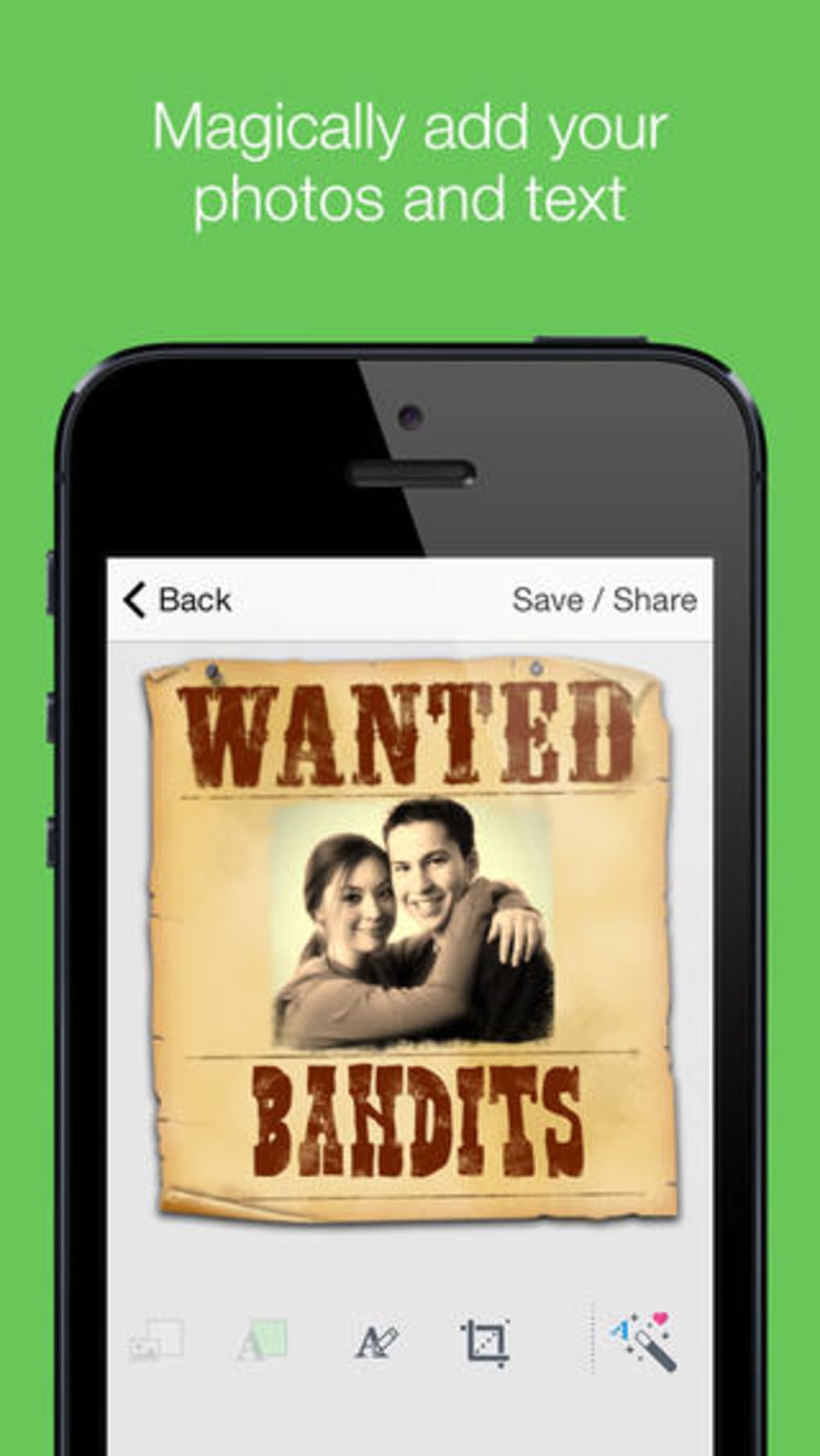
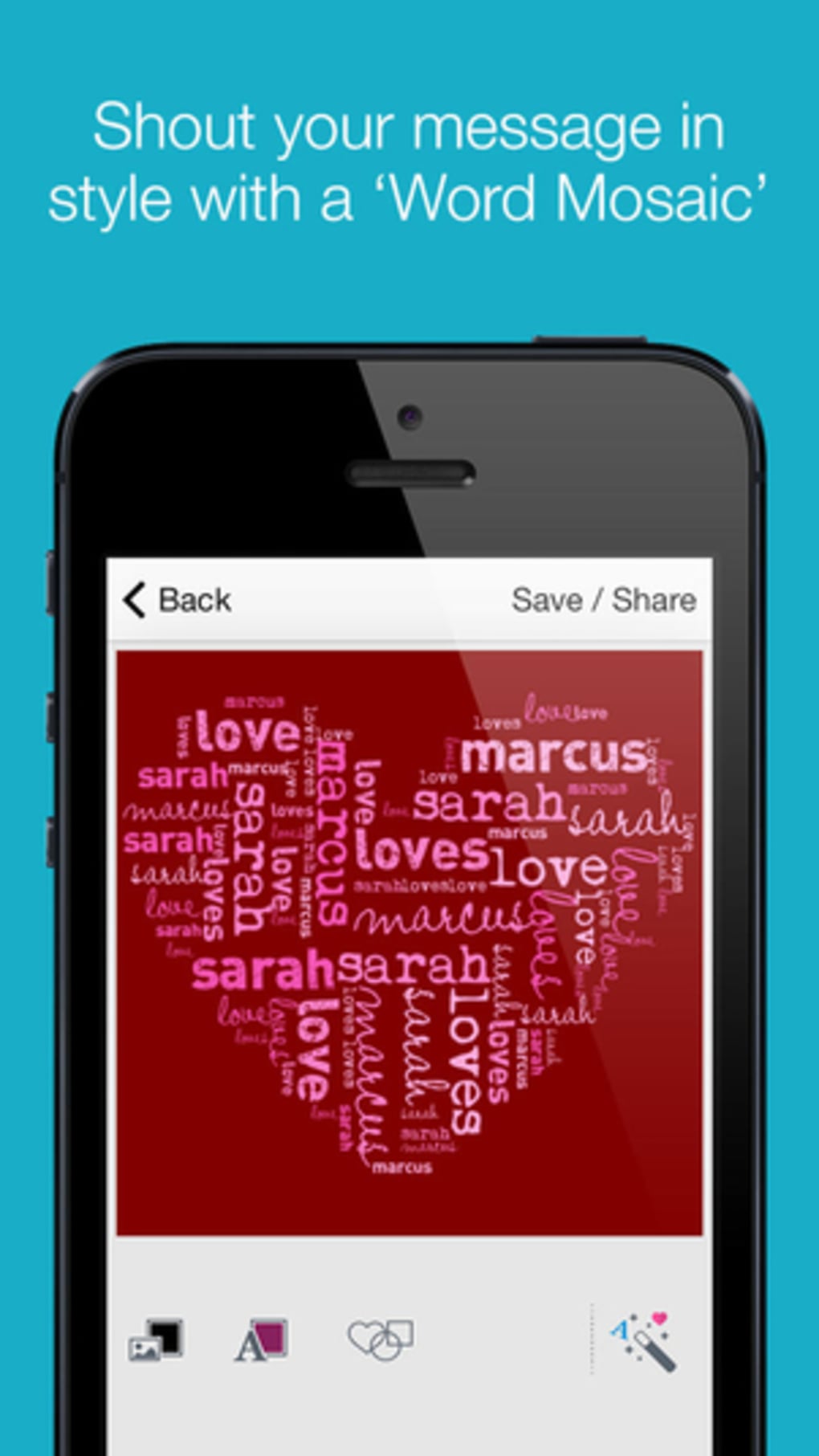
ImageChef is a desktop application designed for creating playful, shareable images with text, photos, and stickers. Built for casual users and social media enthusiasts, it enables quick customization of pre-designed templates to produce fun visuals for platforms like Instagram, WhatsApp, and Facebook. The app focuses on simplicity and immediate usability, making it ideal for users who want to generate lighthearted content without advanced editing tools. Its core purpose is to streamline the creation of themed collages and image overlays, particularly for personal or group messaging, event announcements, and social media posts.
Target users include content creators seeking fast visual ideas, students sharing themed messages, and families creating fun photo memories. While the developer, ImageChef Inc., did not provide additional background details, the app’s focus on accessibility and minimal learning curve suggests a design philosophy centered on inclusivity. Real-world usage scenarios include crafting birthday messages with text and images, designing fake newspaper headlines, or creating playful photo collages for group chats. The app supports both Windows and Mac operating systems, ensuring broad accessibility across personal desktop environments.
Key Features & Capabilities
- Template Gallery – Access to three curated collections: Featured, Recent, and All. Templates are categorized loosely by theme, offering options for image-only, text-only, or combined image and text layouts.
- Photo Integration – Users can add images from their device or capture new photos directly within the app, with tools to resize and zoom for better placement.
- Text Customization – Tap any text element to edit. While pre-set templates restrict font and color changes, additional text can be added with full customization options.
- Sticker Library – A selection of stickers can be added, resized, and rotated on images, though the number of available options is limited.
- Watermark & Monetization – Free users receive a watermark on final images. A one-time in-app purchase of $0.99 removes ads, watermarks, and unlocks the ability to create Visual Poetry Videos.
These features enable users to generate share-ready visuals quickly. For example, a user might create a fake news headline by combining a photo with bold text and a relevant sticker. Another scenario involves assembling a collage of vacation photos with personalized captions. The app’s workflow is linear: select template → add media → customize → export. While the process is intuitive, the lack of template editing and limited design variety may restrict creative expression.
User Interface, Workflow & Performance
The user interface is clean and minimal, prioritizing ease of access over advanced controls. Navigation is straightforward, with a central gallery view and a simple toolbar for editing actions. Users can scroll through templates, tap to add images or text, and adjust elements using on-screen handles. The workflow is designed for speed, with minimal steps required to produce a final image.
Performance observations are based on general software behavior patterns. The app runs efficiently on modern systems, with a 45.2 MB installation size suggesting lightweight resource usage. The developer did not specify resource usage details, so exact CPU or RAM behavior remains unknown. Stability appears consistent within the app’s scope, though complex edits may be limited by the lack of advanced tools. No crashes or freezes were reported in the provided description, indicating a reliable experience for basic tasks.
Compatibility & System Requirements
ImageChef is compatible with both Windows and Mac operating systems, supporting desktop environments on these platforms. The software version is 1.0.1, with a file size of 45.2 MB, indicating a compact installation. Exact system requirements were not listed, so users should ensure their system meets standard desktop application standards. The developer did not provide additional hardware specifications, such as minimum RAM or processor speed. Compatibility information is limited to the OS names provided.
Pros and Cons
Pros
- Simple, intuitive interface ideal for beginners
- Quick creation of shareable social media content
- Free to use with optional in-app purchase for enhanced features
- Supports both image and text additions with basic editing tools
- Available on both Windows and Mac platforms
Cons
- Limited template variety and design quality
- Restricted customization options on pre-set templates
- Small sticker selection with no advanced editing tools
- Free version includes a visible watermark on exported images
- Lack of detailed system requirements or performance data
FAQ Section
Is ImageChef available for both Windows and Mac?
Yes, ImageChef is compatible with both Windows and Mac operating systems, allowing users to install and run the application on desktops across these platforms.
Is ImageChef free to download and use?
Yes, ImageChef is free to download and use. However, the free version includes a watermark on exported images and displays ads. A one-time in-app purchase of $0.99 removes these limitations.
Can I edit the templates in ImageChef?
No, the templates themselves cannot be edited. Users can only add images, text, and stickers to the existing layout. Customization is limited to the elements provided within the template.
Does ImageChef require an internet connection?
While the app functions offline after installation, certain features such as accessing the template gallery or purchasing the premium version may require an internet connection.
What can I do with the premium version of ImageChef?
The premium version removes ad banners and watermarks, and unlocks the ability to create Visual Poetry Videos. This allows for more creative output beyond static image creation.
Final Thoughts
ImageChef delivers a straightforward, no-frills experience for users who want to generate fun, casual visuals for social sharing. Its simplicity and accessibility make it a solid choice for individuals seeking quick image creation without the complexity of professional tools. While the design options are limited and the templates lack polish, the app succeeds in its core mission: enabling fast, playful content creation. It’s not a replacement for advanced photo editors, but it fills a niche for lighthearted, shareable visuals. For users who value speed and fun over sophistication, ImageChef offers a practical solution.
Download ImageChef now








