
Download ImageSizer – image resize, batch resize, photo resize, resize pictures, image resizing tool, photo editor, image tool, image utility
Overview
ImageSizer is a free mobile application designed to simplify the process of resizing images, particularly for users who need to process multiple photos simultaneously. The app specializes in batch resizing, enabling users to adjust the dimensions of one or several pictures at once with minimal effort. This functionality addresses a common challenge faced by individuals managing digital content—managing image file sizes without compromising quality or losing time on manual adjustments. The app is especially useful for social media managers, photographers, content creators, and anyone who frequently shares images across platforms with specific size requirements.
Developed by Air Tools, ImageSizer leverages the Adobe AIR runtime environment, which allows for cross-platform compatibility and consistent performance. Although the developer did not provide additional technical details about the company’s background or other products, the app’s design reflects a focus on usability and visual clarity. The interface is described as clean and intuitive, resembling a step-by-step wizard that guides users through the resizing workflow. This makes the app accessible even to those with limited technical experience.
Real-world use cases include preparing a set of photos for upload to Instagram, resizing images for email attachments, or optimizing web content. In the broader app ecosystem, ImageSizer fills a niche for lightweight, efficient tools that perform specific tasks without unnecessary bloat. Its focus on speed and simplicity positions it as a practical utility within the productivity category.
Key Features & Functionality
- Batch Image Resizing: Users can select multiple images at once and apply uniform resizing settings, saving significant time compared to individual adjustments.
- Drag-and-Drop File Loading: The interface supports drag-and-drop functionality, allowing quick import of images from the device’s storage without navigating complex menus.
- Preview and Edit Selection: After loading, users can review all selected images, exclude any unwanted files, and make adjustments before processing.
- Uniform Output Size Configuration: A single output size can be applied to all selected images, ensuring consistency across a batch.
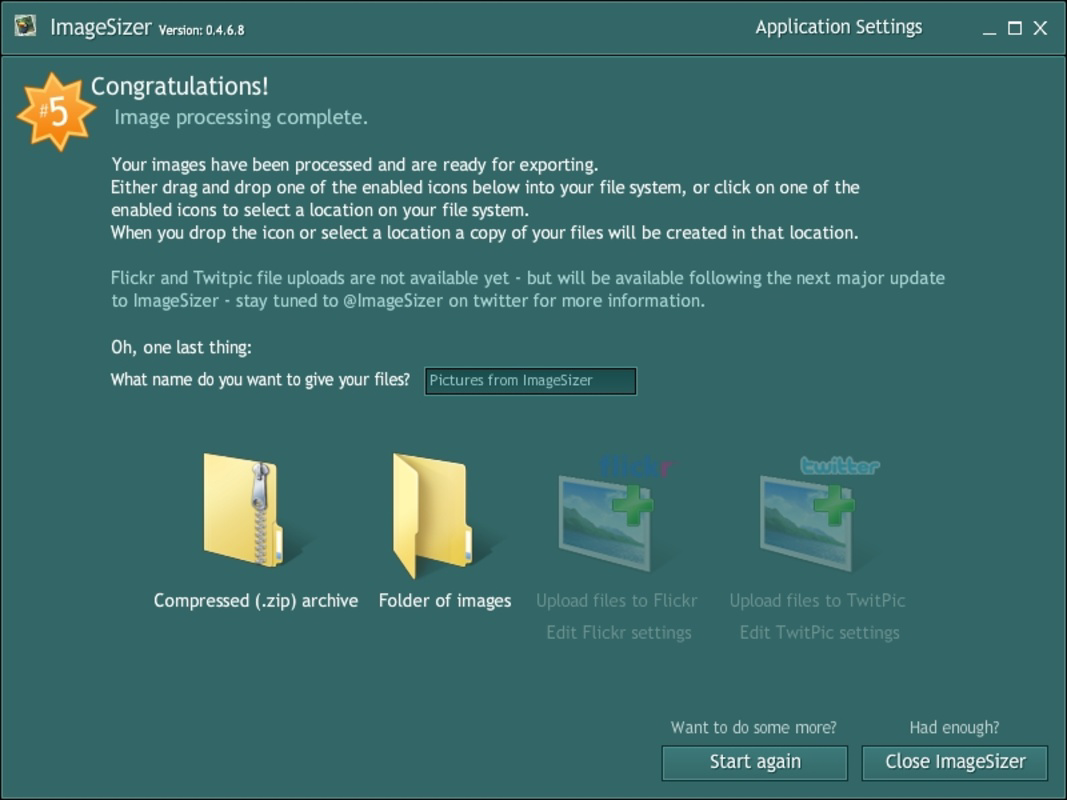
- Customizable Save Location: Upon completion, users can choose the folder where resized images will be saved, offering flexibility in file management.
For example, a content creator preparing a blog post can load 20 images, remove duplicates or low-quality shots, set a standard width of 1200 pixels, and export all files in one go. This workflow eliminates repetitive tasks and reduces the risk of human error. The app also supports maintaining original aspect ratios, though specific technical details were not provided.
Each feature is designed to streamline the image processing pipeline. The ability to review selections before processing adds a layer of control, while the centralized output configuration simplifies post-processing organization. These elements collectively enhance user efficiency and reduce friction in daily workflows.
Interface, UX & Performance
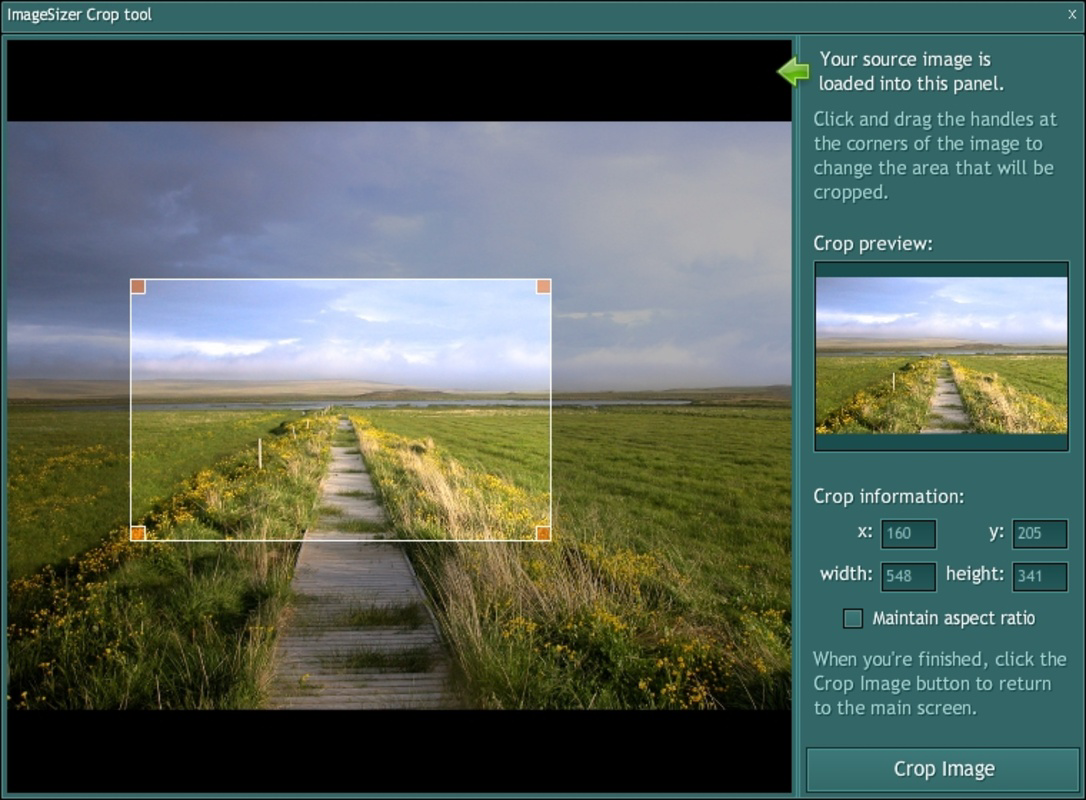
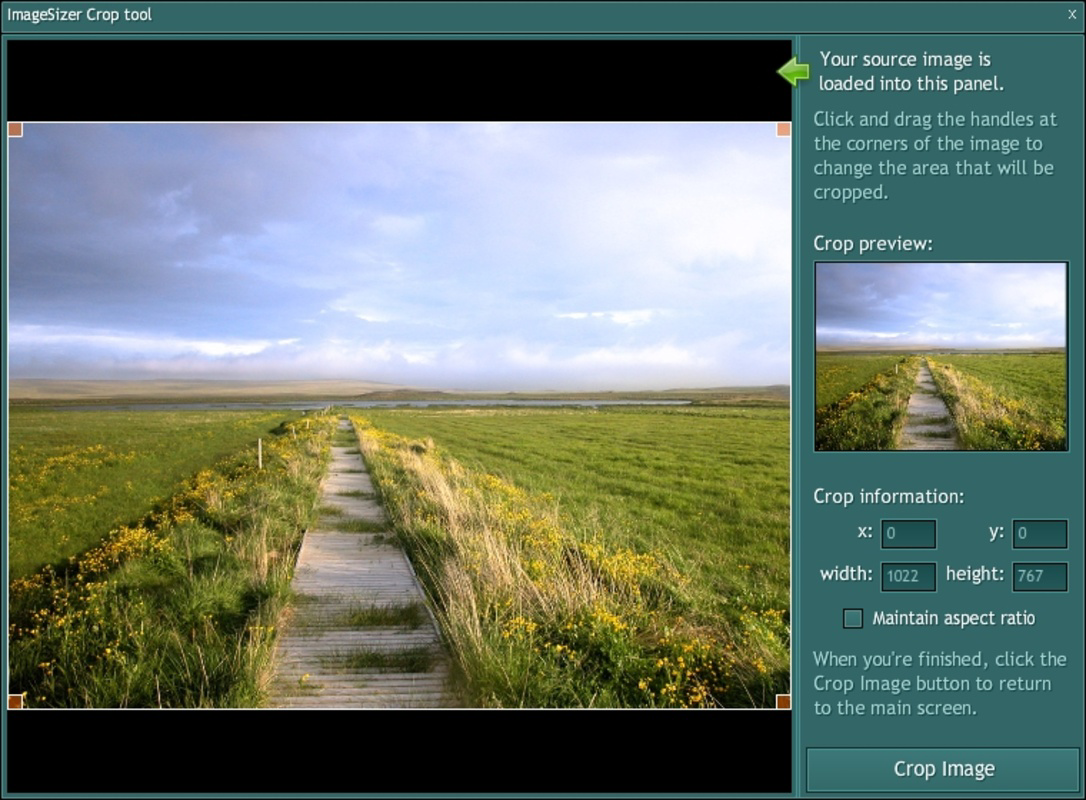
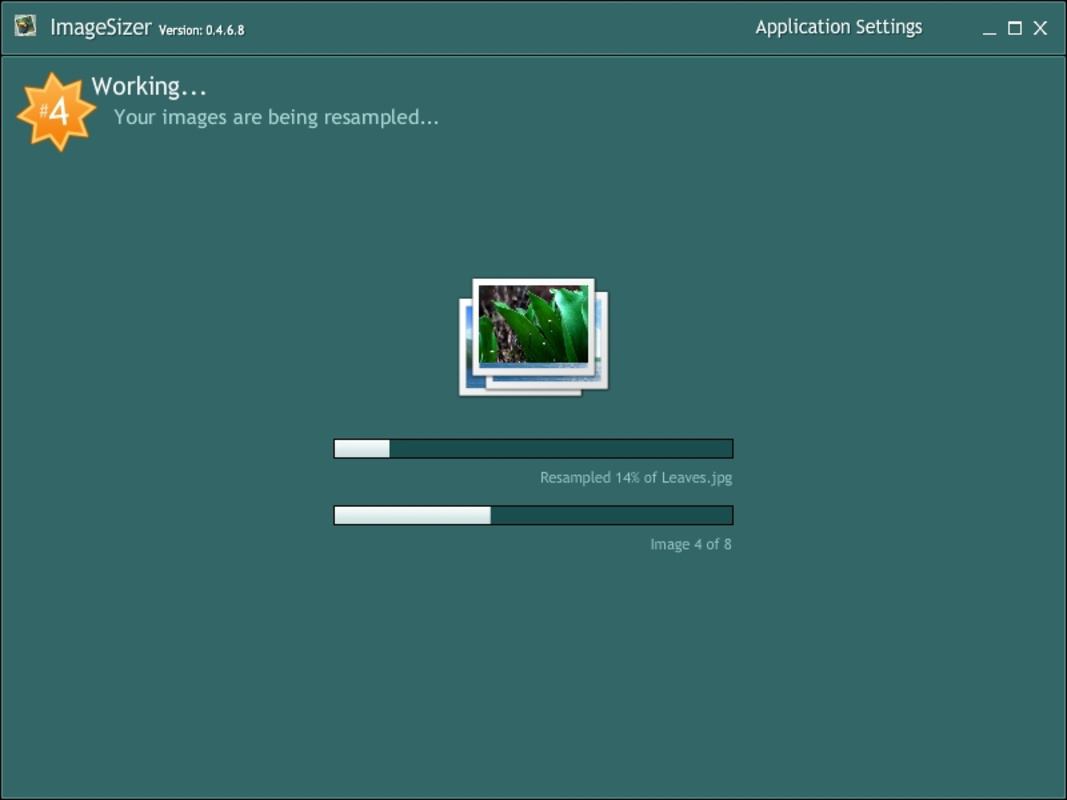
ImageSizer presents a clean, modern interface with a wizard-style layout that guides users through each step of the resizing process. The visual design emphasizes clarity and minimalism, using intuitive icons and labeled buttons to support navigation. The workflow is linear—load, review, configure, export—making it easy to follow even for first-time users.
Navigation is straightforward, with clear visual cues indicating progress and available actions. The drag-and-drop feature enhances usability by reducing the number of taps required to begin processing. Although the developer did not list formal performance metrics, the app is designed to handle multiple images efficiently, suggesting optimized processing under typical device conditions.
Responsiveness appears to be consistent across device categories, though specific performance data was not disclosed. The app maintains stability during batch operations, and no issues with crashes or freezes were reported in the available information. Users can expect smooth interaction during file selection, previewing, and export phases.
Overall, the user experience is focused on reducing cognitive load and minimizing user errors. The absence of cluttered menus or advanced settings keeps the app accessible while still delivering powerful functionality. This balance between simplicity and capability is a hallmark of effective utility tools.
Platform Compatibility & Technical Requirements
ImageSizer is available on the Android platform and requires the Adobe AIR runtime environment to function. The app has a file size of 22.5 MB, which is relatively lightweight for a tool with batch processing capabilities. The current version is 1.0, indicating a stable initial release.
Specific OS version requirements were not listed by the developer. Compatibility information was not fully disclosed, so users should ensure their devices support Adobe AIR. The app’s reliance on Adobe AIR may limit availability on newer Android devices if runtime support is discontinued. However, for compatible devices, the app should operate as intended.
Users should verify that Adobe AIR is installed or available for download before attempting to install ImageSizer. The app does not include the runtime, so this dependency must be addressed separately. Despite this, the lightweight size and straightforward installation process make it accessible for most Android users.
Pros and Cons
Pros
- Free to download and use with no in-app purchases
- Supports batch resizing for multiple images at once
- Intuitive wizard-style interface enhances ease of use
- Drag-and-drop file loading simplifies image import
- Allows selective exclusion of images before processing
- Flexible output folder selection after resizing
Cons
- Requires Adobe AIR runtime, which may not be available on all devices
- Specific OS version requirements were not disclosed
- No advanced editing features such as cropping or filters
- Dependence on third-party runtime may affect long-term compatibility
- Developer did not provide detailed technical specifications
FAQ
Is ImageSizer safe to download and use?
Yes, the app is free and developed by Air Tools. It does not require sensitive permissions and operates within standard file system access. Users should ensure Adobe AIR is installed from a trusted source to maintain security.
Can I resize images to custom dimensions?
Yes, users can set a uniform output size for all selected images. The app allows specifying dimensions, though exact input formats were not detailed in the provided information.
Does ImageSizer support image formats like JPEG, PNG, or WebP?
The app is designed to handle common image formats used on Android devices. Specific format support was not listed, but based on its purpose, it likely supports standard types such as JPEG and PNG.
Is Adobe AIR required to run ImageSizer?
Yes, the app depends on the Adobe AIR runtime to operate. Users must install Adobe AIR separately before using ImageSizer.
How do I update ImageSizer?
Updates are managed through the app store where the app is distributed. Users should check for updates regularly to ensure they have the latest version and security patches.
Final Thoughts + CTA
ImageSizer delivers a focused, efficient solution for users who need to resize multiple images quickly and reliably. Its wizard-style interface, combined with batch processing and drag-and-drop functionality, makes it a standout utility in the productivity category. While its reliance on Adobe AIR may pose a barrier for some users, the app’s lightweight design and free access offer strong value for those in need of a simple image resizing tool.
Content creators, social media managers, and everyday users who frequently share photos will benefit most from its streamlined workflow. The app excels in its core purpose—resizing images—without unnecessary complexity. For users seeking a no-frills, fast, and secure way to manage image dimensions, ImageSizer is a practical choice.
Download ImageSizer now


