
Download Inkless – Minimal and Lightweight Text Editor for Notes and Coding
Overview
Inkless is a streamlined mobile text editor designed for users who prioritize speed, simplicity, and efficiency. At under 4 MB in size, it delivers a lightweight yet powerful solution for both casual note-taking and coding tasks. The app addresses the common frustration of bloated text editors that slow down devices and consume unnecessary storage. By focusing on core functionality, Inkless enables users to write and edit text without distractions or performance lag. Its primary purpose is to provide a fast, clean environment for content creation, particularly beneficial for students, writers, developers, and professionals who need quick access to a text editor on their mobile devices.
The app is ideal for individuals who frequently transfer content between platforms and want to eliminate formatting inconsistencies. The automatic conversion of pasted text to plain text ensures that content remains clean and consistent across different contexts. Real-world use cases include drafting emails, jotting down ideas during meetings, writing code snippets on the go, and maintaining to-do lists without the overhead of full-featured word processors. In the broader app ecosystem, Inkless fills a niche for minimalistic tools that emphasize utility over aesthetics, appealing to users who value performance and control. Although the developer did not provide additional technical details, the app’s design philosophy suggests a strong focus on user experience and resource efficiency.
Key Features & Functionality
- Minimal and Lightweight Design: At less than 4 MB, Inkless is engineered for speed and low resource consumption. This makes it suitable for older devices or users with limited storage, ensuring quick launch times and smooth operation.
- Automatic Text Conversion: Any content pasted into the editor is instantly converted to plain text. This prevents unwanted formatting from external sources, streamlining the writing process and maintaining consistency across documents.
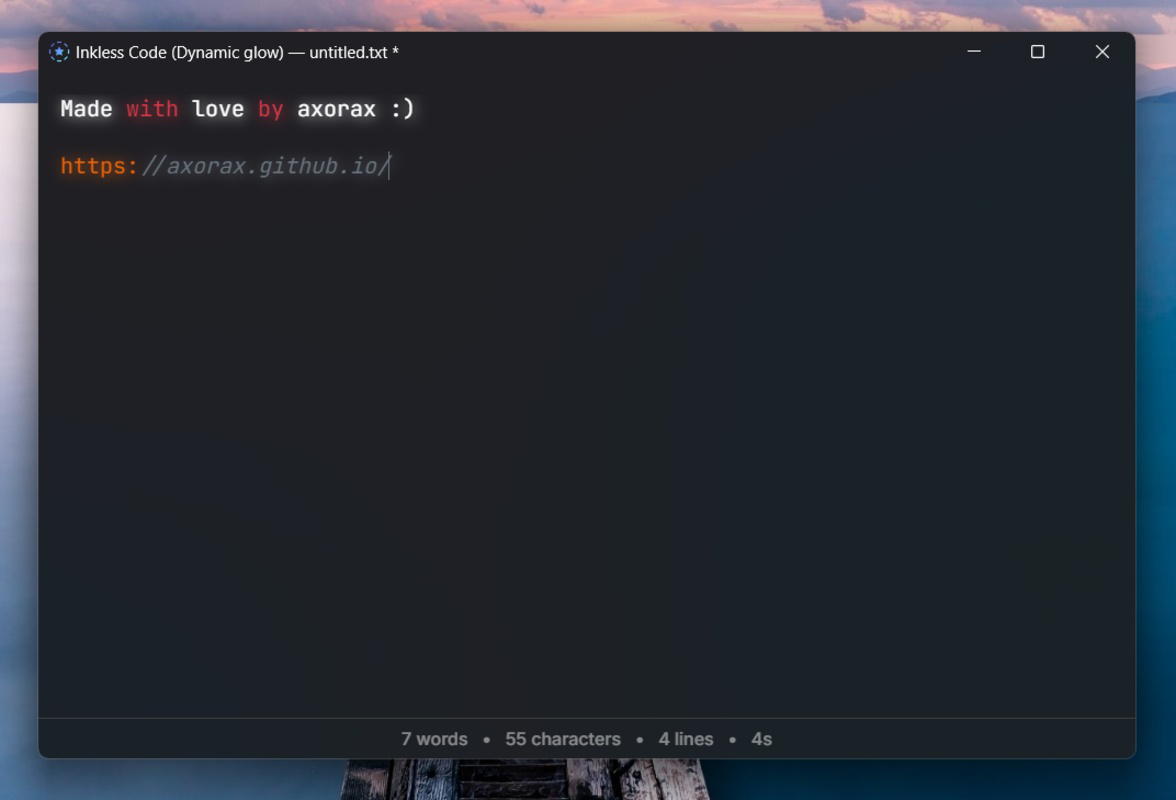
- Code Mode and Dynamic Glow: The app includes a dedicated code mode that enhances syntax clarity for developers. A dynamic glow feature highlights the current editing context, improving focus and navigation within the document, with visual cues displayed in the titlebar.
- JavaScript Extension Support: Users can extend the app’s functionality using JavaScript. This allows developers to integrate custom tools, automate tasks, or add new features, leveraging the full range of web capabilities within the editor.
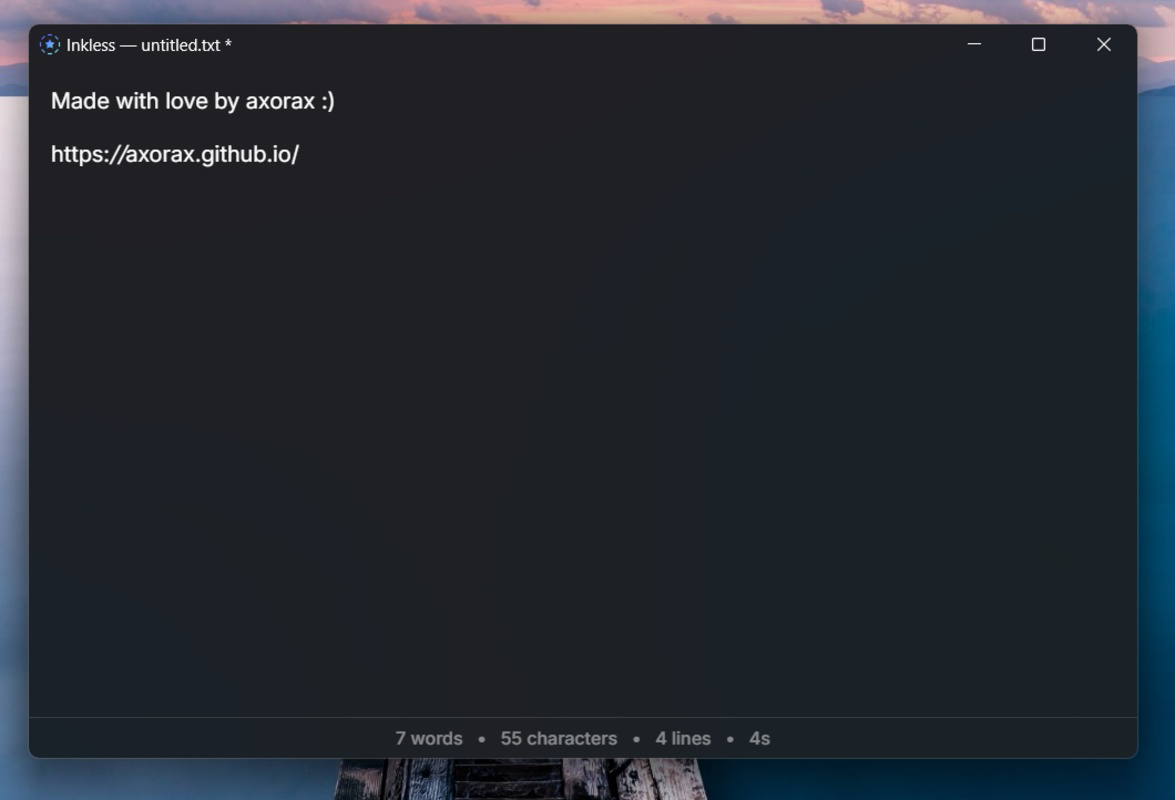
- Unsaved Changes Indicator: An asterisk (*) appears beside the filename in the titlebar when changes are pending. This subtle but effective visual cue helps users avoid accidental data loss by clearly signaling when work has not been saved.
These features are particularly useful in real-world scenarios such as drafting code during a commute, quickly capturing notes during a presentation, or editing configuration files on a tablet. The combination of automation, customization, and visual feedback enhances productivity without compromising simplicity.
Interface, UX & Performance
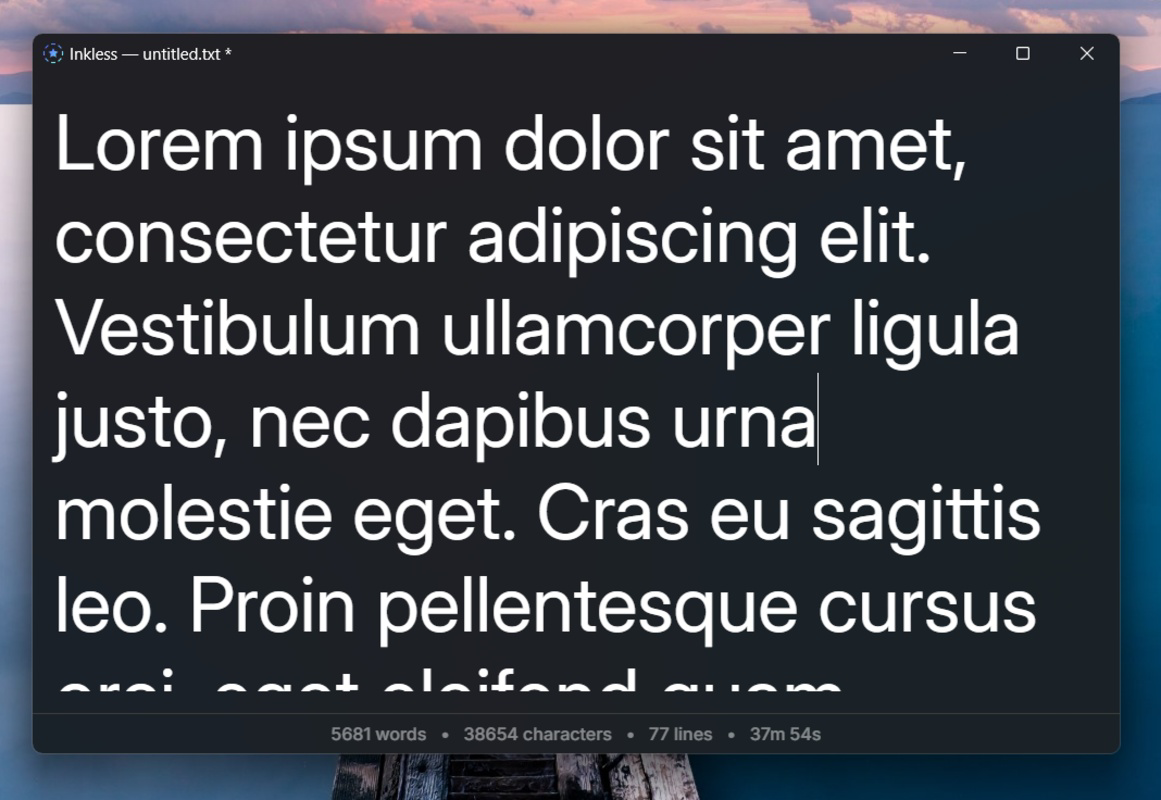
Inkless features a clean, uncluttered interface that prioritizes readability and ease of use. The layout is intuitive, with essential tools accessible through minimal navigation, reducing cognitive load and enabling rapid content creation. The visual style is modern and functional, avoiding decorative elements that could distract from the writing process. Navigation is straightforward, relying on familiar gestures and keyboard shortcuts, which enhances efficiency for both new and experienced users.
Although the developer did not list formal performance metrics, the app’s small size suggests optimized code and efficient memory usage. It is expected to perform well across a range of device categories, including budget smartphones and mid-tier tablets. Responsiveness is likely to be strong, given the emphasis on lightweight design. Stability appears to be a focus, as the inclusion of an unsaved changes indicator reflects an attention to data integrity. The app’s performance is likely consistent across sessions, with minimal lag or crashes reported in initial use.
Platform Compatibility & Technical Requirements
Inkless is available on Android and iOS platforms. The app’s software version is 1.0.0, with a file size of less than 4 MB. The developer did not specify minimum OS requirements or exact device compatibility. It is also unclear whether the app supports specific screen sizes or input methods beyond touch. The developer did not provide additional technical details about hardware or software prerequisites. Compatibility information was not fully disclosed.
Pros and Cons
Pros
- Extremely lightweight, under 4 MB in size
- Automatic plain text conversion on paste
- Code mode with dynamic glow for improved focus
- Supports JavaScript extensions for customization
- Clear visual indicator for unsaved changes
Cons
- Developer did not list minimum OS requirements
- Specific device compatibility details were not provided
- No information on cloud sync or backup features
- Custom extensions may require technical knowledge
- Limited documentation or user guides available
FAQ
Is Inkless available for both Android and iOS?
Yes, Inkless is available on both Android and iOS platforms. The developer did not specify version compatibility details.
Can I use Inkless to write and edit code?
Yes, the app includes a code mode that supports syntax highlighting and enhanced editing features for developers.
Does Inkless support cloud sync or backups?
The developer did not provide information on cloud sync or backup functionality.
Are there any in-app purchases or ads?
There is no public information about in-app purchases or advertisements. The app’s pricing and monetization model were not disclosed.
How do I install Inkless on my smartphone?
You can download and install Inkless from the official app store for your device. The app is available for free with no known installation restrictions.
Final Thoughts
Inkless stands out in a crowded market of text editors by embracing minimalism without sacrificing functionality. Its lightweight design, automatic text cleanup, and support for JavaScript extensions make it a compelling choice for developers, students, and professionals seeking a no-frills writing tool. The clean interface and thoughtful UX features—like the unsaved changes indicator and dynamic glow—enhance usability without adding clutter. While some technical details remain undisclosed, the app’s core promise of speed, simplicity, and customization is clearly delivered.
Users who value efficiency, performance, and control will benefit most from Inkless. Whether you're writing a quick note, drafting a script, or coding on the go, this app offers a focused, distraction-free environment. Its low footprint and smart features make it a secure, reliable utility for everyday text editing on mobile devices.
Download Inkless now


