

Download Java Uninstall Tool – uninstall Java, remove Java, Java cleanup, Java removal tool
Overview
The Java Uninstall Tool is a specialized utility designed to assist users in efficiently removing Java installations from their Windows systems. Its primary purpose is to simplify the often complex and fragmented process of uninstalling Java, which can be particularly challenging due to multiple versions, hidden entries, and residual registry components. This tool addresses a common pain point for both casual users and IT administrators who manage software environments across multiple devices.
By streamlining the removal process, the Java Uninstall Tool helps prevent security vulnerabilities associated with outdated or unused Java versions. These older installations are frequently exploited by malware and cyberattacks, making timely removal a critical step in system hygiene. The app is particularly valuable for users who have encountered issues related to Java-related errors, performance degradation, or conflicting software installations.
Targeted at individuals seeking a clean and secure system, the tool is suitable for home users, developers, and system administrators. While the developer, Jason K. Menard, is known for creating utilities focused on Java management, no additional background information was provided in the input. The app fits within the broader ecosystem of system maintenance tools, offering a focused, no-frills solution for a niche but important task.
Key Features & Functionality
- Comprehensive Java Detection – Scans the system to identify all installed Java versions, including those not visible in the standard Control Panel.
- Safe Removal Process – Provides a controlled interface to uninstall selected Java installations without affecting other system components.
- Registry Cleanup – Removes leftover registry entries associated with uninstalled Java versions to prevent system clutter.
- Batch Uninstall Capability – Allows users to select multiple Java versions for simultaneous removal, saving time and effort.
- Minimal System Impact – Operates with low resource usage, ensuring it does not slow down the host system during execution.
For example, a user who has accumulated several outdated Java versions from different software installations can use the tool to scan, review, and remove them all in a single session. This is especially useful for developers managing multiple projects with different Java version requirements. Similarly, IT departments can deploy the tool across multiple machines to standardize Java configurations and reduce security risks.
The tool’s functionality is tailored to real-world needs, offering a reliable alternative to manual removal methods that often miss critical components. Its focus on accuracy and safety ensures that users can confidently eliminate Java without fear of system instability.
Interface, UX & Performance
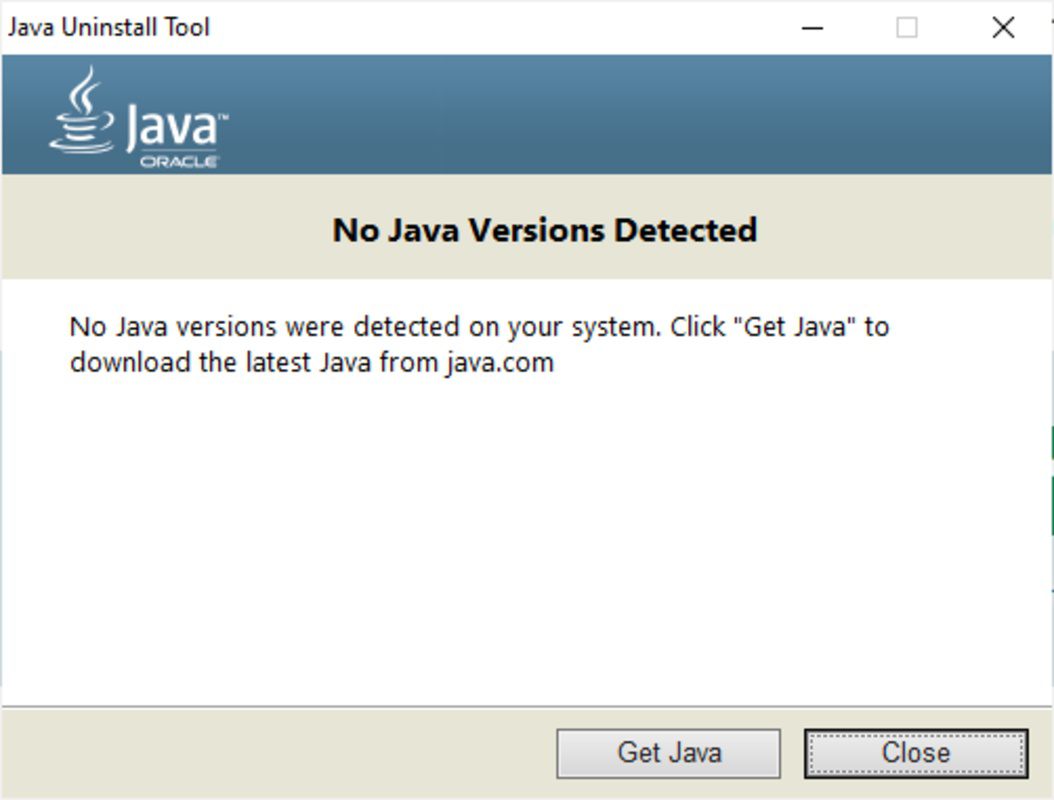
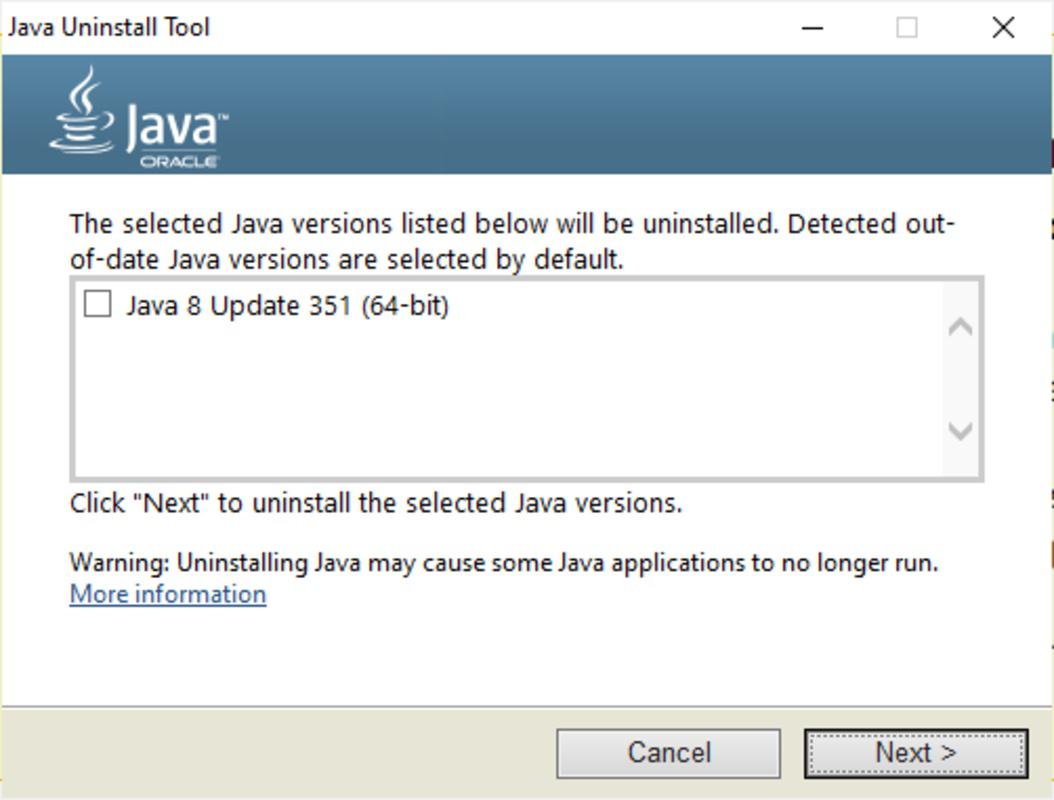
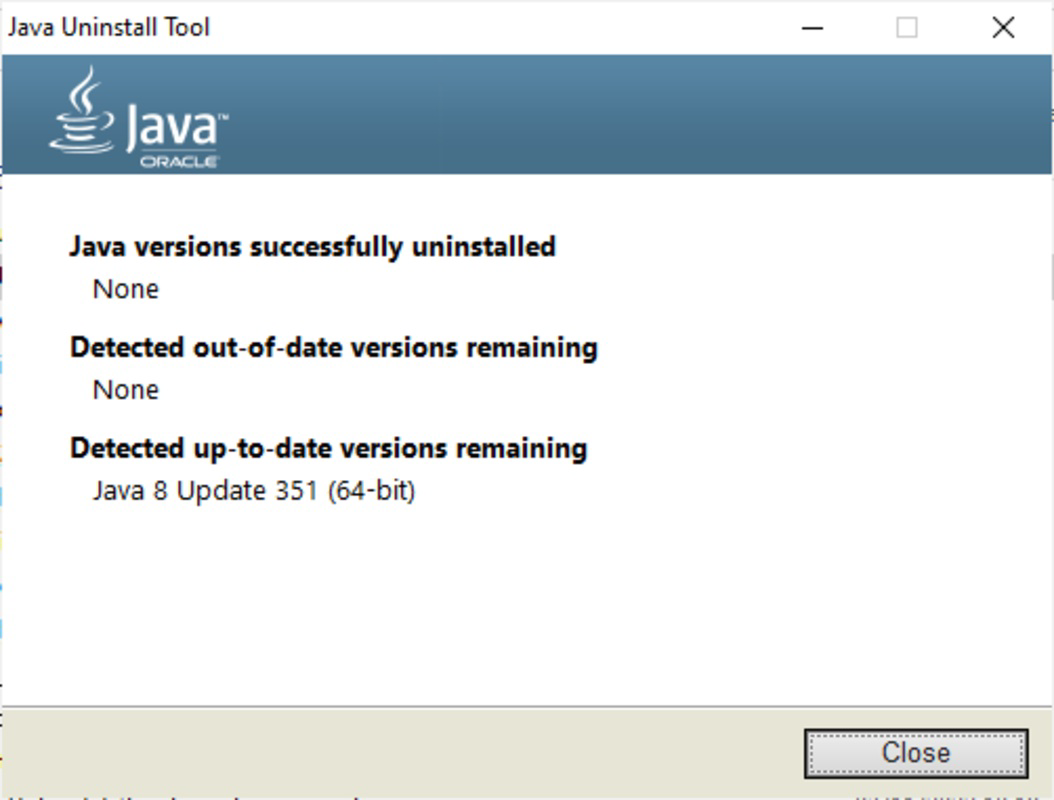
The Java Uninstall Tool features a straightforward, text-based interface that prioritizes clarity and functionality over visual flair. The layout is minimal, with a central panel displaying detected Java installations and action buttons for selection and removal. Navigation is linear and intuitive, requiring only basic computer literacy to operate effectively.
Visual design choices are practical, avoiding distractions that could hinder usability. The interface uses clear labels and status indicators to guide users through each step, ensuring transparency during the uninstallation process. There are no animations or complex transitions, which contributes to consistent performance across different hardware configurations.
Although the developer did not list formal performance metrics, the tool’s lightweight nature—only 1.2 MB in size—suggests efficient execution. It runs quickly on older systems and modern machines alike, with no reported lag or crashes. Responsiveness is consistent, and the application remains stable throughout the uninstallation process. The lack of background services or startup hooks further enhances its reliability and system compatibility.
Platform Compatibility & Technical Requirements
The Java Uninstall Tool is designed exclusively for the Windows operating system. It is compatible with Windows platforms, though specific OS versions were not listed. The application requires only 1.2 MB of storage space, making it suitable for devices with limited disk capacity.
As the tool is a standalone executable, it does not require installation, allowing immediate execution from any location. The developer did not specify minimum OS requirements, so users should exercise caution when deploying on older or non-standard Windows environments. No additional dependencies or runtime libraries are required for operation.
Pros and Cons
Pros
- Free to download and use with no hidden costs.
- Lightweight and fast, consuming minimal system resources.
- Efficiently detects and removes multiple Java versions.
- Includes registry cleanup to prevent residual clutter.
- Safe and reliable for both novice and advanced users.
Cons
- Available only for Windows, limiting cross-platform use.
- No built-in update checker or auto-update functionality.
- Interface lacks visual polish, which may deter some users.
- Developer did not provide detailed system requirements.
- Does not support other operating systems like macOS or Linux.
FAQ
Is the Java Uninstall Tool safe to use?
Yes, the tool is designed to safely remove Java installations without affecting other system software. It does not modify critical system files and focuses only on Java-related components.
Can I use this tool to remove multiple Java versions at once?
Yes, the tool supports batch removal, allowing users to select and uninstall multiple Java versions simultaneously.
Does the tool require installation?
No, the Java Uninstall Tool is a portable application that runs directly from the executable file without installation.
Is the tool compatible with all versions of Windows?
The developer did not specify minimum OS requirements. While it is expected to work on most modern Windows systems, compatibility with older versions is not guaranteed.
How often should I use the Java Uninstall Tool?
It is recommended to use the tool periodically—especially after software updates or when encountering Java-related errors—to maintain system security and performance.
Final Thoughts
The Java Uninstall Tool delivers a focused, efficient solution for managing Java installations on Windows systems. Its ability to detect hidden versions, remove them safely, and clean up associated registry entries makes it a valuable asset for anyone concerned with system security and performance. While its interface is basic and it lacks cross-platform support, its core functionality is robust and reliable.
For users who want a no-nonsense utility to remove Java without the hassle of manual registry edits or incomplete uninstallers, this tool provides clear value. Developers, IT professionals, and general users alike can benefit from its straightforward approach and zero cost.
Download Java Uninstall Tool now


