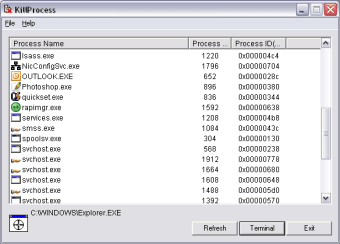
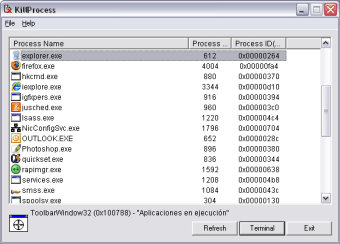
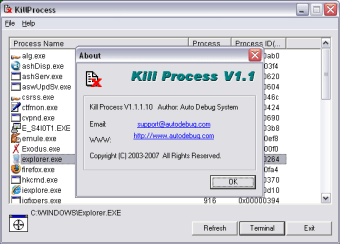
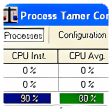
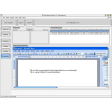
There's nothing worse than when your PC hangs-up and you can't regain control of it. Sometimes, Window's Task Manger (revealed by pressing Ctrl+Alt+Del) will solve the problem by allowing you to kill the process but some hang-ups are too tough for it to handle. Kill Process is basically a task administrator which will allow you to list, identify and manage all the active processes in your system.
Like with the Windows Task Manager, Kill Process allows you to visualize the names of processes and go directly to them in case of a major crash. However, it's more detailed than the former because it allows you to see exactly which processes relate to which programs. Useful if you don't know what half the processes are meant to be for on your system. It's also more effective in killing processes that Windows Task Manager may have trouble closing.
This is a really useful tool if you suffer frequent Windows crashes although for most people, Windows Task Manager will suffice.
Pros
Shows running processes instantly
Shows which processes relate to which programs
Cons
Doesn't offer anything significantly better than Windows Task Manager
Laws concerning the use of this software vary from country to country. We do not encourage or condone the use of this program if it is in violation of these laws. Softonic may receive a referral fee if you click or buy any of the products featured here.