
Download KVIrc Portable – IRC Client, Portable Communication, Real-Time Notifications, Customization
Overview
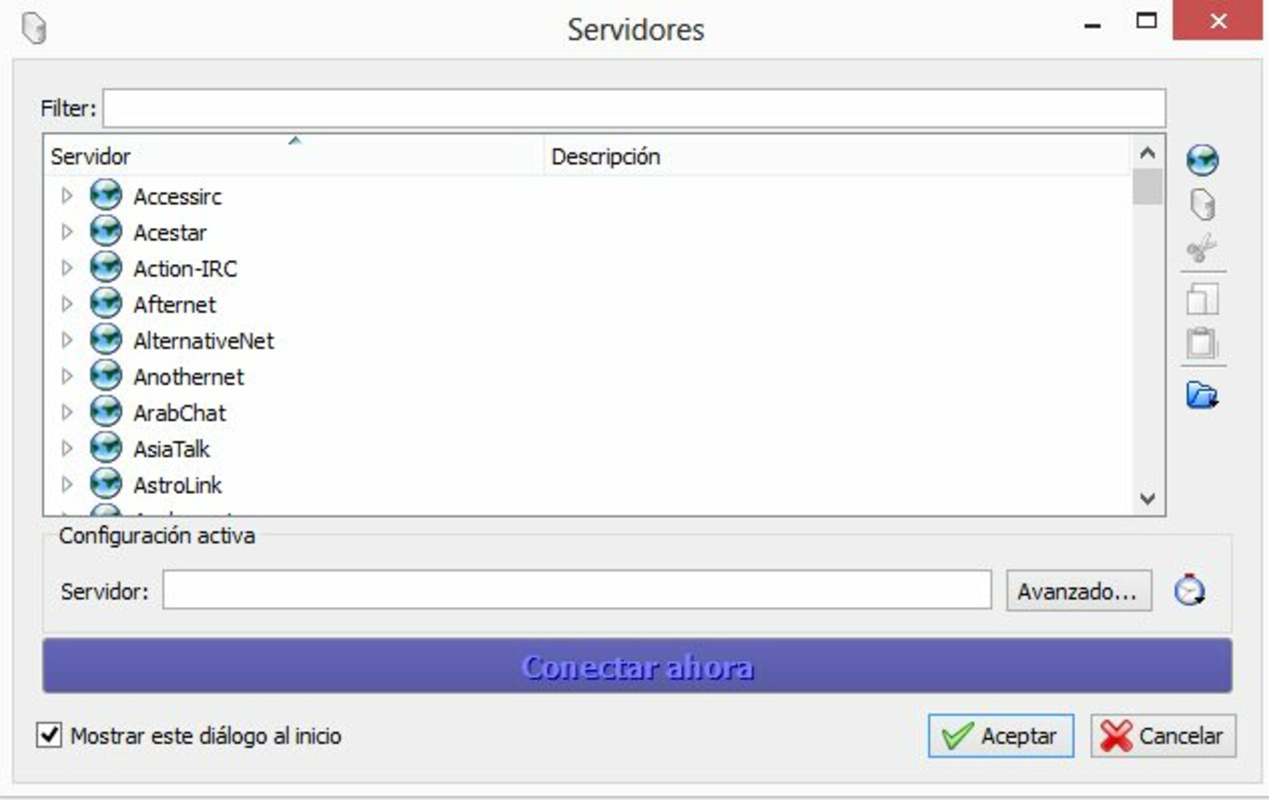
KVIrc Portable is a dedicated IRC (Internet Relay Chat) client engineered for efficient and accessible communication across IRC networks. Designed with both novice and experienced users in mind, the application provides a streamlined interface that simplifies channel management and real-time interaction. Its primary purpose is to enable users to stay connected to multiple IRC channels, participate in live discussions, and receive instant notifications without the overhead of complex setup processes.
The app addresses the need for lightweight, reliable, and portable chat access—especially for users who frequently switch between devices or require consistent access to IRC communities. This makes it particularly valuable for developers, open-source contributors, tech support teams, and online communities that rely on IRC for real-time collaboration. Unlike traditional IRC clients that require installation, KVIrc Portable operates directly from portable storage devices, allowing users to maintain their chat sessions and configurations across different computers without leaving a trace.
Although the developer did not provide additional background information, the app’s design philosophy emphasizes accessibility, efficiency, and user control. Its presence in the ecosystem underscores the ongoing relevance of IRC as a communication platform, especially in technical and niche communities. The application’s ability to function without installation enhances its utility in shared or restricted computing environments.
Key Features & Functionality
- User-Friendly Interface: The application features a clean, intuitive layout that simplifies navigation between channels and conversations. Users can quickly identify active discussions and monitor multiple channels simultaneously, improving overall engagement and responsiveness.
- Real-Time Notifications: KVIrc Portable delivers timely alerts when messages are received or channel updates occur. This ensures users remain informed about critical discussions, even when the app is minimized or running in the background.
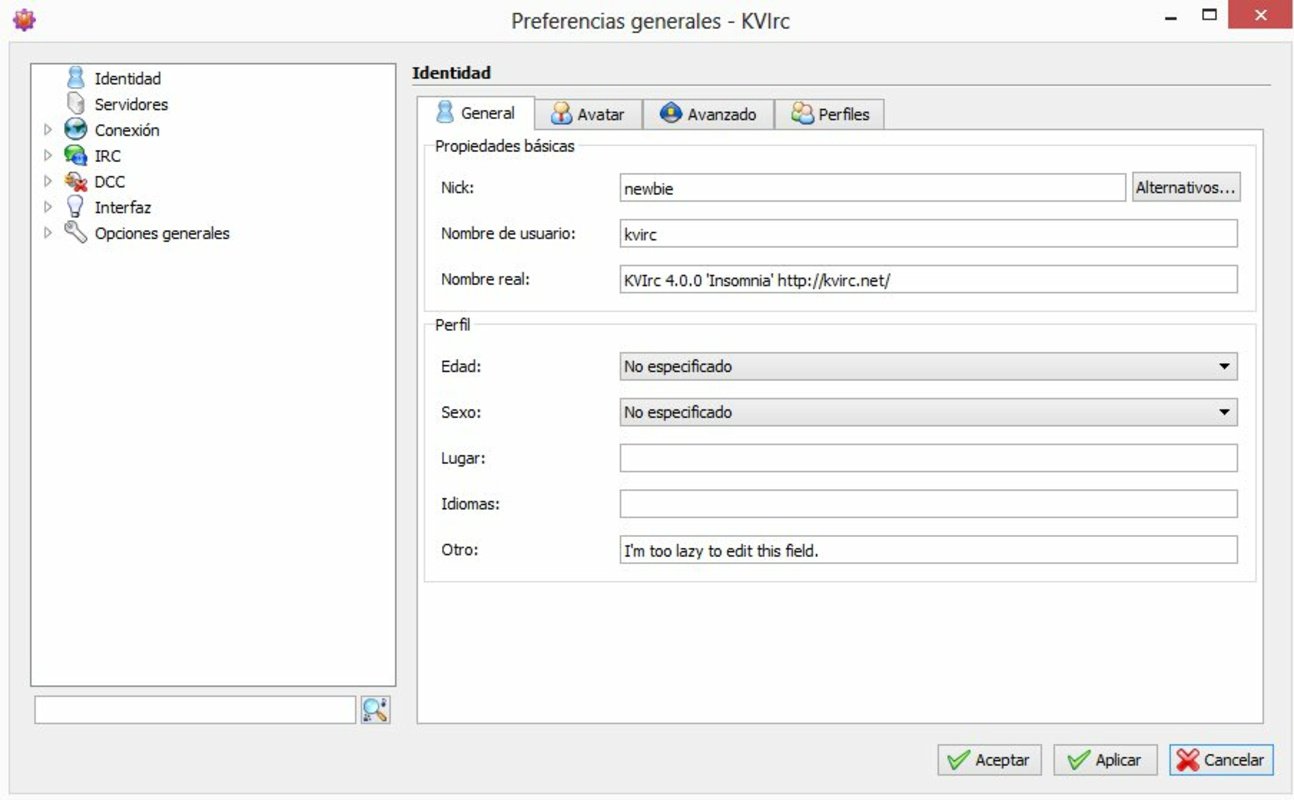
- Customization Options: The client supports extensive personalization, including adjustable color schemes, font settings, and window transparency. These options allow users to tailor the interface to their visual preferences and workflow needs.
- Taskbar Management: A unique feature enables users to drag channels and conversations onto the taskbar for quick access. This intuitive drag-and-drop functionality enhances efficiency by streamlining navigation to frequently used channels.
- Portable Convenience: As a portable application, KVIrc can be run directly from USB drives or external storage. This eliminates the need for installation, making it ideal for use on public or shared computers while preserving user privacy and session continuity.
For example, a developer attending a conference can carry their IRC setup on a USB drive, connect to the event’s support channel from any available computer, and maintain their ongoing conversations without reconfiguration. Similarly, a remote team member can access their project’s IRC channel from a borrowed laptop during travel, ensuring uninterrupted collaboration.
Interface, UX & Performance
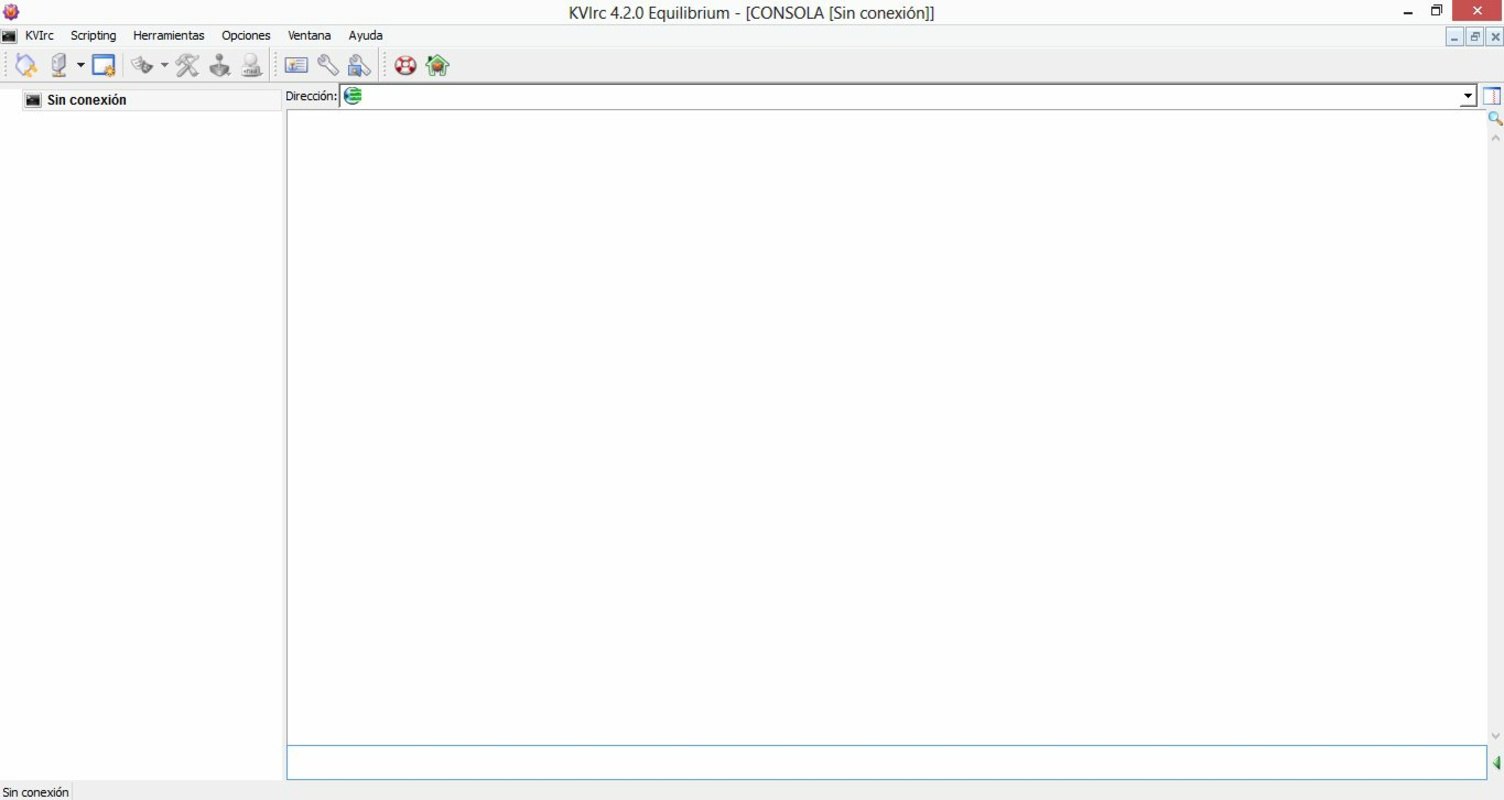
The interface of KVIrc Portable is designed with clarity and functionality in mind. It employs a modular layout that organizes channels, messages, and user lists in a way that minimizes clutter while maximizing readability. The visual style is minimalistic, relying on clean lines and logical grouping to enhance usability.
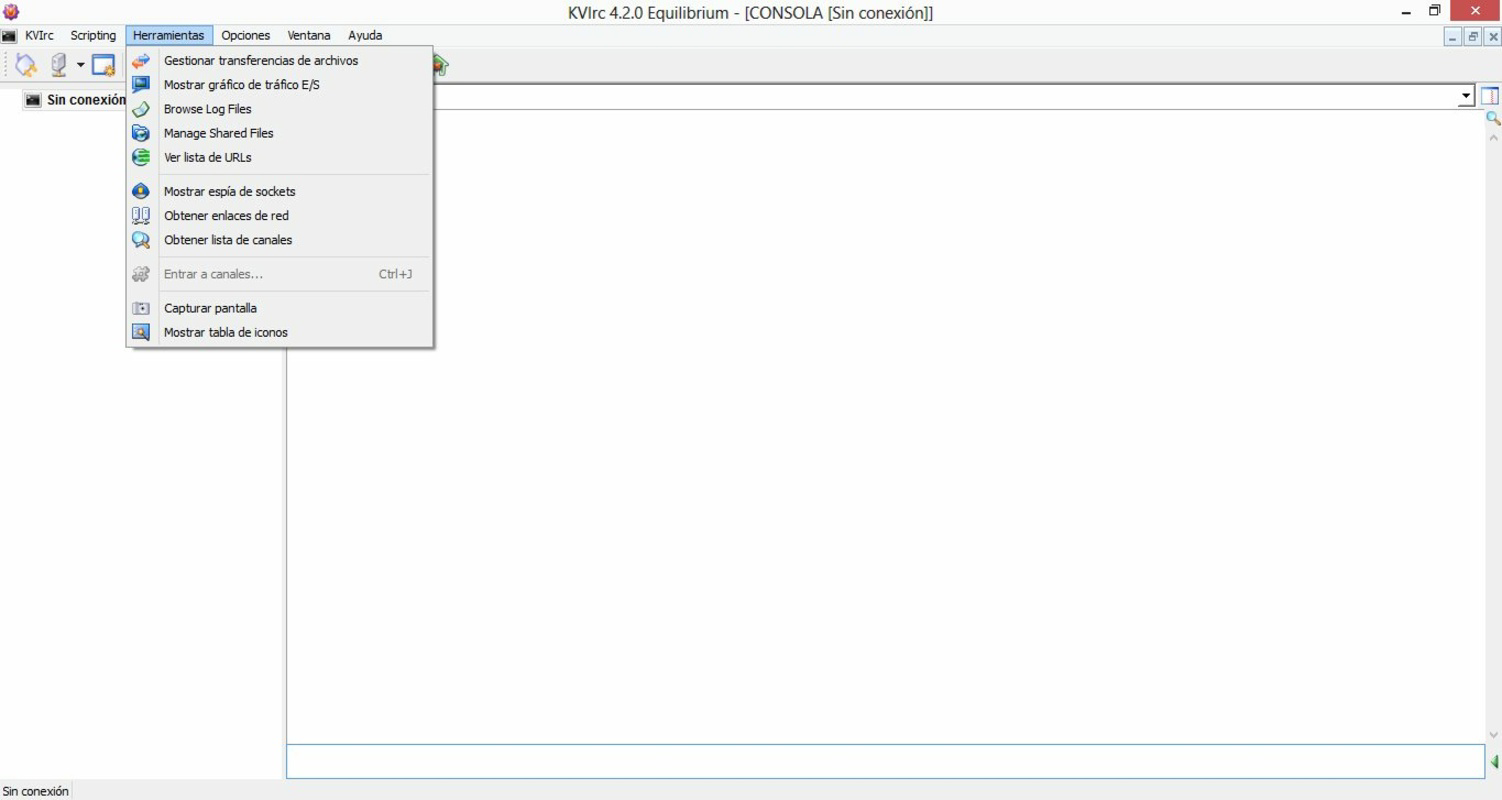
Navigating through channels and messages is intuitive, with well-placed menus and keyboard shortcuts that support both mouse and keyboard-driven workflows. The application maintains a consistent layout across different screen sizes, ensuring usability on a variety of devices. Although the developer did not list formal performance metrics, the lightweight nature of the app suggests it operates efficiently even on older or low-resource systems.
Responsiveness is maintained during active chat sessions, with minimal lag in message delivery and interface updates. Stability appears consistent based on its long-standing presence in the IRC ecosystem. The app does not appear to consume excessive memory or CPU resources, which is crucial for maintaining long-running chat sessions without system strain.
Platform Compatibility & Technical Requirements
KVIrc Portable is designed for use on Windows operating systems. The application is distributed as a portable package, meaning it does not require installation and can be executed directly from a USB drive or other removable storage. The file size is approximately 14.8 MB, making it highly portable and quick to deploy.
Although the developer did not specify minimum OS requirements, the app is compatible with modern Windows versions. The software version is 4.8.1, released on August 27, 2020. Specific compatibility details with older or newer Windows releases were not disclosed.
Pros and Cons
Pros
- Lightweight and fast, suitable for low-resource environments
- Portable—runs directly from USB or external storage
- Intuitive interface with easy navigation between channels
- Real-time notifications for timely message alerts
- Extensive customization options for personalizing the user experience
Cons
- Not available for mobile platforms such as Android or iOS
- Developer did not provide detailed technical specifications or system requirements
- Limited to Windows operating systems
- No built-in support for modern chat features like file sharing or media embedding
- Interface may appear dated to users accustomed to modern mobile messaging apps
FAQ
Is KVIrc Portable safe to download and use?
Yes, KVIrc Portable is a legitimate and secure application. It is distributed through official channels and does not contain malware or unwanted components. Users should always download from trusted sources to ensure integrity.
Can I use KVIrc Portable on my Android or iOS device?
Currently, KVIrc Portable is only available for Windows. There is no official version for Android or iOS. Users seeking mobile access may need to explore alternative IRC clients or web-based solutions.
Does KVIrc Portable require installation?
No, KVIrc Portable is designed as a portable application. It can be run directly from a USB drive or external storage without requiring installation or system changes.
How do I update KVIrc Portable?
Updates are typically released by the developer through official channels. Users should check the official website for the latest version. Since the app is portable, updating involves replacing the existing files with the new version.
Can I use KVIrc Portable on shared or public computers?
Yes, its portable nature makes it ideal for use on shared or public computers. Since it leaves no trace after use, it preserves user privacy and ensures a consistent experience across different machines.
Final Thoughts
KVIrc Portable stands out as a reliable, efficient, and privacy-conscious IRC client for users who value portability and simplicity. Its ability to run without installation makes it a powerful tool for professionals, developers, and community members who need consistent access to IRC networks across multiple devices. While it lacks modern mobile support and advanced features like file sharing, its core functionality is solid and well-executed.
For anyone working in technical or open-source communities that still rely on IRC, KVIrc Portable offers a dependable and customizable communication tool. Its lightweight design, real-time notifications, and customization options deliver a meaningful user experience tailored to real-world needs.
Download KVIrc Portable now to experience seamless, portable IRC access on Windows.


