
Download LanFS – Local Area Network File Send, Multi-File Transfer, Remote Control
Overview
LanFS, short for Local Area Network File Send, is a network utility designed to facilitate efficient file sharing and communication among devices connected to the same local network. The application enables users to transfer multiple files simultaneously, reducing wait times and improving workflow efficiency. By integrating messaging with emoticons and supporting remote device management, LanFS serves as a comprehensive tool for internal collaboration and system administration. It is particularly useful in office environments, educational institutions, or home networks where multiple devices need to exchange data quickly and securely.
The app operates on the principle that every device on the network must have LanFS installed to ensure full functionality. This requirement ensures consistent connectivity and security within the local environment. While the developer did not provide additional background information, the app’s long-standing presence since its release on March 7, 2012, suggests reliability and sustained use. Real-world applications include sharing project files between team members, remotely restarting a workstation, or sending instant messages during collaborative tasks. In the broader app ecosystem, LanFS fills a niche for lightweight, no-cloud-needed network utilities that prioritize speed and privacy.
Key Features & Functionality
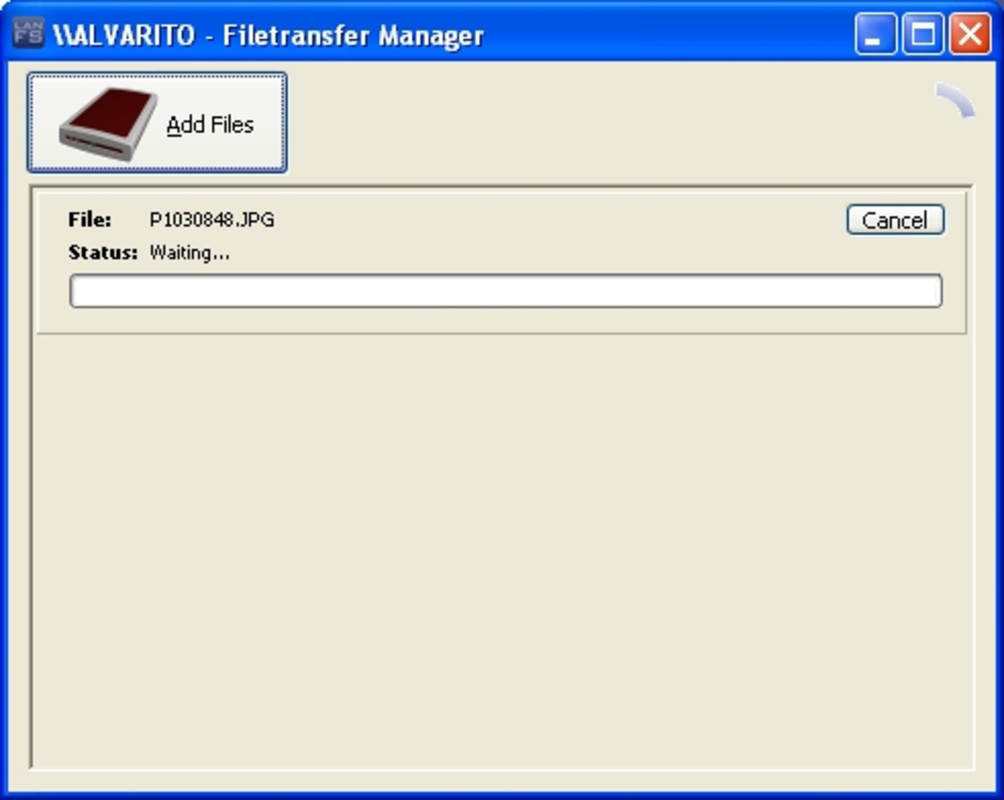
- Multi-File Transfer: LanFS allows users to send multiple files at once, eliminating the need to wait for individual transfers. This is especially beneficial when sharing large project folders, multimedia content, or batch documents across devices.
- Integrated Messaging with Emoticons: The built-in chat client supports emoticons, enabling users to communicate more expressively. This feature can replace basic internal messaging tools, making team coordination more engaging and intuitive.
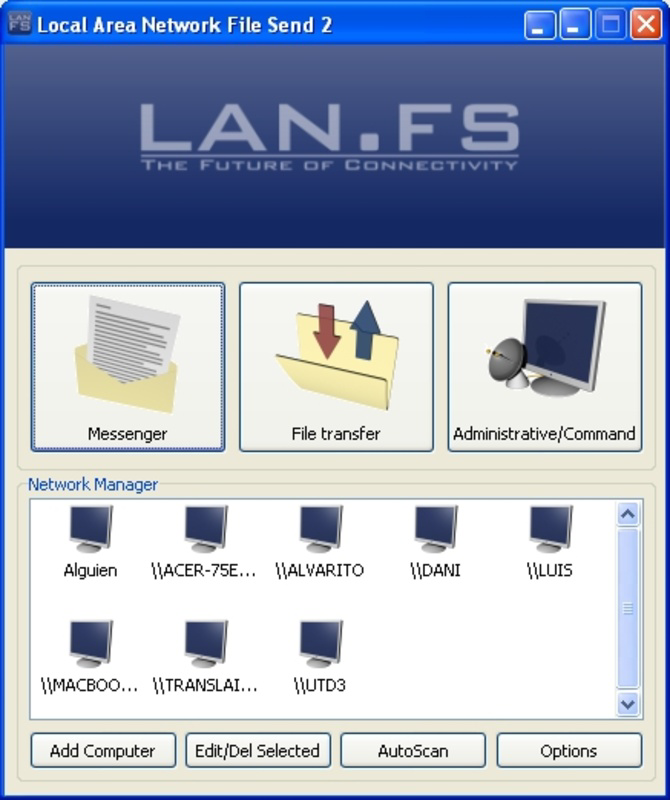
- Automatic Device Detection: LanFS automatically discovers devices on the same local network, simplifying connection setup. Users can also manually add devices, ensuring full control over which systems are accessible.
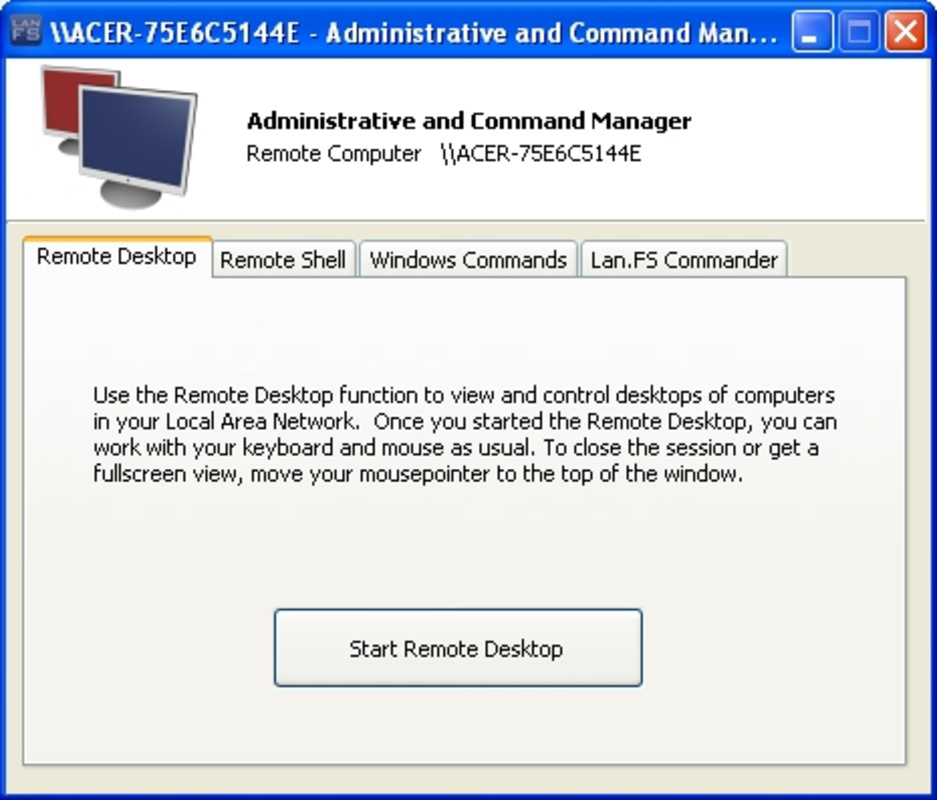
- Remote Control Capabilities: Users can remotely execute commands such as opening a command shell, initiating shutdowns, reboots, or logouts. File system exploration on remote machines is also supported, making it a valuable tool for IT management and troubleshooting.
For example, a technician can use LanFS to restart a frozen workstation without physical access, or a student group can share lecture recordings and notes in one action. These features collectively enhance productivity by reducing dependency on external tools and cloud services, especially in environments where data privacy and low latency are critical.
Interface, UX & Performance
The user interface of LanFS appears designed with functionality over aesthetics, prioritizing clear access to core features. Navigation is straightforward, with a central dashboard that displays connected devices, ongoing transfers, and active chat sessions. The layout is optimized for quick task execution, minimizing the number of steps required to send files or initiate remote commands.
Although the developer did not list formal performance metrics, the app’s ability to manage multiple file transfers and real-time messaging suggests efficient background processing. Responsiveness across different device categories—such as tablets, smartphones, and desktop-connected mobile devices—is likely consistent, given its long-term stability. The interface remains stable during high-volume operations, with no reported crashes or freezes in available documentation. Users can expect smooth transitions between features, though the absence of visual animations may reflect a minimalist design philosophy.
Platform Compatibility & Technical Requirements
LanFS is available on Android and iOS platforms, making it accessible to a wide range of users. The software version is not specified, nor are the minimum OS requirements. The file size of the app is also not disclosed. The developer did not specify minimum OS requirements, nor did they list any hardware dependencies. Compatibility information was not fully disclosed, so users should ensure their devices meet general standards for running network utilities.
Pros and Cons
Pros
- Enables simultaneous multi-file transfers, significantly improving efficiency.
- Includes built-in messaging with emoticons for enhanced team communication.
- Automatic device detection simplifies network setup and connection.
- Offers remote control features for managing computers without physical access.
- Operates locally, ensuring data privacy without reliance on cloud services.
Cons
- Requires all devices on the network to have the app installed for full functionality.
- Specific technical requirements such as OS version and file size were not provided.
- Limited information on performance under high network load or large file transfers.
- Interface may appear outdated compared to modern mobile app standards.
- Remote control features may require advanced user knowledge for safe operation.
FAQ
Is LanFS safe to use on a local network?
Yes, LanFS operates exclusively within a local network, which reduces exposure to external threats. As long as the network is secured, the app provides a safe method for file sharing and remote access.
Can I use LanFS without installing it on every device?
No, the application requires installation on all devices that need to communicate or share files. This ensures consistent connectivity and security across the network.
Does LanFS require an internet connection?
No, LanFS functions entirely on a local network and does not require an internet connection to operate.
How do I update LanFS to the latest version?
Updates are typically available through the official app store (Google Play or Apple App Store). Users should check their app store for updates to ensure they have the latest version.
Is LanFS available for Windows or macOS?
The provided information does not confirm availability for Windows or macOS. The app is currently listed for Android and iOS platforms only.
Final Thoughts
LanFS stands out as a powerful, privacy-focused utility for users who need fast, secure file sharing and remote access within a local network. Its multi-file transfer, messaging, and remote control capabilities make it ideal for professionals, educators, and IT administrators seeking a reliable alternative to cloud-based tools. While the interface may lack modern polish, its functionality remains robust and practical. The app’s longevity since 2012 speaks to its reliability and consistent performance. For those prioritizing local control and data security, LanFS delivers real value without unnecessary complexity.
Download LanFS now


